
Tetris, Minecraft, and Super Mario Bros. None of these games became one of the best-selling video games of all time by accident. In contrast, Superman 64, The Lord of the Rings: Gollum, and Ride to Hell: Retribution are not considered among the worst games of all time for no reason. One key difference-maker was the designers’ ability to implement a strong game flow. And that’s where game design flow matters.
Most players won’t explicitly say there’s a bad game flow. They’ll just say it feels slow. Or confusing. Or unfair. That means the systems aren’t communicating properly. But honestly, game design flow isn’t a high-level concept. It’s the result of hundreds of small decisions. Timing windows. Feedback signals. Input response. How information is revealed.
But just how exactly can game designers achieve a good game flow to make engaging and immersive experiences? Don’t sweat. This article explains how game design flow works in practice to ensure every game puts a player in the zone.
Understanding Game Design Flow
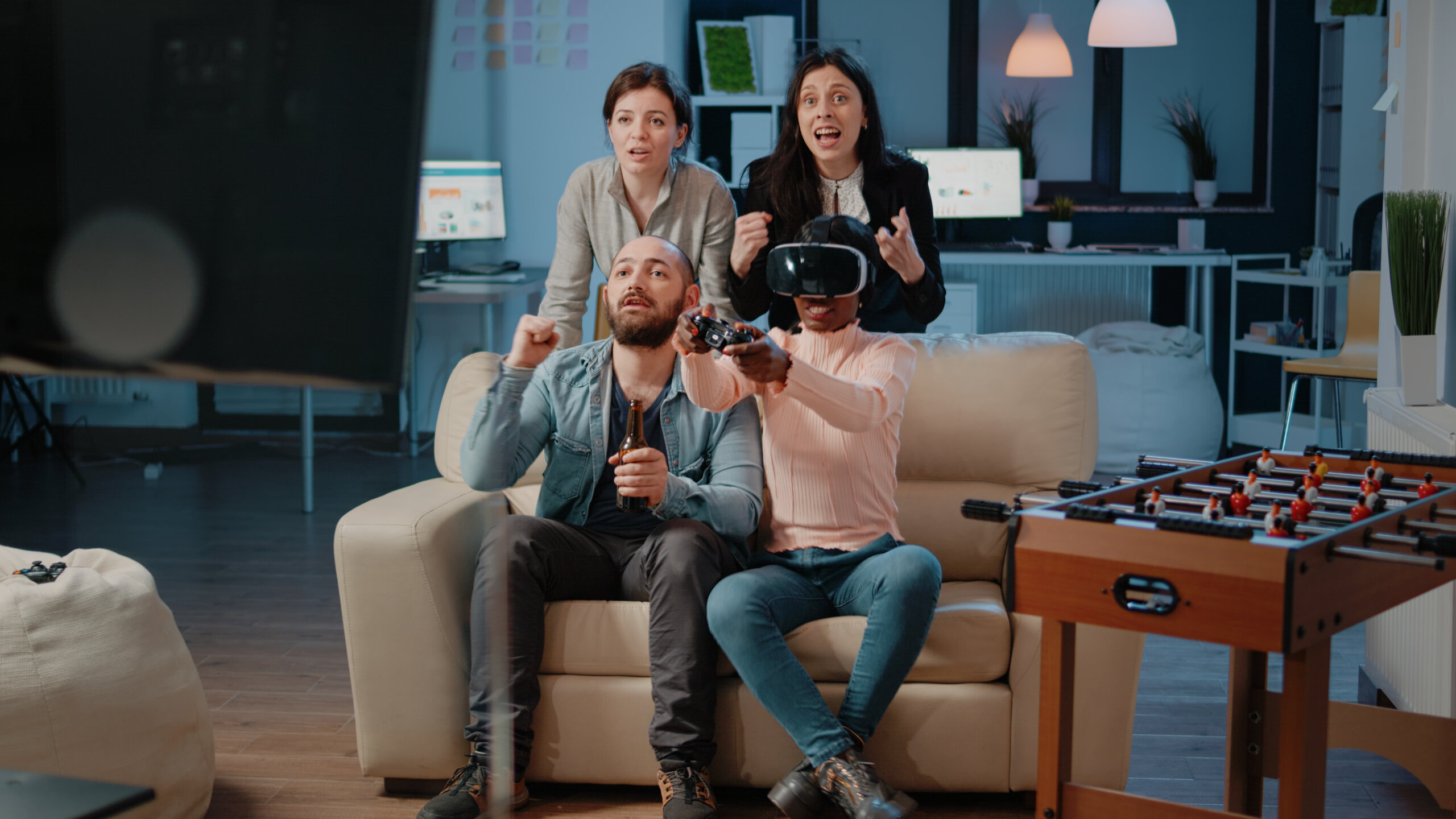
Game design flow is the system-level design work. It includes deciding mechanics, tuning timing and feedback, structuring progression, and adjusting based on testing. But what for? It’s to deliver game flow. The state in which players can consistently take action, understand the result, and decide what to do next without interruption. It’s the experience that brings players into full immersion.
Depending on the game and its overall direction, game design flow operates across two levels of player experience:
- Micro flow – Focuses on moment-to-moment actions. It’s the experience and state of mind that keep gamers playing out of enjoyment and fulfillment. So it only lasts for a short period. But it can definitely be repeated in a loop throughout gameplay. Like implementing positive feedback and reward systems.
- Macro flow – Tied to game difficulty. This is the challenge progression that adapts to the player’s skills. The game should be easy enough for players to know it’s doable. The game should be challenging enough to avoid boredom. It entails managing the player’s learning steps, difficulty progression, and pacing. As such, this spans the entire game.
Key Elements of Game Design for Game Flow

Many focus on achieving Mihaly Csikszentmihalyi’s concept of flow state. In his book “Flow: The Psychology of Optimal Experience,” he described it as the ultimate experience of uninterrupted focus on a specific task. In game design, this aims to give players long-lasting gameplay and engaging experiences. All without anxiety or dull moments.
No game achieves perfect flow for every player. But here are the core elements that highly contribute to game flow:
- Clear goals – Knowing what to achieve. Game flow requires this. Players should know the purpose of their actions. This ensures they focus on the journey. Not just the result.
- Readable feedback layers – Good game flow relies on stacked feedback. Animation. Game state. Sound. UI. All back each other up. Players need to know what is needed to succeed and how well they’re doing. So missing one layer weakens clarity.
- Player agency – Game design flow has to make sure players can make choices. And those should matter by controlling a particular situation or shaping the path. But it should also control how often players are asked to make meaningful decisions. Too frequent, and decisions lose weight. Too sparse, and engagement drops.
- Meaningful rewards – It’s not enough for players to finish a task. What keeps them playing are the things they reap for completing them. Short-term rewards like unlocking items. Long-term ones like mastering a boss fight. These motivate them more and ensure a balanced game pace.
- Consistent action-response – Inputs must produce predictable outcomes. Not identical results. Understandable ones. Consistency leads to a merger of action and awareness. They’re able to translate intentions into actions without actually thinking about it. It makes play automatic and effortless.
Take Dark Souls. Gamer’s average playtime goes over 30 hours. But it’s often not due to its difficulty. It’s all the other components that bring players into flow state. Dark Souls’ game flow captured controls, atmosphere, and UI right on the mark.
Steps to Create Smooth Gameplay
In game design flow, the goal is to make players lose self-consciousness and track of time. They have to be one with the controls, story, and in-game activities. The game’s intensity and pace need to manipulate their perception of time. For this to happen, gameplay has to be smooth. And that comes from controlling how players process actions over time.
- Define the core loop at a mechanical level. Not just combat or exploration. Specify the exact sequence. Like input to system check to output to feedback to next decision. Every step must be intentional.
- Cut unnecessary state changes. Menus. Cutscenes. Forced animations. Frequent mode switching interrupts flow. So keep players in control and focus on the task as much as possible.
- Gate complexity through interaction. Not explanation. Players should learn mechanics by using them in low-risk scenarios. Avoid stacking multiple systems before the player even understands one.
- Tune timing windows precisely. Game flow often depends on milliseconds. Animation cancel windows. Cooldown timing. Input buffering. Each detail affects responsiveness.
- Make sure failure is informative. When players come up short, they should instantly know why. Unclear failure leads to a guessing game or a trial-and-error approach. It slows the pace, making the experience drag.
Consider games like Hades. Responsive controls. Fluid action transitions. Clear enemy telegraphing. All three make combat support game flow. The impact of these design choices can be seen even during fast-paced encounters. Players easily maintain attention. They also read the relationship between their actions and outcomes more vividly.
This requires close coordination between design and implementation. Input buffering systems and animation blending aren’t polished. They directly determine whether gameplay feels responsive.
Common Mistakes in Game Flow
Without a game design flow, game designers can easily fall victim to flow-breaking errors. These are pitfalls that stand between players and their goal of having fun.
Flow usually breaks in predictable ways. These are but not limited to:
- Overloading the player with systems – Introducing multiple mechanics is common. But doing it at once forces players to divide attention. This delays understanding and slows decision-making.
- Unclear objectives during gameplay – Too much ambiguity makes players snap out of the flow state. Not informing players what to do next or where the character is supposed to go is game-breaking negligence.
- Delayed responses and boring segments – Anything that disrupts the intensity or momentum when playing derails game flow. Input lag. Unskippable cutscenes. Blur hit confirmation.
- Unreasonable or unfair restarts – Redoing one level is acceptable. Losing game lives is typical. But failing and then losing too much progress is discouraging. It doesn’t motivate players. It frustrates them and makes them want to stop.
Games like Portal 2 avoid many of these issues by keeping systems consistent. Mechanics remain stable. Puzzles teach principles gradually. Players can connect actions directly to outcomes.
These mistakes often come from disconnected systems. UI, animation, and gameplay logic are built separately, with feedback timing not aligned, leading to confusion.
Testing and Refining Game Flow
Studies show that game developers consider iteration an integral part of game development. And it’s the same for game design flow. In practice, game flow isn’t designed once. It’s discovered through testing and refining.
- Observe player hesitation points – Watch where players pause, repeat actions, or fail unexpectedly. Assess these areas as they are often indicators of broken game flow.
- Measure input-to-outcome timing – Be mindful of how long it takes for actions to produce visible results. Keeping track helps prevent small delays from accumulating.
- Use failure data as design input – Repeated failure patterns often indicate unclear systems. So tweak and tune incrementally. Adjusting cooldowns or enemy speed at a time helps isolate impact.
Tools for Game Design Planning
Iteration in game design flow can sometimes call for tools that help visualize or test flow directly.
- Flowcharts and state diagrams – Map how players move between actions and systems. They expose unnecessary transitions or dead ends.
- Greyboxing tools – Unity’s Pro Builder. Unreal’s Geometry Scripting. These let designers make simple level builds. It allows testing of pacing and movement without full assets.
- Telemetry systems – Designers can track player behavior using tools such as Unity Analytics, Unreal Analytics, and GameAnalytics. Instead of blind playtesting, designers can focus on why players fail, hesitate, or quit.
These tools don’t improve flow automatically. They make it easier to identify where the game flow is breaking.
In games such as Celeste, level difficulty often improves through constant iteration. Jump timing. Platform spacing. Respawn speed. All three are the usual aspects that designers adjust to make retries feel immediate. Not frustrating.
At certain points in workflows, designers spend more time tweaking values than creating new mechanics. It demonstrates how game glow improves through refinement. Not just expansion.
Wrapping Up: Improving Player Experience
Tetris’ immediate feedback. Vampire Survivors’ continuous action. Ori and the Will of the Wisps’ fast-fluid platforming. A standout player experience isn’t built from features. It’s built on consistency.
When game design flow works, players don’t think about controls, rules, or systems. Acting. Observing. Adapting. All becomes second nature. It’s as if there’s no line between thought and action. Every small adjustment to animation timing, UI clarity, and system feedback feeds into that result. That’s what puts players in the zone or flow state.

