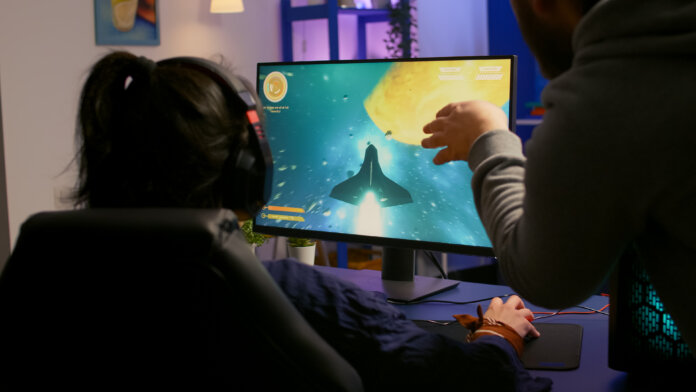
You can write the most compelling story, come up with the most unique mechanics, and generate the most stunning graphics, and your game can still fail. It is because presentation and interaction count if you want players to enjoy your creation. In other words, user interface (UI) matters. That is why game UI design is essential. From navigating menus to monitoring health bars, the user interface of a game plays a crucial role in shaping player experience. They have to be able to interact with a game through its interface. Once the design is done poorly, it can quickly disrupt immersion and weaken the overall experience. Your brilliant gameplay will ultimately frustrate players.
In addition, video game UI design must be visually appealing and easy to follow and use, especially as video games continue to become more complex. To succeed in this, you should understand the thoughtful craft of UI game design, as it is a fundamental part of video game development.
Stay until the end of this article if you want to learn more about game UI design, its elements, how to design one, video game HUDs, along with best practices and tips that improve usability and player satisfaction.
Understanding Game UI Design
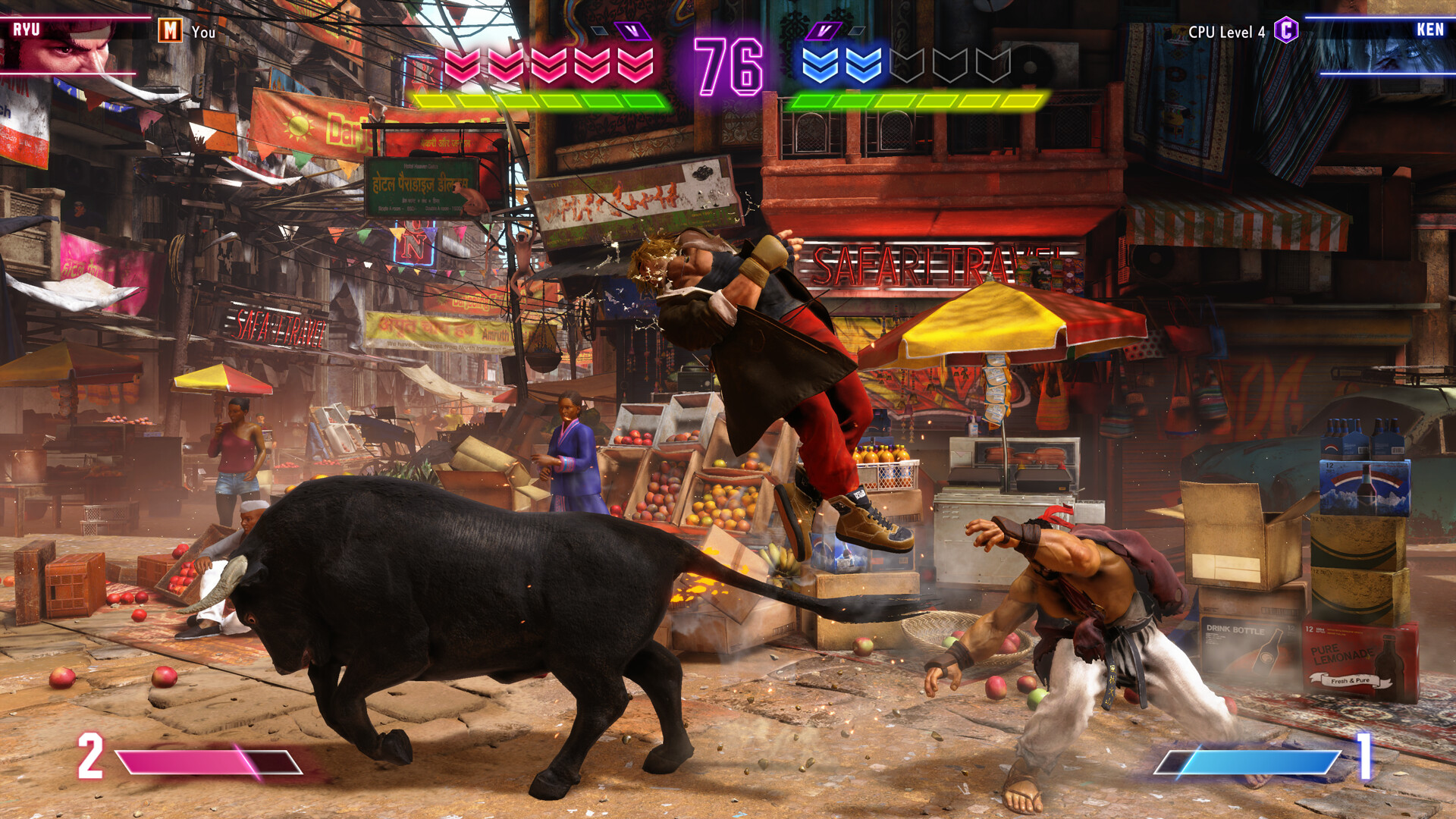
Generally, game UI pertains to the visual elements that allow players to interact with a game. These are the parts of a game that enable player input and game response. To make it clearer, game UI includes buttons, dialogue boxes, health indicators, inventory systems, menus, and other on-screen components that display information. With that said, game UI design is the process of creating these visual cues that guide players and help them navigate a video game’s systems and actions. For instance, the health bar in Street Fighter 6 shows if you need to crank it up with combos to win the match.
UI vs UX in Video Games
The UI and user experience (UX) are both integral parts of the game development process. In fact, they go hand-in-hand. UI is what players see and interact with, while UX is how players feel while interacting with the game. The former helps players understand, and the latter keeps them engaged.
Key Components of Game Design Interface
- Diegetic refers to components that the game character sees and hears and makes sense within the game world.
- Non-diegetic components are those that do not exist in the game, as they are only seen by the players.
- Spatial pertains to components that exist within the game world but are not seen or interacted with by the characters.
- Meta components are the ones that provide contextual information but do not appear inside the game world.
Key Elements of Game Design Interface
- Informational elements are frequently shown, as they give players vital information, such as a health bar.
- Interactive elements function through the player’s input, and their existence depends on necessity, such as buttons.
Steps to Design Game UI
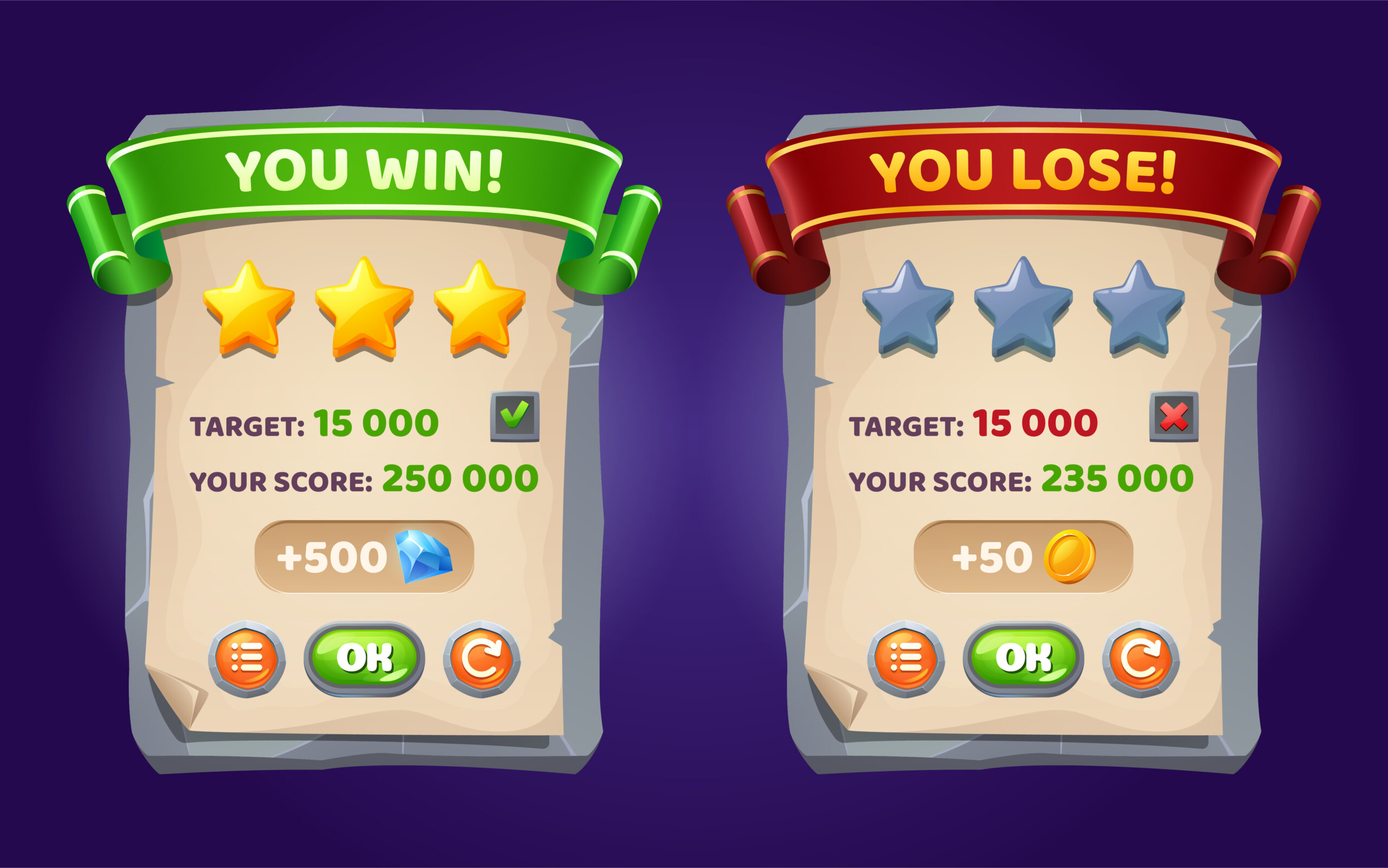
Here are the typical steps on how to design game UI for aspiring developers:
- Know the Game Mechanics by Heart
You have to understand the game mechanics to create interface elements that feature the information players need.
- Determine the Intended Player Experience
Decide on what players should feel when playing, as the interface should match the game’s genre and theme.
- Create Wireframes
Sketch key elements based on how they should appear on screen to ensure the game design interface remains balanced.
- Design the Visual Elements
You need to develop the visual components after finalizing the layout and keep them aligned with the game’s art style.
- Test and Iterate
Test and modify your work to refine the game UI design based on player feedback.
Creating Effective Video Game HUDs
The Heads-Up Display (HUD) is one of the most important parts of a game interface, as it often includes the information that players need (e.g., stamina bars, ammo counters, mini-maps). In video game HUD design, the goal is to provide players with essential information without interrupting the gameplay experience. The key is balancing information and simplicity. Too many elements can become overwhelming, while the lack of elements makes gameplay confusing.
Best Practices for PC Game UI Design
The PC gaming market is worth billions and continues to grow as you read this. That is why ensuring an effective PC game UI design is crucial. It is also quite challenging, as you need to account for input methods and screen sizes. Here are some of the best practices you can adapt:
- Optimize for Larger Displays
- Support Customization
- Ensure Readable Text
- Observe Keyboard and Mouse Efficiency
Tips for Modern Video Game UI Design

Every developer must strive to constantly enhance their approach to game UI design. Below are quick tips to do so:
- Prioritize Accessibility
- Keep Interfaces Adaptive
- Use Animation Thoughtfully
- Focus on Immersion
- Learn from Existing Games
Video Games with the Best Game UI Design
Many video games have mastered the art of UI design, but covering all of them would require an article of its own. To give you a glimpse of a few titles to check out, here are three games featuring a standout UI design:
- Elden Ring features an action-focused HUD and puts emphasis on details that matter to avoid distraction and heighten challenge.
- Persona 5 Royal employs a stylized UI for additional visual flair and to capture the overall theme.
- The Witcher uses a detailed HUD that helps players navigate more information, like weather, time, quests, and more.
Final Thoughts: Small Details Matter!
It is common for creators to first think of the story, mechanics, and characters when producing a game. However, please, do not overlook game UI design. A well-designed one can make the difference between a frustrating experience and an unforgettable one. Thoughtful game design interface developers can guide players, communicate important information, and enhance immersion.
Learning how to design game UI entails balancing aesthetics with functionality. Think of it as road signs on a highway. When they are clear and placed correctly, drivers reach their destination with ease. However, when they are confusing, even a simple journey can become frustrating. Similarly, in designing game UI, you want players to create memorable and user-friendly interactive experiences. So, do not waste your precious game ideas by skipping a good game UI design.

