Nothing has made acquiring knowledge and new skills more accessible than has the internet. Anything you could ever want to know is right at your fingertips!
But of course, it can rarely be so simple. The internet’s accessibility doesn’t come with a validity test. There’s no need to prove that your content is true or your services are worthwhile before they can be freely accessed by the masses.
This can lead to scams, perpetuated falsehoods, and more–just a waste of everyone’s time and money.
But! We can’t be afraid of that! It’s just more important to give your due diligence to what you see and what you hear online.
Today, our focus falls on AnimationMentor.com
There are a wealth of paid courses on the web that deal with animation. How do you know which ones are worth your time, and which ones are going to be a waste? Somewhat paradoxically, you turn to the internet.
Here’s What We Know About Animation Mentor
Animation Mentor was founded in 2005 by three people who, as the website claims, were “united by one simple question: “if we were to start over again, how would we want to learn?” Their answer was different than the software focus common in art schools.”
That led them to open a school that focuses on the mentorship approach. What does this mean to Animation Mentor? It means their mission is to “provide the most personal and fulfilling learning experience on the planet.”
So far this is looking pretty good. It’s founded by three people who have worked (and continue to work) in the industry. As they’re running their mentorship school, they’re working on projects at studios like Pixar.
Let’s take a look at their values:
Judgment
Good Decisions. We listen carefully to each other, our customers, and the market so that we can make products and services that are of value to you.
Accountability
Bring Your “A” Game. We focus on delivering amazing results so that we can grow our business, take care of each other and make the world a better place for artists.
Communication
Listen First. We are honest, candid, and direct in our conversations because it’s the fastest way to solve our problems.
Character
We keep it real. We are excellent to each other because we rely on each other.
These are four extremely valuable professional pillars to develop and strengthen. Having mentors embody these values can speed up your own professional development.
Who are the Founders?
Bobby Beck is the CEO and Co-founder of Animation Mentor. He is an established industry animator. He’s worked on Pixar projects like Dinosaur, Toy Story 2, Finding Nemo, Cars, and more.
Shawn Kelly, a co-founder, currently works at Industrial Light & Magic as a Lead Animator. His credits include The Avengers, The Transformers franchise, A.I. Artificial Intelligence, and more.
Carlos Baena, the third and final co-founder, worked at Industrial Light & Magic on projects like Jurassic Park III and Star Wars: Episode II – Attack of the Clones. He went on to work at Pixar Animation Studio. There, he is credited on Finding Nemo, WALL-E, Monsters University, and more.
The Animation Mentor Credentials
This school boasts “more instructors from major studios than any other school.”
There are two things you just can’t ignore when it comes to getting a job in the industry: developing an excellent portfolio, and networking with people in the industry.
Animation Mentor gives you the opportunity to work one-on-one with more than one mentor, and these mentors all come from different studios. That is an excellent opportunity to network.
The mentors at Animation Mentor come from all over. Just look at this list of studios where current mentors work:
Pixar Animation Studios
DreamWorks Animation
2K Games
Industrial Light & Magic
Double Fine
Tippett Studio
Reel FX
id Software
Renegade Animation
Disneytoon Studios
Disney Animation
And the list just keeps going.
What About Animation Mentor Alumni?
Sure, the mentors work at these big-name studios…but what about the Animation Mentor alumni?
Some students who have worked here have gone on to work at great studios like Pixar, LAIKA, Industrial Light & Magic, and more.
Of course, it’s easy to showcase the golden outcomes and lose sight of the thousands of alumni who have not gone on to work at these studios.
But it turns out, even those students are happy (Just google “Animation mentor review” and you’ll see that animation mentor alumni have a fondness and respect for this school).
What Do the Courses Look Like?
Animation Mentor offers a number of courses. Here’s a look at some of them:
Animation Basics
Body mechanics
Advanced body mechanics
Introduction to acting
Advanced acting
Polishing and portfolio
If you don’t have much design experience, you’ll want to start with their Maya workshop: Animation basics course. This is a six-week course for beginners.
From there, you can go into the Classic Animation track. This is where you can learn everything you need for a strong animation foundation.
Or if you already have experience with animation, you can take their Creature Animation courses, or game animation courses. A quick look in forums mentioned Animation Mentor will show you that a number of animators take Animation Mentor courses as refresher classes or as a way to hone their abilities.
What’s the Real Verdict?
So the mentors are vetted and have serious industry chops. The courses are designed by these same industry veterans, who are trying to teach animation the way they wished they had learned. And the course variety means there’s something for you no matter where you are in your career (especially if you haven’t started your professional career yet!).
What About Course Prices and Value?
If you’re looking for a boost to your hobby, there are less expensive options you can pursue. Not only is Animation Mentor several thousand dollars, but it’s also a substantial time commitment.
Which gets us to another important point. You will get out of this course what you put into it (And we don’t mean the $2500 enrollment investment).
You need to do the work, and take advantage of the face time with these pros.
You get to talk to these mentors, ask them questions, and spend time learning from them and building relationships with them. That’s extremely valuable.
You have access to people who have had doors open for them. And they could be gatekeepers for doors opening up for you.
AnimationMentor Wants You to Succeed
If you need to take a leave of absence, you can. These mentors are working in the industry. They have families and social lives, too. They understand the challenges in balancing these major life commitments.
They know that it takes a lot of time to get great at animation.
The Animation Mentor program seems great. But you have to put the time in. Just attending won’t be enough. If you want to get the most out of this program, you’ll need to do the work. Go at the pace they recommend. Listen to their feedback. Solicit feedback from your peers.
Is this program worth it? It sure seems that way. Always get more than one opinion (a quick Google search will tell you others feel exactly the same way–some past students feel really strongly about it).
If you’re willing to spend the time (and you have the time) to make the most of these courses, then this is an excellent investment in your animation future.
Struggling to unwrap the cellophane casing, fingers not finding any purchase. Pulling again and again at the tape holding the box shut. Waiting for the crisp “pop” of the game case’s premiere opening. Smelling faint adhesive residue. Admiring the glimmering, shining object within.
A new game.
Few things beat the excitement of unboxing a new game, except maybe the very first loading screen or opening trailer.
Sure, digital downloads have started replacing physical copies of games, but the nostalgia is still there for most of us.
The game can never truly meet our expectations. Our imaginations are too wild, our life experiences too unique to imagine the experience awaiting us in a new game. But even if games don’t line up with what we expect, they can still deliver.
As worlds keep getting bigger and the online multiplayer community continues to grow, It isn’t uncommon for players to dump days into a single video game. You know we aren’t being metaphorical here.
People will play a single video game for what amounts to entire days or even weeks of their lives. Not all in one sitting, obviously. But four hours a day into a new game you’ve been looking forward to?
Not that hard to do, especially in the first week that you own it. Just like that, you’ve played for 28 hours. More than a day.
Many of us have done it…but why? How are these games able to hold our attention for so long? How do the developers get us to keep coming back, again and again, for more?
That’s what we want to look at today: How do you maintain player engagement?
Fun: A Recipe for Success with Game Engagement
If your game isn’t fun or rewarding on some level, people aren’t going to play it.
Sure, they might give it a shot for a little bit. The price tag on games warrants a couple of hours, at least. But if the game frustrates the player more often than it gifts the player with fun, you’ll lose the player.
What causes this fun lapse?
Cheating players
Bugs or glitches
Bad level design
Lame or broken game mechanics
That’s not an exhaustive list, but if you shore up against those fun-suckers in your game, you’ll be off to a great start.
The reason these things make the game awful instead of the fun lies in the player expectation. As you design a game, you are building a world for players to interact in. You get to create these rules.
But, any rules you create, you have to maintain (unless you provide a compelling reason in the game as to why they’re broken).
Say you’re playing a game and your character can jump in the first level. When the second level rolls around, you’ll expect your character to still be able to jump. If you all of a sudden can’t jump anymore, you’ll be wrenched out of the game.
Woe is to the developer who pulls that stunt. Unless it’s clearly explained, it won’t make sense to you as a player, and so you’ll assume the game isn’t functioning properly.
Bugs and glitches also work to frustrate the player. There have been games where players lose their progress to glitches–they can’t save, or for some reason, they can’t advance in the game. This also serves to pull the player out of the world.
Those aren’t the only ways that fun can be ruined, but you get the idea. Keep the game mechanics intact, and make sure the player’s experience won’t be negatively impacted by any glitches or bugs.
What About Long Term Player Engagement?
There’s a novel excitement to games when you’re playing through them for the first time. There’s the thrill of hitting a new level. There’s sweet lewt to find, new weapons to unlock, new enemies to thump.
But what happens after you ding for the last time? How can game developers maintain player engagement after the level cap has been reached?
For answers, we must turn to an old friend.
World of Warcraft: The Endgame Engagement*
(*This expansion has not been officially announced)
How do you keep players engaged in a game after they max out their level? World of Warcraft is a great example of a game that shows us continued engagement after a level cap is possible.
Some of you might jump on the horn to talk about how World of Warcraft doesn’t have as many players as it once did.
This is true.
But many of the players they do have (and new players who buy the right DLC package) are maxed out in their level.
Certain WoW packages actually offer a free character “boost,” which lets you make a character and instantly boost that character to the max level.
Where’s the fun in that? Let’s look.
Endgame Material
The level 1-110 piece of the game is fun in its own right. But once you hit 110, the other half of the game opens up to you.
There are plenty of lore-filled solo missions to accomplish. New lore and global experiences are added with every expansion, and that keeps a lot of players coming back.
But Warcraft has done an excellent job of improving its dungeons and raids. These group-based adventures have scaling difficulty, so they’ll get harder as your gear and your party gets better.
There’s also player vs. player for people who are interested.
The level cap isn’t the end. The huge amount of loot and party-based challenges keep the game exciting and social.
The endgame content is more challenging, and ultimately more rewarding. There’s always a harder raid to beat with your raiding party, meaning better gear. And the late-level gear looks mighty fine, indeed.
Social interaction is another big element. It’s a way to blow off steam with friends, or feel really powerful, or interact with relative anonymity in a safe space.
And when you get tired of one character, you can switch to another. “Alt” characters let you play through your favorite parts of the game again, experiencing them as a different race and class. You can play through the same game but with a different play style.
The Takeaway
How do you get players to stick with your game?
Make it fun.
How do you get players to stick with your game even when they’ve maxed out their level?
Give them more games to play!
This goes beyond giving them “stuff to do.” Keep increasing the challenge. Give them loot, rewards, and incentives that make them want to keep coming back. Once they hit that level cap, open up a whole new world for them.
“You can do it!” You don’t need to be an Adam Sandler fan to appreciate the inspirational power behind Rob Schneider’s motivational mantra.
Life can inspire you. It can push you to take on new challenges. Be a better version of yourself. Start a band. Lose some weight. Find a significant other. Or build a video game.
But life always swings like a pendulum! What goes up must come down. And as you get excited about your new undertaking, so too will you get discouraged.
Problems will come up. Your willpower will run out. Like mana or stamina, willpower is a finite resource. When your own willpower runs out, you’re in trouble. Your iron will begin to crack.
You’ve without a doubt felt this before.
Maybe you’ve noticed it’s easier to avoid bad habits in the morning. By the time you finish school, or work, or whatever else you have going on during the day, junk food is a lot harder to resist. The call of the TV and the couch overpower the call to work on developing your video game side project.
What can you do in these times?
When a hero needs more mana, she’ll drink a potion! You need a potion! A motivation potion. And although you won’t actually be drinking anything, the motivation boost will replenish you.
Motivation is what we have for you today. This article has links to all kinds of motivational media… Songs, videos, images, text. It has everything you need to get back on track. To tighten your belt and get to work. To roll up your sleeves and dig in. To crack your knuckles and take care of business.
They make awesome instrumental music. It’s ripe with fantasy vibes. If that’s your thing, we highly advise that you buckle up–the song we picked will take you on an epic ride of motivation.
Our favorite song from a motivational standpoint is Flight of the Silverbird. Grab your best headphones and prepare for a serious kick in the behind.
You’ll be uplifted. You’ll be energized. Your enemies will cower before the blaze in your eye. You’ll be ready to take on whatever challenge life throws at you.
With this song, you can overcome anything. Molehills, Mountains–you name it.
Enjoy the ride. Don’t look back. Repeat as needed.
Paralyzed Perspective
This next motivational bump is a sad but powerful video you can watch here.
It’s the story of Jon Hales–a video game designer that got into an accident. The accident left him paralyzed from the chest down.
Did he stop designing games because of his new “limitations?”
Heck no. This is a list of motivational pieces, after all. Jon went on to do the impossible.
He doubled down. He dug deep. He went back to work designing games, despite the fact that he could only use his pinkies.
Because of the accident, Jon no longer possesses the motor skills necessary for typing in the conventional style. Instead, he has to move his hands and tap the necessary keys with his pinkies.
Designing a game already takes a substantial amount of time…could you imagine doing it without the use of your fingers? That is a serious time commitment. But Jon does it.
The next time you’re feeling incapable, just remember that it’s all in your head. You control your own fate, my friend! There’s nothing you can’t do!
Gary Vee Brings the Pain
This radio interview is directed at “20-somethings.” As such, the language gets explicit in some places. If you’re sensitive to f-bombs, go ahead and skip this one…But, if you don’t mind some cuss words, this piece will light a serious fire under your butt!
This is a general motivator. Maybe you’re floundering a bit in your life. Maybe you’re putting things off too long. Maybe you have some vague, lofty goal but you aren’t taking any action towards it.
Gary Vaynerchuk has some advice for you.
A 22-year-old woman called into his show and he gives her some serious tough love. You can read the transcript, it’s about a 17-minute read. There’s also a video option if you scroll down to the bottom of the page.
It doesn’t matter which way you want to receive this information–it’s worthwhile. Hear it. See it. Then implement it. No one else can do this for you.
Don’t waste your time comparing yourself to other people. Or wishing you had a different life. Get serious. Do the work. You’re awesome, and the world will be a better place once you show it what you can do.
The Blizzard Effect
A great way to stay inspired is to watch people who’ve already gone through what you’re going through.
In the case of building a game, it can be helpful to pick one of your favorite games (or development companies) and find YouTube presentations or interviews with the team behind that game (or that development company).
This Hearthstone presentation is one we’ve linked to before. It shows how even Blizzard doesn’t get it right the first time. It took them several iterations to land on the final design for Hearthstone. In this video, you’ll hear about their process and see how they make mistakes of their own.
If you liked this video, don’t stop here! Search YouTube for game developers that you admire. You’ll probably be able to find interviews and presentations that are informative and motivational.
They can remind you that mistakes are a great way to move forward. That adversity leads to stronger skills. And that everyone started somewhere.
Advice from the Masters
YouTube isn’t the only way to get guidance from the greats. Game design legends like Shigeru Miyamoto have offered plenty of advice over their long careers. Miyamoto had some particularly great advice about designing games for the right reason– ”spread the fun of games to everyone.”
It’s even more powerful because it came from such a respected video game developer at such a legendary game company–Nintendo.
Just like with the YouTube search above, seek out the philosophies and quotes from your favorite game designers. Get inside their heads. Research their humble beginnings. Everyone has to start somewhere–it’s those who don’t stop that get where they’re trying to go.
Where do you want to be two years from now?
Motivational Video for Aspiring Game Programmers
Here’s a video from YouTuber RealTutsGML. This video serves two purposes on our list.
One, it’s a quick demonstration on how to properly label a YouTube video to target your audience: “Aspiring Game Programmer – Motivational Video.” With a title like that, how could we not include it?
Also, it’s got snippets of interviews from game creators like “Notch” from Mojang. As in the creator of Minecraft.
This is a great video to watch before you get started with a new game. Or if you just need that extra nudge to get moving again. Start small, stay focused!
Tools to Switch from Willpower to Habit
There are tools to keep you working harder and longer. A great resource is The Perfect Day Formula. It’s a program that’s put together by a man named Craig Ballantyne.
He frequently offers his Perfect Day Formula book for free (just need to pay for shipping), so if you catch one of those offers, jump on it!
Basically, the program talks about engineering your “perfect day.” You’ve probably had a day where you felt like everything went right. You woke up when you wanted to. You felt great all day. You got a ton of work done.
You made great progress on your game or some other project. Craig’s belief is that these “perfect days” don’t have to be random flukes–you can consistently have them!
As we said in the beginning, willpower is a finite resource. But you can switch from willpower to the power of habits. And habits don’t run on a finite resource. The problem is new habits can be hard to build–usually because they contradict the old habits you currently have in place.
Still, with just fifteen minutes a day, you can start building a more deliberate, motivated, perfect life.
He offers plenty of free information at his parent site–Early to Rise. It’s worth taking a look around–see if one of the many articles on the site resonates with you (like this Ultimate Guide to Morning Routines).
The Compilation
Sometimes you just need some great movie quotes set to some epic scenes from great video games. This is that video compilation. It’ll take you back to some of your favorite gaming moments with scenes from Halo, The Division, and more.
Rocky’s famous speech kicks things off, and he doesn’t pull any punches when it comes to motivation. He hits you hard. A full-force kick from the Italian Stallion directed right at your rump.
It’s a fun watch. It’s quick. And it’ll likely leave you feeling better than you did before watching it. So what are you waiting for?
Asking the Experts
Sometimes staying motivated means knowing what NOT to do. That’s where this article from Doctor Heidi Grant Halvorson comes in handy.
The science and psychology behind motivation is fascinating (if you ever want to read more about it, successful entrepreneur and best-selling author Ramit Sethi has some fascinating free material on psychology and “invisible scripts”).
Despite all the research out there, some people still get it wrong. Dr. Halvorson sets the record straight by busting three common myths about motivation.
It’s definitely worth a read because all three of these myths are popular in different circles. You’ve definitely seen at least one of them before. But, as Dr. Halvorson points out, some of these “motivation techniques” can actually drain your motivation.
That’s exactly what you don’t want… So stop making these mistakes and start making real progress!
We’re all rooting for you.
The Community
Reddit is a beautiful thing, and if it’s motivation ye’ be lackin’, it’s at this reddit forum ye’ should direct your keyboard clackin’.
No pirate ruse is necessary for entry.
Anyway… All you need for this forum is either a lack or a surplus of motivation. If you’re feeling especially motivated, you could stop by and dish out some support to those in need. If you’re feeling down in the dumps, then swing by and drop the motivational community a line.
Because Reddit’s content voting system rules, the best advice will rise to the surface. You’ll feel better in no time. It’s an active discussion thread, so you won’t be waiting a long time to hear from people.
Since you’ll be in control of your posts, you can ask for help based on your very specific situation. It likely won’t be as unique as you think it is, and there are bound to be others who’ve overcome the motivational block you’re struggling with.
That kind of community rallying can be uplifting all on its own–but a lot of the advice in there is good in its own right.
Do as the SEALs Do
If an iron will and general badassery scratch you where you itch, you can always look into some motivational sayings used by the Navy SEALs.
A Navy SEAL put this article together for Forbes a while back. It has seven sayings that are popular among SEALs, and he also explains why that is. Sayings like “Get comfortable being uncomfortable” and “the only easy day was yesterday” help bring perspective to the problems and challenges you’re facing now.
If you can absorb these mantras and apply them to your life, there won’t be anything holding you back.
Sometimes life sucks. If you learn to “embrace the suck,” then you can face anything.
Some Parting Words
You have more control over your situation than you think–we promise. You’ve overcome so much to get where you are now, whether you realize it or not.
Think about it. At one time, you were just an idea. A glimmer in the eyes of your parents.
And now look at you. You’re a full-fledged human being. And you can do whatever you want to do!
Like we said. Everyone is going to encounter times when the motivation tank is empty.
You’ll want to give up. You’ll want to switch gears to do something that’s easier. But you can beat that feeling. You can stay on track. You can find the motivation you need. And you can get it done.
A Game Design Document is your master plan for making a game. It’s where you capture every key decision, what the game is about, how it plays, its systems, art style, soundscape, UI, and technical requirements.
Think of it like a blueprint for building a house. You could try to hold all the details in your head, but once other people get involved, or months pass and your “mental blueprint” starts shifting, you’re going to wish you wrote it down.
Even solo developers benefit. As Maruia Dark of Circuit Studios put it:
“Our first indie game stalled twice because we didn’t write a GDD. The third time, with a simple living document, we shipped in 9 months. It kept us focused and saved us from feature creep.”
AAA studios take this to the extreme. The Witcher 3 reportedly had over 200 pages of GDD content spanning narrative arcs, combat systems, and open-world rulesets.
On the other end, solo dev Toby Fox began Undertale with a two-page GDD and expanded it only when necessary.
The bottom line? You don’t need a massive doc, but you do need something.
Key Takeaways
A Game Design Document (GDD) is your game’s blueprint. A living document that organizes ideas, aligns teams, and keeps scope in check.
Even solo developers benefit by externalizing their vision and catching potential scope creep early.
Modern GDDs have evolved from 100-page Word files into wikis, Notion boards, and Confluence docs.
This guide covers what to include in a GDD, how it’s used at different stages of development, and answers the most common questions developers ask.
Includes real-world examples from indie and AAA projects, plus links to helpful templates.
What Should Be in a Game Design Document?
Here’s what most professional and indie GDDs include, from high-level vision down to implementation details:
1. Overview and Vision
Game Title & Tagline: Sets tone and expectations.
High-level Summary: A one-paragraph “elevator pitch.”
Design Pillars: The core experiences driving every decision.
Target Audience: Who are you making this for? Hardcore gamers? Casual mobile users? Kids?
Example:Hades’ design pillars included “fast, fluid combat” and “narrative depth through repeated runs.” Every feature was checked against these pillars.
2. Gameplay Core
Core Gameplay Loop: What players do again and again.
Primary Mechanics: Core actions like jumping, shooting, and crafting.
Secondary Systems: Upgrades, crafting, inventory, etc.
Progression Systems: How players grow over time.
Data: A GDC survey found 68% of indie devs use a simple flowchart in their GDDs to map their core loop before writing a single line of code.
3. Narrative and Characters
Worldbuilding: Setting and lore.
Plot Outline: Major story beats.
Character Bios: Key characters and their motivations.
Narrative Mechanics: How story and gameplay interact (e.g., Bioshock’s audio logs).
Personal Note: On our first team project, we didn’t define narrative mechanics early. Result? UI rework halfway through to support unexpected story features. Lesson learned: put it in the GDD.
If you’re new to game development, the idea of creating a full-blown Game Design Document might feel overwhelming. But here’s the truth: it doesn’t have to be complicated. Start small.
For your first prototype or game jam, a one-page GDD is often enough. Focus on your core gameplay loop, the key features that define your game, and how you want players to feel while playing.
As your project grows, expand your GDD incrementally. Add sections for narrative, art style, sound, and technical details when they become relevant.
Don’t try to map out every feature on day one. You’ll risk creating a static, bloated document that no one (including you) wants to read. Instead, treat your GDD as a living document. Update it regularly as your ideas evolve and your team provides feedback.
Clarity and usability are critical. Your GDD is only as useful as your team’s willingness to use it. Instead of endless pages of text, include flowcharts, diagrams, and mockups that visually communicate your ideas. These not only save time but also help you catch design issues early.
Remember, a GDD isn’t meant to lock you into a rigid plan. It’s there to provide structure, to keep your vision focused, and to make collaboration easier. If done right, it can save you hundreds of hours later in development by preventing misunderstandings and scope creep.
Keep it alive. Please review and update it as often as needed to ensure it reflects the current state of your game.
Actionable Next Steps
Download a free GDD template from the links above.
Write a one-page draft for your current or next game idea.
Share it with a peer or teammate for feedback.
Expand it section by section as your project grows.
Schedule weekly reviews of your GDD during active development.
FAQ
Do I need a GDD if I’m a solo developer?
Yes. Your future self will thank you when revisiting the project.
How detailed should my GDD be?
As detailed as needed to keep your vision and team aligned. No more, no less.
What’s the best tool for a GDD?
Notion for small teams, Confluence for larger ones. Google Docs works for solo developers.
When should I freeze the GDD?
At production start. After that, major changes should follow a formal process to avoid scope creep.
Can I use GDDs for game jams?
Absolutely. One-page GDDs are perfect for jams and rapid prototypes.
If you’re a long-time wrestling fan or an avid viewer of The Princess Bride, you probably know about Andre the Giant (or Fezzik, in The Princess Bride). And if you don’t know about Andre the Giant, well… all you really need to know is that he was a giant. Like–literally a giant human being. He was 7’4” and he weighed over 500 lbs.
Why does Andre’s size matter?
Because we’re talking about sizing and scale, people! And beer cans look so small in his massive hand!
His hands are considerably larger than the hands of the vast majority of the human population. So when you see something that’s ordinarily bigger than a hand look small in a hand, it looks off.
In real life, this sizing is hilarious. In a game, it could end up being hilarious. Or jarring.
We bring up Andre to demonstrate how important size and scale are. And to mention that humans are kind of trained to notice when things are “off.”
We’ve survived for most of our evolutionary lives through our ability to recognize patterns. We know when things aren’t quite right because that’s how we stayed alive. Don’t expect people to ignore it or miss it–if the scale or sizing is off in your game, the players will know!
What can you do to get your sizing and scale to work for your game?
Size and Scale
Size refers to something’s dimensions–how big is it? Scale refers to the relative size of something, whether it be the characters, objects or the game world itself.
Different types of games will require different adherence to the rules of size and scale. If you’re going for a realistic game, it makes sense that your in-game rendering would mimic the scale with the real world. That means that the size of a character in your game relative to the size of any objects, buildings, or vehicles in your game should be close to a real-world scale.
Real-life scaling can potentially cause some problems.
One issue is that it just doesn’t always look good. Objects can be too small to see clearly. Maybe an important feature on a character (like a face–the hub of emotional displays!) is too small for the players to see the expressions.
If you need to make objects or character features larger in order to improve the player experience, you should do it. This isn’t an uncommon practice, but the key to pulling it off successfully is consistency.
Consistency
You need to develop a consistent sizing system for your game. Consistency does a few things.
First, it helps to maintain the suspension of disbelief. Suspension of disbelief is why movies like Lord of the Rings and Guardians of the Galaxy make sense to us as viewers. We know that there aren’t rings of power or stones of power in real life.
Bargains with cursed ghost armies just aren’t being made in 2017 (mostly because the orcs haven’t marshaled their forces and marched against us. Yet).
And we aren’t having intergalactic space battles with humanoid species spanning planets and lightyears.
But we suspend our attachment to realism for the sake of our own entertainment. We willingly give in to the lore of these stories. For a few hours at a time, we adopt this alternate set of truths. We suspend our disbelief.
This happens in video games, too. It’s how we lose hundreds of hours to games like Skyrim, World of Warcraft, and Horizon: Zero Dawn.
So if you’re going to mess with the sizing and scale in your game, do it for a reason, and do it consistently. If you break your own rules, you’ll snap your audience back to reality (if no one is a giant, don’t all of a sudden give someone can-dwarfing giant hands–elements in your game should be the same relative size to each other, unless your plot is based around things changing size). If that happens too often, you’ll lose ‘em.
That’s why uniformity in the scale of your world is important.
Ditch the Real World
Now, just because you need to be consistent doesn’t mean you have to be realistic. If the idea behind your game isn’t rooted in reality, you can make things whatever size you want.
Ori and the Blind Forest has the player take control of a forest spirit. In the game, they made the forest spirit small, but it could have been any size. The trees in the forest are impossibly large.
They seem beautiful, ancient, and totally unrealistic. But it’s consistent, so we don’t need it to be rooted in reality to enjoy it. Disbelief suspended.
If you’re playtesting your game and the sizing feels off, tweak it. Like we mentioned, the “real life” scale doesn’t always transfer well into video games. Objects might feel too small or too big. Just as with game physics, the sizing choices are ultimately the designer’s call.
In certain games, the players are pretty big compared to the environment. Ogre Battle 64 is our favorite example. The character avatars are giant as they walk around on the map–they’re as big as the “castles” are.
Because the player needs an aerial view of the map, the camera has to be high up, almost birds-eye. If everything was to scale, it’d be impossible to see any details of the characters or the enemy avatars. The solution was to make the character avatars giant.
Character Sizing
Character sizing is an interesting component of character (and game) design.
Size can be used to show power, to inspire awe, to strike fear, or to elicit other emotions. The size of characters in your game can function as helpful visual clues for your player.
In Overwatch, for example, the tanks are all pretty large in size. From a function standpoint, this makes sense–tanks are damage absorbers. They’re supposed to draw the fire and attention of their enemies. Being big in size means they’re easier to spot.
It also means they can, theoretically, block more damage than other characters (since there’s more of them to hit).
Size can be used to show power, too. Think about boss fights in games like Horizon: Zero Dawn or Breath of the Wild–the enemies can be huge compared to the character you control as the player. It adds weight to the challenge and some excitement, too.
Small characters can go either way. In a game like Left 4 Dead, the Witch is the smallest character. But she is also extremely dangerous. In Bioshock, the little sisters are practically harmless….but they have giant characters, the Big Daddies, looking out for them, making them indirectly dangerous.
Just like in nature–some small spiders can kill, others are totally harmless.
Rule Buster
If you know the rules, you can break them. But it’s better to break them for good reason. Let your instincts guide you, young master. If something looks off to you because of its size, chances are good that other players will notice it too.
Keep them in a state of suspended disbelief… Fix the sizing!
Plot is the kind of thing that can ruin your game. Or take it to the next level.
For a game like Angry birds, the plot is….eh, not really there. Birds fighting pigs, kamikaze-style? Ok… but we don’t really know why. And there isn’t much of a story.
There’s nothing telling us why we’re in the arctic on one level and in the desert on another. But the game doesn’t really need it. It’s the puzzle challenge that keeps people involved.
A game like Mass Effect needs a strong plot. The gameplay in the first Mass Effect was…subpar. But the story was engaging. The world was expansive. The plot was memorable.
The world’s greatest warrior is actually an evil mastermind controlled by an alien race that wants to exterminate biological life forms? And you, as the only human specter, have to convince the council and the universe at large that their champion is really the evil person you say he is?
Thrilling!
It’s a way to separate yourself from similar games. It’s a way to take your game from mediocre to a powerful piece of interactive fiction. An immersive world of memorable, emotional experiences.
And this all stems from the plot.
There are tricks, tips, and techniques that the experts use to put great plotlines together (most of the time it isn’t an accident). This guide is a collection of resources you can use to come up with your own game-changing plots.
Even if you’re only looking to create plots and write scripts for games you want to produce on the side, it’s a worthwhile read. He has steps for the three stages of game development:
Before writing begins
When writing begins
Into production
He mentions the importance of collaboration between writers and designers. Designers will occasionally have to alter the level design or the layout of a map in for one reason or another. The changes might seem small to the designers, but if you’re the writer you need to know about it.
Why? Because part of your story or part of your dialogue might not make sense after the change.
McDevitt goes on to make a joke about how a Wayfarer must make his way to the Black Forest to find a crystal dagger–only to have a “producer person” interrupt him and say they scrapped the Black Forest and replaced it with a Walmart.
So, whether you’re working in a team or on your own, make sure your script and overall plot makes sense with any design changes you make.
TornadoTwins
The Tornado Twins are a couple of fun boys that make Youtube videos dealing with games. In this particular video, titled Tutorial: How to Write Story for Games, one of the twins walks you through a couple of important elements that every story should have.
He talks about character motivations for both the good guys and the bad guys. One interesting point he makes is this idea of giving the protagonist and the antagonist goals that are in line with each other. He references Half-Life and the motivations of the marines–they want to clear out Black Mesa and kill all the evil there.
Your character wants to do the same thing–kill the aliens. The marines think you’re part of the evil, but really you both have nearly the same goal.
This kind of misunderstanding or “same end, different means” makes for a compelling story. In addition, it should provide ample situations for the two characters to clash over and over throughout the game.
Building a Paper Prototype for Your Narrative Design
This YouTube video comes from the 2014 GDC and it features Jamie Antonisse who worked at Disney at the time. Now he works at Sirvo Studios, a company he cofounded at the beginning of 2016.
In the video, Antonisse describes how you can test your narrative design by building a paper prototype. In essence, he tells you how to make a board game out of your video game plot.
He describes both the “how” and the “why” behind the exercise in this 30 minute video. The “how” focuses on how to take your ideas for a video game plot and actually build a board game out of it. He talks about what content to include (such as important choices that the character will make, and where each of her decisions would lead).
And also how to build the game itself (like using “simple, familiar materials” such as poker chips, coins, or other board game pieces).
To be clear, you’re making a board game prototype. Not a board game that you intend to pitch to Walmart. You only do this to test your narrative before you start coding the video game version–and that brings us to our “why.”
You can see if players will enjoy the narrative in your video game by testing the same narrative on players in board game form. Antonisse goes into the process in more detail, so we’ll let him take it from here.
Your Own Study
There is another way to learn how to write game plots, and it involves playing all kinds of games–yes, even the ones you wouldn’t normally play.
Play through games and really pay attention to what’s happening with the story. If you like what happens in the story, think about why. The same goes for stories that you don’t like–what about them doesn’t work, in your opinion?
Is it the sequence of events? Is it something about the characters? Their motivations, or their dialogue, or their particular behaviors?
In both good and bad cases, think about why the dev team did it the way they did. If you didn’t like something, how would you have done it differently? What would you do to improve it?
There’s a lot of power in unpacking what others before you have done. It is, whether you know it or not, how most creative work comes to fruition. We don’t say that to devalue the work you’ve produced so far and the work you’ll go on to produce–not at all.
We’re using it as a way to persuade you of one more tool in your belt: inspiration from others.
It was Mark Twain who said “There is no such thing as a new idea. It is impossible. We simply take a lot of old ideas and put them into a sort of mental kaleidoscope. We give them a turn and they make new and curious combinations. We keep on turning and making new combinations indefinitely, but they are the same old pieces of colored glass that have been in use through all the ages.”
Developing a Pong knockoff might sound like a piece of cake to you and your 2D design skills. But pop that into a third dimension, and all of a sudden we’re looking at some pretty complex stuff! 3D game design can be daunting, especially if you’re a beginner or planning an ambitious project.
The good news is there’s never been a better time to attempt designing a 3D game. The internet is a treasure trove of great resources to help you along, no matter what programming platform you want to use. This guide focuses on Unity (because of its popularity in the industry) and includes Java and some other programming tools, too.
This guide will give you a handful of great starting points for designing your own 3D games. Take a look at the wares below.
Start Learning 3D Game Design
Unity 3D Tutorial: How To Make A Game
The title of this YouTube video really speaks for itself, but we’ll still describe it to you because we just want your life to be easy.
True to its name, this tutorial is for beginners. Whether you’ve just downloaded Unity and aren’t sure where to start, or you’ve spent some time with the game engine but you aren’t super clear on it, this tutorial series is a good place to go.
The tutorials are put together by YouTuber Jimmy Vegas. Once you master the basics with his beginner tutorials, you can go on to his genre-specific game tutorials.
A quick look at his YouTube page will show you a multi-part “How To Make An RPG” tutorial series and a “How to Make An FPS” tutorial series. Both tutorials take place in Unity 5 and are also tailored to beginners.
He’s easy to listen to. His pacing is good. And he speaks clearly. If you end up digging his work, you can support him. He has a Patreon, and he offers exclusive access to videos and content for those who donate.
He doesn’t show you how to download Unity, but he does start his walkthrough from Unity’s “New Project” window. The video lengths fluctuate, with the first video clocking in around 20 minutes.
3D Game Programming – Episode 1 – Window
For all you Java girls and Java boys out there, this YouTube series teaches you 3D game programming with–that’s right–Java.
The series is put together by YouTuber theChernoProject. He recommends downloading eclipse–it’s not only his IDE of choice, but it’s also the IDE Notch used to design Minecraft.
The complete tutorial series contains 39 videos. Some are short, lasting about 14 minutes. Other episodes can pass 45 minutes in length.
He teaches you how to make a 3D java game from scratch, but he does assume you have some experience in Java. You don’t have to be able to write your own program, but you should be familiar with the programming tool.
So, if that describes you, then go ahead and give this tutorial a shot! If you need to learn Java, you can check out our Guide to Java Tutorials and get up to speed.
OpenGL 3D Game Tutorial 1: The Display
This here’s another tutorial for the Java fans out there. This YouTube video is for those of you with a bit more experience in Java. The tutorial relies on OpenGL 3.0 and above, as well as the lightweight java game library.
According to the creator, he’ll teach you to create a “simple but very awesome game engine from scratch.” The series is put together by YouTuber ThinMatrix.
The tutorial includes lessons on terrain generation, lighting, third-person camera, multiplayer support, multiple light sources, and more.
If you’re looking for a series that clearly explains OpenGL programming, it doesn’t get much better than ThinMatrix. It’s a series that only gets better as it goes along. ThinMatrix offers more thorough explanations and includes the occasional, relevant diagram to keep you on track.
Again, it’s not for beginners. But it’s a great resource for expanding your 3D game design potential after you spend some time learning Java.
3D Game Design 1
This game design course is offered by Apex Learning. It’s an online company that has put together courses with a younger audience in mind.
3D Game Design 1 is designed for a younger audience–ages 8 to 14. This course lets you design a game in the OWL game engine. As the title suggests, the courses focus heavily on the concepts of game design. If you enroll, you can expect to build a full game over the span of the course. It’ll focus on designing the theme, layout and 3D environments for your game.
It is a pay-to-use course. It currently costs $249.99, which gives you 12 months of access to the online content (boils down to about $21 per month, but there’s only an annual payment option).
It’s self-paced, which is nice if you or your child has a busy schedule. But the flexibility only works if you can be diligent about actually doing the lessons.
The price tag only gets you a year’s worth of access. Most online courses will offer lifetime access, so the 12-month cap comes across as a little stingy. You do get a 30-day money-back guarantee (as long as you or your child has completed less than 4 modules).
OWL is a bit simpler as far as tools go, making it a good tool for kids. It’ll let you build some nice-looking environments, too. Live teacher support is available, so any snags can be worked through with a professional.
The course boasts 30 hours of elearning, and the teacher has the vibe of a 90s Nickelodeon TV show host.
If you’re on the cusp of that 14-year-old cut-off, Apex Learning also offers a 3D Game Development course. The development course teaches Unity, so you’ll do some coding in C#. If you’re younger but already familiar with Unity or coding, you, too, might be more interested in this class.
It’s the same price, $249.99. You get full teacher support and 12 months’ worth of access.
Both classes have the teacher support, and the website says “don’t think tech support, think mentor.” These same teachers review the final project, which could provide valuable feedback and a rewarding sense of closure to you or your child.
The reviews are positive and the information is presented in an engaging way. With the money-back guarantee, it might be worth taking a month-long test drive.
Become a Game Developer: Master Series
If you haven’t paid for a udemy course yet, you might be able to nab this course for just $10 (it’s usually $200). At the time of this article, udemy was still running a “new student discount.”
The course teaches you Unity, Maya, 3DSmax, Mudbox, c#, and Photoshop. You’ll learn how to develop for everything from Android to Xbox. You will do some 2D programming in the course (along with 3D programming), but it’s worth it for the great deep-dive into game design.
Are you a comic book fan? Have you been drawing since a young age? Or maybe you just started and you’re actually pretty decent at it!
A career as a storyboard artist is hard to get, but if it’s what you know you want to do, you shouldn’t let anything stop you. This job profile takes a look behind-the-scenes of what a storyboard artist actually does.
What is a Storyboard Artist?
A storyboard artist is someone who takes a script (or just a concept) and turns the words into a visual story.
It’s an important role because storyboard artists are in control of how others perceive the project. All different members of the production or development team look at storyboards for reference. Clarity of the boards is important. So is the “energy” in the panels.
And the storyboard artist has to convey everything from gestures to emotion, with minimal (or no) words or dialogue. They are great visual communicators, and they are an important addition to a team–whether it’s for video games, film, television shows, and other forms of visual storytelling.
What Does a Storyboard Artist Do?
Storyboard artists draw scenes explaining the story. They are visual storytellers. They don’t need many words or dialogue to tell the story. The methods that storyboarders use vary from artist to artist. In many cases, the rest of the production or development team will also influence the storyboarder’s methods.
If there is more than one storyboard artist on a team, it isn’t uncommon for one artist to mimic the other’s style. The uniformity of the storyboards help maintain clarity of the vision.
For film projects, a director’s style might influence the way a storyboard artist renders scenes. It’s great to have your own style (as long as clarity isn’t sacrificed)–but flexibility in a team setting is also very important.
In some ways, storyboard artists are drawing a comic book of the movie or video game. In addition to visualizing scenes, the storyboard artist will need to describe camera movement.
Based on preference, you can visualize scenes on the computer or by hand. A digital rendering might make it easier to share, but there’s something to be said for using a pen and paper.
While most of the work you’ll do involves drawings, there is some room for text. Technical descriptions have a place. Ultimately, the storyboard should clearly show what’s happening. That sometimes means using text to explain specifics in greater detail, or listing details from a technical standpoint.
On a video game project, storyboard artists might work on more than just visualizing the scenes. Sometimes they’ll work on levels within a game, or on elements of character design. You’ll be responsible for the visual continuity of the story.
Game Design Artist Lauren Walsh looks at storyboarding as “essentially a sketch before the finished product which allows the artist to be creative without any boundaries. It is in this “sketch” phase when an artist can explore many different concepts, themes, environments, and storytelling tools as they convey their idea to the team. Making changes to a simple storyboard before devoting precious time and resources to an idea is much easier and cost-effective”
Storyboard artists are responsible in many cases for “pitching” their boards to the director of a film or the creative head of a development team.
It’s a time to let your excitement and enthusiasm for your work shine through. You’ve taken a concept or a script and turned it into a rough visual masterpiece. Your pitch is where you bring the visuals even further to life. You walk the director (or whoever it is) through the entire story, narrating and describing your boards.
This can involve sound effects (so start practicing your explosions and spaceship sounds now). Your drawings should speak for themselves, but that doesn’t mean you can go into a pitch and clam up.
You need to take your pitch recipient into the story and keep them there. You’re selling your visual interpretation, so your pacing and rhythm and sounds will absolutely make a difference. “In some cases, my storyboards have inspired the writing team to expand a part of the script a little further” says Walsh.
You do more than just visualize other people’s ideas–you inspire their creativity, in turn.
Advice from the Industry
Ted Mathot is the Pixar story supervisor. He’s also a creator and artist for comic books. Storyboarding cinematics for video games is just like storyboarding for television or film.
A quick Google search will turn up a number of interviews with the man. As a successful storyboard artist, he has a lot of wisdom to bestow (nudge, nudge).
Three years ago he posted “story advice” on Tumblr. It’s still available today (if you’re interested in reading the whole thing, you can find it here).
In it, he talks a lot about the ideal portfolio you should assemble if you’re looking to apply at a studio like Pixar.
You might be wondering how long your portfolio should be… He recommends 15-20 pages worth of boards. And don’t cram these full of as many panels as you can. Keep them big enough to be legible–Mathot recommends 6-9 panels per page. Clarity is the most important thing.
Why not hit the studio with every single board you’ve ever drawn? Simple–time. No one has time to look through every panel you’ve created in the past 15 years as you’ve been developing your skills in your free time.
Choose the panels that really showcase what you can do. This means you should be picky. Don’t make the reviewer work hard to find your good stuff. Wow them quickly, show them you value their time. And show them you’re good at what you do–only include your best work.
As for the subject matter, a Mathot says a little personality can go a long way. “Life drawing in the academic sense is not required, although we do like to see drawings FROM life (ie: in the airport, coffee shop, etc) especially if they define a character or tell a story.”
That means keeping a journal or notebook with you isn’t a bad idea. The next time something quirky happens to you, you’ll be ready to record it–according to Mathot, that kind of work can make the difference.
He says “communicative single image storytelling will put you ahead of the game. We also really like to see personal work — something that you created yourself or experienced in your life.”
How do you become a Storyboard Artist?
There are a number of tools on the web that can help you out. A lot goes into storyboarding, so you’ll have to dip your hands into a few knowledge pots to make sure you’re well-equipped for the job.
Very good drawing skills are important. Your storyboards need to clearly convey a scene. You’ll need to illustrate character emotion and gestures. You’ll have to render the setting for the scene.
You’ll hear this again and again as you look into storyboarding–you should be drawing. All the time. The best jobs are the most competitive. Your dream job is another person’s dream job, too. And you can bet that someone out there, who wants that job, is drawing every day.
You have to be working harder than your competition, and that means drawing every chance you get. The people working at Pixar now tell stories about being up all night trying to draw during high school. They mention working “48 hour days.”
You can absolutely do it, but not if you aren’t honing your drawing skills. Do a “draw every day” challenge. Capture what happens to you at lunch today. Put panels together for that whacky dream you had last night.
You’ll also want to know a bit about cinematography. You’ll be drawing what the “camera” would see (video games and animated films aren’t filmed with a camera, but they still have that perspective). What a camera sees and what your eye sees are two very different things (surprise!), so you’ll need to understand the difference.
There are other limitations and best practices used in the industry. You’ll want to know those. These include concepts like the 180-degree rule.
The 180-degree rule is a rule that keeps the viewer properly oriented in the scene. Basically, when you set up your scene, you have a straight line through the middle of it. For every shot in that scene, your camera perspective needs to be on the same side of that line.
Warburton Labs has a very helpful comic that illustrates this concept (here’s part 2 of that comic), and a number of other helpful concepts that relate more specifically to storyboarding.
Take art courses, and theatre courses, and cinema or photography courses. Every piece of the creative production puzzle that you can understand will make you that much more valuable as a storyboard artist.
How Do You Get the Job?
Your best bet if you’re in school is to seek out internships. Apply to the big studios (because who knows!?), but apply to the little studios too. The more reps you can get in, the more likely you are to look good to studios like Pixar.
If you’re looking for an entry-level job without formal collegiate education, your portfolio needs to be excellent. Classes and workshops can help you learn the technical side of the craft and hone your skills.
You should build a portfolio that showcases your ability to visually tell a great story. You’ve probably picked up on this, but you need to be an excellent drawer. Remember when we said, “draw all the time?”
We weren’t kidding. If there wasn’t even more helpful info in this job profile below, we’d tell you to stop reading and start drawing right now.
Like a lot of job pursuits in the entertainment industry, you need to brace for a whole lotta’ “no.” Persistence and a strong portfolio will be the key. Call it the PSP formula, or the “Persistence, Strong Portfolio” formula. Except, unlike the Sony PSP, you will thrive for many years to come!
At a big studio, you likely won’t find entry-level storyboard artist positions. If you have storyboard experience, you’ll have a better chance of being hired directly into the position.
Smaller studios will rely on their animators for storyboarding help. You’ll have more responsibility, but smaller projects or indie projects let you develop more of your skills through working on the game. This experience can be extremely helpful, especially for landing jobs at bigger studios.
Skills and Education
Knowing film and animation are important parts of storyboarding. If you’re an avid consumer of that digital media, you might have an intuitive understanding of cinema. But learning the “why” behind it is still important.
You should know about the acting, staging, shot composition. Learn about cutting, the act of splicing scenes together. Learn the language of film.
Develop strong draftsmanship. Your goal as a storyboard artist is to clearly communicate the story through visuals. That means you need to be a strong artist. Studios are looking for well-drawn storyboards. They want panels that clearly communicate tricky details, like gestures or expressions.
And when it comes to expressions and emotions, try to cover as much as you can. Stories contain many emotions. Drawing only humorous panels will leave a lot of unanswered questions for the reviewers looking through your portfolio. Be sure to include other elements, like sad, emotionally charged scenes, or thrilling action panels.
You’ll need to be a collaborator. Especially if you want to work in a studio environment. If you’re looking to learn to storyboard for the sake of the indie game you’re building, collaboration isn’t a necessity for that project.
But in just about every other setting, you’ll be working closely with other members of the team.
The Storyboard Artist Salary
As we’ve mentioned, the industry is competitive. Pay will be based on experience and the company you work for. According to Glassdoor.com, the national max income is around $139,000.
The national average is $104,640. The minimum is listed by Glassdoor.com as $87,000, but Blue Sky Studios has an annual salary range minimum of $76k listed just a little bit further down the page.
For more reference, an hourly-contracted Storyboard Artist at Nickelodeon makes between $48 and $53 per hour. A Lead Storyboard Artist at Activision makes between $107k and $117K.
Some Potential Challenges for a Storyboard Artist
Every idea you have won’t be perfect. That’s impossible. So you want to be ready to take criticism. Absorb the feedback and use it to make something great. There will be plenty of times where members of the team won’t end up liking parts of your storyboard.
You might have to rework scenes over and over, combining different elements of the iterations until you finally have what the team is looking for.
You really need that flexibility. Storyboarding is a “rough” task. It needs to be “finished” and malleable at the same time. It’s an evolutionary thing. It might change as the film is shot or the game is made.
There’s also some pressure behind storyboarding. Storyboard pitches can involve backers, executive producers, and other decision-makers. Whether or not your project gets green-lit could fall on the shoulders of you and your storyboard.
That’s a heavy mantle to bear! But if you’re passionate about what you do, it can be an extremely rewarding mantle, too.
We are reader-supported. Purchases made through links on our site may earn us a commission. Learn More.
The Video Game Developer–an elusive, tempting career. Whether you’ve been coding since you were born, or been gaming since your thumbs were long enough, it’s time to do some exploring.
This job profile guide is going to take a look into the lives of game developers. We’ll peel back the curtain and see what actually goes into making entertainment for the masses.
What is a Video Game Developer?
The words game developer and programmer in this case are used interchangeably. A game developer is responsible for the creation of software and programming logic that makes a game–a game.
They could be building the artificial intelligence of the characters and creatures the player will encounter, creating the game’s mechanics, developing software tools, and troubleshooting problems as they come up.
They do all of this by writing countless lines of code and making sure each line is working as intended. For this reason, to be considered a game developer you should be fluent in several coding languages; such as C++, Javascript, and Python.
You also need to have experience working with game engines like Unity and Unreal, which power everything the developers create. But it’s not all just sitting behind a computer.
Developers have enough technical know-how and leadership skills to delegate responsibilities to Coders and need to be able to communicate with and understand the needs of the design team so they can help bring their vision to life.
In other words, without developers, you have no video game.
Game Developer Terminology 101
When it comes to video game development, a lot of job titles get thrown around. Video games, like movies, require many hands with many different skill sets to see them through.
But unlike in the film industry, general audiences have a much weaker understanding of what actually goes into making a game. For that reason, to an outsider looking in, it’s really hard to tell the difference between a programmer and a software engineer.
They are both job titles that game developers might have, but what do they mean? Here is a brief rundown of some of the most common titles.
Game Coders
This term can be confusing, as all developers must know how to use a programming language. So are all developers considered “coders”? Not exactly. A coder (sometimes called “junior developers” or “junior programmers”) is a title given to developers with the least experience.
They may only know one programming language, as opposed to several, and maybe tasked with writing basic lines of code with some oversight from the more experienced members of the team.
This doesn’t mean their work is unimportant. The biggest game projects can have many coders working at once, usually on tasks given to them by game developers. This can save the developers a lot of time, having the groundwork built for them while they focus on the trickier programming.
Game Designer
While the general public might confuse the two, game designers and game developers have entirely separate skill sets. While developers build the game and systems from the ground up, creating all of the internal logic that goes into making the game work, designers are more focused on a game’s story and art direction.
Most games will have a design team, as well as a developer team. Designers work on the art assets; writing the game’s story, and creating models and textures. Developers, by contrast, use coding to build the systems that make everything work.
Both are necessary to bring a game to life but are very different sets of skills. With that said, it’s not unheard of for a developer to also dip their toes into game design. This is especially true on indie projects, where the teams are much smaller. Experts of both fields are referred to as “technical artists”, and are highly prized members of any dev team.
Software Engineer
If game coders are the least experienced members of a development team, then software engineers are the most. They are developers who have plenty of experience under their belt, particularly in building software from the ground up.
Like developers, they have an intimate knowledge of programming languages, computer operating systems, and game engines. More so even than a game developer, a software engineer is expected to have a degree in computer science and software development.
They build the most complex systems that the dev team will use so that everything runs smoothly. On bigger projects, software engineers may even create a custom engine based on the needs of the developers programming the game. This can be risky, and costly, but a well-designed engine can also make a game’s creation go much more smoothly.
These are the most common job titles you’ll hear when it comes to game development. But different companies will have different names for their positions. What may be called a programmer in one company may be called an architect in another.
An artist may be a creative consultant, etc. But when it comes to game development, these terms are generally considered the standard.
What Does a Game Developer Do?
Now that you’ve learned what a game developer is, as well as some of the other jobs that go into programming a game, what are the responsibilities of a game developer?
Game developers will often have meetings with the design team where they’ll be instructed on what the designers intend to make. The developers have to take those ideas and try to turn them into actual game code.
As progress continues, they’ll have to playtest what they’ve created to ensure everything is working properly, and have meetings with other members of the team to see where everyone is at with their projects.
If something’s not working properly, they will have to sift through the code they’ve written and fix whatever is causing the problem. In the beginning, they need to make sure the dev team has a game engine that’s working well for them and their needs, and it may need tweaking or even a full overhaul to get it there.
Once finished, they’ll get to work helping complete other areas of the game. Like those listed below.
Game Cameras and Scenes
Whether a game is a 2D platformer or a 3D first-person shooter, there is always a camera and a scene. A scene is a specific area of a game, where all of the objects and structures will be placed during development.
The camera determines how the player will see the scene. If it’s a 3D game, for example, the camera might be centered behind the player character. If it’s a first-person shooter, the camera would instead be placed in front of the character. If the game is a real-time strategy game, the camera may be placed above the scene and pointed to the ground to give a bird’s eye view.
No matter what, it is the job of the developer to make sure the camera is working properly, not getting stuck behind objects, and giving the player optimal view and control. In addition, developers might add an effect to a camera in some circumstances.
For example, an effect could be placed onto the camera that appears to warp and shift what the player sees, giving a feeling of drunkenness. An effect might change the color scheme of the objects, to give the game a more surreal feel. It’s the responsibility of the developer to implement these effects.
Video Game Assets
Despite a game developer’s expertise leaning more towards software creation, coding, computer science, and math, there can still be a lot of creativity when it comes to programming. Most developers love video games themselves and do a lot of work behind the scenes to make the gameplay as fun as possible. But they may also get to help the design team by creating assets.
Assets are any object, item, or character that a player will see in a game. It might be a weapon the player character will use or a building they will enter. All of these need to be designed, usually by sculpting and animating 3D models, and finally applying textures to them to give them color and shading.
While asset creation is normally assigned to the design team, not the developers, on a big game project the sheer number of assets that need to be created can be overwhelming.
Developers are often tasked to lend a hand. Some developers also use their skills to help animate the 3D models once they’ve been made, even building playable demos to test how everything they’ve been coding is working.
Finally, developers can assist with the audio of a game to make sure each soundbite is activating where it needs to and at the correct volume.
Game Coding
The most important aspect of a game developer’s job is their coding work. Why?
Because the code governs everything in the game, from the physics to the gravity to when a cutscene triggers. All of the systems that make the game work.
Without the coding work of the developers, there is functionally no game. These lines of code are written in different programming languages, and then applied to a scene through the game engine.
While the player never sees it, countless files full of code are working in the background every moment of a game. All of it needed to be written, tested, debugged, and tested again by developers.
Specialties and Systems
Game development can be an all-inclusive job based on a developer’s level of experience and the size of their company. The work they do can appear everywhere, not just buried in the background behind lines of code.
It should be noted that on a smaller project the responsibilities of a programmer can be a lot bigger. Without many hands to help, they will have to dabble in everything in order to actually complete a game project. But as a member of a bigger company, developers have some freedom to specialize in a given area.
Some developers, for example, choose to specialize in developing games for a particular system, such as Playstation or PC. A game that goes to multiple platforms needs to be optimized for each, and a developer can help make that happen.
Different systems have different inputs, and the developer will have to ensure that the game works as well with a keyboard and mouse as it does a controller.
There may also be huge differences in what each system is capable of. 3D assets may need to be downgraded on a system with lower graphics capabilities, so the game isn’t bogged down by loading screens.
As most modern games appear on at least two systems, developers who can program across several are always in high demand.
A Day In The Life of A Video Game Developer
So if you were to put all of this together, what does the day of a game developer look like?
Most of the time, developers will arrive at work around 9:00 in the morning, though some may choose to begin work earlier depending on the state of development.
Usually, there is a chunk of emails to get through, and developers spend these early moments sorting through them and preparing for the day ahead. The good news about working in the game industry is that most game developers are actually salaried employees. Therefore, they have some control over when they start their shifts, as well as when they choose to end them.
With that said, as the release date draws closer, game developers can often work longer shifts to catch up to where they need to be. This is often referred to as “Crunch”, and it is an unfortunate reality for many game studios.
In the worst cases, towards the end of a games development cycle, developers may have to work long shifts for weeks at a time. Crunch does not always happen, but it is something to be prepared for if you wish to work in this field. But at the end of the day, outside of crunch, game developers have much more freedom to govern their own schedules, sharing a workspace with like-minded people united by a love of video games.
Once everyone has settled in, the lead programmer will call everyone in the team for a meeting. Meetings are a common occurrence for developers. It keeps everyone organized, and the team on track.
During a meeting, everyone will discuss where they are on their current tasks, as well as what they plan on tackling that day. In this way, developers don’t accidentally work on the same task twice, and everyone knows what they should be focusing on and who may need help. Once the meeting has ended, everyone will go about focusing on their development tasks until they decide to take a lunch break, usually between 12:00 to 1:00 pm.
The largest studios will often even provide lunch for their employees. After lunch, employees will typically return to their tasks. Throughout the day, there may be several smaller meetings between team members to make sure everything is going smoothly.
Often this includes a playtesting phase, where the developers will play a basic version of a scene they’re working on. This is important, as it allows them to test the functionality of their code in real-time.
Developers usually end their days around 7:00 to 8:00 pm, though some may choose to work later. Creating a game can be a lot of work, but these are not usually lone projects.
How a developer works and relates to their team can make a huge difference to the game. A fun team that enjoys each other’s company will almost always show better results than a group that doesn’t. Communication and social skills, while not the most important aspect of game development, are very important to have as a game developer.
How To Become A Video Game Developer
So now that you’ve learned what a game developer is, what steps would you have to take to become one?
To start, almost all game developers have at least a bachelor’s degree. Developers need to have an excellent understanding of computer science, know how to code in several programming languages and have some understanding of physics or software creation.
This is often achieved by attending a four-year college or university degree course. As computers have become an essential part of almost any business, most colleges and universities offer courses that can help you get the skills you need, though they may not be catered specifically to game development itself.
Luckily, there are plenty of accredited online courses out there that do!
You can learn how to create 3D models, use game engines, write in a programming language, and network all from the comfort of your own home. The only weakness with this method is that established colleges and universities carry some weight with employers on name recognition alone.
Having a degree from UAT for example may have more sway on whether a big game studio will take you into consideration. Even so, game studios are most interested in the kind of work you can put out, not the school that you came from. So to really become a game developer, you will have to create a developer portfolio.
A developer portfolio is a visual collection of your best work. Even without a degree, if you can show off a small, well-designed level that you made yourself, or the various code you’ve written put into action in a piece of software, you’ll be able to show them exactly why you’d be a valuable asset to the team.
Whether you’re a graphic artist or a developer, resumes handed off to game studios are expected to have a portfolio of their work. Just make sure you fill your portfolio with work specific to game development itself. It’s good to show that you can do many different sorts of projects, but even better to show you can do one thing really well.
Finally, don’t be discouraged if you start out as a coder, rather than a game developer. It’s not uncommon at all for coders to be promoted upwards, once they’ve proven their skill. On a game project, the more tasks you’re able to complete, and the more technical skills you develop, the higher you can go.
What Is A Game Developer’s Salary?
The average salary of a video game coder is $59,000 a year. But a full-fledged video game developer can make an average of $66,000 to $70,000 per year.
The nice thing about game development is there is room for promotion. The more aspects of game development you’re able to work on and complete, the more valued a member of the team you can become.
In the largest studios, lead game developers are making over $100,000 a year on average. It should be noted, however, that these metrics can vary from studio to studio, especially when it comes to Indie developers. The resources an Indie game project might have at its disposal are much smaller, and workers sometimes, though not always, fall below the $66, 000 a year average.
Developer Career Paths
People tend to enter into a career in video game development out of a love for video games, and then stay there for the salaries and flexibility. But that doesn’t mean they have to be stuck. In fact, being a video game developer can open doors to a host of other careers, such as:
Indie Game Development
Many developers start out their careers by working with studios. As they do, they improve their coding skills, make friends and future concepts, and get a read on what it actually takes to finish a video game. While this is certainly steady work, it’s not uncommon for developers to take what they’ve learned and try to make a video game of their own.
After all, working for a large studio means you’ll always be working on a game idea somebody else decided on. For someone who wants a chance at creating something uniquely their own, forming an indie studio is the way to go. Indie games do not have the same budget as AAA titles, but what they lack in resources they make up for in freedom.
Teaching Game Development
Developers with some experience might see fit to help the next generation of game makers. Creating video games can actually give you the experience you need to teach subjects such as computer science, graphic art, and as well as game development courses. Average salaries for game development teachers are $60,000 a year, making it an excellent way to contribute to the industry you love without actually developing games yourself.
Technical Artist
Some developers find that the longer they work on game projects, the more they take an interest in the other side of game creation– design. Maybe on top of writing lines of code, a developer wants to contribute more to the art direction of the game. It’s a lot of work, but if they can get their artistic skills to the same level as their coding, they could become a technical artist.
As mentioned earlier, technical artists contribute to both the design and development teams, creating art assets, building software, modeling and texturing, building game environments, they can do it all!
Because they’re so adaptable to the needs of a project, technical artists are highly sought after by game studios and are paid accordingly. So if you’ve already mastered game development, but want to contribute more creatively to the games you make, becoming a technical artist could be the perfect career path for you.
In Conclusion
Video game developers create the foundations that hold a video game together. They are master software developers who don’t just see the beautiful landscapes and compelling narratives of the game when it’s finished, but the thousands and thousands of lines of code, invisibly running in the background to make everything run.
When a player feels satisfied after defeating an enemy or making that tricky jump, it was the developers who built those mechanics. When a player peeks around a corner to spot an enemy, it was the developers who built the digital camera they’re using.
If you have a mind for mathematics, understanding codes, and learning how things work, consider looking into video game development. For most developers, it’s more than a career. It’s a passion.
These might be some of the exciting thoughts that popped into your head when we brought up physics.
Apples! Gravity!
Ok, that’s probably good for now. Feel free to shout ‘em out if any more come to you.
The forces and energy behind physics have always impacted our world and everything in it. And while we have learned quite a bit about how the universe works in the last 2600+ years, there are new breakthroughs in our understanding of forces and energy and nature happening all the time.
To escape the dangerous reality of rogue waves and falling fruit (and physics class!), we often stay in the shelter of our home. There, we can seek solace in video games.
Or can we? Surely you’ve noticed that many video games these days, especially of the AAA variety, are heading far down the path of realism. And with computer graphics on this photorealistic path, we have to wonder…
How strictly will games adhere to the laws of the universe, as we understand them? How important are the laws of physics in video games?!
Immersion
Graphics are looking pretty good these days. When virtual reality and futuristic graphics meet, miles down the road, it’ll be amazing. We’ll finally realize that we’ve actually been in a simulation this entire time (wake up, Neo).
Immersion is important in video games. It’s one reason why they’re fun. It’s a reason why they’re a great way to relax and part of the reason why they can be so addicting.
It’s amazing to dive in and explore the beautiful scenery and wander around incredible places (all without leaving the comfort of our home!). Games have physics in their design–but to what degree? Do games use the same physics that guide our real-life universe? Well, kind of.
The Role of Physics
Video game physics are modeled after our understanding of real-life physics in a number of ways.
There are a few reasons why mimicry, and not exact physics, are used in games.
Fun
Consider a game franchise like Grand Theft Auto. If you’ve driven an automobile IRL and an automobile in GTA, you’ll notice that they behave very differently. Collisions (hopefully you haven’t experienced this IRL), acceleration, deceleration, turning, etc., a big difference between the two.
The Grand Theft Auto franchise would lose a lot of appeals if driving the cars in-game were like driving cars in-life (anyone who’s glided around Vice City with flying car mode activated can back us up on this–Yeah baby!).
In a real car, you’re not “catching mad air,” ever. But in GTA you can do it. Your tires are super-grippy. You can take turns too fast. All that good stuff.
Physics in a game should boost the fun, not eliminate it! If making your game more realistic (i.e. with more realistic physics) makes it less fun, then it’s probably not the right design move.
Physics that seem to behave realistically, like shooting arrows in a bucket and having the weight of the lodged arrows impact the bucket, can be cool (thank you, Oblivion). Not so long ago, that kind of thing didn’t show up in games–when it first appeared, it was awesome.
And games, where the puzzles involve using the weight of random objects in the world, was pretty darn neat, too (like half-life).
Gravity is another element that’s fun to mess within games. Being able to jump really high, like in the Crackdown franchise, is a fun departure from reality. And any space-based game tends to ignore many realities of how space travel would actually work.
Sports games have gotten way more realistic over the years, in physics and in graphics. They used to be full of “speed boosts” and “fire” bonuses from your character’s hot streaks. You can still find speed boosts in some sports games, but franchises like Madden call it something more serious (and boring), like “acceleration burst.”
It’d be fascinating to watch payers IRL all of a sudden take off downfield with a blue Tron streak behind them, but alas, speed boosts just aren’t for the real world.
These breakaways from real-world physics behaviors get explained away with convenient cybernetic enhancements or futuristic tech (or sometimes they’re accepted as part of the game, in the case of sports games)–but it’s ok with us, the players.
As long as these departures are consistent within the game, and–more importantly–fun, who needs Newton’s Laws?
Computing Power
What goes up must come down!
It’s possible that you think of physics equations as something programmers code right into their games. But that’s not always the case.
Video games need to be told what to do. They aren’t processing advanced physics equations thousands of times over or solving for variables. They’re computing simplified equations that mimic real-physics.
And not even the real world runs on the physics equations we’ve come up with. It’s not as if the universe is running trillions of these calculations in real-time.
Physics and the equations involved are a way for us humans to understand what’s happening–we invented these manmade equations to explain what we’re observing. Which is kind of a neat way to think about it?
Of course, if this really is a simulation that we’re already in…then everyone’s wrong and there are physics equations running behind the scenes.
A helicopter in a game, for example, isn’t designed to actually take off against gravity. It’s more likely that the gravity simulation in the game turns off when you “take off” in the helicopter.
The rotors, which need to lift and stabilize the vehicle in real life, aren’t actually countering any acting forces in the game. The programmers more likely just write code to simulate it–
–In many cases, anyway.
Things like trajectory, or how light rays are reflected, or even characters jumping do involve some physics equations. That’s why a lot of physics coding is actually being done by science graduates. But the final “physics“ decisions for the game ultimately come down to the input of the designers.
Fascinating, isn’t it? What a time to be alive simulated!
Including Physics in Your Game
So if physics are just simulations and not actually the equations we use to describe energy and forces and natural laws–how do you go about getting it into your game?
A lot of developers turn to middleware. Certain companies, like Havok, are middleware providers. Middleware is software that mimics physics. It can include elements like collision detection or rag dolling.
These can be costly additions to a game, both from a computing-power and a time-cost standpoint. Developers use physics middleware as a way to more easily add mostly-believable physics-simulations to their games.
And then there’s always physics-based games… Angry Birds, Goat Simulator, etc. The fun of these games relies on physics–augmented physics, but still physics: gravity, velocity, trajectory, momentum, collisions, etc. For now, you can make a game with passable physic behavior, or a game that focuses heavily on physics.
Programmers take a lot of shortcuts when it comes to physics. While the formulas might be rooted in “real” physics, things are getting simplified behind the scenes.
There are elements that go untouched–the level structure (unless it’s an environment you can damage, like in Battlefield), everything under the surface of a body of water, or things that would bend or flatten IRL but don’t in-game.
It will be interesting to see where future gaming improvements take in-game physics simulations. For now, though, we’re content with Goat Simulator.
Physics’ Role in Game Design
There are some great resources to take advantage of to better learn physics. Along with reference texts, there are sterling examples of games that execute physics masterfully. Here are just a few of the best physics games.
Best Physics Games
Portal
Portal is the beloved title from Valve. In it, you create portals to solve puzzles in the game environment. Although a great puzzle game, it’s an ever greater physics game. Hiding under the veneer of a solid game is an interesting study in game physics.
Fun with Ragdolls: The Game puts you in the role of a ragdoll. In three different game modes, your ragdoll with jump, smash and fly around the game environments. You get points by being daring and creative.
Art of gravity is a voxel and physics-based puzzle game. In it, the player uses physics and gravity to destroy abstract objects and structures. This simple act creates mesmerizing visuals. Although it’s a fantastic visual effect, it also exhibits how physics can be done in a fun and interesting way in video games.
PC
$0.99
Link
Pros:
Beautiful visuals
Not too difficult
Addictive gameplay
Very cheap
Cons:
Not enough levels
Can be finished in less than an hour
Can seem unpolished
Half-Life 2
An iconic title, Half-Life 2 is a sci-fi tour de force where you battle aliens and humans through multiple, detailed environments. Gordon Freeman is a scientist turned freedom fighter in a dystopian world.
Multiple platforms:
Android
Xbox
Microsoft Windows
IBM PC compatible
Linux
Classic Mac OS
$9.99
Link
Pros:
A perfect blend of puzzles and fast-paced action
Great controls
The Gravity Gun
Levels dedicated to physics-based gameplay
Cons:
Story pacing can get slower at times
Hasn’t aged well in terms of visuals
Universe Sandbox
Universe Sandbox is a fantastic universe simulator. Being set in space, it naturally uses an amazing amount of physics and gravity to power gameplay. Players can run simulations of different gravitational effects on celestial bodies. Things like comets, asteroids, stars, planets, and black holes all make an appearance in this title.
Multiple platforms:
Windows
macOS
Linux
$29.99
Link
Pros:
High level of physics experimentation
Realistic visuals
Extremely in-depth simulation
Fantastic physics engine
Cons:
Can require high-end hardware to run at its full potential
Still in early access; not that many patches and updates from developers
Can become tedious
No replayability
Pro Tips and Hacks
Tips on How to Study Physics
Study
Studying the field of physics is pretty much the chief way on how to be good at physics.
Solving Problems
While reading material can perhaps get a little dull or dry, solving problems can illuminate a ton of important concepts and info about physics and how it’s applied.
Use Everyday Experience for Reference
Chances are, you are already familiar with basic physics. If you have ever walked, run, thrown a baseball, or jumped, you are an unofficial basic expert in physics. However, more advanced physics moves beyond sports and running.
Math Expertise
Studying math is the key to a more successful time with physics. Mathematical knowledge is the bedrock of all physics and is extensively used within the field.
How To Solve Any Physics Problem in 5 Steps
Read the problem, understand the situation.
This is crucial. You need to be extremely careful with the problem and its wording or framing. Reading it wrong can send you into disaster right away. You need to break down the important information and focus on the problem.
Don’t fret too much over it, but make sure you are familiar with it.
Organize Your Thoughts
After reading, organize your thoughts and diagrams into an easy reference so you can better understand the prompt.
State the Equation and Formulas
Write down the equation using the appropriate formulas
Solve the Problem
Use the formulas and your knowledge to solve the problem
Check and Double-Check Your Answer
Go back and see if you did everything in accordance with the formulas needed to solve the problem. This step, along with reading the problem correctly, is arguably the most important step to solving any physics problem correctly.
There are easy math mistakes that you can overlook if you don’t seriously check your work for errors.
We are reader-supported. Purchases made through links on our site may earn us a commission. Learn More.
Canada is a beautiful, giant country dominating the northern reaches of North America. In fact, it’s the largest country in the Western Hemisphere.
Game development schools, on the other hand, are not quite as dominant. As the industry continues to grow, and demand for game design education continues to rise, more schools will likely catch on. Until then, you’ll have at least four powerhouse education options to choose from in Canada.
Our Ranking Criteria
In addition to feedback from schools and alumni, we rely on public data sources to determine our school rankings (read more). Some of these data sources include:
You’ll notice that this list, along with our other game design school lists, is short. That’s allowed us to go more in-depth on what you can expect. The numbers do not denote any kind of rank, they are there for article clarity.
Our Top Game Design Schools in Canada
Visual College of Art and Design of Vancouver
Degrees Offered:
Degree in 3D Modeling, Animation Art & Design
Degree in Game Development and Design
Degree in Mobile Game Design and Development
The Visual College of Art and Design originally began as a section of the Victoria College of Art and Design. It grew rapidly enough to eventually warrant its independence, and it exists today as a separate entity.
If you want to succeed in the ever-changing world of technology, you need the most up-to-date training. VCAD prides itself on giving that very training to you.
According to their website, their “Applied Arts curriculum has been developed to ensure that [their] graduates are successful in meeting the employment requirements of [the graphic and web design, and animation] industries.
VCAD maintains close ties with the fashion, graphic design, and video gaming industries to continually assess [their] curriculum and gain insight about industry needs.”
Those are some impressive claims, and it’s exactly the kind of thing you want to hear from your school. If you go into education and you aren’t learning the cutting edge, where’s your competitive advantage when you graduate? You don’t have one. That’s why up-to-date technical skills are a must.
As its name denotes, the Visual College of Art and Design of Vancouver is located in Vancouver. That’s good news for game designers because Vancouver is a game-design hotbed.
Not only will you be in the thick of the action, but you’ll also get a solid foundation in both your artistic skills and technical skills. You can expect to develop your skills in storytelling, modeling and animation, game design, and more.
Specific courses will bounce back and forth between artistic skills and technical skills. It’s a six-term degree at the Visual College of Art and design of Vancouver.
In your first term in either the Game Design and Development program or the 3D Modeling, Animation Art & Design program, you’ll take courses like:
Colour & Design
Life Drawing
Photoshop
Game Theory, and
2D Animation Foundations.
If you pursue the Mobile Game Design and Development degree, you too will take drawing and photoshop courses in your first term. You’ll also take:
Mobile Design Foundation
Scripting & Coding, and
Mobile Game Design.
By the end of your sixth term, you’ll have developed a portfolio that strongly showcases your main skills, whatever you’ve discovered them to be. Your portfolio will be up for review by your peers and instructors, to make sure you are truly putting your best foot forward.
As you leave VCAD and enter the real world, you’ll be ready to crush it in any CGI-based industry. Game development companies, animation studios, even special effects or post-production studios will be viable options. VCAD is a solid option for Canadian-bound and Canadian-born aspiring game designers alike.
Vancouver Film School
Degrees Offered:
Degree in Game Design
Here’s another school located in the video game haven that is Vancouver. As part of the application process, you’ll be asked to either successfully complete the Vancouver Film School Foundation Visual Art + Design program, OR submit a synopsis for a game that you really want to make. That’s a pretty cool way to gauge passion and interest.
As you craft your synopsis, you’ll be asked to go in-depth about the concept or the “vision” for your game. What’s the genre of your game? What other games is it like, or does it pull aspects from?
You’ll also have to describe characters, the story, and even possible level ideas. You’ll need to explain the game mechanics and certain features of your game idea, and even submit a basic map of the game world you described.
It sounds like a lot of work because it is. But the pre-planning process should never be understated. By forcing you to come up with these elements as a way to get into VFS, you’ll be able to hit the ground running once you’re admitted.
You can pick your focus, choosing between game designer, feature designer, and level designer. VFS explains the differences between those roles on their website, though the names pretty much say it all.
Vancouver Film School has a solid track record of producing industry-ready alumni. On their website, they claim their “grads are some of the most successful professionals in the Video Game Industry.” With their “grad career highlights” doing the legwork, it certainly seems to be true.
They have alumni who worked on The Witcher 3: Wild Hunt, Mortal Kombat X, Marvel’s Contest of Champions, Fifa 14, Company of Heroes 2, NHL 14, SSX, Mass Effect 3, Resident Evil: Operation Raccoon City, League of Legends, and many more.
As if you needed more proof that Vancouver Film School could deliver on its promise, their website offers up some handy testimonials of alumni and industry executives alike.
Philippe Boulle, the Game Director over at Sega Relic Entertainment, has said “We’re so lucky to have Vancouver Film School in our own backyard. I’ve had the pleasure of working with many graduates of the Game Design program, and their incredible contributions to our games and our studio culture can’t be overstated. I’m not sure what VFS is putting in the water, but whatever it is, I sure hope they keep doing it.”
If that doesn’t inspire confidence, we’re not sure what will.
Give VFS a look if you like the idea of working on AAA games, but it seems like just as good a spot to develop your craft if you’re into the indie or entrepreneur scene.
The Centre For Digital Media
Degrees Offered:
Master of Digital Media
The Centre For Digital Media is a joint effort between the Emily Carr University of Art + Design, and the University of British Columbia. If you’re looking to get a Master’s degree in Canada to advance your game design career, this is the place to do it.
To borrow the Centre’s words from their website, the Master of Digital Media program is “a sixteen month internationally recognized, research-informed and industry-relevant professional graduate program that engages students in the development of digital media products.”
This program is based in Vancouver, which is a very active digital media creation zone.
The program will help you develop collaboration, communication, and leadership skills — skills that are crucial for thriving in a large team game design environment.
The Master of Digital Media program targets six essential elements, to maximize your effectiveness in the field. Those competencies are:
Teamwork
Design Process
Self-Awareness
Time Management
Articulation
Information Literacy
The full description of each can be found on their site. Over half of your work at the Centre for Digital Media will be project-based, which is uncommonly high for a Master’s program.
One member of the faculty was Head of Animation at VFS (further up our list), and also Animation Director at Dreamworks before joining the Centre for Digital Media. Another faculty member was the Studio Head at Radical Entertainment. The list goes on.
CDM also has partnerships with companies in the industry, providing easier access to internships and work opportunities at places like Microsoft, Archiact, and Finger Food Studios.
This is an excellent option for furthering your education and is a solid choice for graduate education.
Sheridan College
Degrees Offered:
Bachelor Degree in Game Design
If you’re looking for a four-year degree in game design from a school in Canada, Sheridan College is your best bet. A four-year program at Sheridan College will afford you the opportunity to diversify your skillset. You’ll be able to cover more than just the art and technical sides of game design.
You can spend more time learning about the game industry, as well as project management. Studying trends and knowing how to manage a team on a project could definitely help you stand out as you pursue a career.
You will also study game design and mechanics, 2D and 3D art and animation, level design, game narrative, game audio, and more.
Because of its popularity and uniqueness in offering a four-year degree in game design, Sheridan attracts solid professors with heavy industry experience and also industry contacts.
From a course load perspective, you’ll be working on lab projects, simulations, and case studies to get a taste of the real-world game industry. As your education comes to a close, you’ll work in teams with your fellow students to build a game from the ground up.
Sheridan College is a solid choice for aspiring game designers who want extensive education and the weight of achievement that comes with a four-year degree.
LaSalle College Vancouver
LaSalle College Vancouver was established in the late 1970s and has won the Top Design Game Program in the 2019 Princeton Review. It is primarily dedicated to higher education in various art programs.
These programs are as follows, along with the specific years and what they’ll learn along the way. You can get both an advanced diploma & an associate’s degree.
Game Art & Animation
This program focuses heavily on the fundamentals and aspects of 3D design, art, and character development. This program will be a two-year course, with the first year dedicated to the basics, and the second year will have students creating assets for their own game.
Game Programming
This program is all about bringing concepts and ideas to life. In the first year, students will utilize and master coding languages, while in their second year, they’ll use these skills on their major game project.
3D Animation & VFX For Film
This is for film fans who want to explore their skills working on shows and movies. Two years will be dedicated to using the various visual effects and programs to bring 3D animation to screens everywhere.
Game Design & Production
This is where the student will learn what it takes to produce a video game and all the steps involved. This includes narrative design, time management, and testing.
NAD School, Canada
The NAD School is one of the oldest schools offering programs in 3D design and VFX. Since 1992.
Programs offered:
Certificate
3D Animation and Digital Design
Students can expect to earn a certificate in this field for 30 credits. NAD School is dedicated to replicating an authentic environment in which to involve students in 3D work.
Bachelor’s Degree
3D Animation and Digital Design
For a higher degree, students can expect to delve more in-depth than the certification course. With the use of the most advanced 3D and design programs, students will get hands-on experience animating their projects.
Diploma of Specialized Higher Studies
Narrative Video Game Design
Over 30 credits, students will learn the basics of narrative video game design, which will introduce them to the way that some of their favorite games present story elements. Students will take part in writing exercises and eventually write their own narratives.
Master’s of Arts
3D Animation and Digital Design
This program is a two-year-long intensive study and practice in animation and design over 45 credits. This program is aimed at students who want to integrate a research-based approach to these fields.
A whole new world! Don’t you dare close your eyes….
Any Aladdin fans out there? No? What’s the latest Disney focus–live-action Beauty and the Beast? We’re out of touch.
Out of touch is not where you want to be when you’re designing levels. Luckily for you, we’ve decided to compile a list of tutorials that can help break down the mammoth-like task of designing and creating a level of your very own.
When you think of a “level” you might think of the largest world you’ve ever putzed around in. Maybe it was the 14+ square feet of Skyrim, although the exact size seems to be debated.
Maybe you think of Halo, or Call of Duty, where the levels and the multiplayer “maps” are far more contained, each one visually distinct. Or maybe you think of a 2D game’s levels, like Super Meat Boy or Worms.
The term “level” is often used interchangeably with “mission,” “stage” (winking at you, Super Smash Bros!), or “map.”
What Makes A Good Level?
Creating a level is more than just designing a layout and building whatever environment you feel like building. Good level design amps up the player experience. As you’ll see throughout these tutorials, a common theme is to build a level with purpose.
You won’t be designing a level for the sake of designing a level. You’ll design a level that tells a story, has character, and serves a real purpose within the game.
Ultimately though, the level needs to be fun.
One quick note on bad level design, and then you can get to the really good stuff!
One of our writers insisted on sharing that he’s never beaten Turok for N64. Not even that he’s never beaten the entire game-he’s never completed a single level, start to finish.
He’s never made it to a single boss battle without using cheats to teleport himself there… And he swears it was the awful level design. He never knew where to go.
The office agrees that part of him, maybe the best part, is still trapped in Turok: The Dinosaur Hunter. Wandering the foggy, open-layout maze, never to return.
Please, for the love of Talos, don’t start trapping kids in a level like our poor writer was trapped in Turok.
Only you have the power, dear aspiring level designer. Only you. We’re all counting on you.
Ok, back to the guide!
Easy Tutorials
Envato Tuts+
The tutorial featured on Envato Tuts + for level design is the “Beginner’s Guide to Designing Video Game Levels.” The tutorial is put together by Mike Stout, who worked on games like Ratchet & Clank, Resistance, and Skylanders as a designer.
His tutorial isn’t a deep-dive into concepts, but rather a basic look at the five-step process he uses when designing a level.
In Step One, you’ll learn how to identify any constraints and limitations for the level you’re designing.
In Step Two, he’ll show you how to make intelligent decisions on what should go into a level. This section will deal with brainstorming and structure.
In Step Three, you’ll learn about how he outlines a level, and he’ll show you his visual “bubble diagrams” method for mapping this out.
In Step Four, he’ll talk you through how he adds substance and expands upon each bubble in his diagram. You’ll end up with a rough map.
And then in Step Five, the final step, you’ll be finishing your design. He’ll talk briefly about how to move from your conceptualized design to actually create the final spaces.
He warns you a few times throughout the tutorial, especially in the latter two steps, that these concepts are too vast for the small scope of his guide. He really just covers the basics. Depending on where you are in your game design path, that might be more than enough help for you.
If you’re very far along, you might need to supplement this tutorial with others on this list, or with paid material you can find on the internet.
There are a number of other handy resources focusing on level design at Envato Tuts+. There’s one series that teaches you how to build levels using the Super Mario World Method.
There’s one for polishing the environments in your game and many others. It’s definitely worth taking a look to see if one of these tutorials suites a specific need you have within the realm of level design.
World of Level Design
World of Level Design is a great resource for picking up tips and tricks that can make you a stronger level designer.
If you’re stuck, drawing a creative blank, there’s a link to 121 Level Design Ideas and Locations. You can browse through the images and something might inspire you.
There’s a guide that walks you through planning levels and game environments in 11 steps. This guide goes into some great pre-planning detail and has solid tips for getting all your ducks in a row before you even open your design program of choice.
A big concept World of Level Design pushes is the idea that you need to pull from real life. So they naturally included a “Guide to Collecting Level Design Reference.” There’s even a tutorial for creating a playable level in 11 days (11 steps, 11 days, 121 ideas…what the i11uminati is going on here?).
In addition to actual design help, there’s a section of recommended game engines and level editors, as well as a section on managing your time and staying productive.
Depending on what aspect of your level design you’re looking to improve, there is likely a guide on this site that could help. Even if you only pull one useful practice or trick from a guide, it’ll be worth your time.
YouTube:
Sometimes it’s easier to learn by watching rather than reading! So we used this section to link to some tutorials that could prove helpful for those of you who are visual learners.
Tactical Gamer Pro (Using Unity)
If you know your way around Unity, you could check out this level design tutorial from Tactical Gamer Pro on YouTube. In it, he walks you through the steps to design an Autumn Park map using Unity. It might not sound like the most exciting thing, but he does move at a good pace and it’s pretty easy to follow along.
Unreal
If you’re looking to do more with Unreal Engine 4, check out this live training tutorial from senior designer Jim Brown. He goes into workflow customization in Unreal 4, which could be helpful if you’re unfamiliar with the power you have over window and toolbar configuration.
This isn’t the most exciting video either, but there’s a lot of helpful information in there, especially if you’re new to Unreal 4. Many of the features new to Unreal 4 simplify the level design process, so learning them now will only save you more time down the road.
The YouTube video description also includes a link to the official Unreal Engine Wiki “Learn” page. You’ll be able to fill in any knowledge gaps you have from the video, on that page.
As always, good luck!
9 Tips for Designing Platformer Levels
Keep a notebook or journal handy
As with many creative pursuits and exercises, it’s extremely valuable to keep a notepad or some scratch paper around for some doodling or more serious fleshing out of ideas. You don’t know when inspiration will hit, so best be safe and stay ready!
Build a level around one idea at a time
You may be eager to take some winning ideas and cram them all together. After all, the more fleshed out a level is, the more a player will be immersed.
However, don’t make your level too ‘busy.’ What I’m saying is that you need to build your level around one idea. This ensures that the player won’t be bogged down by too much going on, and shoddy, bloated level design.
If you want to contain multiple ideas, make sure that they fit together seamlessly and aren’t just ‘on top’ of one another.
Draw freestyle and play around with shapes
Using your new journal or notebook, be sure to scribble different shapes and ideas that you have. If you freestyle draw some shapes, you’d be surprised what your subconscious will pull out. Latch onto a particular form you’ve drawn and tweaked it until it’s perfect.
Play your game
This should be pretty obvious, but still. You need to play the game and see if everything works, and I mean everything. Do those game mechanics you’ve implemented work with the level design? Does the background mesh well with the game world?
Take a break!
Don’t be afraid to put your level design to the side for a bit. I know, I know, you want to complete your game, who doesn’t? But if you’ve hit a wall in the design process, but you keep plugging away, you could experience some severe burnout. At that point, your brain resembles a scrambled egg more so than the creative muscle you need it to be.
If you’re experiencing frustration, don’t be disheartened, and make sure to drink some water!
Spice things up for players once in a while
Even if your level is fantastic and breathtaking to look at, if the player is spending a lot of time in this particular location, you’re going to want to spice things up a bit. You don’t want to be spending 2 hours in the same location with nothing changing. Maybe add a significant event, or introduce more ambient lighting or particle effects, ANYTHING to break any sort of monotony that exploring one area could bring.
Don’t hold players’ hands!
Is there anything worse than persistent tutorials that pop up every time you move your character in any direction? It takes away from some of the gaming experience. By giving the player too much guidance and tips, you could effectively be doing the same thing.
You want your player to explore and discover the correct path through your level on their own, not because you blatantly showed them where it was. You need to find a balance between holding their hand and giving them free rein.
Give players the incentive to explore more open levels
Who doesn’t like a reward? Dedicated players who have been exploring your level should be able to find some goodies worth looking for. Whether these be upgrades for their character, secret easter eggs, or collectibles, this gives players further incentive to explore levels and admire your handiwork.
Games like Arkham Knight and Assassin’s Creed nailed this concept, as there are hundreds of collectibles in one shape or another that, when all compiled, give you bonuses or unlock costumes and other goodies.
Set the tempo, and don’t get greedy!
As I’ve said before, don’t get too eager to cram every good idea into one level. This also extends to multiple levels. Don’t get greedy and give the player 3 brain-busting levels of detail; instead, find a good pacing structure to follow so that the effect of your best levels is felt even more deeply by the player.
Dos And Don’ts
Do find multiple ways to use the same great mechanic
If you find a great mechanic to use, why not use it to its full potential? But be careful; don’t make it monotonous! If you can somehow implement a great mechanic in a game, vary its function that you can implement multiple times in new and exciting ways.
Don’t make pixel-perfect jumps
Making a jump works may seem like a no-brainer. However, if you measure up pixels exactly, you may be creating an unnecessarily difficult platforming situation for the player.
Who wants to play a game where you need to be in an exact position to nail a jump?
No one! Give the player some breathing room. This doesn’t mean you should make the game easier, but give leniency with smooth platforming.
Do reevaluate levels and trash the worst ones
I guarantee you that many players remember terribly designed levels over perfect ones. The bad experiences will often outweigh the positive ones, especially if levels are poorly designed and monotonous.
No one wants to play a water level! That’s why people talk about the Water Temple in the Legend of Zelda instead of Gerudo Valley.
Don’t repeat ideas
Don’t abuse the golden goose! A fantastic idea should stand on its own. If you’re able to branch off great ideas off of it, great. But like many aspects, don’t get greedy!
Do constantly playtest
You simply need to make sure everything works, and the only way to ensure that this is the outcome is by constant playtesting. You need to explore the level for yourself and see it as players will see it.
Level Design Tips and Tricks
Affordances
An affordance is something that appears to be possible to the player. A level on a control panel is an affordance, as it tells the player that they can most likely interact with it. Having clear affordances allows the player to have seamless gaming experience.
Leading Lines
Leading lines are informal design choices, much like focal points, to draw the player’s attention to where they should go in a level. Designing these leading lines can be a subtle and essential aspect, as it can make or break pacing.
Make use of the architecture to shape the play space
The developers of Assassin’s Creed have nailed this. They use the architecture of levels to form narratives and build upon existing stories.
Denial and Reward
D & R is a concept in level design where the player is rewarded with the view of an objective or famous landmark to give players a sense of accomplishment or progress.
For example, if a player is making their way towards a castle, they’ll see it closer up to get the idea that they’re incredibly close to the goal. This will allow the player to feel rewarded and spur them on further.
Give players a good starting point
This defines nearly everything going forward. Start the player off in the right direction, preferably in the direction of their goal. Having them backtrack or turn around multiple times is a definite game design ‘don’t.’
Boundaries
Although we all love no restrictions in gaming, boundaries are vital. Soft and substantial boundaries notify the player that they’re transitioning between areas, or entice the player into an area that seems to be off-limits.
Level Designs & Game Environments
The Main Idea
What’s the big idea? What is your level or location trying to convey to the player? What purpose does it serve in the story at large? Your concept is the primary fuel for your creative engine.
Setting, Location, and Theme
Going further with the idea, pick out a setting, a location, and a time. Does it take place in a secret base late at night? Or does it take place in a beautiful castle in the wilderness at noon?
This can be added upon in world creation games, where you’re fleshing out an entire world for the player to take part in.
Research
This can be crucial. Do your due diligence with the topic of your level. Research levels that are similar that have come before. Try not to lift anything from them; instead, make aspects of those levels your very own, adding new and exciting twists to them. Never steal ideas or artwork!
If you’re doing research into a real or semi-realistic place or event, you want to make sure your research is airtight. If you’re using a photo as a reference, make sure everything is clear and concise.
Environment’s Story
How did the level get this way?
Is it an abandoned space station with years of rust and decay?
How did the space station fall into such disrepair?
Telling a story with visuals can be so much more powerful than holding the player’s hand and straight-up showing them what they’re looking at. Sometimes the things we aren’t told allows us to create the narrative in our minds. It’s a powerful tool.
Objectives, Obstacles, and Set Pieces
Find out the objectives you want the player to complete in your level. Is it a standard ‘point A to point B’ scenario, or is it a more exploratory affair in which the player needs to find particular objects?
Set Pieces are also an exciting feature to take advantage of. We’ve seen them in games like Tomb Raider and the Uncharted series. Giant, blockbuster set pieces in which the player is effectively taken for an exciting ride through a level.
Focal Points
What do you want the player to focus on? We all know levels in which we walk into a room and are floored by a fantastic focal point, which your eye is immediately drawn to. Try hard to come up with something to impress gamers.
Focal points add depth, stunning visual cues, and bring the player in.
The Best PC World Building Games
Here are some fantastic world-creation games in which the player has control of multiple aspects of the level design.
Rust
Facepunch Studios
February 8, 2018
Terraria
Re-Logic
May 16, 2011
Starbound
Chucklefish
July 22, 2016
ARK: Survival Evolved
Studio Wildcard
August 27, 2017
The Forest
Endnight Games
April 30, 2018
FAQs
How can I improve my level design?
Here are some level design tips to improve an already existing level: examine and play the level, notice every detail, what works and what doesn’t work, and above all, be willing to change the facets of the game design. You need to be open-minded going into each process. Above all, take RISKS!
What makes a good level design?
Good level design is when everything works: lighting, ideas, physics, artwork, character interaction, etc. Although you can get more specific, ‘good level design’ is a complete package with many different parts.
How do you level design?
You need to take several things into account when level designing. You have to be able to craft vibrant and creative ideas, implement them into software and programming, and make all of the different elements come together in a cohesive package.
How do you design a 2D level?
In 2d game level design, you need to make sure your game is oriented for the player to move left, right, up, and down. If you’re doing a class Metroidvania -style game, you’re going to need to put extra work in, as there are so many moving parts.
2d level design may look more manageable on the surface, but it’s not a slam dunk; you need to make sure everything is running smoothly and efficiently to create a convincing effect.
What does a level designer do?
A level designer formulates the idea that creates the game world. They’re the ones who put all of the necessary game mechanics together to create a living, breathing, and a convincing world that the player can thrive in.
Character creation is your chance to let your imagination run wild. If you already have ideas, it’s easy to hit the ground running. If you don’t have ideas….well…. That can be a different story.
We’ve put together a brief beginner’s guide to tutorials that will help you create characters. Some offer ideas for finding inspiration, others offer sound advice for developing technique or workflow.
We recently had an opportunity to sit down with a freelance illustrator who’s working on a hush-hush indie game right now. Now, she doesn’t have a full-blown tutorial for us, but she does have some tips and “guiding questions” she uses to create and inform her own characters.
Her name is Lauren Walsh, and you can check her stuff out here.
Tips From an Illustrator
Her first tip? References, references, references.
Even the designers of the most fantastical creatures will start with references. They will take the skeletons of different real-world creatures and pull them together, building this amazing monster by first designing its skeleton. The foundation is everything.
The best way to ensure the strong starting point for your character is to reference the real world.
Walsh says history can be a huge help. She recommends collecting from history as much as you can, both images and information. Certain things around today once served a different function, and tracking that progression can lead to cool ideas for intricate character decisions.
Take, for example, high heels. In today’s age, we understand them as an elegant footwear option for almost exclusively women, or men dressing up as women. Or men who are also rockstars.
Anyway… way back when heels were used exclusively by Persian men while they rode horses–it was easier for them to fire arrows with the extra stance-security the heel provided.
When Europeans caught a whiff of Persian culture through an emissary trip, the high-heeled boot caught on with the aristocrats.
When the plebeians started to wear heels too, the aristocrats did the only logical thing…Jacked the heels even higher (since they’d be useless if one actually had to walk in them on cobblestone streets!
Fashion is a tricky beast to track, and you can find more to this story here. The short of it is, eventually, women start wearing the heeled boots to make their outfits more masculine in the 1600s. Then, another hundred years after that, men weren’t wearing them and women’s heels had grown taller.
Today, we think of high heels as a women’s shoe. Hundreds of years ago, it was worn by men to shoot arrows. It’s that kind of function to form thinking that can lead to really innovative character designs.
Here are some other questions to consider:
How do you convey personality through appearance? (Think Overwatch)
How do you convey rank or hierarchy?
How does the environment impact your character’s physical features? Posture? Skin? Height? Weight? Body language? Stance?
How do religious or cultural influences impact your character’s features?
When it comes to character creation, observation can be your best friend. Observe the world around you and pull from it what interests you.
Oh, and also observe the tutorials below.
Learn to Design Characters Online
Creative Bloq: Art and Design Inspiration
The team over at Creative Bloq put together a list of 100 Amazing Adobe Illustrator Tutorials. Page 5 of that list has 12 tutorials tackling character design.
The character design tutorials cover quite a range of topics, from “How to Draw Happy Tree Friends Characters” (for those of you who are familiar with that grisly series) to create comic book style or hip hop style characters.
If you’re looking to do some illustration work in Adobe Illustrator, this tutorial selection is a good place to start. The selection is broad enough that you’ll be able to find a tutorial that walks you through the steps to design a character you’ll actually want to design, and it’s free to use.
Envato Tuts+
The contributors over at Envato Tuts+ never take a break, it seems. Posting new tutorials anywhere from 1 to 3 times a month, the newest content is constantly being updated with new tutorials dealing with character design.
Since January 9th, the site’s been updated to include how to create a cute rooster in honor of the Chinese New Year using Affinity Designer. In December? They added tutorials on how to create a reindeer character construction kit or a unicorn in Adobe Illustrator.
If you go further into their database, from May and March of 2016, you can learn how to draw creatively using photo references–a tactic highlighted in our artist interview introduction. There’s another tutorial for “10 Top Tips for Creating Unique Character Designs.”
These tutorials are great if you’re looking for help turning your real-life inspiration into fresh characters, or if you’re looking to develop your skills by copying successful illustrations.
If you want to start with the basics you can check out their Easy Character Design tutorial collection. This section features a similar variety at a more accessible skill level.
There are tutorials for creating pirates, monsters, grumpy bears, and cute red-haired boys. It’s all in there, and it’s a great place to find a tutorial for the kind of characters you hope to design in the future.
The only downside here is that there’s no search feature, and every tutorial is listed in a single column on a one really long page. Since there are about 60 tutorials, it can be a little tedious to search through and find the one you want.
Still, a little extra time searching is a small price to pay for a character design tutorial that can unlock your skills and kick your creative juices into gear.
Autodesk: Make Games Campaign
Autodesk’s Make Games Campaign has video tutorials that walk you through creating characters (and environments) in 3D. It will show you how to take your concept art and render that as a 3D model. It also shows you how to add colors, textures, and lighting to give your 3D models a unique look.
An important element in 3D rendering is rigging. This is the concept of building a “control structure” for your character. When you build this structure, animators can then give them movement and bring them to life in-game–or you can animate them yourself!
These tutorials will show you how to add movement to your characters and objects after the rigging process. You’ll learn how to bring your characters to life, all by yourself.
The tutorials focus on MAYA LT. If you don’t have it, you can download a free trial to get through the tutorials and see if it’s the kind of software you could see yourself working in. The game kit is also available for download on the site.
And if you’ve never worked with Maya LT before, don’t fret. They have a handful of Maya LT 101 tutorials to get you started.
Some Indie Game Characters We Love
Sans
Undertale
Sans is the loveable, mischievous skeleton who interacts with the player along with his brother, Papyrus.
Meat Boy
Super Meat Boy
Meat Boy is a dedicated boyfriend, vanquisher of evil, and an all-around good dude.
Cuphead and Mugman
Cuphead in Don’t Deal with the Devil
These two brothers are the playable characters from Cuphead in Don’t Deal with the Devil. After some hijinks in a casino, we find the two ceramic-based brothers fighting for their very souls.
Top 4 Female Indie Game Characters
Clementine
Telltale’s The Walking Dead
Clem’s been through a lot. Introduced as a young child in the first season of Telltale’s famous series, she quickly grows to be a dynamic and captivating character as the years go by.
Toriel
Undertale
Toriel acts as one of your first guides in the mysterious and quaint world of Undertale. She has an innate ability to care for the main protagonist and goes as far as to stand in the player’s way if they want to explore the world’s depths, basically having you fight your surrogate mother.
Chloe
Life is Strange
Chloe is the brash, punk rock chick best friend of our hero, Max Caulfield. Throughout the game, Max bends over backward to save Chloe’s life by using her strange new abilities. The dynamic between the two friends is fantastic, and fighting for Chloe’s life feels essential, scary, and monumental.
Mae Borowski
A Night in the Woods
Mae’s strengths lie in her quintessential ‘normal-ness.’ That may sound not very interesting, but it actually makes her more relatable than any other indie game characters. She’s going through a weird time in her life; who hasn’t?! This adds a sense of reality to an otherwise more cartoonish-looking game.
How to Draw Video Game Characters: How to Draw The Characters & Environments of Video Games (Drawing Basics and Video Game Art)
Creating Characters with Personality: For Film, TV, Animation, Video Games, and Graphic Novels
Drawing Basics and Video Game Art: Classic to Cutting-Edge Art Techniques for Winning Video Game Design
How to Draw Video Games: Create Unique Characters, Worlds, Levels and More!
Costume Design & Illustration: for Film, Video Games and Animation
More Heroes and Heroines: Japanese Video Game + Animation Illustration
FAQ
How Can I Create My Own Character?
You can use multiple pieces of software, like Photoshop, Maya, and more. You can also utilize free online character creators, like The Character Creator, which gives you many options to customize and build a fully-fleshed character.
What Is the Best Free Avatar Creator?
There are a ton of options out there (and many based on your preference of art style), but for overall quality, go with Face Your Manga for a more unique and fresh internet presence.
Where Can I Create My Own Avatar?
There are tons of free avatar creators out there for you to experiment with and see what clicks. There are manga-based ones, and even one based on the hit AMC show, Mad Men.
Is the Character Creator Free?
Yes, and the creators have stated that it will remain free to use for as long as it’s up.
We are reader-supported. Purchases made through links on our site may earn us a commission. Learn More.
When game developers and software programmers talk about their favorite programming languages, it isn’t long before the rapid use of C++ in gaming.
It’s played a huge role in the coding of countless games, and has been among the most popular programming languages since its creation–all the way back in 1998!
But why is it that C++ has stuck around for so long? What video games in C++ have been made over the years? We’ll cover all that including how to learn game programming in C++, so let’s dive right in!
What Does C++ Do?
C++, like other programming languages, is used to write lines of code that give a computer instructions on what to do. Every video game, website, or piece of software uses these programming languages.
Though your average person may never see them, every time you hit a button on your controller, there are lines of code interpreting your button presses and producing a programmed response.
Written in 1998 by Bjarne Stroustrup as an improvement to the C language, C++ was created to be relatively easy to learn, highly adaptable to even modern programming standards, and most importantly: able to run high-level programs incredibly quickly. This explains why there are so many C++ games in the market nowdays.
It’s this speed that is its biggest selling point. How much of a selling point is it? Well, consider that Spotify, Google Chrome, and Youtube all use C++, and you begin to get an idea of its importance to the programming world. Some other benefits of game programming in C++ include:
Object-Oriented Programming
Object-Oriented Programming, or OOP, is a part of the language that allows you to reuse code you have already written, by organizing it into different segments called “objects” or “Classes”.
This is a huge time saver when creating C++ games, as developers can quickly copy huge walls of code that they’ve already spent the time to write. You can even make subclasses within those classes so that you already have presets of written code, and how it interacts with other code, ready to go.
Not all programming languages use object-oriented programming, so it’s one incredible feature that makes C++ an essential tool for developers.
Learn C Programming
An Easy Middle Ground
As mentioned before, C++ is a fairly simple programming language to learn. Like any language, it has its own Syntax, but on average takes developers less time to get a read on than other programming languages.
It’s similar enough to Java and C# that if developers already know how to learn to program C++, they can easily switch over to those programming languages for the parts of development where they excel.
On top of that, C++ is a cross-platforming language, allowing your code to be compiled and made functional across multiple different gaming systems. Simply being able to use it anywhere makes it a great choice for developers to learn.
Memory Management
The C++ language allows for a process called “dynamic memory allocation.” This gives the developer much more control over how much memory is being used by their code, as well as system resources. This is part of what makes C++ game programming so convenient.
In other languages, the memory is allocated automatically, but this doesn’t give the developer the most amount of control over it, and means the language is doing more work to optimize the code, potentially slowing it down.
Community
Since C++ has been around since 1998, it has had plenty of time to develop a massive community. A community that has had plenty of time to figure out and troubleshoot the language, tutorials on C++ game development and learning guides for new developers getting into it for the first time.
On top of that, C++ has actually remained supported. It’s most recent update was in 2017, with a new major update currently in the works.
The community around C++ game development has made the language far more accessible. Finally, because it’s used with such regularity, coders and video game development who are familiar with the language are always easy hires.
Is C++ the Perfect Language for Game Programming?
Even with all of these benefits, C++ in gaming isn’t the be-all and end-all. Most video games use several coding languages.
Developers switch to the programming language that works the best for the task they’re doing. For example, the Python programming language is widely considered to be the easiest programming language to learn. But, due to the shortcuts in the language that reduce the amount of code that programmers need to write, the computer has to do a lot more work to process what’s written, and it is a much slower language as a result.
In other words, C++ game development is often used when speed is the top priority, while other languages may be a better choice for developers when it is not.
Why is C++ Used for Games
Well, C++ has great performance. It is a compiled language, instead of an interpreted coding language, which makes it nearly as fast as the computer’s speed itself.
That’s mainly why C++ game development has nearly become the default for embedded code.
The Influence of C++ in Gaming
Video games can sometimes have hundreds of thousands of lines of code being processed by the games engine, and if the programming language used to write this code is too slow, it can impact a game’s experience.
Due to its speed, C++ has had the greatest impact on the creation of game engines. Unity, Unreal, and Frostbyte were all created using C++ game programming.
Anyone who’s even taken a passing interest in game development knows how influential Unreal and Unity have been to game makers. On top of that, most game engines can use C++ as well, making it possible not only to develop a video game engine, but a game to run off of it.
Examples of C++ Video Games
Well, the team at Blizzard was very familiar when it comes to creating games coded in C++ when they made World of Warcraft, the PC gaming sensation that took the world by storm.
Similarly, Grand Theft Auto: Vice City in particular a few examples of C++ video games.
Counter-Strike, Diablo 2, Doom–essentially if it is a AAA gaming title, the creators used C++ at some point during the development process. Games always want to run as fast as possible, and games made with C++ are looking exactly for that.
Here’s a list of popular games made in C++:
Mortal Kombat 11
Batman Arkham Origins
Fortnite
Splinter Cell
Unreal Tournament
Half-Life 2
Portal
Killing Floor
Left 4 Dead
Team Fortress
Online Resources to Learn C++ for Game Programmers
Want to learn by making games in C++? We assembled a few of our favorite tutorial resources so you can get started learning C++ game development immediately.
Learn CPP
LearnCPP.com has “tutorials to help you learn to program in C++ and object-oriented programming.” Sounds pretty good, right? After all, that’s…kind of exactly why we’re here…
Anyway, this is a completely free website that guides you on how to learn C++. The site explicitly says that no prior programming experience is necessary.
When you visit the site, you’ll find that there are 18 chapters to scroll through, many with 10 or more lessons. They appear to be in the middle of rearranging the order of some of the lessons, but that shouldn’t pose too much of a problem.
You’ll want to learn all of this at some point anyway. If you find a lesson isn’t clicking, you can always skip it and go back.
The first chapter, “Chapter 0” is a full-blown introduction to more than just C++. There’s a lesson for using the tutorials, a lesson titled “introduction to programming languages,” a lesson on development, a lesson about common C++ problems, and more.
The database is extensive, which isn’t surprising with a language as old as C++. It does seem well thought out, and there are ample examples to help you stay the course.
Learn C Programming
YouTuber Derek Banas
Derek Banas is a YouTuber who has a single tutorial video on C++ Programming. The idea is that he’ll cover everything you need to know about C++ for game programmers in a single, one-hour, and ten-minute video.
The convenience and expediency of “one video for everything” come at a cost: Banas doesn’t take any prisoners.
If you have no programming experience, this is not the video for you.
But, if you’ve had experience as a developer, or have any C++ game coding experience, this video could be a great refresher–and you might even learn some new things on the way.
Complete beginners should stay away, those with some experience can give it a shot and see if they can keep up. He shows you the commands and quickly and simply explains why he’s doing what he’s doing, but there’s no coddling.
It’s less like Banas is holding your hand, and more like Banas is sounding his location by snapping his hands in a dark room. If you’re familiar with the room(or C++) it will be a lot easier for you to track his location (or keep up with a C++ game tutorial).
TutorialsPoint
Game programming in C++ tutorials over at Tutorials Point seem pretty solid. The syntax is a little wonky in spots, but not in a way that makes the text-based tutorials hard to understand.
It’s a missing article here or there, or an inverted phrasing–the kinds of slipups that come with learning English as a second language, and getting pretty dang close to mastering it.
A neat feature involves the practice examples featured in the tutorials. There’s a “Try It” option in the majority of the C++ example boxes. When you click on that, it brings up an in-browser window with the complete C++ code from the example on top and the executed code on the bottom.
You’re able to delete the code in the top box and input the code from the example yourself. Then you can hit “execute” and the window will run your code, showing you whether or not you input the code correctly. It’s convenient if you aren’t trying to save or compile all of your completed examples.
Cprogramming
This website has tutorials for getting started with C and C++. If you’re looking for ways to learn how to code a game in C++, the author of the site recommends you buy his ebook, titled “Jumping into C++,” as he claims it’s a more complete tutorial guide than the free tutorial he provides online.
You might want to give the free tutorial a stab before you go dropping money on an ebook. Or go back and check out the LearnCPP tutorial at the beginning of this guide before tapping into the tutorial at Cprogramming.
Aside from covering different C++ topics, the site also has a “practice” section. You can solve practice problems and take quizzes to test your C++ programming knowledge.
The site’s author also built a “resources” section. This has links to the source code page, source code snippets page, C++ tips page, and even a “finding a job” page.
All in all, there’s a healthy dose of information available here, and there are some resources outside of the standard tutorials on C++ for game programmers to help you hone your C++ skills. As you become more familiar with C++, give this site a look.
Udemy
Udemy has a free tutorial on how to learn C++ for game development” It’s a course that shows “how to program in the popular (and tricky!) C++ programming language, for complete beginners.”
Enrollment in this course is free. Despite the lack of a price tag, or maybe because of it, it received an average of 4.5 out of 5 stars (from 5,001 ratings). Over 75,800 students have enrolled in the history of this particular course.
The course assumes only basic computer knowledge. You do need to be computer literate, but you don’t need to have programming experience.
The course creator, John Purcell, calls C++ a tricky language, so he encourages you to bring both your patience and persistence.
By the end of the course, you’ll be able to develop C++ programs and even apply to C++ jobs with some potential for success. No guarantees, but this course certainly won’t hurt your chances.
Located between Illinois and Ohio, Indiana is home to vast swathes of farmland. It also houses several best colleges for animation. And, of course, it is home to one of the biggest professional racing events, the Indy 500.
We’ve put together a list of 8 of the top animation schools in Indiana in an effort to make your search for higher education a tad easier. Whether you’re considering Animation as a career or considering Indiana as your collegiate destination, this list is a perfect place to start.
We look at a number of elements when choosing schools to list: tuition pricing, quality of the animation program, faculty accessibility, and overall school quality. The schools selected for our list are top performers in at least one of these areas.
Because of our methodology, we don’t rank schools in any particular order. The numbers are there for article clarity, not to indicate rank position.
Indiana Colleges for Animation
Indiana University-Purdue University
The Media Arts and Science program at Indiana University-Purdue University Indianapolis is a solid choice for getting undergraduate experience in animation. The Media Arts and Science program will help foster your creativity while teaching you about digital storytelling and building your skills.
The program focuses on building dynamic websites, creating 3D motion graphics, rendering digital illustrations and animations, producing games and simulations to entertain, educate, or both, and more.
The crux of the program is flexibility. You can go as deep or as broad as you’d like into the realm of animation. The Media Arts and Science program at IUPUI offers a handful of specialty areas, including Game Design and Development, Digital Storytelling, 3D Graphics, and Animation, Web Design and Development, and Video Production and Sound Design.
The flexibility will help you find your niche and hone the skills you need to develop into a real asset for a future employer.
The facilities at the School of Informatics and Computing are impressive. They have a virtual reality theater, an Advanced Visualization Lab, and a Media Arts Research and Learning Arcade. You’ll build a portfolio of work to impress your future employers during your time in the program.
Ball State University
Ball State University offers a BFA program that will emphasize and explore traditional 2D and 3D animation. The Animation Program will prepare you for a variety of animation careers, like those in video games, film, or television, among others.
The curriculum at Ball State University features the current industry-standard animation software and teaches the modern techniques being used in the industry.
The BFA program starts with a basic foundational arts approach and then builds into the technical elements of animation. You can expect to learn all about visual effects, character animation, modeling, lighting, and texturing. The course encourages collaboration across disciplines, so you can expect to work with students in other courses on projects.
By the end of your time at Ball State University, you’ll have a portfolio or demo reel to showcase your newly refined skills.
Indiana University-Purdue University Fort Wayne
The Visual Communication and Design program is part of the College of Visual and Performing Arts. As a student, you can attend IPFW to attain your BFA with a concentration in Modeling and Animation. Other concentrations include Graphic Design, and Imaging and Photography.
At Indiana University-Purdue University Fort Wayne your education will include history courses, and other general education courses, hosted in other departments at the school. You will also have access to studio courses that directly relate to your pursuits in visual communication and design.
If you put the effort in, you could land a career internship or enter an exhibition to showcase your work at the end of the program.
Even with a focus on animation and modeling, IPFW gives you plenty of new and traditional media courses to choose from, allowing for the interdisciplinary experience. The faculty in the Department of Visual Communication and Design are all currently practicing, either as artists or scholars, in their fields. Small classes ensure you’ll get the attention you need from the faculty.
Indiana State University
The BFA program at Indiana State University is designed to help you build the skills you need to pursue a professional career within your chosen concentration. Indiana State University encourages students in its BFA program to collaborate and engage with other artistic and scholarly communities, which will help you build both your network and your collaborative skills.
Drawing is a pivotal part of the BFA program, so be prepared to spend time building your technical skills. The art foundation that ISU provides will ensure a solid base on which to build your animation skills. There is a portfolio review in this program, typically taking place at the end of your sophomore year.
This sets the tone and trajectory for the second half of your education, as the goal of the review is to assess your strengths and weaknesses. Exhibitions and lectures with both national and international artists are regularly scheduled, so you have an opportunity to see what’s happening in the professional art scene.
Purdue University – Purdue Polytechnic Institute
The Purdue Polytechnic Institute is a cool schooling option. They offer great study abroad opportunities, have produced Oscar Award-winning alumni (“Big Hero 6”), Golden Globe-winning alumni (“How to Train Your Dragon 2”), and feature capstone experiences based in the real world.
The animation degree exposes you to the entertainment side of the field, but that’s not all. They teach animation as it relates to education, healthcare, construction, and more.
According to the Purdue University website, in the Animation Major “you will focus on six areas of animation: 3D modeling, texturing, lighting, rendering and character rigging (creating a digital skeleton) and motion.” Your portfolio can include work that you complete as part of the program alongside faculty and even real clients.
University of Saint Francis
Located in Fort Wayne, Indiana, the University of Saint Francis houses a solid Animation Program. Rather than going broad, you’ll go deep, picking an area of concentration within Animation.
SOCA has seven different animation concentrations to pick from: Visual effects for film and television, Video game modeling and design, 3D computer animation, 2D traditional and computer animation, Motion graphics, Pre-visualization and product development, and Multimedia design.
The Animation Program at the University of Saint Francisoffers projects with real clients, giving you early exposure to professional-level work. The University of Saint Francis also requires internships, so you’ll have an opportunity to build relationships with companies located both in the area and nationally.
University of Evansville
According to the UE website, “The University of Evansville Department of Art believes learning is not a product but a transformative process.” At the University of Evansville, you’ll be able to pursue a Visual Communication Design degree in a structured format, while at the same time develop your own personal ideas and creativity.
You’ll have access to courses in computer graphics, drawing, even metalworking. While your degree from UE won’t specifically say “animation,” you’ll have an opportunity to grow your computer animating skills.
University of Indianapolis
The University of Indianapolis gives you options in regards to the type of degree you can pursue. The Bachelor of Fine Arts degree will require that you take more advanced design classes. It’s a professional degree, so it will be more intensive, preparing you more thoroughly for a graphic design career or graduate school.
If you’re looking to take more electives or even a double major, a Bachelor of Science or Bachelor of Arts degree makes more sense for you.
You’ll spend your time working with industry-standard software and building your creative and conceptual problem-solving skills. Class sizes are small, so you’ll have more quality time with the faculty in the Department of Art and Design.
You know, the United States of America isn’t the only country on the North American continent. The USA has a nearly impenetrable neighbor.
They’re located due north, past some great lakes, through some unsurpassable forests… It’s Canada, guys. We’re talking about Canada. Canada is great. If you’ve never been, we highly recommend it.
Here’s one specifically great thing about Canada: you can learn graphic design up there!
Vancouver is a big ol’ seaport city located in the southwest corner of BC. It’s the most populated city in the province, so it’s no wonder that there are a handful of graphic design schools located there.
We’ve put together a list of the top 8 graphic design schools in Vancouver, to make you’re demanding higher learning search just a little bit easier. This isn’t an exhaustive list, but it’s a great place to get started.
Our Ranking Criteria
In addition to feedback from schools and alumni, we rely on public data sources to determine our school rankings (read more). Some of these data sources include:
VCAD is well-known for providing an education that won’t pigeonhole you. It prides itself on delivering well-rounded education in the arts. The Visual College of Art and Designof Vancouver harps on wanting to help you use your imagination, creativity, and talent to start a successful career.
VCAD tries to keep tuition costs down, at least compared to other schools, which is easier for them to accomplish because of their substantial student base. VCAD provides the classic education model of theory-based learning combined with hands-on application and training.
The program at the Visual College of Art and Design of Vancouver provides the opportunity for you, as a student in the program, to build a professional portfolio. This means that you’ll have more than just a diploma upon graduation, you’ll have a collection of work showcasing your talent and your creative problem-solving ability.
In your final two terms at VCAD, not only will you compile first and second drafts of your portfolio, you will have to defend it as well. Justifying your work means you’re making sure it has earned the right to represent you. This is a 5 term program.
British Columbia Institute of Technology
BCIT provides you two options in pursuing your Associate Certificate in Graphic Design. You can take the course as a full-time student, completing the Associate Certificate course in a fast-paced 6-month time frame.
Or, you can take your time earning your Associate Certificate as a part-time student. The latter route can take up to 5 years if you need it to, but students often complete it faster than that.
If you’re not looking to spend 2-4 years enrolled as a full-time student at a University, then BCIT might be the right play for you. They describe their program as “a career boot-camp of creative software, strategic design, and digital composition.”
Online Training for Graphic Design
Emily Carr University of Art + Design
If you want to build a career that has real meaning and value, Emily Carr University of Art + Design is a good option. They want you to push yourself on a path that is in tune with not only your goals but your passions and your values, too. The Design program at Emily Carr University of Art + Design isn’t just a “visual communication” course.
As they put it, “the design degree has evolved into a human-centered practice focusing on the social, technological, and experiential needs of contemporary society.”
The program teaches you communication design within the context of society and the world today, emphasizing the impact visual communication and design can have across a wide variety of fields.
If you want to collaborate with other individuals hoping to use their newly discovered design powers for good, Emily Carr University of Art + Design is likely your spot. If you want courses designed to mimic the projects and challenges you’ll face in the field, Emily Carr University can provide that challenge.
If you’re not passionate about graphic design, and you’re just doing it for the sake of doing it, another school will probably serve as a better fit for your academic needs. Or, you could try the Certificate program for Communication Design. It’s a one year program in partnership with BCIT (also on this list) that teaches you the essentials of communication design.
Vancouver Institute of Media Arts
This is a 12-month diploma course that focuses on design as it relates to web development. It will teach you how to collaborate on assignments, and how to deal with real-life clients. If your interest in graphic design is predominantly web-based, this is a great option for you.
The other good news is that, because of partnerships with several schools in the USA, the UK, Australia, and Canada, you could earn an undergraduate degree in just one additional year, if you attend one of the schools they’ve partnered with (see their site for the complete list of these other schools).
LaSalle College Vancouver
The Graphic Design program at LaSalle College Vancouver is a 45 week, three-semester program that culminates in a Diploma in Graphic Design. It ends up being 900-course hours, in total.
This diploma program will teach you relevant skills on the pertinent software from Adobe Creative Cloud Suite (Illustrator, InDesign, Photoshop), as well as the HTML language.
There are marketing strategy courses and learn graphic design principles courses as well. This is a solid diploma option for building your foundational graphic design knowledge and experience.
IDEA School of Design at Capilano University
Capilano University encourages prospective students to come to the IDEA School of Design on an Open Studio day. Attending an Open Studio day lets you sit in on a program presentation and tour the studios at Capilano University.
You’ll also have an opportunity to meet current students, and if you bring your portfolio (and you should), you can receive some “friendly feedback” on your work thus far.
Entry into the design program is competitive, and it is based on a portfolio review (along with the review of other documents required during your application). There aren’t many Open Studio days prior to the program opening every fall, so make sure you look them up early and mark them on your calendar.
Langara. The College of Higher Learning
The Langara school offers a two-year foundations-of-design program, which will either prepare you for continued academic study or entry-level jobs. The school encourages all ages to apply and attend, whether you’re fresh out of high school or have several decades under your belt.
You’ll develop a strong exit portfolio during your time at Langara, which will help you on your path whether it involves entrance into a competitive program or a job in the graphic design field. There is some ability to specialize, but you should expect exposure to several different design paths during your time at Langara.
The Art Institute of Vancouver
The Art Institute of Vancouver’s courses were designed by focusing on the skills you, as the student, will need in order to enter the professional sphere. Some of the common courses you’ll take are Color and Design Fundamentals, Layout and Concept Design, Digital Illustration, and Interactive Motion Graphics, just to name a few.
Your Graphic Design concentrations will expose you to Advertising Concepts, Art Direction, Business of Graphic Design, and Form and Space (advanced layout) Design, among other topics.
If you know this is what you want to do if you have some talent with visual concentration but want to hone your skills and access some tools, consider the Art Institute of Vancouver.
We are reader-supported. Purchases made through links on our site may earn us a commission. Learn More.
If you’re familiar with the Unreal Engine, developed by Epic Games, you know that puppy can pack a real punch. The Gears of War franchise, most recently added to Gears of War 4 back in October, takes advantage of the Unreal Engine.
We Happy Few, available as an early-play for PC on Steam, has been making some waves–that’s also powered by the Unreal Engine.
Mass Effect, Batman: Arkham Asylum, Mortal Kombat X, and more have all used the Unreal Engine. In short, it’s used on some pretty sweet AAA games.
Developing a game using Unreal 4 means you get a choice between Blueprints and C++. While C++ will likely serve you at some point in your game development career, learning game design software and a language at the same time can be a recipe for frustration and malabsorption.
Using Blueprints will let you familiarize yourself with the engine without stumbling overly much on language-learning challenges, plus, a lot of game developers really like Blueprints.
With that viewpoint in mind, most of the tutorials we’ve assembled for you today are based on Blueprints game development. Still, if you’re looking strictly for C++ tutorials, the official Unreal YouTube channel can help you.
Excellent Unreal Engine Tutorials
Virtus Learning HUB via YouTube
For those of you who love walkthrough videos, this is the channel for you. This tutorial goes deep, so be prepared to put some serious hours in.
We’re talking about upwards of 65 episodes, all dedicated to different elements of the Unreal 4 Engine or different Unreal developer techniques for different styles of games.
The creator of the tutorial, Virtus Learning Hub/Creative Tutorials, was active in the comments section of the first installment in his series as recently as December 2016, despite the video being posted over two and a half years prior. So if you have questions, you can still expect help from him if you post in the comments section of the video you’re struggling with.
A few downsides: The music is kind of loud and not the easiest to listen to (in the first video), at least for us (and a few people in the comments section).
The good news about that is it doesn’t last through the entire video for the rest of the episodes (the one exception being the first episode).
The microphone quality isn’t the best, but when he isn’t talking over the music it’s easier to understand what he’s saying. These are minor complaints against the video series.
The quality and depth of knowledge in these tutorials make watching it a no-brainer.
Unreal Engine/Epic Games
The official Unreal Engine website has a documentation section, where you can go over some text-based walkthroughs. Pictures are included in those guides to make the experience easier to follow.
After you’ve taken a look at the Beginner’s Guide, you can swing over to the video tutorial section.
The video tutorials teach you how to make games highlighting different functions of the Engine. You can make a twin-stick shooter, a 3rd person power-up game (using C++!), an endless runner, a 2D scroller, etc.
The video tutorial section isn’t just about building different games. There are more nuanced videos as well. There are animation tutorials, level editing tutorials, Blueprints tutorials, vehicle tutorials, and many more.
This is a solid resource for beginners or those with intermediate experience. Navigating the tutorial database is easy, so if you ever get stuck, popping over to this site might make your search for a solution much shorter.
PluralSight
If you’re looking to fork over some bills for an Unreal education, you can try the tutorials over at PluralSight (formerly Digital Tutors).
Here’s the quick price breakdown:
monthly membership costs $29 per month.
Annual membership costs $299 per year. You get access to all the site’s content, which means way more than just the Unreal tutorials
PluralSight offers 36 courses covering Unreal topics. The shortest one is just under an hour–the longest? Over Seven. Hours. Long!
There are tutorials covering everything from a quick start with the engine, all the way to material reference node library tutorials, with lighting, particles, and more lessons along the way.
It’s possible if you haven’t signed up with PluralSight before, to take advantage of a free trial and give it a test drive before you have to pay. It won’t give you enough time to get through everything, but you can see if you’d like to spend 30 or 60 dollars and take a month or two to work your way through the Unreal tutorials they offer.
RayWenderlich
If you’re looking for a quick tutorial that takes you through the steps to start a project, beginning with downloading the software and opening a new file, give this tutorial a look.
It’s largely text-based with pictures worked in (and the occasional humorous illustration). This tutorial could be helpful if you like some serious breakdowns in your step-by-step walkthroughs. He helpfully includes applicable troubleshooting advice for known trouble spots, which can help to keep you moving forward.
He also teaches “good hygiene” in your coding. Not only does he help you build a game, but he also helps you keep things clean behind the scenes, a habit that he says is worth building early on. We tend to agree with him there.
Part 1 of this tutorial shows you how to build a 2D side-scroller game using Blueprint.
Part 2 of the tutorial teaches you how to spawn loot! WHO DOESN’T LOVE LOOT?!
It’s a far cry from an exhaustive tutorial, but it gives you a bite that’s plenty big without too much to chew. If you’re a brand-spanking-new beginner to Unreal, this is a very manageable place to start, and you’ll learn some good developer habits.
Tesla Dev
Back to YouTube, we go! YouTube has turned out to be a real goldmine for some of the best Unreal 4 tutorials.
This particular YouTuber goes by the name Tesla Dev. As recently as October of 2016, Tesla Dev has uploaded a new tutorial video. In that particular video, he’s demoing a new feature in the latest version of Unreal 4 (which at the time was Unreal 4.13). His tutorial walks you through the Widget Interaction Component feature which, at this point in your learning journey, probably means nothing to you.
That’s alright. Rome wasn’t built in a day (unless you’re playing a Real-Time Strategy game and hundreds of years of construction and evolution and technological advancement take place in minutes–get out of here Sid Meier!).
So he has been posting these tutorials for at least 2 years and doesn’t show signs of stopping. His frequent and recent activity means that if you reach out to him, there’s a chance you’ll have your question answered by the man himself.
The Blender game engine was released in 2000, developed by Erwin Coumans and Gino van den Bergen, part of the Dutch company, Blender Foundation. It was designed to bring a more natural way of developing games and animation to people who otherwise wouldn’t have learned how to.
After 18 years, in April of 2018, the Blender 2.8 Game Engine was officially discontinued by Blender Foundation. But luckily, Blender animation, Blender modeling, and more are still available in the Blender Suite of products.
What Games Are Made With Blender?
GraveLife
The Forbidden Relic
Tesseract
Pipe Pipe
Terra Asteroid Express
Nuke
The Queens Workers
Crazy Bomb Ninja
Blender is a completely free, open-source 3D creation suite. The official website says Blender is perfect for individuals and small teams alike. Part of the reason is that Blender supports the 3D pipeline throughout the entire creation process.
What does that mean? It means it supports all of this:
Modeling
Rigging
Animation
Simulation
Rendering
Compositing
Motion Tracking
Video Editing
Game Creation
The fact that you can do all of this using Blender makes it valuable creation software. And since it’s free and open-source… the pot really can’t get any sweeter.
In case you’re unfamiliar with open-source, we’ll break it down for you. Open-source means you are completely free to change the code. When you download the Blender creation kit, you’ll get access to 100% of the code that is making Blender run. And Blender encourages you to manipulate it however you’d like!
If you’re a beginner, open-source code manipulation might not be on your radar yet, and that’s OK. Hundreds of other people around the world are constantly tweaking and developing Blender. Since there’s such large community involvement, the changes being made constantly lead to new features released to the masses.
Not to mention bugs are fixed faster and the usability is always getting better. So even if you don’t have any interest in tweaking the source code, you benefit from others doing it.
Blender is a cross-platform 3D development tool, so you’ll be good to go regardless of whether you use Linux, Windows, or Mac. If for some reason you have more specific computing concerns, check the supported platform database for a complete list of developer-tested computers.
5 Ways to Learn Blender
BornCG
YouTube fans, unite! Here’s a tutorial series put together by YouTuber BornCg. It covers the basics of the Blender game engine. The series starts with the bare-bone basics of using Blender, so you don’t need to have any experience with Blender prior to diving in.
Youalso don’t need any programming experience, as BornCG doesn’t use Python programming to teach you in his tutorials. This series has 22 videos in it, some are short, like under 20 minutes, others break the 50 minute mark. IT bounces around depending on the complexity of the topic he’s covering.
He also has a Blender 2.7 Tutorial playlist. This playlist contains 79 videos covering all kinds of Blender elements, not just game creation. So if you want to do more than just create a game, if you want to really learn the ins and outs of Blender and what the 3D creation engine can really do, give this tutorial playlist a watch.
This YouTuber has spent the last eight years teaching all kinds of people how to use creative technology. Sometimes he talks really fast through a string of 2 to 5 words and it’s hard to catch what he said. But his video is very clear so your brain will retroactively fill in what he says based on what he’s gesturing to in his video.
The majority of the time he speaks clearly, so don’t get turned off in the first episode. If you adapt your hearing for his speaking style and stick with the tutorials, you’ll be using Blender on your own in no time.
Blender Tutorials
What kind of free-to-use, open-source 3D creation engine wouldn’t offer a compilation of tutorials? Not the Blender kind!
In the support section of the Blender website you can find an FAQ tab, a User Communities tab, and a Tutorials tab. These three resources alone will provide you ample guided material and assistance to get started using the creation software.
The page has an Introduction for Beginners tutorial which links to a tutorial perfect for you if you want help even starting at the downloading stage.
Then there’s the link to Beginner Tutorials which has a hearty amount of tutorial lessons to get you up to speed and doesn’t coddle you quite as much as the “introduction for Beginners” tutorial. Also, all of the lessons from this tutorial are available for iPhone and iPad download.
It’s provided via Tufts University in the iTunesU store. Could be helpful if you want to learn on the go, or for the dual-screen interface opportunities.
There are many, many more tutorials in the collection the Blender community put together, so if you’re struggling with something specific be sure to check here. Modeling, shading and textures, rigging, compositing, lighting and rendering, dynamics and simulation, and more — it’s all covered pretty extensively.
Game From Scratch
Sometimes developers will use Blender to create a 2D or 3D asset for use in a separate game engine, like Unity.
If you have no experience with Blender and want to build a “low polygon full textured game model” then this is the tutorial for you. If you just want to use Blender to make game art right now, then you can start with this tutorial.
The only knowledge it assumes you have is knowledge from the prior section of the tutorial. You can confidently start with zero knowledge of this game art tutorial.
KatsBits
In addition to a fun name, KatsBits offers game design and content creation tutorials for Blender (and more!). There are tutorials that cover making a simple sword, creating double-sided meshes, simple map creation, and much, much more.
These are largely text-based tutorials with a healthy amount of images logically placed to help you navigate the tutorial.
In addition to helping you create content in Blender, these tutorials also teach the skills you need to create models and create levels in an optimized, efficient way.
The explanations are in-depth and cover unique, specific topics (Like “Make a Medieval Chair in 7 Steps). It’s worth checking out KatsBits as you gain more experience with Blender.
BlenderNation
This site is updated with fresh Blender news every day, and the site was founded over ten years ago. It’s no wonder, then, that the tutorials section has hundreds of pages worth of content for you to check out.
New tutorials are added almost daily.
It might seem like a lot to keep up with, but luckily for all of us, there’s a search function attached to the site. If you find a tutorial you like (there’s a cool speed-rendering of the WoW sword Frostmourne), you can search a keyword and have it pop up without navigating pages and pages to get there.
Or, if you’re looking for help on a specific topic, plug it in and see if any results are returned for you. Based on the scope of this database, it’s pretty likely that you’ll have some results returned.
The site is founded by the guy who ran the crowdfunding campaignto open-source Blender, so you know he’s coming from a passionate, dedicated place.
Tips To Use Blender (For Beginners)
Installing Blender
To install Blender, you first need to choose which system you’re downloading it for. It comes for Windows, macOS, and Linux. From the site, determine which system is yours, and click download to get the most stable release. Save the file and run the installer and voila!: you are now the owner of Blender.
The Interface
The Viewport
The viewport is the main window you’ll be seeing the Blender basics through. It’s the main control bar specifically for 3D actions and animation with the engine. From here, you can see nearly everything you need to get started.
The Properties Tab
The properties tab includes ‘item,’ which transforms active objects; ‘tool,’ which shows the active tool; and’ view,’ which allows for more customizable and more specific options when viewing your project from different perspectives, focal points, and more.
The Timeline
The Timeline is the editor which allows the user to manipulate keyframes and customize animation length. The Timeline comes with a ton of variety in terms of video customization and how the user can manage the videos and frames on their project.
The Outliner
The Outliner is your basic outline of all of the nitty-gritty going on in your animation. It’ll appear on the left-hand side, and have your assets, Timeline, and other scene aspects listed.
Modeling Basics
Edit Mode and Object Mode
These two options are found in most software of this type and allow for the selection and various editing of a particular object.
Vertices
The vertices options are many, and allow you to edit nearly every aspect of how vertices appear and act. You can do this by using extrude vertices, bevel, connecting vertex paths, blending from the shape, hooks, and smooth vertices.
This option allows for extreme customization of where points and curves intersect.
Edges
Like the vertices options, the edges options are many. The main options are to extrude, bevel, bridge edge loops, screw, subdivide, rotate edge, edge slide, and examine the edge data. With this tool, edges will look as clear and defined as you can make them.
Faces
The faces refer to the faces of the shape or object. This option list has even more ways to edit. You can insert, extrude, fill, grid fill, weld edges to face, shade, smooth, and even more. This allows seamless integration with the flat face of an object to the different vertices and edges.
Modeling Basics: Edge Loops, Beveling, Extruding
These are the essential tools that allow you to manipulate the models in Blender.
Modifiers
Like many features, the modification of your creation is varied and has a ton of potential. Using a modifier does just that.
Materials and Textures
These are your necessary materials and textures that you can add to your creation. There’s a lot to choose from here, so make
HDRI Light
This is a High Dynamic Range (image). It allows for better and more impressive lighting to be added to your finished creation.
Camera
This is the perspective of your creation, and it matters a lot how your project is viewed through the symbolic lens of the camera. Perspective is everything, and you want to tap into your inner director and create the perfect camera angle at the right time.
Rendering and Saving Your Image
You’re all done! Rendering and saving your image is a process where you save your project, and it compresses the file format of your choice.
Modeling For Beginner Blender Artists
Model A Bicycle For Better Proportion Practice
By practicing proportions, the user can better realize the extreme of what they can do. An exciting way to do this is by modeling a bicycle in Blender.
Modeling a bike allows for the user to realize that all of the bits and pieces need to be proportional and in proper scale for them to look right. This goes further by illustrating how a human shape will look upon it, and you’ll know if you made it to proper size if everything looks normal. If it’s not in proportion with your human model, you know you’ve goofed up.
A Blender Kitchen
Now to build an environment, an interior to be more exact. A kitchen contains explicitly so many objects that require their own attention that the kitchen effectively turns into a testing ground of creating objects and solving problems to make them all proportional and correct. From forks to cabinets, each object is completely unique and requires a special touch to bring to life.
Character Base Mesh
This is especially important for the Blender character modeling beginner. Although characters seem simple, you’d be surprised how daunting creating one can be for the first time.
Building a mesh is one of the first steps to actually creating a modeled character. You start out with a cube. Think of art classes and how you’d draw a face; you start with an oval and add detail from vertices and lines. Same thing here!
You need to take advantage of all of the fantastic edging, face, and vertices tools to build up your character mesh. Do this by extruding arms and legs, and generally experiment around with it. Remember, it doesn’t need to be perfect!
5 Tips For Learning Blender
Watch Tons of Tutorials
I can’t emphasize this enough. Watching tutorials really illustrates in your mind what’s possible in Blender. Luckily for you and your curiosity, there are a ton of videos dealing solely in Blender 2.8 tutorials. Watching videos can show you the interface, the way the program responds, and more. Visual learning, for many, can be the key to success.
C’mon, Challenge Yourself!
Going outside of your comfort zone is really uncomfortable, but if you’re to grow as an artist and creator, you need to do it more often than not. Challenging yourself when using Blender can be a gratifying experience. I guarantee that you’ll be surprised at what you’ll accomplish if you push yourself just a little further than you’re familiar with. Try it!
Practice, Practice, Practice
I know it’s pretty cliche, but there’s a reason it’s a cliche! Practicing anything will familiarize it and make you more comfortable with it. That especially goes for something like how to make animation in Blender. This goes especially for total newbies, as Blender can have a steep learning curve, so practicing projects regularly is vital.
Please, Be Patient
I’m sorry to tell you this, but you’re not going to make the next big technological marvel overnight. To do a fantastic project that harnesses everything that Blender has will take time, effort, practice, and determination.
When pushing and challenging yourself, you may become frustrated and angry, but please be patient. It doesn’t happen overnight! Just keep practicing, keep watching videos, and keep plugging away.
Look for Feedback Outside of the Community
Although the community is a great place to bounce ideas off of and receive encouragement, it’s essential to diversify your viewing audience. Show other artists and designers in different communities to see what they think of your work.
Blender Tutorials To Improve Your 3D Skills
Free Assets
Here are some fantastic Blender free assets for you to enjoy and get started with.
Multi-frame is a process of editing multiple frames at one time. Talk about useful! This saves a ton of time and energy that would typically take double the time and be an annoyance.
Modifiers
You have a ton of modifiers at your disposal, like hook and simplify. These modifiers allow for some intensive editing and tooling around, making your project more dynamic and comprehensive.
VFX Light
Lighting is arguably one of the most critical aspects, aside from the actual models and scenes. It proves to be challenging in certain circumstances; that’s why Blender made it easier and more accessible to add VFX lighting.
This allows for individual objects to enjoy their own lighting effects by affecting other objects or scenery. This is great for experimenting.
Build Modifier
This feature allows us to animate the drawing strokes’ implementation, much like the other 3D tools.
Simplify Modifier
This is essentially something that ‘cleans’ up the image. This simplifies more complex edges and faces, allowing for cleaner and more efficient looks.
Offset Modifier
This allows for amazing customization, as the offset modifier allows for specific modifying of certain parts of the drawing without affecting other areas, much like the VFX lighting.
Shader FX
Shaders and shading are essential in animation and drawing. This adds depth and variety to your creation.
Mixing 2D & 3D Animation in Blender
Multi-frame Editing Fall-off
Start of a Project
This might be the most challenging aspect, especially if you’re having a mental block of sorts. While very exciting, it can also be very intimidating. Don’t be scared! A good exercise is to imagine the final scene, then go backward. How did you get there? How did the scene transform into that last shot?
Advantages of Grease Pencil
Grease pencil is perhaps overlooked a bit. It allows you to seamlessly draw 2D aspects directly into the 3D world. This saves a ton of time and energy best left for creating the rest of your assets and scenes.
Color Palette
This is your choice of colors that you can use in your drawing and animations.
Composition
In art, especially photography, composition when it comes to positioning and lighting is paramount. The same goes for Blender animations and projects. Make sure you have your drawings and assets lined up and appropriately lighted for the best effects.
Transitions Between Frames
There are so many different transitions available to you. You have things like fade in, fade out, fade to black, and more. Experiment with everything to see what and what doesn’t work for you and your project.
Educational Materials
Keep in mind that there are many different youtube videos and documentation for you to peruse at your own pace. I highly recommend doing so.
Editing Videos in Blender
Before we go through the basics of editing videos, be sure to watch this fantastic Blender video editing tutorial.
Setup the Interface
After setting up Blender once installed, get familiar with the user interface, as it’s key that you know all of the bells and whistles of the engine.
You have multiple options to choose from.
Add a Video Strip
Drag and Drop – drag and drop is the bread and butter of Blender. You simply use the drag and drop-bar to drag and drop what you want to use and possibly get rid of.
Play
This plays your creation from beginning to end.
Move / Cut a Strip
Move – move a strip allows you to, you guessed it, move the selected piece to wherever you want to on the Timeline.
Cut
This allows you to cut and edit a piece of animation or video.
Save Your Movie
Save Your Project
Save, save, save! This helps you save your project for export and picking up later.
Set The Duration
Set the overall duration of your project.
Render Your Video
This puts your video through the renderer, allowing you to eventually export your project. This can take varying times to complete, entirely dependent on your video quality and length.
Reset the Sequencer
This resets the entire sequencer, allowing you to start over. Be sure to save beforehand to avoid losing work!
Keyboard Shortcuts
There are tons of keyboard shortcuts, and you’ll need to learn most of if not all of them to achieve master status in Blender. Some of these include:
Split – K
Separate Images – H
Duplicate Strips – Shift+D
Move/Extend from Frame – E
3D Character Modeling
Simple Character
Getting Started & Concept
You should have a concept down for whatever kind of character you want to create. If you recall our steps from beforehand to become better at using Blender, map out a simple, and even crude character mesh to get the character modeling process down to a science.
Scene Scale And Unit Size
For proper proportion, you need to set the scale and unit size. This defines a lot of what you’ll create later, so make sure that they are up to your personal specifications.
Scene View Controls
These controls let you see different aspects of the scene you’re creating.
Adding Objects To The Scene
Adding objects to the scene is a breeze with the drag and drop tool and the renderer.
Editing An Object’s Initial Properties
You can really go in-depth with property management and manipulation. It allows for more customizable options.
Object Duplication
This duplicates the selected object and creates a perfect copy.
Basic Object Manipulation
Use the many object manipulation tools to basically move and manipulate character and character models.
Joining Meshes Together
Joining the meshes allows for the character to come together and actually resemble a character you are designing.
Using Layers
If you’re familiar with programs like Maya and Photoshop, you’ll immediately be familiar with layers. These allow for comprehensive and cohesive video and artistic editing and rendering.
Female Character Modeling in Blender
Setting Up the Image Reference
Make sure you have a good hold on the reference for what you’re building, as it’ll help you more.
Starting to Model the Face
The face is arguably one of the most essential features of your character. Make sure your reference is lined up perfectly with what you want to accomplish, and use beveling, rendering, and edge tools to better create a face that you can be proud of.
Blocking the Nose and Lips
Although these seem simple, it’s easy to overlook how detailed these two features of a face can be. Like with the rest of the face, take some time to bevel and edge the objects that’ll eventually be the nose and lips.
Source Code
The blender source code is highly customizable. It’s based on different programming languages like Python and C-like languages, like C++ and C#. Blender even offers an IDE editing tool for multiple platforms and builds, depending on your operating system.
FAQ
Is Blender Good For Beginners?
Yes. The consensus is that, while having somewhat of a steeper learning curve, many have learned and used Blender with no background in coding or development whatsoever.
How Do I Start Learning Blender?
Learn Blender by watching a ton of YouTube videos to work alongside and visualize, and maybe take an online course in Blender basics.
How Long Does It Take To Learn Blender?
It depends on your personal aptitude with
Does Blender 2.8 Have A Game Engine?
No. The game engine portion of Blender has been discontinued by the developers.
How Do You Use The Game Engine In Blender?
Yes. As of right now, the game engine portion of the Blender Suite has been discontinued.
Is The Blender Game Engine Dead?
Unfortunately, yes. Blender Game Engine was discontinued in April 2018. Not only that, but the Blender team made short work of removing all applicable and important files within the engine.
Is Blender Good For Animation?
Absolutely. Blender has a fantastic and in-depth animation section that gives beginners a way to animate like the pros.
What Can Blender Be Used For?
Blender can be used for a ton of different projects and creative endeavors. Before 2018, you could use Blender for game design, but you can still create fantastic videos, animation, 2D, and 3D drawings.
How Do You Use A Blender For Beginners?
Tutorials are your best friend here. You can find excellent documentation and help from the community and watch a bunch of YouTube videos dedicated to learning Blender and its variations.
How Long Will It Take To Learn Blender?
It depends on your personal skill level. If you are familiar with animation and rendering, it might not take that long to learn Blender’s intricacies. However, if you’re a total beginner, the learning curve maybe a little more complicated. NOT impossible, but you’ll need to lean on some resources to thrive as much as you can with the engine.
What Can You Create With Blender?
You can create intricate animations, video edits, and 3D and 2D models.
Is Blender Animation Good?
Very good. This is a robust animation tool that any animator worth their salt should check out when they get the chance. Plus, it’s free of charge.
Is Blender Really Free?
Yes, Blender has been officially announced as being completely free, forever, by the developers.
What Major Companies Use Blender?
Blender has been used by Ubisoft and Netflix to make a film.
How Much Time Will It Take To Learn Blender?
Again, it depends on how familiar you are with animation and 3D software. Obviously, you’ll likely have no problems if you have a background in this stuff. However, you may want to brush up on some videos and tutorials if you’re going to learn it.
Is It Hard To Animate In Blender?
It depends on your personal skill level in animation. If you’re a veteran, you should be able to get through most of it with ease. Beginners will need some guidance, but it’s beginner-friendly.
What Is The Best Way To Learn Blender?
The best way to learn Blender is to basically do your homework. You can definitely do it on your own with some tutorials and documentation, but we recommend watching videos and practicing.
Is Blender Good For Video Editing?
Yes, it is. Blender offers a pretty in-depth video editing portion to its program. IT allows all of the basic necessities to create great video edits.
How Do I Edit Videos In Blender?
You need to access the video editor and use the tools provided. You first need to familiarize yourself with the user interface, then go from there.
How Do I Use Blender Video Editor For Beginners?
Check the tutorials! These are valuable resources that will show you step-by-step guides to starting your video editing journey.
How Do I Trim A Video In Blender?
You use the trim tool or drag and drop along with the video’s duration or Timeline.
How Do You Make A Video Using Blender?
You either upload an existing video of yours or create a project using Blender’s many tools.
Is Blender Video Editor Free?
Yep, totally free. It has been officially made free of charge by Blender.
How Do I Use Blender Video Editor For Beginners?
You can jump right in and experiment if you want to, but there are great resources and tutorials for you to check out.
Mobile games are all the rage! On February 8th, 2017, Game of War: Fire Age, made $1,919,237. That number might not sound like much in the grand scheme of game sales…
But then you realize that the figure we quoted is from a single day of sales. Fire Age came out in July of 2013. Three and a half years later, it made nearly two million dollars in a single day, and that’s only counting the US market.
As you can see, the Mobile Gaming industry is huge, especially when you’re on top. Mobile Strike took second place that day, with $1,438,826 in revenue.
These games are free to download, but they make money because they work on a “freemium” scale. Features, perks, in-game items, and other advantages can be purchased using cold hard cash.
That’s how the top ten highest-earning iPhone games in the United States are “Free”, but able to make close to 6.5 million dollars in a single day, in just the US market.
Now we aren’t saying your first mobile game is going to net you millions of dollars (but it might! Never stop believing!), but it’s certainly a good time to start creating.
Aside from being popular, mobile games are an accessible place to start. There are plenty of free resources, and even free development kits, that will turn up for you with a quick google search.
Because there are a number of different development kits with which you can make mobile games, we tried to spread the love. We’ve compiled some tutorials featuring different development toolkits and languages–when you find the software or language you prefer to use, you can focus your own tutorial search with that criteria.
Bloc
Bloc has a tutorial that we’ve featured before, under our Swift Tutorials Guide. The tutorial is called “Swiftris.” The tutorial lets you learn the basics of Swift while you build your own version of Tetris, the 2D puzzle game.
You get access to the free tutorial simply by providing your email. Whether you’re a seasoned programmer who’s new to Swift or a brand new recruit to the programming army, you’ll find value in this step-by-step walkthrough.
By the time you’re through the tutorial, you’ll have your very own iOS game. You’ll feel a lot more comfortable coding in Swift, and you’ll have some familiarity with SpriteKit, which is Apple’s 2D game engine application program interface (commonly referred to as API).
Make School
Make School offers a completely free course where you learn how to make your own iPhone game (or app) via their Online Academy.
Like we said, enrollment is free and can be done at any time. You’ll pick between two tracks, the game track, and the app track. On the game track, you’ll clone popular iPhone games. You’ll get an introduction to Spritebuilder and Cocos2D, and you’ll be picking between Swift and Objective-C as your development software.
As you move further into the course, you’ll clone more games, like Angry Birds, 2048, and Timberman. If you’re looking to get your games into the App Store, this could be a good tutorial course for you. They have a whole section where they’ll teach you how to succeed on the App Store. Then you’ll start creating your own iPhone game.
As you continue to develop your own game, you’ll be encouraged to playtest with friends, implement analytics, and continue making improvements to your app. By the end of the course, you’ll have developed an original game and you’ll learn how to submit it to the App store.
Quick note, the Make School suggests you know these concepts before entering the course:
Objects
Methods
Classes
Class Inheritance (subclasses, superclasses)
Instance Variables
Class Variables
If you don’t know those concepts, then you probably don’t have quite enough experience to take the course just yet. To get caught up, Make School recommends Codecademy’s Python course. It’s free, and it’ll give you the basics you need as a true beginner.
Kilobolt
Time to show Android some love! Kilobolt offers a game development tutorial that teaches beginners Java/Android game development.
It’s free, which rules. This is a good option if you have a game idea and aren’t sure where to start. It’s also a good idea whether you’ve programmed with other programs or if you’re a beginner.
The tutorial is broken down into four units. The first unit is for complete beginners. If you’re new to game development but familiar with Java, skip to units 2 and 3. If you’ve built Java games before and want to bring them to Android, unit 4 is just the thing for you.
This is a good place to start for beginners and Android fans.
AppCoda
AppCoda has a tutorial that walks you through how to build a basic maze game for the iPhone, a la Pacman.
This text-based tutorial is pretty clear, making it easy to follow. A healthy serving of pictures helps with that. It’s a neat project to learn because you’ll be taking advantage of the iPhone’s accelerometer.
The tutorial includes download links to the “image pack” you’ll be using for the game. Some yellow dots, a Pacman, a ghost, and some blue blocks to act as barriers.
You’ll need basic computer knowledge for this, like the know-how to unzip a zip file.
Text-based tutorials can be hard to follow, and this tutorial isn’t specifically geared towards beginners. You’ll be better off familiarizing yourself with the lingo through a tutorial that specifically caters to beginners.
YouTuber N3K EN
Here’s a YouTube series for those of you that like watching videos! This tutorial series teaches you how to make mobile games using Unity. You’ll be making a ball roller game, which is really way more exciting than it sounds.
This series does cater to beginners, with the creator doing his best to go into as much detail as he can. You’ll tackle some interesting challenges through this tutorial series, like creating a free-moving camera, and joysticks to control that camera, within the game.
The videos make it pretty easy to follow along, and while this isn’t the easiest place to start your Unity programming or mobile game programming, it’s a worthwhile challenge (if you’re up for one).
As recently as four months ago, the creator posted a comment in response to a post on his vid. So on some level, he’s still involved, still checking his posts. If you run into trouble, you could likely solicit his help.
If you want to drop some loot on courses, Udemy and Lynda both have a variety of mobile game development courses, featuring different programming software.
User interface. Where does one even begin when discussing the user interface? Perhaps we should start with what it is?
It’s basically the parts of your game the user interacts with in order to play your game. It’s everything about the controls and the screens that the player interacts with in order to play the game.
Game UI vs Game UX
UX stands for user experience, and it’s inseparable from UI. Game UX is an integral part of the development process. One without the other is a half-finished product.
These definitions barely do the terms justice, but you’re here for inspiration! Not for lesson learning! So, without further ado, we bring you ten cool examples of game design, from which you should pull some inspiration!
One quick further ado that we said we wouldn’t do… the user interface is an almost comically contentious subject matter. We recognize that different people are going to enjoy certain things, while others are going to hate them.
You can’t please all the people all the time–it’s a good lesson to remember! Don’t be afraid to stick to your guns, even if you get some negative feedback mixed in with the positive.
Our Favorite Video Game UI’s
Skyrim/Fallout
This is one of those point-of-contention examples of UI.
In Fallout, some people didn’t like the time it took for the character to bring his Pip-Boy up into view. But a lot of other people liked it. When you have this kind of diegetic UI immersion, some people really appreciate it.
Similar contention surrounds Skyrim. The skill trees are designed to look like constellations, which is both beautiful and neat–most people like that. But to get to potions or pick spells, you’re forced to pause the game and spend a significant amount of time on the screen picking these things out.
You can “favorite” them, but that list quickly grows unwieldy the more spells you learn and weapons you acquire.
The important takeaway is that “users are more tolerant of minor usability issues when they find an interface visually appealing”– it’s a quote from this study, feel free to read more about it.
You want to keep it simple, and make it visually appealing… is there any way to turn one of your menus in a simplified Pip-Boy or constellations?
Firewatch
This beautiful game has a super minimalist design. It doesn’t give you, the player, any more than you need in order to interact with the world. It effortlessly teaches you the pattern of what objects you can interact with since it follows closely with how the player interacts with objects in the real world.
Is there a way for you to cut back on the HUD? Is there a way to strip down how apparent your UI is in the game?
Hearthstone
We wanted to include this because, first of all, it’s a fun UI. The tavern feel is great, the idea that you have this “box of cards” is really neat, and they manage to explain a very complex game in a very simple way.
It took Blizzard a long time and a lot of bad ideas to get Hearthstone to the version we now know. Check out this YouTube video for the scoop on that journey.
WoW
Some people hate it without mods. Other people say it’s not bad, it’s just dated. And still, others praise the WoW UI for it’s customizability.
We have friends who’ve spent more than a single hour organizing their windows in a very specific way. Is there a way to be more flexible in your UI? To give some customization options to the players?
Overwatch
Did you smell a third Blizzard game? Did you know it was coming?
Overwatch is neat because the game does such a good job of teaching characters without actually teaching them. Really, the only help you get for playing characters is what to do to avoid dying from the characters you’re facing.
“Avoid getting too close to McCree when his flashbang is available,” or “Finish off roadhog quickly when he’s at low health before he has a chance to restore health with ‘Take a Breather’.”
Those aren’t direct quotes, but dialogue boxes pop up containing those tips anytime you die, and they usually tell you how to avoid dying by whatever character killed you. Each character has very distinct moves, and the icons for those moves are very clear.
If you ever forget, you can hit a button and a screen will pop up describing your character’s moves and button mapping. The game reminds you of that with a “Tap this button for player details” notice, but never in a way that’s distracting. It’s only there when you need it–that’s a mark of good UI design.
Plus, the opening screens are always fun. A random character pops up on a random level and entertains you while you scroll the menu and decide what to do.
This video that we just linked to shows just about everything we’re talking about if you want to see it for yourself!
Cogmind
This is a really interesting game, where the art style permeates every aspect of the game. It’s a good example of how your UI can excellently embody and even expand the aesthetic themes of your game.
That’s all we need to say about it! Watch this video to see what we’re talking about.
Deadspace
Anytime you ask a group of people about solid UI, Dead Space is going to come up. It’s the game when it comes to integrated UI. And the praise isn’t undeserved.
It is super immersive. When you open a menu, it doesn’t pause the game. You project a hologram into the world that has the information you’re looking for.
The fiction is that it’s built into your suit. It pretty much works… meanwhile, you’re still vulnerable to attack. That keeps you immersed in the game. You can’t pause for a breather with the pause button.
Your character’s health/status is shown via a neon apparatus on the back of your suit. You’re not looking at a 2D HUD health bar, you’re just looking at the back of your character, and his back happens to show you his health.
Destiny
Destiny is another game where the UI is love/hate. There’s a lot of information that the player needs to see, but as a developer, you also want the game to feel accessible to new players.
They ended up with a very pleasant-looking product. And even if it can get a little cumbersome, or everything isn’t fully explained, for the most part, the UI does its job well.
If you want to hear about the design decisions Bungie went through to arrive at their final UI, here’s a nice long vid for you.
Tomb Raider
Tomb Raider is another good example of a UI staying quiet until you need it. And when it does pop up, it doesn’t distract you.
As you watch this video, notice how the action is taking place with little to no 2D HUD text appearing on the screen. And when the player is prompted to hit a button, the way the game displays that information is very inoffensive. Could any of your on-screen prompts be toned down? Is there a way to preserve immersion?
Persona 4
Persona isn’t a series that really gained in popularity until its third installment. That’s also when the UI and the rest of the game got a makeover with the same aesthetic. Every part of this game reinforces the same thematic undertones, UI included.
Even if you’ve never played it, it’s easy to get stuck watching it. Here’s a video to show you what we’re talking about.
We are reader-supported. Purchases made through links on our site may earn us a commission. Learn More.
Python is a simple language to start with, and if you’re looking for a quick win in your quest to master all coding languages (the Ultimate Quest!), Python is a good place to start. When I first picked up Python, I had no idea what I was doing. But the moment I got my first “Hello World” program running, I felt like I had just cracked some secret code. That tiny win hooked me instantly.
To get any value out of the game-making side of Python tutorials, you need to first be familiar with some core concepts of Python. The best way to learn those is through the more mundane functions of Python. By mundane we just mean not relating to games.
We’ve compiled a list of the most useful Python tutorials. This list includes those that teach basic Python elements and those that guide you on a game-building journey.
📌 Key Takeaways
Python is beginner-friendly – its simple syntax makes it one of the easiest languages to learn for game development.
PyGame is the go-to library – perfect for building simple 2D games and learning the basics of graphics, sprites, and physics.
Other frameworks exist – like Arcade, pyglet, Panda3D, and Kivy if you want to level up beyond PyGame.
You can absolutely make full games – RPGs, platformers, puzzle games, and more are all possible with Python.
Python isn’t ideal for AAA games – but it’s fantastic for indie games, prototypes, and learning core game dev concepts.
It helps if you know some programming language before diving into game-making, even if it isn’t necessarily the Python language. Don’t be scared, though. As you go through these tutorials, you will consistently see claims toward how easy Python is to use.
To make games with the Python language, you’ll end up using PyGame. Like we said earlier, some of the tutorials we’ve put together here include tutorials just for Python.
These are best if you have no coding or programming language experience. We recommend learning Python before jumping to PyGame because it will likely make your passage to competency a much smoother one.
If you’re a quick learner and you’ve done programming before (and don’t like listening to our advice, apparently), you could probably manage the challenges in PyGame game development. If it’s too hard, you can always rain check your PyGame lessons and hit the Python introductory tutorials.
Ultimately, the choice is yours. Mastering programming languages don’t need to be a sprint. If you think long-term, you’ll realize you have time to do it all. Take it one piece at a time, and absorb the language.
The following courses are ranked by Beginner to Expert level:
5 Courses for Python Game Development
Udemy Python Programming
If you don’t mind dropping 50 bones (see: $50) and watching close to ten hours of the instructional video, this on-demand course over at Udemy could be your fast track to Python success.
It’s a great way to learn the basics if you need video-driven lessons. The free stuff on YouTube isn’t quite as powerful for Python as it is for some of the other programming languages and software out there.
With an average of 4.6 stars across over 3,000 reviews, we’re talking about some high-quality programming. If you’re devoid of any prior programming experience, this course is your ticket into the great unknown. It’ll start you at the very beginning–you don’t even need to have Python downloaded yet.
You might notice this course shares the same title as one of the books previously mentioned. That’s because it’s the same guy, Al Sweigart. It’s hard to find better tutorial material than the stuff Sweigart puts out. Even the official Python pages link to some of his content.
If you liked his free written content, but want his video guidance to help things click, then grab this course. If you don’t like it, you have a 30-day money-back guarantee. That means you can take it for a spin and ditch it if it’s no good. We’re big on minimizing risk over here.
A month gives you plenty of time to get through at least a few hours of the program and decide if you want your fifty bucks back or access to the program for life. When I tried Udemy for the first time, I thought I’d only watch one or two lessons. Next thing I knew, I had spent an entire weekend glued to my laptop, pausing the video every five minutes to test what I’d just learned.
Python for Beginners
As is the trend for most game design software companies, Python offers tutorials for its development program. These tutorials can help whether you’re just starting or you’ve been entrenched in Python for a while now.
If you’re new to Python, but not new to programming, your best bet is to start with Python for Beginners. If you’re completely new to programming, Python has you covered with a non-programmer Beginner’s Guide, just for you.
The “standard” Python Guide introduces you to some of Python’s most noteworthy features (not all of its features). The tutorial itself even says that the tutorial is far from comprehensive.
After reading the tutorial you’ll be able to get started using Python. You will likely want to continue exploring the Python database (or other tutorials on our list!) to level up your Python capabilities.
LearnPython
This program is neat, and not just because it comes with its own Facebook group. This FB group is good because it acts as a “help and advice” forum for people using Python.
This tutorial isn’t specifically game-related, but that doesn’t mean you won’t find it useful. Learning all the tricks for the software, even those outside of what you think you’d need for game development, is a good way to develop your Python problem-solving skills.
The LearnPython site has introductory tutorials for those new to Python. It also has more advanced tutorials, which can help those of you who’ve been kicking around with Python for a bit already.
If you’re looking for knowledge surrounding the broader application of Python, this is a good tutorial to spend some time with.
Think Python: How to Think Like A Computer Scientist
If you need to get down to the brass tacks of all-things basic Python, this web-based, text-based guide could be just the thing.
We want to tell you something upfront about this: This guide is thorough.
You can buy the tutorial at amazon.com, but it’s provided for free online. We’ll link to it again here.
This guide starts with topics like breaking down the differences between high-level and low-level languages. If you have no programming experience, you will not be left in the dust. If you have some programming experience, you might find the extra explanations tedious to get through (at least in the early parts of the tutorial).
The guide continues through the Python programming language topics, explaining elements like variables, expressions and statements, functions, interface design, conditionals and recursion, classes and functions, and the list goes on. It’s a long guide. A thorough guide.
The tutorial also includes some exercises for you to practice, prompting you to write different programs and different functions.
All in all, it’s a very helpful guide for getting up-to-speed with Python. It’ll provide a helpful, stable base from which you can build your Python game-designing skills.
Invent With Python
If you don’t mind some “light” PDF reading, this 365-page tutorial, Making Games with Python and PyGame, could be just the thing to get you started making games with Python.
This particular book is for the intermediate programmer. If you have some experience programming, especially with Python, but don’t know how to use your knowledge to make games, then this is exactly the right tutorial for you.
The Making Games book uses game examples from the PyGame library to teach you how to make similar games. The goal of this tutorial is to give you a whole new batch of ideas for using Python software to develop your games. So even if you know Python and PyGame but you need ideas, you could give this book a skim.
If you don’t know anything about the Python language, have no fear. Invent with Python has other options for you. You can use this second tutorial to automate some basic computer tasks using Python, which is a good way to learn the language (and also automate tasks!).
They also offer “Invent Your Own Computer Games with Python”, which gives you source codes for completed games and teaches the concept using the provided source code examples. All three books are good options for you, depending on where you are in your programming.
All three of these books are offered for free online, or you can buy a physical copy through Amazon (in exchange for money). There’s even a subreddit for Invent with Python (it’s no Facebook group, but…), you can engage with other Python users who’ve read these books while you go through them yourself.
Python Game Development Tutorials Online
We are reader-supported. Purchases made through links on our site may earn us a commission. Learn More.
Python is a simple language to start with, and if you’re looking for a quick win in your quest to master all coding languages, Python is a good place to start. When I first picked up Python, I had no idea what I was doing. But the moment I got my first “Hello World” program running, I felt like I had just cracked some secret code. That tiny win hooked me instantly.
More Python Development Courses
Flatiron School
The Flatiron School offers programs and, more importantly, valuable certifications for graduates of Python courses. For those who are strongly career-minded, the Flatiron school has an employment rate of 93% and an average salary of $76,000 for its graduates. With courses like UX/UI design, software engineering, and data science, your knowledge of programming mixed with these existing courses will only bolster your skills with Python.
Data Camp offers many different courses in Python. Starting with beginner courses, Data Camp covers all of the bases. With multiple classes, hands-on instruction, and examples, Data Camp is offering arguably the best way to learn Python. The instructors are veteran programmers who can instruct you on better ways to use programming in a matter of hours.
Python is a coding language celebrated throughout the programming and software engineering communities for being a stable language. People consider it a lot easier to learn than some other programming languages, like the C languages, C++ and C#.
That’s why developing games using Python, and its extension PyGame, is naturally becoming more commonplace.
How to Use PyGame
Pygame, Python’s set of guides and modules for gaming, is an excellent place for aspiring game developers to start their coding and game development journey.
How to Install Pygame
Before you install Pygame, you’re naturally going to need Python to get started. You can download Python straight from the official site.
Once you have Python installed on your system, it’s time for the Pygame install.
The best way to install PyGame is with the assistance of pip, the Python package installer. This makes installing various aspects and modules from PyGame a whole lot easier.
If you need further assistance in installing Python, check out the official documentation.
In general, you’re going to enter the following: ‘python -m pip install SomePackage.’
However, specifically for PyGame, you’re going to put ‘python3 -m pip install -U pygame –user’
Pygame Fundamentals
The main fundamentals of PyGame are crucial for understanding it as a game development tool. Everything you do takes place on the surface. To fill the surface, type in screen.fill() to fill the background.
Next, we have what we call ‘blitting.’ This is the process of rendering the game objects. You ‘blit’ the object, and it renders it onto the screen.
Then we have the event loop. This is how your game actually runs. This puts your game on a loop until you determine when you exit the loop.
Drawing Objects
This is a massive part of the PyGame process. You’re going to want to enter ‘pygame.draw.’ This allows the user to draw various shapes on a surface. Let’s look at some options you have.
Pygame Draw Line
Pygame Draw Circle
Pygame Draw Rectangle
Working with PyGame Sprites
Sprites, as you may know, are pixels brought together to create a picture, character, or animation. Luckily, you can use sprites within PyGame.
Graphics & Animation Techniques
Sprite Sheets – Combine multiple character frames into one file for smoother animations.
Frame-Based vs. Time-Based Animation – Controlling speed for consistent frame rates.
Particle Effects – Simulate fire, smoke, or explosions with simple randomized shapes.
Procedural Graphics – Generate levels, textures, or patterns dynamically instead of pre-designing them.
This can take your game from “basic demo” to “visually impressive.”
Game Physics in Python
The first time I added gravity to a character in PyGame, I stared at the screen like, “Wait, it actually fell?!” I even called my partner over just to show them a stick figure falling down a screen. To anyone else it looked silly, but to me, it was proof that I was actually making a game. There’s something magical about making a bunch of pixels obey the laws of physics.
Here’s what you’ll usually tinker with:
Collision Detection – Making sure your character doesn’t walk straight through a wall like a ghost. Unless… ghost game? 👻
Gravity and Jumping – That classic Mario jump? Yep, you can recreate it.
Object Interaction – Projectiles hitting enemies, balls bouncing off paddles—you name it.
Want to get fancy? Libraries like PyMunk add more realistic physics. I once used it to make a ball bounce around like it was in a pinball machine. My computer fan did not thank me.
Adding Sound and Music
Here’s the thing: a game without sound feels… dead. Like watching a horror movie on mute.
Background Music – Even a simple loop makes it feel alive.
Libraries – PyGame’s mixer works fine, but you can get fancier with PyAudio.
When I first added sound, I literally jumped in my chair when the enemy made a noise. Scared myself with my own game.
Game Development 1-2: Working with Sprites
You can create sprites right in the PyGame interface and effortlessly include them in your game with just a few lines of code. All you have to do is type in.
pygame.sprite.Sprite.__init__(self)
Which opens PyGame’s sprite module. From here, you need to describe your dimensions of the object. If you’re creating a blue rectangle, you’d type in:
AI sounds intimidating, but in Python, you can start small. When I made my first “enemy,” it was just a square that ran toward me like a toddler chasing candy. Not scary, but hey, it worked.
Ideas to try:
Pathfinding – A* algorithm can make enemies chase you intelligently.
State Machines – Idle, chase, attack. Sounds complicated, but it’s just a flowchart in code.
Decision-Making – NPCs reacting differently depending on your moves.
It’s kinda like training a dog: simple commands at first, but eventually, it learns tricks.
Pygame Tutorials
Here are a few excellent tutorials for Pygame. These are various tutorials ranging from beginning modules to more complex projects like creating your first, more basic game.
Depending on the game, Python, and by extension, Pygame, can be a fantastic asset towards creating games. With these tutorials, you’ll be able to install Pygame and get the hang of a more simple game creation process than another programming outlet.
Whichever you choose to use in PyGame, you’ll hopefully get a good grip on game development, and you can master Python as a coding language. I still remember the first time I shared a little Python game with friends—they spent more time laughing at my terrible graphics than playing, but it was the first time I felt like a “real” game developer.
Multiplayer and Networking
Want to know the fastest way to humble yourself? Try coding multiplayer. 😅
That said, it’s super fun when it works:
Turn-Based Games – Chess, cards, word games—easier to start with.
Python has socket programming, and libraries like Twisted and asyncio. Be ready to debug though. A lot.
Beyond PyGame: Other Python Game Frameworks
Now, don’t get me wrong—PyGame is awesome. It’s like the comfort food of Python game dev: simple, reliable, and always hits the spot. But if you’re feeling adventurous, Python has more flavors:
Arcade – Think of PyGame’s cooler younger cousin who works out. Runs faster, looks slicker, and is great for bigger projects.
pyglet – The artsy kid who loves OpenGL. If you want to dip your toes into serious graphics, this is your jam.
Panda3D – The “serious business” engine. Disney actually used it. Yes, the same Disney that owns half the planet.
Kivy – Not just for games. If you ever thought, “What if my game ran on my phone AND my fridge?”—Kivy is the answer.
I tried hopping from PyGame to Arcade once and, let’s just say, it felt like upgrading from a flip phone to a smartphone. The learning curve was steep, but that moment when my first Arcade sprite actually moved? Felt like leveling up in real life. A little intimidating, but totally worth it.
Packaging and Deployment
I remember showing a friend my Python game and they said, “Cool, but how do I run it?” …and then I realized not everyone wants to install Python just to play.
Nothing feels better than sending someone a file and they double-click it—and it just works.
20 Games Made with Python
Mount & Blade 2
Mount & Blade is a pretty straightforward single-player game that makes it feel truly historical, even though it’s based on fiction. It uses Python scripts as part of its module system. Players have to guard against new kingdoms rising against it while the empire is ravaged by civil war.
Eve Online
Using StacklessPython, Eve Online is a community-driven game where players get to choose their own path in space explanation. The server and the client program used Stackless Python, which is a variation of the Python programming language.
Pirates of the Caribbean
Disney’s Pirates of the Caribbean game used Python and C++ scripting to develop this exciting video game based on the popular ride and movies.
Galcon
Even though it has ported to other languages, the original Galcon was written using Python.
Sims 4
Similar to its predecessors, Sims 4 is a life simulation video game that has been incredibly popular for years. Module support was prepared using Python as was some of the application coding.
Civilization IV
Also known as Sid Meier’s Civilization IV, it’s the fourth version of the Civilization game franchise, this one develop by Soren Johnson. Launched in autumn, 2005, the map editor of the game supports Python.
Frets on Fire
This popular Finnish music video game allows players to earn points by hitting notes that would pop up on the screen, much like Guitar Hero.
World of Tanks
Created by the company Wargaming, World of Tanks featured World War II and early Cold War battle vehicles. It is free to play, but players are able to use premium features for a fee. The game uses Python as its focus for scripting language.
Toontown Online
Disney’s Toontown Online is a three-dimensional multiplayer online role-playing game based on a cartoon animal world. Developers utilized Python for writing codes. Panda3D was utilized for the graphics.
Battlefield 2
Using clear text Python scripts, Battlefield 2 uses some of the game logic with Python. Originally designed by Digital Illusions CE in 2005, Battlefield 2 is a military simulator first-person shooter game.
Conqueror of Empires
This strategy game allows up to four players to battle for victory, expand empires, conquer cities, and attack enemies.
Bloons Tower Defense
Written in Python, this game allows players to try and keep balloons from reaching the end of a course. Pop balloons and complete levels to earn “money.”
Snake Pygame
This basic version of a snake game has players moving forward with the trail left behind that looks like a moving snake. If you hit the border of the screen or the snake’s tail, you lose.
Asteroids Escape
Avoid various obstacles in space to try and reach your destination. Avoid the asteroids, even as they explode, fragmenting and creating more havoc in your path.
Alien Invasion Game
Using the Pygame Module of Python, it only requires basic knowledge of Python to really understand the game and how it works and was developed.
Metin 2
The legendary oriental action game Metin 2 pits players against dragons and demon lords. Built using a version of Pygame.
Severence
The original title of Severence was Blade: The Edge of Darkness and used Python for nearly every aspect of the game, built in C, although the graphics were built in another language.
Pycraft
Test your abilities and learn new skills in this game built using Python.
Space Way
This arcade-style game takes place in outer space. The player needs to maneuver around various obstacles to follow a certain path to victory.
Duckjump
Try escaping the evil bullet up on platforms, and you’ll be playing Duckjump, developed with Python.
These projects will test your skills and give you portfolio-worthy code samples.
✅ Actionable Next Steps
If you’re ready to dive deeper into Python game development, start small: build a simple project like a Pong or Snake clone using PyGame. Once you’ve nailed the basics, experiment with frameworks like Arcade or pyglet to stretch your skills. Consider joining online communities, following Python game development tutorials, and sharing your projects for feedback. Each small game you finish will sharpen your skills and bring you closer to making bigger, more ambitious projects.
Python FAQ
Is Python good for game development?
Yes, Python is great for getting started with game development. It’s simple to learn, has tons of tutorials online, and with libraries like PyGame, Arcade, and even more advanced ones like Panda3D, you can build anything from small projects to more complex indie games. It may not be the fastest language, but it’s one of the most beginner-friendly.
Is Python or C++ better for game development?
C++ is the industry standard for performance-heavy, professional games—especially AAA titles—because it gives developers more control over memory and speed. Python, on the other hand, is much easier to learn and faster to prototype with. If you’re just starting out or focusing on indie or educational projects, Python is a better choice. If your goal is professional, large-scale game engines, C++ is the go-to.
Can I develop a game using Python?
Absolutely! With libraries like PyGame, you can quickly create 2D games, add sprites, handle physics, and even build full projects. Many beginners create arcade-style games, platformers, or puzzles with Python, and you can grow into using more advanced frameworks as you learn.
Can you make AAA games with Python?
Not really. AAA studios rely on performance-driven languages like C++ or custom engines for cutting-edge graphics and speed. Python just isn’t built for handling the massive complexity of AAA games. However, Python is still used in the gaming industry for scripting, tools, and prototyping—even by big studios.
Can you make an RPG with Python?
Yes, you can! Many developers have built simple 2D RPGs with PyGame or Arcade, including turn-based battle systems, leveling mechanics, and dialogue. While Python might not be ideal for huge, open-world RPGs, it’s more than capable of handling smaller RPG projects, especially if you want to focus on gameplay and learning rather than advanced graphics.
Is Python good for video games?
Python is readable and offers a clean syntax structure, so yes, it is good for video games, and is often considered faster for game development than in Java.
Is it hard to learn Python?
Depending on your dedication level to learning new things and programming, Python has varying degrees of difficulty. If you are an individual who has trouble with programming, Python may be more complicated than for those who are more computer science-minded. I guarantee the best way to learn Python is through the tutorials we have listed.
What is the best website to learn Python?
Overall, the best website to learn Python is from Udemy. Udemy offers users (for a nominal fee), valuable visual aids, and videos that truly make the process of learning Python more accessible and more comprehensive.
Udemy is perfect for beginners not only with Python but programming in general. If you are totally in the dark regarding the ins and outs of programming, Udemy will help you out on your journey to learn Python. No doubt, outside of the official documentation, Udemy is the best way to learn Python.
Which certification is best for Python?
Various certifications help with specific fields, all depending on where you receive it. The number one certification is one you receive from the University of Michigan.
This certification focuses on data and analyzing the data using Python. It has fantastic reviews from former students and earns you a certification in Python after learning in 5 courses. Lectures are interactive and hands-on, something that is key to learning something like Python.
The University of Michigan offers the best way to learn Python for a certification. Some of the courses deal with starting with data, data structure, using databases with Python, and accessing data with Python.
Can I learn Python in 6 months?
Absolutely!
With the resources offered in many different locations, both physically and remote, you could learn Python in 6 months. Of course, other factors come into play, like your propensity and preexisting knowledge of coding, Those with a talent for coding could learn Python quickly but fret not if you’re starting out.
Six months is a reasonable time estimate. However, we recommend taking longer to understand and utilize Python fully. The best way to learn Python is by making it slow and learning basics, so you have a foundation to build upon.
Coming up with a story is a deceptively complex challenge. You’re developing a game and your game needs a story. Ok, you’ll just go ahead and whip up a story then! Sounds easy, right?
If only the task was that simple…
Creating a story people will enjoy is no small feat, but we’ve put together this little three-section guide to make it easier for you. You won’t come away from this guide with a fleshed-out story, but you’ll have plenty of solid advice to keep in mind while you do your writing.
Craft Worthwhile Characters
Characters are extremely important. You can have one character or you can have twenty characters–the number doesn’t matter, but you shouldn’t make the decision arbitrarily. Characters need to advance the plot in some way. They need to bring something to the table.
You’ll likely have characters sketched out for your game that you think are awesome on paper, but for some reason aren’t clicking in your game. If you have a character you really want to include, but he or she isn’t quite working out with your story, try giving the character a peculiar trait.
Make them allergic to bees. Make them always show up late. Make them right-hand-dominant, but have them always practicing with their left hand for tasks. Now put the characters in a situation with bees nests, or with a deadline, or that requires small-motor skills.
These particular scenarios might not work for your characters, or fit in your current game, but practicing this exercise could lead to story breakthroughs for you in ways you didn’t see coming.
Character Done Right: Red Dead Redemption
Red Dead Redemption tells a deliciously enticing story, full of vibrant characters who really bring the wild west to life and flesh out John Marston’s world.
Nigel West Dickens is a perfect example. He’s the snake oil salesman in Red Dead Redemption. John Marston (the main character) continually has to rely on this man, but it’s ingrained in Nigel’s very bones to be a swindler and a con artist. John Marston’s distrust, and by extension your own distrust, of Nigel, exists in a “not if, but when” state.
You both know he’s bad news, but you still can’t help but like him. And you have no choice but to trust his plans. Nigel has emotional weight and he’s a great plot-pusher. He’s always driving the plot forward with his schemes.
Player Agency
Player agency is tremendously important. Agency refers to the player’s ability to act or control actions in a specific environment. There are two examples we want to explore to help explain this concept. The first game uses it in a frustrating way, the second game uses it well.
Case Study: Witcher 3
We want to start by saying there are a lot of things this game does incredibly well. This particular example is one of the only times the game developers got it wrong in the Witcher 3.
There are some minor spoilers ahead.
There is a point in the game where you travel to the island of Skellige and you’ll come across a man named Jorund. You meet him initially because he has the monster-hunting details for a quest, “The Phantom of Eldberg.” Upon your arrival to the tavern, prior to meeting Jorund for the first time, you’re accosted by some Skellige losers for being a traveler, a stranger in a strange land.
Jorund comes to your rescue; he’s survived a lot of battles, and he has clout in his village, so the losers leave you alone. When you return to the tavern after solving the phantom issue, you meet Jorund again for a drink. Everything is fine and dandy.
So far, everything is good about storytelling. The characters and your interactions have triggered emotions. You feel anger towards the Skellig natives, and you feel appreciation for Jorund. After your drink with Jorund, the Skellige scum came back. This time they pick a fight for real.
This is where the developers miss the mark. This particular story element is not an issue, but how the game curates this element is an issue.
During your fight with the Skellige losers, the game mandates that one of the enemies knocks you down, at which point Jorund is run through and killed. You don’t have a choice in that. It doesn’t matter how well you fight, the game always has the enemy knock you down.
Jorund’s death is miserable because he really was a standup guy. It’s even worse because the game gives you the illusion of control. Here’s why it doesn’t work: When you’re in control of Geralt, you can fight wyverns without taking a lick of damage. You can vanquish earth golems, without getting a scratch on your armor.
Yet when facing off against two punks in a tavern, you not only get hit, you fall down! When Jorund dies you feel largely responsible– and at the same time, you feel jipped. You know that if you actually had control over Geralt in that fight, you could have dispatched the punks with no problem. If you had control, Jorund would still be alive.
We reloaded our last save when this fight went down, just to make sure that it wasn’t some weird fluke. We performed the quest again and entered the fight knowing what we had to avoid.
We had to see if we could do it without Jorund dying. When that didn’t work, we looked it up online to see how we could save him. No luck. He dies every time, no matter how well you fight, because you always get knocked down.
A cut scene might have been a better way to introduce what was otherwise a good piece of the story, especially since this fight choreography only happens once, and it’s during this particular quest.
Here’s the takeaway: Give the player her agency. Let her be in control. It’s important to guide the player along with your carefully crafted narrative, but do not disrupt her ability as the player and dispel her suspension of disbelief. Don’t make her reload her save and scour the web for answers on how to keep from getting knocked down in a fight.
Case Study: Pneuma
Pneuma, if you’ve never played it, is a fairly shortpuzzle game. It puts you in a beautiful world with some definite Greco-Roman vibes in the architecture. From the very beginning of the game, there is a narrator. The narrator is the character you, as the player, control.
What’s interesting is that the character doesn’t know anything about anything in the beginning–he doesn’t know who he is or why he is where he is. His dialogue is basically him puzzling through his current circumstances, out loud.
He fancies himself a god, as the world seems built around him and revolves (for many of the puzzles) around him. It’s very cleverly done, and it adds an interesting, often humorous element to the puzzle game.
At the end of the game the character, our narrator, realizes that he’s being controlled by you, the player. Once he realizes that, he starts “controlling” himself. This mostly entails the camera fighting your control and moving on its own. This is a very interesting use of wresting control from the player.
In this case, unlike in the Witcher 3 example, it works. It’s a surprising climax to the story, where the character finally realizes he’s not the god he thought he was. He’s just there for us (as players) to control for our amusement. And he fights back against us within the context of the game.
Obviously, the character isn’t real, but the game does a good job of bringing him to life, and the battle for control punches that story home. It’s a very cool 4th-wall break, and great use of manipulating player agency.
The takeaway? The player agency can be manipulated, but it has to be carefully thought out. If you take control away from the player without any context or buildup, it will likely interrupt the player’s experience. Let as much of the story unfold as you can with the player feeling like he or she is in control.
Give Your Audience Credit
If you “get” it, your audience is going to “get” it. Don’t reduce the cleverness of your story to cater to a lower common denominator. And avoid trying to tell a story above your pay grade. Tell the story that you’d want to experience, as you’d want to experience it.
Avoid explaining things overly much. Trust your audience, and give them the credit they deserve. They’ve played games, they know games, they’ll be able to figure it out.
We’ll use Pneuma again, as an example of subtlety. Some of the character’s dialogue can actually serve as a clue for solving the puzzles you face. One striking example is a puzzle involving a sundial that rotates, but only when you look at it.
If you look away, it resets. In the midst of the character’s lengthy dialogue, he briefly mentions one line about “patience.” It’s that clue that helps you solve the puzzle (spoiler: You have to keep watching the sundial until it completes a full turn and voila, puzzle solved).
This works because the hints are subtle, short, and they’re buried in entertaining dialogue that doesn’t help you solve the puzzle. The hint was not: “I wonder what would happen if I watched this sundial spin.” The quote is closer to “patience is a virtue I possess.
A god has infinite patience. A small proof of my deity. If I get frustrated with waiting, what does that mean… I’m not a god? Suppress! A momentary lapse of reason, existential crisis, everybody has one, don’t worry about it. Suppress!”
When you know the solution and you can read the words, it’s pretty apparent. But when you’ve been listening to a rambling man search for the Why, Where, Who, and What of his life, it’s a lot easier to miss the hints.
Be subtle, and let your audience work a little bit to figure things out. Let them feel like they’ve earned your story and unlocked its secrets on their own.
Concluding Thoughts
Crafting a great story isn’t easy. But it’s been done. It will be done again. And if you work at it, you can do it too. Some of the best advice we can give in closing is: pay attention to the stories in every game you play, even those outside of the genre in which your own game exists.
Pay attention to what works in stories. Notice, if you can, when, and why, and how you find yourself deeply engaged in a story. Heed the storytelling blunders that pull you out of the experience. Write these down and learn from them.
Keep them in mind as you create your own story for your game. Let others hear what you’re thinking and let them give you critical, constructive feedback.
Writing what you know is easier and more convincing than writing outside of your own experiences. Tell the story you would want to experience as a player. Lastly, have fun with it. If you don’t enjoy what you’re creating, no one else will either!
We are reader-supported. Purchases made through links on our site may earn us a commission. Learn More.
The biggest smash hit game of the summer (and subsequently the quickest to fizzle out) was running on the Unity engine.
Do you know what we’re talking about? Pokemon GO!
Certainly, a game that was fun while it lasted. If you’re still playing, more power to you.
Unity is one of the most iconic gaming engines available today. For me, it easily rivals the Unreal engine in a lot of ways, and I know I am not alone in my sentiment. Unity has really come on the scene and taken away an ‘Unreal monopoly’ that was taking place in gaming.
Some of my favorite games use Unity as their engine. One of my top favorite games of the 2010s, Shadow Tactics, brilliantly uses Unity so you can execute a plethora of stealthy ninja moves against your enemies.
Okay, so the first question is: Is it easy to make a game in Unity? It all depends.
The best way to familiarize yourself with Unity game development is to download it and access some of its best tutorials. These can be absolutely crucial when it is crunch time, and you need a project done by a particular time.
Maybe you don’t want to build the next hit augmented reality game (or maybe you do–again, more power to you!), but you’re here because you want to learn some Unity! We’ve put together a list of 8 solid Unity game development tutorials.
You can use these guides to hone your skills and master Unity. Begin!
The Top 8 Unity Beginners Tutorials
Unity Site and YouTube
The official Unity 3D tutorials, from Unity itself, are divided into two sections. There are tutorials for learning the actual engine, then there are “services and production” tutorials, which teach you some “extra” features we’ll talk about later.
The tutorials for learning the engine will walk you through building different games. For beginners, there’s a “Roll-a-ball” tutorial. It’s a nine-part tutorial that does a good job of holding your hand through the process.
When you have roll-a-ball down, you can move into the “space shooter” tutorial section, where you’ll build a game revolving around asteroid blasting. We could all use more asteroid blasting.
Amidst these game-building tutorials, you’ll find other useful gems. One of the standouts is the procedural cave generation tutorial. It’s a tutorial that…yes, teaches you how to procedurally generate caves. It’s a 9 part tutorial, and it’s for advanced scripting designers only! Don’t skip the basics and jump to procedural cave generation, you wild animals!
If you have questions, you can use the official forums. The different tutorials have their own forums, so it’s not complete and total mayhem over there.
Don’t let our 3D focus distract you from the 2D love! If 2D is your thing, you can check out the Unity 2D game creation section, which is chock-full of walkthroughs covering all the relevant elements you need to get cooking.
Remember the Services and Production section we talked about? Those tutorials teach you about topics such as Cloud Build, Game Performance Reporting, and give you some general Developer Advice.
You also might want to try Unity’s tutorial called “Coding in Unity for the absolute beginner”, it covers everything about coding in C#; it includes the basics of coding, variables, functions & classes, and how you can use them. Basically, this tutorial is for someone who wants to learn to code in Unity but doesn’t know where to start.
Comparable knowledge and maybe some extra tidbits can be found over on the official Unity YouTube channel and make sure to check their wide range of learning resources—it includes different learning styles for developers at all levels.
One Month Game School
A great quick-start option is the one-month game school. This site offers three courses on making games. The classes were put together by Brandon Wu, who had spent years working at EA and Sony but has since left and started his own game studio.
He designed the curriculum of his “Make a Game” course to take just four weeks of work on the side. In short, it’s a tutorial that takes a reasonable amount of time.
The catch? The programs were designed with Unity 4. For the most part, they will work with Unity 5, which is currently the latest version but be forewarned that not everything will line up.
The second catch? There’s a $25 price tag on the course. You can get free material and $5 off purchase by signing up for the email list. Still, if you’re strapped for cash, dropping $20 on a tutorial for slightly dated software might not be your cup of tea.
If you do take the plunge and start the course and proceed to hate it, you have a 14-day window to get a no-questions-asked refund. The good news, though, is that he’s received nothing but positive reviews from those students that have worked their way through his month-long course.
He teaches a combination of Unity and PlayMaker, so you don’t actually have to code through these tutorials. If you have some experience with coding languages, this isn’t the tutorial for you—it will be too basic. The inclusion of PlayMaker eliminates the coding element, so you’ll make your game code-free.
He also mentions that his course is kid-friendly; he’s had an 8-year-old take it alongside that kid’s parents. So, if you’re young and looking for a way to start, or you’re an adult looking for a program for your child, give this one a closer look.
He was once in your shoes, having to teach himself how to develop video games. He is a big proponent of learning by doing, which is what you’ll do with his tutorials: Dive right in.
Catlike Coding
If you need an introduction to the C# language, Catlike Coding could be your ticket. It takes you through the basics, each tutorial building on the one prior. Eventually, you’ll have a solid foundational knowledge of C#, and a good concept of how best to use it in Unity.
The tutorials are text-based. Images punctuate the lessons, making it easier to follow along, but there are no videos (if that’s your thing, check out one of the other options on this list).
Catlike Coding has two-game tutorials after you spend some time entrenched in C#, that end with a creation which in the right light, you could call a “small game”. One’s a pipe racing game, and the other is a maze game that takes advantage of procedural rendering.
Aside from asking for your patronage via his Patreon account, the Catlike Coding tutorials for C# coding in Unity are free to use. If you can handle text and image walkthroughs, want to learn C#, and don’t want to pay a dime, then give Catlike Coding a look.
Udemy Unity Tutorials
The free options we’ve pitched are great so we’ll feature another potential pay-to-play tutorial winner. The Udemy online institution offers a course called “The Complete Unity 5 Guide: Unity Game Development Made Easy”
Right now it’s 80% off, meaning you can grab the course for just $19. It has a 4.4-star average across 176 reviews, meaning it’s not a bad use of your time. The course contains 17.5 hours of material, spread across 249 lectures.
The course revolves around building your own “dream” game (probably not a real dream game if it’s your first foray into game development, but it’s likely closer to the stuff of dreams than you would’ve gotten without the course!).
Throughout the course, you’ll learn how to build some games reminiscent of popular games already on the market, think Candy Crush, Balance Ball, and Subway Surfers.
You need Unity 5 and a computer that’s able to run Unity 5. Lifetime access is granted to the course for a one-time fee. It’s best for beginners, but if you’re further along and want a game-developing refresher, or some incentive to build something for your portfolio, this course could be a good option.
If you’re looking for an upper-tier option from Udemy, check out their “Learn to Code By Making Games – The Complete Unity Developer” course. It costs $195, but it has over 15,092 ratings and an average of 4.6 stars. That’s some premium programming, folks!
You’ll learn C#, you’ll learn fundamental game design elements, you’ll be able to transfer your newfound knowledge to other languages, and you’ll learn about object-oriented programming in practice, all while fostering a positive attitude to problem-solving.
If that’s not out of your price range, give the course a look. It will be an investment in yourself and one that you will likely thank yourself for years to come.
Tornado Twins
We have another free one, and it’s on YouTube, no less! This YouTube channel features all kinds of tutorials across different engines and different facets of game design. So, it’s worth browsing when you have an hour some afternoon.
After you’ve mastered the beginner and intermediate lessons for Unity 5, come back to this link. This particular link brings you to the first tutorial in their short series about the “hidden features” in Unity 5. It has some great features you might have otherwise missed.
MisterNinjaBoy also has this video tutorial that shows you the basics of Unity game engine and this is a must-watch video for game developers that are new to this engine or are still beginners. MisterNinjaBoy’s latest video of the Unity engine is the “Unity 5 Tutorial : Basics“, the video won’t be talking about the programming side of development but will only show you an overview of the engine to help you be comfortable using it when you start developing your own games.
Daniel Wood’s Youtube channel is all about coding and computer-based design tutorials and guides. His series of Unity 3d Game development tutorials is 30 in total and 2d game development tutorials is a total of 27—overall he has 57 Unity engine tutorials.
Technical Unity Guides
Unity for Beginners
Is Unity good for beginners? Yes, Unity is a fantastic choice for a budding game designer. While you may need to preferably have some coding knowledge already, it isn’t much of a stretch to become more proficient with Unity.
Not only can you learn Unity in a short amount of time, but the skills in which you employ with Unity can be used for your future career.
Unity Game Development Languages to Learn: Which Is Best?
Without a doubt, the language to use with Unity is C#. The engine itself is built using the C-like language, so it’s a natural fit. However, you can utilize other programming languages as well, with different effectiveness.
Lua
JavaScript
Python
Ruby
Rust
Boo
C++
Coding in C# in Unity for Beginners
Coding is how we build nearly every aspect of a game/ By using a specified coding language, programmers create worlds, actions, characters, and more using complex codes, proofs, and prompts.
What is Scripting?
Scripting is a process of lining up tasks to be run in a run-time environment. It’s all about executing tasks. You can do this using a program or do it manually.
What Programming Language is Used in Unity?
Unity, of course, needs a programming language to run. Starting to code in Unity is, thankfully, more straightforward than some other options. Unity uses the C# coding language.
Unity Javascript Tutorials
There are some fantastic tutorials out there for your consumption. You can choose some longer, more in-depth tutorials if you want all of the nitty-gritty. There are also shorter, more digestible videos and tutorial series for those who need a quick fix.
Yes, you can even use Unity for mobile development. Mobile apps and games are a lucrative and worthwhile investment in game design. Could you create a new sensation that sweeps the nation?
Luckily, there are a plethora of options for you here: whether you are into searching up Unity 2d tutorials or even how to make an Android game with Unity.
Unity Projects
Unity Tutorial: Roll A Ball
Let’s start small. How about a simple action like rolling a ball? There are quite a few tutorials that can help you with such simple movements. Some are from the official Unity site and include the definitive, step by step guide on how to create a ‘roll a ball’ game. However, some unofficial ones are great too. Check these out!
Roguelikes are all the rage right now, and programming one can be a lucrative and fun endeavor. Let’s take a peek at some excellent Unity 2D Tutorials.
This is a forum discussion on this topic; it is a much more informal Unity train tutorial.
2D RPG Tutorial
Are you a fan of Metroidvanias? 2D side scrollers? Unity is perfect for 2D RPGs and other similar games. Whether you’re a Legend of Zelda fan or Stardew Valley addict, Unity is fantastic for this genre and style of game. Let’s look at some Unity 2D RPG tutorial resources.
Unity Game Development Languages to Learn: What to Use and What to Avoid
There are a few coding languages you can use for Unity coding. Let’s examine what language is Unity best suited for.
Use: C#, the C-like Languages
The C-like languages, C# and C++, are the perfect coding languages for nearly every programming endeavor. That makes them a natural choice for coding with Unity. Unity is already built using C#, so it’s only natural that using this coding language is an excellent fit for Unity.
It’s a pretty significant coding language in the grand scheme of things and is relatively easy to learn if you’re just coming onto the scene. It’s also worth learning because of how widespread and used it is.
Avoid: Python
This may come somewhat as a surprise, as Python is a rather well-used and straightforward language in computing and programming. However, for Unity, it might not be the best fit. It may seem like the future’s language, and it very well may be, but for Unity? Not so much.
While this language used for web development and machine learning is undoubtedly attractive, it can be a roundabout process of actually coding a game. This involves a lot of work behind the scenes that you can simply avoid by using C#.
Use: Lua
Since the accessibility for Lua is found on Unity’s asset store, it’s actually quite simple to get it started. Using Lua, specifically, it’s variation MoonSharp, allows for excellent mod and workshop customization. It’s worth your time and isn’t too difficult to pick up.
Unity Jobs
Knowing Unity and it’s most advanced aspects can net you a job at Unity itself.
Becoming a full-time, professional Unity developer is actually an in-demand position. A bunch of major cities and countries have open positions for those with expertise in the gaming engine: 350+ open jobs across 38 locations in 11 departments.
There is also a hiring surge right now, with an emphasis on remote positions within the company.
But what about other companies? Knowing Unity is a valuable skill, and you can get hired at a number of different gaming or technology-based companies.
You could potentially find careers at any number of companies that specialize in using Unity for its technology. Most major jobs with Unity are located in North America.
Determination
Becoming a game developer isn’t something that just happens overnight. Chances are you will be checking out a ton of Unity tutorials by the time you feel completely comfortable with the engine. As long as you have the drive, you can progress.
Passion
If you want to deliver an added degree of quality to your work, being passionate about it helps tremendously. By having a passion for your work, you add new dynamics to it.
Learn
Be willing to learn new and foreign concepts. Whether you are a somewhat familiar Unity user or a complete rookie, being ready to learn things is crucial to success as a game developer.
Practice
It sounds cliche, but practice does make designing more relaxed and more lucrative. You don’t have to nail it on your first try!
Persevere
This is crucial. Having perseverance through all of the steps above is what keeps you designing. You may receive some critiques in the process of your game development that might sting a little. You need to recognize constructive criticism as a building block instead of an insult to your vision.
Frequently Asked Questions
Can you make a game in Unity without coding?
Actually, yes. I was surprised to learn that you can harness the power of one of Unity’s many assets, The Adventure Creator, in which you can develop 2D and 3D titles with no coding whatsoever.
Although you can use Unity without coding languages, I would still highly recommend getting at least a rudimentary knowledge in the various coding languages that Unity allows, as it will make you feel more secure and confident about your Unity game development.
What is the Average Unity Developer Salary?
The average salary for a Unity developer is a nice $110,000. That is more for the veteran developers, as more entry-level positions start around 52,000. And $110,000 is just that average; way more experienced developers make upwards of over $180,000. Not too shabby, especially with that hefty number in your grasp!
Which programming language does Unity use?
Unity uses C# as its programming language. Along with C#, Unity can also use Python and JavaScript, through the use of Boo. Unity’s allowance of various programming languages makes it accessible to many more developers than other engines.
What are the advantages of getting a Unity certification? Are there disadvantages?
Getting your certification is a prestigious accomplishment and will definitely show whoever is looking at your portfolio or resume that you know your stuff when it comes to Unity and game development.
Downsides include price, which can run upwards of $250 for a yearly license. You also need to take an exam and score at least a 70% on it to gain your certification. If you are okay with both of those, then definitely go for it!
How do I start learning the Unity game engine if I want to become an indie game developer?
The best way to start your indie game developer career is to check out these tutorials, and of course, download Unity to get a feel for Unity game development. Becoming an indie game developer isn’t something that will happen overnight. You’ll definitely need to bookmark those tutorials and keep trying. Keep in mind to experiment a lot as well.
What Unity tutorial order or preference should I follow in order to learn the Unity game engine from the beginning?
You should have the Unity official documentation and tutorials as your ‘base’ and supplement them with more unofficial Unity tutorials like those on YouTube and elsewhere.
I highly recommend using the official site and documentation for just starting out. If you start with the people who first developed it, you really can’t go wrong. However, there are some fantastic YouTube channels dedicated to game engine development and tutorials that you should absolutely check out to modify your ‘toolbox.’
As a beginner, should I learn plain C# and VS first before learning Unity, or can I learn how to code using Unity?
You cannot code in Unity, as great as that would be! Instead, it would be best if you learned how to code using the various languages that Unity supports in its framework. However, you don’t need to be a coding expert in using Unity, as learning code doesn’t necessarily make you an expert in developing games.
I would recommend learning C# first as a foundation for your developmental knowledge, so you can better utilize what Unity offers right off the bat. This gives you a better idea of how assets, build, and an overall better idea of how Unity game development is really done.
Why does Unity Game Engine use C# as the main scripting language?
Unity engine uses C# due to the versatility of the programming language. Many developers also use C#, allowing for better ‘communication’ through programming, allowing for better communication and project cohesion.
How long did it take you to learn C#/GLSL for Unity?
This is a pretty multilayered, nuanced question. Many variables are involved. Obviously, this varies from person to person. Someone with background experience with programming will most likely pick up these languages pretty quickly compared to someone who has never booted up an engine in their life.
That is not to say they can’t learn, however. The consensus is usually C# taking a shorter amount of time to learn than GLSL. We are talking either days to weeks. GLSL, especially for a total newbie, can present some challenges. Also, keep in mind that the complexity of the languages increases as a project demands more of you and your knowledge of the programming languages.
Don’t bite more off than you can chew! Again, start small to develop your ‘tool kit.’ In essence, it depends on the person.
Which language or platform is best suited for Unity?
Although Unity Script exists, the consensus is that C# is the ideal programming language to use in Unity Engine. This goes double if you already have a background or passing familiarity with C#. Consider it the de facto programming language of Unity, making it your best bet. Platform-wise, the PC is the best platform in which to use and develop things from Unity.
What is the best language for Unity 3d beyond 2022?
C# is your best bet going forward into 2022 for 3D Unity games. Although it shouldn’t come as a surprise to you by now, C# is really the lifeblood and skeletal structure of Unity Engine’s programming language.
If you want to branch out a bit, the other programming languages, like Java (via Unity Script), C++, and even HTML5, are all viable options in general. However, definitely go with C# for 3D games in the future.
Is Unity the best software for developing games for Android?
Without a doubt. Other than smaller game engines like Godot, Unity has an excellent interface and framework for creating mobile games, especially for Android. Developing the game will be an adventure all its own, but the sheer ease with which you can transfer your project cross-platform is intuitive and genuinely a breeze of a process.
Is it true that Google Play deletes games made with the free version of Unity?
Most likely not. The rumor mill can often be a terrible and misleading thing. Consider developers who create projects that don’t precisely meet industry standards or that of Google. Along with that possibility, think of games that violate the Google terms of service. Logically, that would really be the only way in which Google deletes games made with the free version of Unity.
I could see maybe a combination of the two scenarios, as mentioned above, could lead game developers to think perhaps that Google is out to get them, but it just doesn’t make sense.
The biggest question is, why would Google do that? What would their motivation be to delete games, exceptionally well-performing, and quality games from their marketplace?
Some game developers have even chimed in, saying they have at least one game developed with the Unity free version, and their games haven’t been marked or deleted from the marketplace.
It seems like a lose-lose situation. Mark this as ‘pay no mind.’
Hone your artistic skills by attending one of the very best art schools in the United States.
These 50 art programs provide the knowledge and experience you’ll need to fulfill your dreams of creating for a living.
We’ve included small, large, public, private, and all art colleges in between. We wanted to make sure our list offered opportunities for everyone to pursue their dreams.
Our Ranking Criteria:
Graduation rates
Degree Accreditation
Average starting salary
Professor reviews
Reputation and student feedback
Transferable Credits
The 50 Best Art Colleges
CUNY – Hunter College
Department of Art and Art History
New York, NY
https://www.hunter.cuny.edu/art/studio-art
On-Campus Job Interviews
Internships
Resume Assistance
Career/Job Search Classes
Alumni Network
Interview Training
BFA In Studio Art
MFA in Studio Art
Ceramics/clay and Casting
Sculpture
Graphics
Photography
Combined Media
Hunter’s College is a school with an excellent and long-standing reputation, with their alumni having exhibits in museums all across the world. In addition, every year the college exhibits artwork from their students in a professional public showcase, with media in attendance.
In other words, if a student produces art skillfully enough to impress faculty, they could very well end up garnering a reputation in the art world before their lessons are even finished. In addition, students are taught to help curate and organize the exhibitions themselves, allowing for even more experience in art-related fields.
As for the degrees, Hunter’s offers a BA, BFA, and MA, divided along with two categories; art history and studio art. The Studio Art course allows you to pick a concentration, such as ceramics, sculpture, and painting, so you can make sure that whatever your education is geared towards what the art you like the most.
With fantastic studio facilities and a number of special events held by the college, Hunter’s art program is an excellent way to hone your creativity.
Florida State University
College of Fine Arts
Tallahassee, FL
Co-Op Education
On-Campus Job Interviews
Internships
Resume Assistance
Career/Job Search Classes
Alumni Network
Interest Inventory
Interview Training
BA in Studio Art
BFA in Studio Art
Master’s in Studio Art
Drawing
2D and 3D Foundations
Digital Foundations
Ceramics
Design
Sculpture
Electronic Media
Printmaking
Photography
Painting
Mechatronic Art
3D Printing
At Florida State, art students get a chance to spread their wings and learn multiple styles of art to discover where they excel the best, all with the best software and equipment. So what exactly can students of Florida State expect to learn?
Well, first they are taught the foundations that go into creating an artist’s unique flavor. It’s important for artists to develop their own style, but equally important to understand composition, form, and expression. Students can expect to learn the foundations of creating both 2-D and 3-D art pieces, both with physical sculpturing and in digital form.
But that’s not all! An 11 person digital photography lab, complete with darkrooms, many varieties of printers, and duplicators, helps students learn the ins and outs of photography and to create prints of their own work. The degrees offered are a BA and a BFA, but only students who are currently working on the BA can have access to the BFA program.
Still, Florida State’s art program is not to be overlooked.
University of Denver
School of Art and History
Denver, CO
https://www.du.edu/ahss/art/programs/index.html
Co-Op Education
On-Campus Job Interviews
Internships
Resume Assistance
Career/Job Search Classes
Alumni Network
Interest Inventory
Interview Training
BA in Art
Minor in Art
BFA in Studio Art
2D and 3D Approaches
Drawing
Painting
Printmaking
Photography
Ceramics
Sculpture
The University of Denver runs “The School of Art & Art History”, and it is a bonafide haven for those with a passion for art. For one thing, they have their own gallery where student works are displayed alongside circulated creations of some of the most famous modern artists. Lecturers, panels, and visits with these artists are often held here, giving students a chance to engage with their profession in a very real way.
For students interested in art history and curation jobs, this gallery gives them a chance to get a leg up over the competition for museum positions. Through their BA in Art program, you’ll get a wide-ranging number of skills in art and critique. Students are able to pick an area of concentration after a certain amount of time in the program and to earn the bachelor’s degree they must complete a minor or another major as well.
This means that no matter what, a student is going to graduate with several artistic disciplines under their belt.
School of Visual Arts
Visual Arts
New York, NY
https://www.sva.edu/
BFA in Fine Arts
Bachelor’s in Cartooning
Bachelor’s in Animation
Bachelor’s in Illustration
Bachelor’s in Photography and Video
Bachelor’s in Computer Art, Computer Animation, and Visual Effects
MFA in Fine Arts
MFA in Computer Art
Cartooning
Illustration
Drawing
Animation
Photography
Video
The school of visual arts, in addition to having impressive programs in computer art, animation, illustration, and design, has certainly earned its name through the fine arts program. In the art world, New York is among the top cities to be in. Taking advantage of this, the school of visual arts allows for both traditional and experimental works to be created. They have a woodshop, metal shop, plastering, ceramics, printmaking facilities, and even 3D printers.
The BFA course in Fine Arts offers to not only show its students how to use these devices to bring out their best work, but how to thrive using your art as a business. Students get to choose their own course outline, so they can branch out and try many different things or stick to what they already know and love. The faculty are all professionals in the art field, and there are enough of them that class sizes are fairly small, and students can pick the faculty that they wish to directly mentor under.
This school is in the beating heart of the art world of New York, so artists, curators, and special guests often come down to visit and offer lectures to students. In addition, seniors have their artwork displayed for the benefit of professionals twice a year in Open Studios. This becomes an excellent networking event where many students find themselves hired directly.
Plus, a number of off-site workshops are regularly held for artist who needs even more specialized equipment to create what they need. Essentially, the fine arts program has a lot of opportunities on display and is certainly worth the time to check out.
University of Florida
School of Art and Art History
Gainesville, FL
https://arts.ufl.edu/academics/art-and-art-history/programs/
Co-Op Education
On-Campus Job Interviews
Internships
Resume Assistance
Career/Job Search Classes
Alumni Network
Interest Inventory
Interview Training
BFA/BA/Cert/Minor/MFA in Ceramics
BFA/BA/Minor/MFA in Drawing
BFA/MFA in Graphic Design
BFA/BA/Minor/MFA in Painting
BFA/BA/Minor/MFA in Printmaking
BFA/BA/Minor/MFA in Sculpture
BFA/BA/Minor/MFA in Creative Photography
Painting
Drawing
Ceramics
Printmaking
Sculpture
Photography
Graphic Design
The College of Arts, run by the University of Florida, has a simple motto on its website. “Your ideas belong here.” Through their huge number of art programs, this really does seem to be the case.
This school offers programs on Art history, Studio Art, and graphic design, each with degrees ranging from the bachelor to master levels. They even have an art education MFA, where students can learn to become teachers in an art field and share their creativity directly with the next generation.
For those who want to become master artists themselves, however, the studio art degrees are a fantastic way to start. Students in this program have access to a foundry, woodshop, studios for both painting and drawing, production studios, printmaking facilities, and more.
Perhaps the most impressive is the ceramics department, which has several types of kiln and a 3D printer. It’s a great school and an excellent program. Of note, however, you will need to have a laptop with specific hardware requirements, though they do offer financial aid for purchasing one.
Still, for everything else students do get access to, this program more than makes up for it.
Michigan State University
Department of Art, Art History, and Design
East Lansing, MI
https://reg.msu.edu
Co-Op Education
On-Campus Job Interviews
Internships
Resume Assistance
Career/Job Search Classes
Alumni Network
Interest Inventory
Interview Training
BFA in Studio Art
BA in Studio Art
MA in Fine Arts
Painting
Printmaking
Ceramics
Sculpture
Photography
Drawing
Color
3D Form
Michigan State University is host to a Department of Art, Art History, and Design, an all-in-one facility equipped to prepare its students for a career in the highly competitive art world. Their art program has a number of BA’s, BFA’s, and Master’s in several categories; art history, textile design, studio art, art education, and architecture. There’s even a slew of art minors to choose from, such as art and cultural management and comic art.
Basically, no matter what art career you’re looking for, there is a degree available for you at this school. For example, in Studio Art, the BA program is a liberal arts program focused a bit more on study and theory, while the BFA is specifically for artists who plan to use their skills in an actual career.
In either case, students can expect to learn the foundation principles of art and design, before hitting up different methods and specialties such as photography, painting, and electronic arts. This program will help you become multi-faceted in your styles, so you can adapt to whatever an art career throws your way.
University at Buffalo
The Department of Art
Buffalo, NY
https://admissions.buffalo.edu/academics/areasofstudy.php
Career Services Offered:
Co-Op Education
On-Campus Job Interviews
Internships
Resume Assistance
Career/Job Search Classes
Alumni Network
Interest Inventory
Interview Training
BFA in Fine Arts
BA in Studio Art
Minor in Studio Art
Painting
Print Media
Sculpture
Photography
Graphic Design
Drawing
The department of art at the University at Buffalo is a highly inclusive environment, with students from all walks of life coming to share their culture and expressions through their works. Inclusion, diversity, and a welcome learning environment are at the forefront of their mission statement.
As for the programs they offer, they have a number of BA’s in the arts, as well as a Bachelor’s of Fine Arts. This program in particular gives students a lot of hands-on experience, and their facilities have many tools for artists to experiment with.
For example, they actually have several studio art labs; an electronic arts lab, printmaking labs, an audio lab, a huge and very well equipped sculpturing facility, and even a biological arts laboratory.
The faculty consists of highly skilled staff, with awards from a plethora of art institutes. Best of all, students can pick their own particular concentrations, so they can make the most out of their time at this university by focusing on the art most relevant to their future careers.
Artists who wish to make their mark on the world can get quite a head start at this university.
The University of Texas – Dallas
Art and Performance
Richardson, TX
https://www.utdallas.edu/ah/programs/arts/visual/
Co-Op Education
On-Campus Job Interviews
Internships
Resume Assistance
Career/Job Search Classes
Interest Inventory
Interview Training
BA in Visual Arts
Design
Painting
Photography
Drawing
Printmaking
Sculpture
Unlike most other universities, Texas has an interdisciplinary approach to the arts. Students here can expect not only to learn about visual arts but performance art as well. This makes their program perfect for those who don’t just want to focus on painting or sculpture but also want to get a foundation in drama or dance.
That said, each of their nine Bachelor’s of Arts in Visual and Performing Arts degrees has a specific concentration available, so while students will get a little bit of everything, the program will still cater to their specific needs. The visual arts program in particular focuses on design, drawing, printmaking, photography, painting, and sculpting, so there’s no shortage of visual arts in their package.
This makes it a good all-around choice for students who aren’t quite sure which direction they want to go in. They may learn they have skills in areas they never even considered before, and since it’s at the heart of Dallas, there is plenty of opportunity for employment post-graduation.
Montclair State University
Department of Art and Design
Montclair, NJ
https://www.montclair.edu/arts/art-and-design/academic-programs/
Co-Op Education
On-Campus Job Interviews
Internships
Resume Assistance
Career/Job Search Classes
Alumni Network
Interest Inventory
Interview Training
BA in Studio Art
BFA in Studio Art
MFA in Studio Art
Ceramics
Drawing
Metal Work/ Jewelry
Painting
Photography
Printmaking
Sculpture
Figure Drawing
2D and 3D design
With national accreditation in all art disciplines, Montclair State University’s College of Arts has become very well established in art circles. The school has live performances, a film institute at their disposal, and most importantly for art students, a huge gallery.
While they have courses for everything from film to music, the Visual Arts Major, a BA degree program, is the most popular for artists. It is a program that is split into two sections; one-third of the time will be spent working in a studio, with the other two-thirds focusing on educating students on the best techniques and practices used in the industry.
It is very much a liberal arts program, so students can expect to graduate with a strong grasp of art theory and history, as well as technical skills in 2-D, 3-D, and even 4-D art, from jewelry to painting. There is quite a lot of collaboration between students in different programs as well, and with the university having several large fully equipped studios spread across multiple buildings, there is always something or someone available to assist. Student work is regularly exhibited in their gallery, and they can expect to build up a sizable portfolio before graduating.
If you’re looking for a school highly dedicated to the future of the arts, you’ve certainly found one.
Pacific Northwest College of Art
Design Arts, Media Arts, and Studio Arts
Portland, OR
https://www.pnca.edu/programs/bfa/c/majors
BFA in Design Arts
BFA in Media Arts
BFA in Studio Arts
Illustration
Photography
Animation
Painting + drawing
Printmaking
Sculpture
Video + Sound
3D Design
With a legacy spanning for over a century, the Pacific Northwest College of Art, or PNCA, has been following the newest trends and innovations in the art world for generations. Their mission statement: Prepare students for a life of creative practice.
From animation to creative writing, to video and sound design, there sure is a lot of creative practice to go around. Most relevant to artists however might be the General Fine Arts degrees.
Students can learn multiple forms of studio art practice, with nearly limitless access to the materials and processes they need to develop their creative skills. Students can expect to take two theory classes to help give them a grounding in the industry and how it’s changed over the years, but after that, the program is almost entirely hands-on. Even better, this program gives you the maximum amount of flexibility to determine what core areas of art you want to focus on.
Students have access to every lab, tool, and studio in the school, which has grown quite large after over a century of teaching. Through the General Fine Arts degrees, artists can become an integral part of this legacy.
Pratt Institute School of Art and Design
Undergraduate Fine Arts
Brooklyn, NY
https://www.pratt.edu/academics/school-of-art/undergraduate-school-of-art/undergraduate-fine-arts/
On-Campus Job Interviews
Internships
Resume Assistance
Career/Job Search Classes
Alumni Network
Interest Inventory
Interview Training
BFA in Fine Arts
Drawing
Painting
Sculpture
Printmaking
Ceramics
Video
Photography
Digital Arts
Communications Design
Jewelry
Charcoal Drawing
Etching
Bronze Casting
Pratt Institute is a critically-acclaimed school based in New York. Pratt Institute also boasts award-winning faculty. In addition to one-on-one time with some top practicing artists, you’ll be able to design your own unique course load, charting a one-of-a-kind path to your degree.
Rhode Island School of Design
Department of Fine Arts
Providence, RI
https://www.risd.edu/academics/
On-Campus Job Interviews
Internships
Resume Assistance
Career/Job Search Classes
Alumni Network
Interest Inventory
Interview Training
BFA/MFA in Graphic Design
BFA/MFA in Ceramics
BFA/MFA/Post-Bacc in Glass
BFA in Illustration
BFA/MFA/Post-Bacc in Jewelry + Metalsmithing
BFA/MFA in Painting
BFA/MFA in Photography
BFA/MFA in Sculpture
BFA/MFA in Printmaking
BFA in Film/Animation/Video
Drawing
Painting
Ceramics
Illustration
Graphic Design
Sculpture
Printmaking
Jewelry
Metalsmithing
Glass
Film
Animation
RISD allows you to explore and collaborate outside of your chosen discipline. You will have a chance to develop your critical thinking skills and your ability to craft, and “make,” inside and outside of your chosen path.
Ringling College of Art and Design
Fine Arts, Game Art, Graphic Design, Illustration, and Computer Animation
Sarasota, FL
https://www.ringling.edu/
On-Campus Job Interviews
Internships
Resume Assistance
Career/Job Search Classes
Alumni Network
Interest Inventory
Interview Training
BFA in Fine Arts
BFA in Game Art
BFA in Graphic Design
BFA in Illustration
BFA in Computer Animation
Painting
Sculpture
Printmaking
Time-based Art
3D Animation
Graphic Design
Illustration
Color
Composition
Photography
Imaging
Computer Animation
Ringling College places a strong emphasis on storytelling, regardless of which discipline you choose to pursue. Rather than teaching you broadly, Ringling College takes you deep into pre-described niches, fully developing your chosen skillset.
The School of the Art Institute of Chicago
Art Department
Chicago, IL
https://www.saic.edu/academics/undergraduatedegrees/bfa/
N/A
BFA in Studio Art
Architecture
Ceramics
Fashion Design
Fiber and Material Studies
Film, Video, New Media, Animation
Painting and Drawing
Photography
Performance
Print Media
Sculpture
Sound
The School of the Art Institute of Chicago will give you a broad education that develops your critical thinking through experimentation and challenging academics.
Yale University School of Art
Yale College
New Haven, CT
https://art.yale.edu/undergraduate
On-Campus Job Interviews
Internships
Resume Assistance
Career/Job Search Classes
Alumni Network
Interview Training
BA in Art
MFA in Graphic Design
Graphic Design
Painting
Printmaking
Photography
Sculpture
Drawing
Visual Thinking
Wood Working
Metalworking
Digital Video
Figure Drawing
Typography
To get into the Yale College Art program, you need to pass a Sophomore Review. By taking courses at Yale School of Art, you’ll assemble a portfolio. A critical review of this portfolio will determine your eligibility to enter the Art Program.
University of Illinois at Urbana-Champaign
School of Art + Design
Champaign, IL
https://www.art.illinois.edu/
On-Campus Job Interviews
Internships
Resume Assistance
Career/Job Search Classes
Alumni Network
Interest Inventory
Interview Training
Art + Design Minor
Assorted Art + Design BFAs
Painting
Photography
Typography
Image-Making
Coding
Sound and Video
The University of Illinois at Urbana-Champaign has a number of BFA concentrations to choose from. This University is also accredited by the National Association of Schools of Art + Design.
Suffolk University New England School of Art and Design
Art and Design Department
Boston, MA
https://www.suffolk.edu/academics/124.php
Co-Op Education
On-Campus Job Interviews
Internships
Resume Assistance
Career/Job Search Classes
Alumni Network
Interest Inventory
Interview Training
BFA in Fine Arts
Minor in Fine Arts
Drawing
3D Design
2D and Color
Painting
Sculpture
Printmaking
Suffolk University offers smaller class sizes in its Fine Arts Program. This means you’ll get some individual attention with faculty, which can help ensure you get the most out of your academic collegiate experience.
CUNY – City College
Art Department
New York, NY
https://edm.arts.ccny.cuny.edu/art/programs/ba-art-studio/
Co-Op Education
On-Campus Job Interviews
Internships
Resume Assistance
Career/Job Search Classes
Alumni Network
Interest Inventory
Interview Training
BA in Studio Art
MFA in Studio Art
Drawing
Photography
Printmaking
Painting
Sculpture
Ceramic Design
Wood design
3D Design
City College is another school that offers a broad and solid art foundation, while also allowing you to get focused on areas that appeal to you. You will cover 2- and 3-dimensional art through a variety of media.
Endicott College
Art and Design
Beverly, MA
https://www.endicott.edu/Undergrad/Visual-Perf-Arts/Studio-Art-Concentration.aspx
On-Campus Job Interviews
Internships
Resume Assistance
Career/Job Search Classes
Alumni Network
Interest Inventory
Interview Training
BFA in Studio Art
2D Painting, Drawing, Printmaking
3D Ceramics, Sculpture, Installation
Art Education
Illustration
Web Page Design
Photography
This is another college boasting small class sizes, which not only helps build a tight-knit community within the classroom but also ensures you’re receiving the full value of your professor and his/her instruction.
Pennsylvania Academy of the Fine Arts
Department of Art
Philadelphia, PA
https://www.pafa.org/school
Certificate in a Fine Arts Discipline
BFA in a Fine Arts Discipline
MFA in a Fine Arts Discipline
Post-Baccalaureate Certificate in a Fine Arts Discipline
Painting
Drawing
Printmaking
Sculpture
Fine Arts Illustration
PAFA promotes serious self-expression when it comes to its Studio Art Programs. Honing in on your own personal artistic calling is the name of the game at PAFA.
Belmont University
Department of Art
Nashville, TN
https://www.belmont.edu/art/
On-Campus Job Interviews
Internships
Resume Assistance
Alumni Network
Interest Inventory
Interview Training
BFA in Studio Art
Ceramics
Drawing
Figure Drawing
Painting
Photography
Printmaking
Sculpture
Belmont University will provide you with the close guidance of an advisor. Your advisor will help you develop your educational path and even your eventual career path. Your advisor will also help keep you on track as you master the fundamentals of art.
Lyme Academy College of Fine Arts
Department of Fine Arts
Old Lyme, CT
https://www.lymeacademy.edu/index.php/programs
BFA in a Fine Arts Discipline
Certificate of Fine Arts
Post-Baccalaureate Certificate in Paint and Sculpture
Drawing
Illustration
Painting
Sculpture
Lyme Academy’s studio curriculum “is centered around the study of nature and human figure.” In addition to a solid academic foundation, you will develop strong thinking skills both critically and creatively.
Brenau University
Art and Design
Gainesville, GA
https://www.brenau.edu/fineartshumanities/art-design-department/art-design-programs/studio-art/
On-Campus Job Interviews
Internships
Resume Assistance
Career/Job Search Classes
Interest Inventory
Interview Training
BFA in Studio Art
Drawing
Painting
Ceramics
Digital Graphic Design
Photography
Sculpture
Brenau University will direct you into one of three concentrations within the studio art program: drawing and painting, ceramics, or sculpture. From there, you’ll begin to develop your own unique style through projects and electives.
University of North Carolina – Chapel Hill
Art Department
Chapel Hill, NC
https://art.unc.edu/studio-art/
On-Campus Job Interviews
Internships
Resume Assistance
Career/Job Search Classes
Alumni Network
Interest Inventory
Interview Training
BA in Studio Art
BFA in Studio Art
Photography
2D Computer Animation
Book Art
Ceramics
Sculpture
Printmaking
Video Art
Painting
Drawing
UNC-Chapel Hill’s Art Department is one of the more popular departments at the school. This means that, as a student, you will really have to be dedicated to a studio art education in order to make it into the program. Registering for foundation-level courses can be a challenge, but top-performing students can vie for several spots in the program held in reserve by department advisors.
ArtCenter College of Design
ArtCenter
Pasadena, CA
https://www.artcenter.edu/
On-Campus Job Interviews
Internships
Resume Assistance
Career/Job Search Classes
Alumni Network
Interview Training
BFA in Fine Art
BFA in Painting and Illustration
BFA in Illustration
BFA in Graphic Design
BFA in Photography and Imaging
MFA in Art
MFA in Graphic Design
MFA in Media Design
Painting
Sculpture
Drawing
Illustration
Graphic Design
Photography
ArtCenter will help you fearlessly take risks as you navigate your artistic path. Their mission statement is “Learn to create. Influence change.” As a student you’ll be inspired and encouraged to experiment, getting the most out of your time at ArtCenter.
School of the Arts
Richmond, VA
https://www.vcu.edu/academics/#arts
Co-Op Education
On-Campus Job Interviews
Internships
Resume Assistance
Career/Job Search Classes
Alumni Network
Interview Training
BFAs in Art and Design Disciplines
MFAs in Art and Design Disciplines
Painting
Printmaking
Drawing
Photography
Sculpture
Graphic Design
Craft and Material Studies
Fashion
VCU offers several art programs, such as Communication Arts and Painting and Printmaking. Each of these programs focuses on a particular set of skills at the exclusion of a broader field of study. If you’re looking to focus on one particular skill set, VCU could be right for you.
Savannah College of Art and Design
Art and Design
Savannah, GA
https://www.scad.edu/academics/programs
On-Campus Job Interviews
Internships
Resume Assistance
Career/Job Search Classes
Alumni Network
Interest Inventory
Interview Training
BA/BFA/MA/MFA degrees in 42 Different Art and Design Programs
Animation
Drawing
Painting
Illustration
Fibers
Fashion
Graphic Design
Jewelry
Game Development
Motion Media Design
Printmaking
Photography
Sound Design
Urban Design
User Experience Design
Visual Effects
SCAD has over 40 programs/disciplines to choose from, as well as over 70 minors and certificate programs. In addition to eLearning, SCAD has four locations at which you can study, with most programs providing the opportunity to jump around from place to place.
Corcoran College of Art and Design
Art Department
Washington, DC
https://art.columbian.gwu.edu/fine-arts
N/A
BFA in Fine Arts
BFA in Digital Media Design
MFA in Fine Arts
BA in Art History + Fine Arts
Drawing
Painting
Photography
3D Animation
Character Design
Sound Design
Sculpture
Printmaking
Ceramics
The BFA degrees at the Corcoran School will prepare you for artistic work in any medium. The combination BA degree will let you develop your research and writing skills while also honing your artistic abilities.
Appalachian State University
Department of Art
Boone, NC
https://www.appstate.edu/academics/majors/id/studio-art-ba
On-Campus Job Interviews
Internships
Resume Assistance
Career/Job Search Classes
Alumni Network
Interest Inventory
Interview Training
BA in Art and Visual Culture
Drawing
Clay
Fibers
Metalsmithing
Jewelry Design
Painting
Photography
Printmaking
Sculpture
Foundational design and drawing requirements make sure you get off on the right foot for your time at Appalachian State University. You’ll also need to study a foreign language, and study a minor in a program outside of the visual arts.
Memphis College of Art
Department of Art
Memphis, TN
https://mca.edu/academics/undergraduate-degree-programs/
On-Campus Job Interviews
Internships
Resume Assistance
Career/Job Search Classes
Interest Inventory
Interview Training
BFA in Fine Arts
BFA in Design Arts
BFA in Illustration
BFA in Painting/Drawing
BFA in Animation
BFA in Photography
Drawing
Painting
Metalwork
Photography
Printmaking
Sculpture
Comic Illustration
Illustration
Animation
Graduating class sizes at Memphis College of Art are small. In 2014, there were 85 graduates. In the two years prior to that, there were 92 graduates.
Of the 67 people to respond to a post-graduation survey in 2014, 95% were working in any field. And 82% of respondents claimed they were working in an art-related field. Small class size and decent placement rates make this art college a good option.
Columbus College of Art and Design
Department of Fine Arts
Columbus, OH
https://www.ccad.edu/academics/fine-arts#
On-Campus Job Interviews
Internships
Resume Assistance
Career/Job Search Classes
Interview Training
Undergraduate Degree in Fine Arts
Undergraduate Degree in Animation
Undergraduate Degree in Illustration
Master of Fine Arts
Painting
Printmaking
Sculpture
Jewelry
Ceramics
Drawing
Glass
2D and 3D Animation
Digital Modeling
Excellently outfitted studios and work labs mean you’ll have plenty of opportunities to explore artistic creation in all kinds of ways. If you choose CCAD, be prepared to give, and receive, critically honest reviews based on your work and the work of your peers.
Massachusetts College of Art and Design
Department of Art and Design
Boston, MA
https://www.massart.edu/Academic_Programs.html
Internships
Resume Assistance
Career/Job Search Classes
Alumni Network
Interview Training
BFA Degrees
MFA in Fine Arts
MFA in Media Arts
Animation
Ceramics
Fashion Design
Fibers
Film and Video
Glass
Illustration
Metalsmithing
Painting
Photography
Printmaking
Sculpture
Massachusetts College of Art and Design is actually the first Art School to have ever granted a degree. It is also the nation’s first independent public college of art and design. With that kind of history, it’s no wonder they have such extensive course offerings.
Rocky Mountain College of Art and Design
Department of Art and Design
Lakewood, CO
https://www.rmcad.edu/academics/
BFA in Fine Arts
BFA in Illustration
BFA in Animation
Certificate in 3D Animation
Painting
Sculpting
Photography + Video
Ceramics
Illustration
Animation
Drawing
Rocky Mountain College of Art and Design will have you working with a mentor one-on-one. This mentor will provide guidance and feedback as the two of you tailor your education path. This means your education can (and will) be significantly different from the other students in the program.
Cranbrook Academy of Art
Academy of Art
Bloomfield Hills, MI
https://cranbrookart.edu/
2D Design
3D Design
Architecture
Ceramics
Fiber
Metalsmithing
Painting
Photography
Printmaking
Sculpture
Woodworking
Look at this quote from the New York Times: “the effect of Cranbrook and its graduates and faculty on the physical environment of this country has been profound…Cranbrook, surely more than any other institution, has a right to think of itself as synonymous with contemporary American design.” There you go, if you can handle that kind of social pressure and influence, give Cranbrook a look!
California College of the Arts
Art Department
San Francisco, CA
https://www.cca.edu/academics/undergraduate
On-Campus Job Interviews
Internships
Resume Assistance
Career/Job Search Classes
Alumni Network
Interest Inventory
Interview Training
BFA in Animation
BFA in Ceramics
BFA in Film
BFA in Fashion Design
BFA in Glass
BFA in Furniture
BFA in Jewelry/Metal Arts
BFA in Painting/Drawing
BFA in Printmaking
BFA in Sculpture
BFA in Photography
MFA in Fine Arts
MFA in Comics
Animation
Drawing
Painting
Ceramics
Glass
Metalworking
Woodworking
Jewelry
Printmaking
Fashion
Storytelling
Sculpture
Photography
Illustration
If you’re looking to make “art that matters” then CCA is the college for you. They place an emphasis on creating society-affecting work, with an effort to engage communities around the world. If being innovative in order to create social impact excites you, definitely give CCA a look.
Temple University
Tyler School of Art
Philadelphia, PA
https://tyler.temple.edu/bfa-mfa
On-Campus Job Interviews
Internships
Resume Assistance
Career/Job Search Classes
Alumni Network
Interest Inventory
Interview Training
BFA/MFA in Ceramics
BFA/MFA in Fibers and Material Studies
BFA/MFA in Glass
BFA/MFA in Metals/Jewelry
BFA/MFA in Painting and Drawing
BFA/MFA in Photography
BFA/MFA in Printmaking
BFA/MFA in Sculpture
Painting
Drawing
Ceramics
Glass
Metalworking
Jewelry
Fibers
Photography
Printmaking
Sculpture
Temple University’s Tyler School of Art is another of the many art schools on this list that really lets you define your own path. Plenty of electives within the arts program lets you cultivate your strengths. The emphasis on interdisciplinary pursuits will help you develop your collaborative skills, as well as strengthen your creative problem-solving abilities.
Columbia College Chicago
Fine and Performing Arts
Chicago, IL
https://www.colum.edu/academics/fine-and-performing-arts/
BA in Fine Arts
BFA in Fine Arts
MA in Interdisciplinary Arts
MFA in Interdisciplinary Arts and Media
MFA in Interdisciplinary Book and Paper Arts
MA in Interdisciplinary Arts – Summer Intensive
Web Design
Sewing
Color Theory
Silkscreening
Drawing
Photoshop
Illustration
Figure Drawing
Mold Making
3D Printing
Painting
Columbia College will focus on teaching you progressive and innovative approaches in the field today. There are a number of interesting foundational courses to choose from to broaden your skills before you’re required to focus intently on your niche.
Webster University
Department of Art, Design, and Art History
St. Louis, MO
https://www.webster.edu/art/academic-programs/
Co-Op Education
On-Campus Job Interviews
Internships
Resume Assistance
Career/Job Search Classes
Alumni Network
Interest Inventory
Interview Training
BFA in Various Art Disciplines with Studio Emphasis
BA in Animation
MA in Art
Ceramics
Drawing
Painting
Photography
Printmaking
Sculpture
Animation
Webster University’s Department of Art, Design, and Art History works closely with artistic institutions around the St. Louis area: St. Louis Art Museum, Laumeier Sculpture Park, and the Contemporary Art Museum, to name a few. These connections, along with others, provide you with internship opportunities as well as guest speaker opportunities.
Pacific Union College
Department of Visual Arts
Angwin, CA
https://www.puc.edu/academics/departments/visual-arts/degrees-programs
On-Campus Job Interviews
Internships
Resume Assistance
Career/Job Search Classes
Interest Inventory
Interview Training
BFA/BA/Minor in Fine Art
BFA/BA/Minor in Graphic Design
BFA/BA/Minor in Photography
Color
Ceramics
Glass
Figure Painting
Painting
Drawing
3D Design
With a student-teacher ratio of 13:1, you’re sure to get the one-on-one time that you need to succeed in your artistic pursuits. You’ll also have access to performances and art in the nearby Bay Area and Napa Valley.
Portland State University
School of Art + Design
Portland, OR
https://www.pdx.edu/art-design/babs-in-art-practices
Co-Op Education
On-Campus Job Interviews
Internships
Resume Assistance
Career/Job Search Classes
Interest Inventory
Interview Training
BA in Art Practices
BS in Art Practices
Drawing
Painting
Printmaking
Graphic Design
Sculpture
Digital Art
Your first year is foundational at Portland State University. Your second year includes a bit more experimentation. Your third and fourth years are all about honing in on your specific discipline(s).
Illinois State University
College of Fine Arts
Normal, IL
https://finearts.illinoisstate.edu/art/
Co-Op Education
On-Campus Job Interviews
Internships
Resume Assistance
Career/Job Search Classes
Alumni Network
Interest Inventory
Interview Training
BA in Studio Arts with Concentrations
BFA in Studio Arts with Concentrations
Master of Fine Arts in Art
Master of Arts in Visual Culture
Ceramics
Drawing
Expanded Media
Painting
Glass
Photography
Sculpture
Printmaking
Video
Wood/Metalworking
Enrollment at Illinois State University puts you into the corresponding BA or BS program of whatever field you’re interested in. The BFA program is a highly selective one, which ensures you will be greatly prepared to either continue your education or hit the working world at a run.
University of Wisconsin – Milwaukee
Department of Art and Design
Milwaukee, WI
Co-Op Education
On-Campus Job Interviews
Internships
Resume Assistance
Career/Job Search Classes
Alumni Network
Interest Inventory
Interview Training
BA in Community Art
BA in Studio Art
BA in Digital Fabrication + Design
BFA in Art with Specialization
Drawing
3D Design
2D Design
Photography
Color Studies
Typography
Fibers
Painting
Sculpture
Metalsmithing
Printmaking
All students in the Art and Design program have to enter the First Year Program, which is designed to broadly develop your technical skills, your creativity, and your community engagement. You will be meeting with your studio class for a minimum of five hours a week for small studio critiques and personal instruction.
Minneapolis College of Art and Design
Department of Art and Design
Minneapolis, MN
https://mcad.edu/academic-programs
On-Campus Job Interviews
Internships
Resume Assistance
Career/Job Search Classes
Alumni Network
Interest Inventory
Interview Training
BFA in Fine Arts Studio with a concentration
BFA in Comic Art
Sculpture
Animation
Drawing
Painting
Illustration
Photography
Up-to-date facilities and equipment make MCAD a great place to go. Minneapolis is an art-oriented location, and as a student, you will be close to and should take advantage of, places like the Minneapolis Institute of Art.
University of Texas – Austin
Department of Art and Art History
Austin, TX
https://www.utexas.edu/finearts/aah/
Co-Op Education
On-Campus Job Interviews
Internships
Resume Assistance
Alumni Network
Interest Inventory
Interview Training
BFA in Studio Art
BA in Studio Art
MFA in Studio Art
Painting + Drawing
Photography
Print
Sculpture + Extended Media
Transmedia
This art college is for students exclusively looking to study broadly, experimenting with multiple mediums. The UT Austin website states quite candidly that “students who desire to study in just one medium for an undergraduate degree may want to consider other studio art programs.”
Boston University
College of Fine Arts
Boston, MA
On-Campus Job Interviews
Internships
Resume Assistance
Career/Job Search Classes
Alumni Network
Interest Inventory
Interview Training
BFA/MFA in Painting
BFA/MFA in Printmaking
BFA/MFA in Sculpture
BFA/MFA in Graphic Design
Painting
Printmaking
Sculpture
Drawing
Unlike some other schools offering studio art programs, the Boston University College of Fine Arts offers fine arts programs that follow narrower paths. If you prefer to focus intently on one specific medium, Boston University might be a good option.
Northern Illinois University
School of Art and Design
DeKalb, IL
https://www.niu.edu/art/degree-programs.shtml
Co-Op Education
On-Campus Job Interviews
Internships
Resume Assistance
Career/Job Search Classes
Alumni Network
Interest Inventory
Interview Training
BA in Art
BFA in Studio Art
Minor in Art
Drawing
Photography
2D Animation
3D Animation
Typography
Painting
Printmaking
Illustration
Sculpture
Metalwork
Ceramics
Cost of attendance (tuition and board) is $26,000 for in-state students and $35,000 for out-of-state students. Those prices are on the low-side of similar universities, but the education is still top-notch. If you’re looking for a good deal, give Northern Illinois University a look.
North Carolina State University
Department of Art and Design
Raleigh, NC
https://design.ncsu.edu/academics/art-design
Co-Op Education
On-Campus Job Interviews
Internships
Resume Assistance
Career/Job Search Classes
Interest Inventory
Interview Training
Bachelor of Art and Design: Animation + Interactive Media
Bachelor of Art and Design: Fashion + Fibers
Bachelor of Art in Design Studies
Art + Design Minor
Master of Art and Design: Animation + Interactive Media
Master of Art and Design: Fashion + Fibers
Storyboarding
Wireframing
Prototyping
Storytelling
Weaving + knitting
Sculpture
Photography
Drawing
Painting
Color
The faculty and the program at North Carolina State University will encourage you as a student to take risks as you experiment with your artistic side. Expression of emotions and ideas are also a primary focus in the program.
University of Washington – Seattle
School of Art, Art History, and Design
Seattle, WA
https://art.washington.edu/
Co-Op Education
On-Campus Job Interviews
Internships
Resume Assistance
Career/Job Search Classes
Alumni Network
Interest Inventory
Interview Training
BFA in Painting and Drawing
BFA in Photomedia
BA in Interdisciplinary Visual Arts
BFA in 3D4M (3D Forum)
Ceramics
Fibers
Metalworking
Painting
Printmaking
Sculpture
Photography
Drawing
The University of Washington is a school that will foster in you an experimental approach to problem-solving. If the idea of researching and questioning existing information to arrive at better solutions excites you, UW might just be the right art school for you.
San Diego State University
School of Art, Design, and Art History
San Diego, CA
On-Campus Job Interviews
Internships
Resume Assistance
Alumni Network
Interest Inventory
Interview Training
Bachelor’s Degree in Studio Art
Bachelor’s Degree in Graphic Design
Bachelor’s Degree in Sculpture
Bachelor’s Degree in Multimedia
Drawing
Painting
Printmaking
Sculpture
Ceramics
Jewelry
Graphic Design
Metalsmithing
Furniture
Photography
San Diego State University has a wide array of updated facilities for you to use, whether you need the foundry or the computer lab. The school also hosts a number of student organizations, your involvement in which could expand the value you get out of your time there.
Oregon College of Art and Craft
Department of Art and Craft
Portland, OR
https://ocac.edu/programs-study
Internships
Resume Assistance
BFA in Craft
MFA in Craft
MFA in Applied Craft + Design
Post-Baccalaureate Certificate in Craft
The Certificate in Craft
Book and Print
Ceramics
Cross Media
Digital Strategies
Drawing and Painting
Fibers
Functional Object
Metalworking
Woodworking
Photography
Sculpture
OCAC offers a Certificate in Craft, which is essentially just studying a discipline in-depth without having to take the accompanying credits to earn a full BFA. If you have already earned a Bachelor’s degree, but want to learn an art discipline, the Certificate in Craft is a great option.
The 20 Best Online Art Colleges
Getting an art degree is easier than ever because so many schools are offering the majority of their program, or the entire program online.
This list contains 20 schools that are great online options for pursuing your art degree. This is by no means an exhaustive list, but it’s a great place to start so you can see the kinds of programs that are out there.
Academy of Art University
https://www.academyart.edu/online-education
Animation
Drawing
Graphic Design
Storytelling
Game Design
Illustration
New Media
Web Page Design
Art History
The AAU online program is a flexible, go-at-your-own-pace, part-time or full-time, “whatever you have to do to make it work” kind of program. That, combined with its extensive course offerings, makes it a worthwhile art school to take a look at.
The program costs $500 per credit hour. No additional fees are charged for the program, but some additional university fees might be charged to you.
Full Sail University
https://www.fullsail.edu/area-of-study/art-design
BS in Computer Animation
Bachelor’s of Graphic Design
MFA in Media Design
Storyboarding
Sketching
Modeling
Character Animation
Final Compositing
Drawing
Sculpting
Computer Animation
Storytelling
The Online BS in Computer Animation program is a 32-month program. The course covers everything from storytelling to taking “your artwork from page to screen.”
Bellevue is an accredited school, receiving its accreditation from the Higher Learning Commission, operating through the U.S. Department of Education. You will need to meet the specific computer hardware and software requirements in order to participate in this online degree program.
If you like the idea of using the computer as your art-making tool and want to get your Associate’s Degree completely online, the Graphic Design Program at CCV is worth examining.
If you want to earn a certificate in digital art quickly, Desales University is a good option. The program requires that you take six courses, and you’ll learn digital design skills and get experience using a number of Adobe’s most popular editing products.
Eastern Illinois University
https://www.eiu.edu/artmaonline/
MA in Art Education
MA in Community Arts
Typography
Visualization
Motion Graphics
Painting
Art Education
Printmaking
Ceramics
Digital Media
Drawing
Sculpture
Both degrees work to prepare you for a future in art instruction. While the majority of the classwork can be completed online, both MA tracks require that you meet up for one week over the summer with the rest of your class to complete your degree’s studio art component.
This Bachelor’s Degree program is available completely online. You’ll be exposed to the latest software being used in some relevant fields. You’ll learn how to work with clients, how to create ethically, and how to generate and design digital media projects.
The MA program requires 33 hours, and you are able to take 27 of them online. You are also required to attend either one semester at the beginning of your degree, or attend two summer sessions that each last three weeks.
Penn Foster College is a flexible online art program that lets you move at your own pace. The Adobe software you need for the curriculum is included in the program.
Rocky Mountain College of Art and Design
https://www.rmcad.edu/why-rmcad
Bachelor’s in 3D Animation
Bachelor’s in Illustration
Bachelor’s in Graphic Design
Bachelor’s in Game Art
3D Computer Animation
3D Modeling
Digital Sculpting
Character Rigging
Game Animation
Digital Painting
Drawing
2D Design
Color + Space
Illustration
Graphic Design
RMCAD has a “state-of-the-art” Learning Management System or LMS for short. It’s a powerful, intuitive tool that you’ll use to learn and interact with your classmates and professors.
Rochester Community and Technical College
https://www.rctc.edu/program/art/
AA in Art
AS in Graphic Design
AS in Web Design
Certificate in Photography
Certificate in Digital Arts
Certificate in Mobile Application Development
Certificate in Motion Graphics
Drawing
2D Design
3D Design
Painting
Ceramics
Photography
Lighting Techniques
Graphic Design
Typography
Digital Art
Animation
3D Modeling
Web Design
Motion Graphics
RCTC has a wealth of online programs to choose from, whether you want to be a studio artist, a web designer, a photographer, or anything in between, RCTC’s online program offerings pretty much have you covered.
Savannah College of Art and Design
https://www.scad.edu/academics/elearning/programs
MA/MFA in Animation
BA/BFA/Certificate/Minor/MA/MFA in Graphic Design
MA/MFA in Illustration
BA/MA/MFA/Minor in Interactive Design and Game Development
MA/MFA in Motion Media Design
MFA in Painting
BA/MA/MFA/Minor in Photography
BA in Sequential Art
Drawing
Painting
Illustration
2D Animation
3D Animation
Graphic Design
Game Design
Motion Media
Photography
Online courses at SCAD are accessible 24 hours a day and seven days a week. You’ll have due dates for your assignments and class discussion in which you should participate.
SUNY Empire State College
https://empire2.esc.edu
AA in the Arts
AS in the Arts
BA in the Arts
Sculpture
Digital Art and Design
Illustration
Digital Storytelling
Photography
Another flexible program, work at your own pace within deadlines set for specific projects. Correspondence with staff is through a learning portal program called Moodlerooms.
University of Advancing Technology
https://www.uat.edu/
BA in Game Design
BA in Game Art and Animation
Game Design
Game Art
Animation
Interactive Storytelling
Game Balancing
Interface Design
Play Testing
According to UAT, it is named a top game design institution, consistently. If you have trouble staying on track on your own, UAT offers a highly-structured program to keep you engaged.
The certificate is available entirely online. The program also features tutorials and experience with various Adobe software.
Can You Get An Art Degree Online?
Yes! Along with many other degrees, art degrees are not only achievable online, but for some, it may be a more comfortable setup and system than traditional art classes at a college or university.
If you think that online school doesn’t include significant schools and universities, you’re sadly mistaken, as not only do major universities have robust online programs in general, but many have online art components as well.
What Can You Do With An Art Degree?
The possibilities are amazing and extremely nonlinear. You can apply to various art jobs in many different industries, and the list is long. This includes graphic design, advertising, gaming art design, concept artist, freelance artist, art professor, animator, and even an interior designer.
The beautiful thing about online art degrees is the freedom they grant those who earn them.
Online schools have some of the best instructors and professors I’ve experienced. I should know; I got my degree entirely online!
Online Art Degree Program Map
The different pathways through an art degree vary depending on where you attend or plan to attend. Some of these pathways can even begin in the latter part of high school with the help of an advisor or counselor.
However, let’s break down what a general path could potentially look like for you if you decided to pursue an online art degree. Here’s the basic breakdown you’ll usually see.
This can vary by school, especially online courses. To distill everything down more simply, I’ll refer to the culmination of all of the varied and uniquely different programs as ‘phases,’ as each school has a different set of semesters, years, and plans.
First phase
In the first phase, you’ll usually engage in courses that teach you the fundamentals in different art fields. This could be in the form of classes like ‘drawing I,’ ‘Art History I,’ ‘Photography I,’ and other similar courses that aim to introduce the student to the concepts and fundamentals.
Included with these classes are your usual general education credits like math classes and the like.
Second phase
The second term in school will test what you’ve learned in the fundamental classes and take it a step further. Think of this as the ‘medium’ difficult in your schooling journey.
Third phase
The third phase can range from the most advanced classes to a fully-fledged internship. This is usually where all of your skills are put to the ultimate test, culmination in graduation, and earning your art degree.
Okay, but how much is a Bachelor’s Degree in Art?
That depends. Things like your financial situation, in addition to how much financial aid you can acquire before attending, will determine much of the cost of your online art degree.
A particularly useful aspect of earning an online art degree rather than in person is the amount of freedom you have to pursue other aspects of life. Perhaps you already have a job, either part-time or full time, that occupies so much of your time that you wouldn’t usually be able to attend a class. If you’re supporting your family, this especially comes in handy.
As with all colleges and universities, you will need your high school diploma or G.E.D. equivalent to the bare minimum for gaining admission into these schools.
As more college graduates apply to jobs every year, the gaming industry only gets more and more competitive.
So if you’re one of the lucky few that manage to get a phone or in-person interview at a game studio, know that how well you prepare can play a big part in getting the gig or just a “Thank You” e-mail instead.
Below you’ll find some of the best tips we have to offer for any aspiring game developer on the hunt for their next job in this competitive but growing industry.
Don’t Overdress
Unlike most other tech-reliant companies where employees have their own desks and computers, game developers usually have a laid-back culture.
This doesn’t mean people work in their shorts and nothing else, but you’ll rarely see anyone wearing a suit and tie. Showing up overdressed will show that you’re not familiar with the industry, which is never a good thing.
Research The Company Beforehand
You’re not likely to be hired by a developer if you’re not even familiar with their work. This doesn’t mean you have to be an expert at Heroes of the Storm to land a job at Blizzard, but you should prepare to show that you do have an interest in the developer’s existing games.
Sell Yourself
No matter what question the interviewer asks, always take it as an opportunity to demonstrate why you’re the guy or gal for the job.
This means connecting answers with your career accomplishments, education, or relevant projects and experience.
The whole point of the interview is for the company to get to know you, so try talking yourself up without overdoing it.
Prepare For A Test
The recruiter you talk to will usually tell you if the interview will involve some kind of test.
But speaking from personal experience, sometimes they forget to mention that very crucial detail. Tests are commonly given for game design, writing, and programming positions, so do your online research to figure out what they usually consist of.
Relax!
We know— easier said than done.
The best way to be more confident is by preparing well so you’re not hit with any surprises that may make your body language reveal your nervousness. Most interviews know being interviewed isn’t easy, so feel free to take a deep breath and regroup yourself whenever necessary.
Study Common Interview Questions
Whether you’re on the phone or in-person, you can expect to be asked questions that do take preparation to answer correctly.
This means planning for common questions like “What is your weakness?” and knowing how to answer without making yourself look bad.
For example, saying you have no weakness makes you look like a liar but being too honest might be the equivalent of shooting yourself in the foot.
Don’t Lie
Some people do land jobs by stretching the truth a little, but more often than not it comes back to haunt them.
Making games is quite challenging, which means people will expect you to work well under pressure if you said you excel under it. Being honest is normally the safest route.
Be On Time
In other words, you’re ready to go fifteen to twenty minutes before the time you’ll receive the phone call or be asked to walk into the studio.
This especially goes for gaming job hunters since it shows that you are timely and responsible— two important virtues in the fast-paced and schedule-reliant world of game development.
A Real Interest In The Company’s Games
If you apply at a company whose games you already enjoy, you’ll certainly stand out if you can demonstrate your true passion for them. If you’ve never played their titles before then definitely pick one up and play it before the interview— or at least watch gameplay videos online.
Follow Up
Last but not least, always shoot them a thank-you e-mail no later than 24 hours after the interview.
This is your chance to reiterate your interest in the position and demonstrate gratitude for them taking time from their busy schedules to interview you.
Just be sure not to ask if you got the job or in any way seem obsessive/impatient.




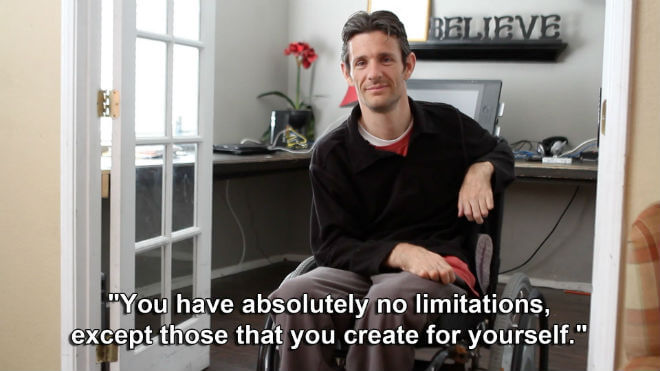




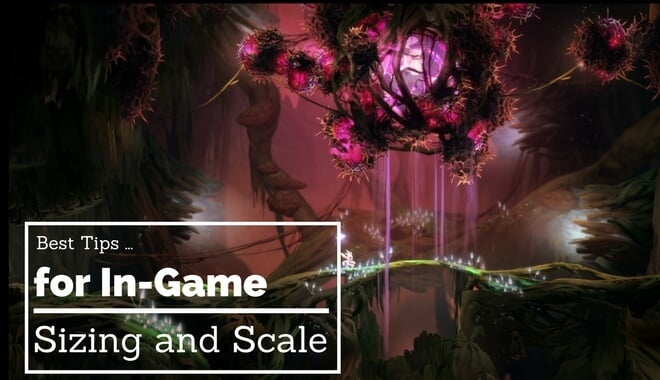


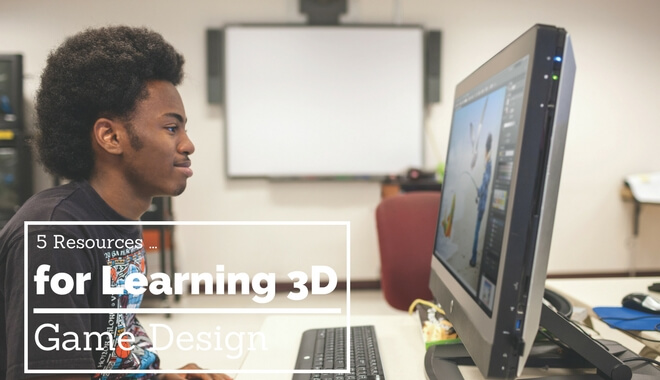
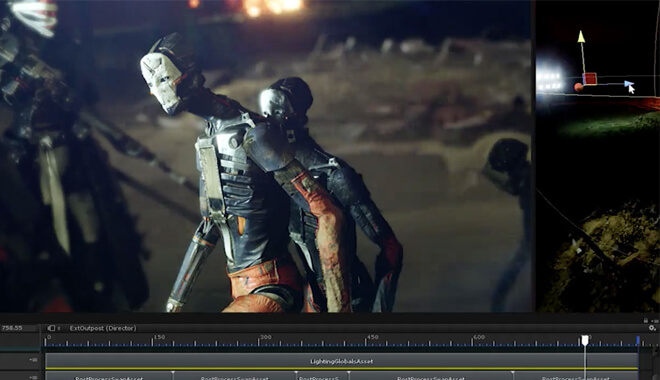
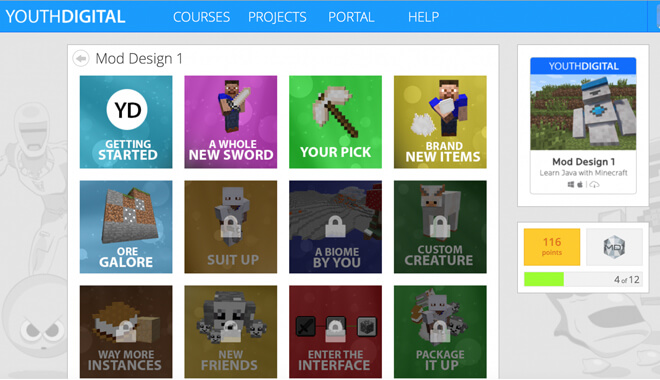
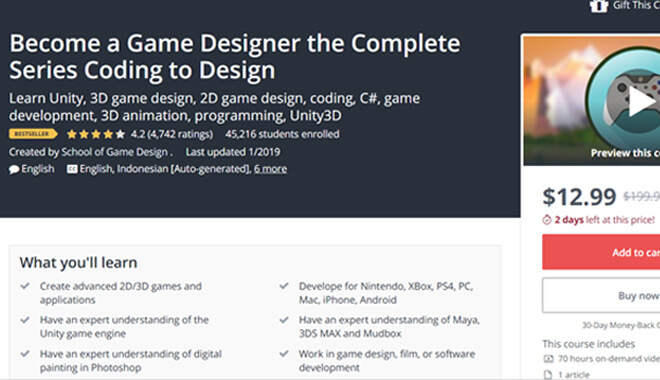


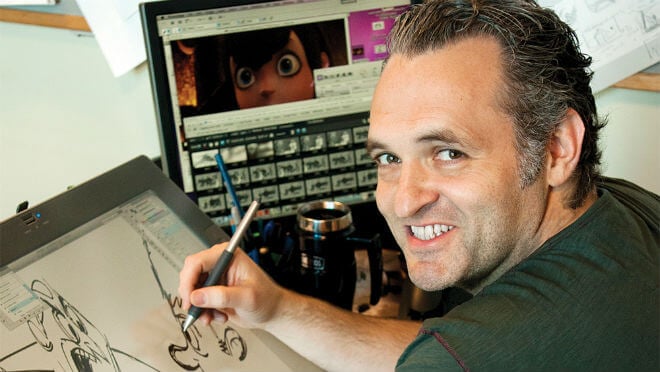

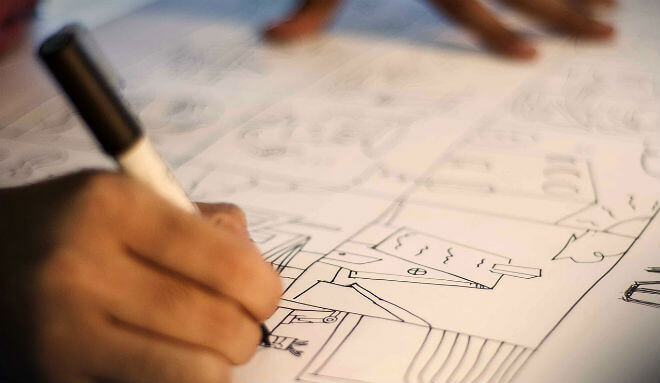
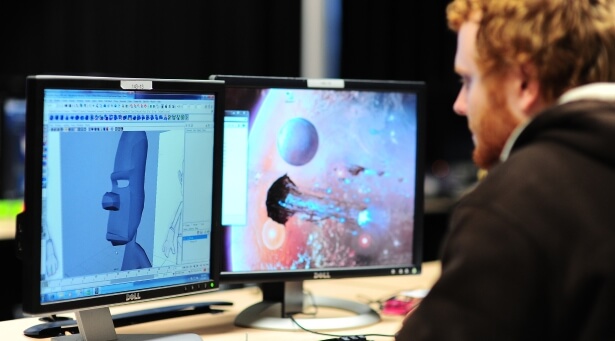 Knowing film and animation are important parts of storyboarding. If you’re an avid consumer of that digital media, you might have an intuitive understanding of cinema. But learning the “why” behind it is still important.
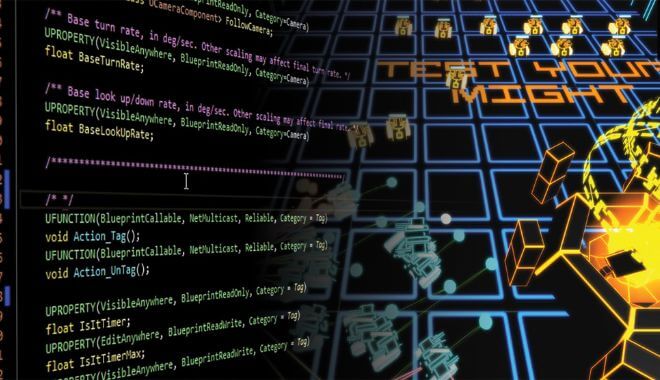



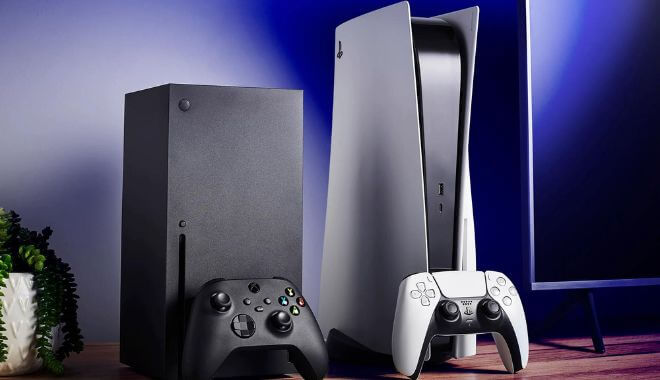



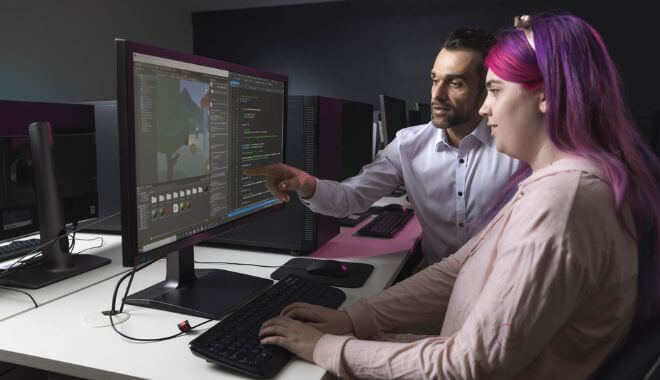







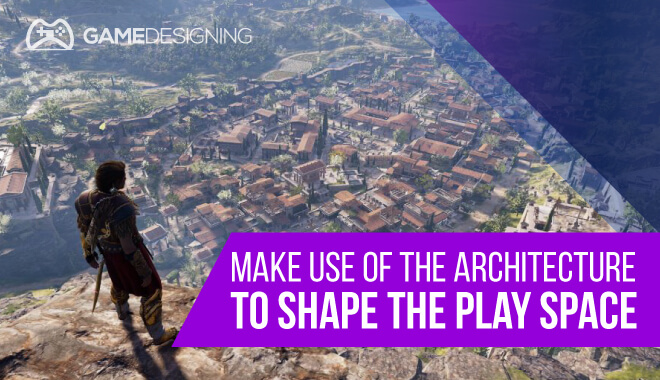
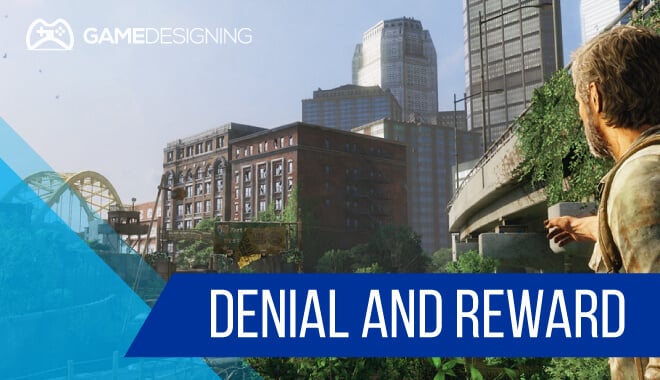

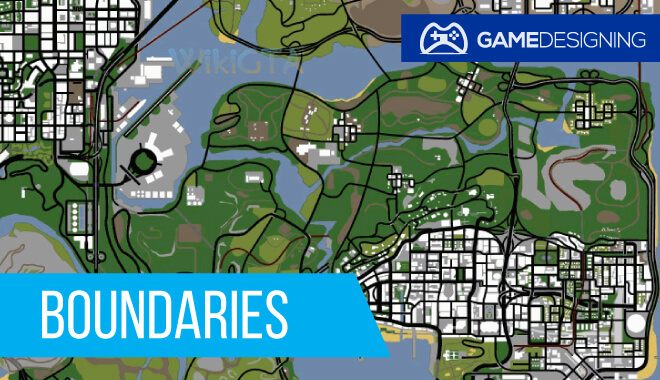
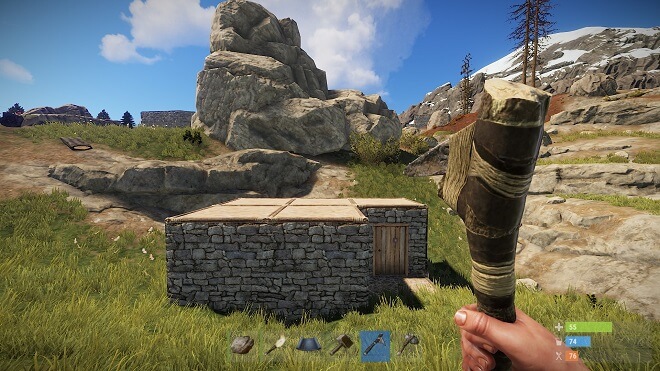
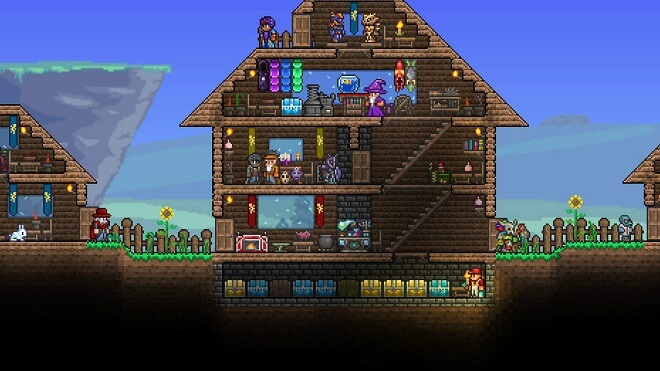
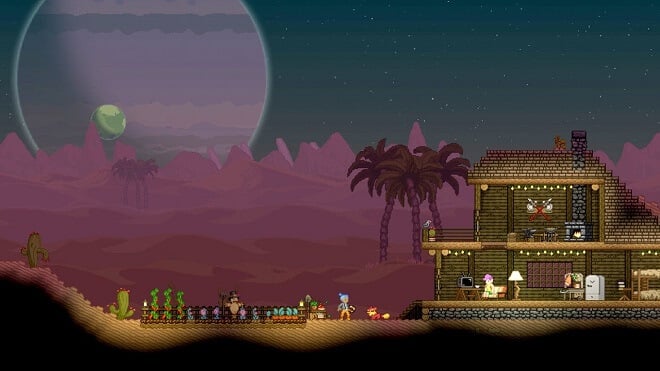
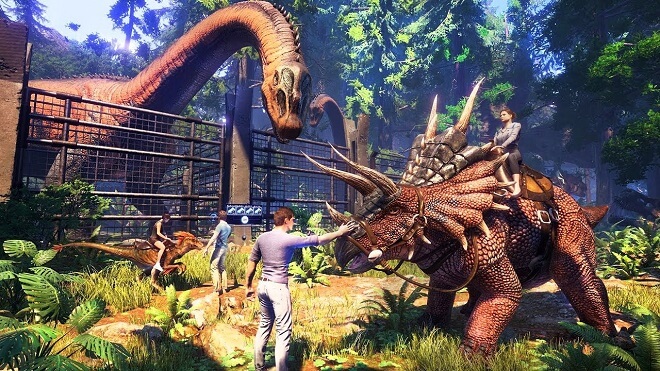
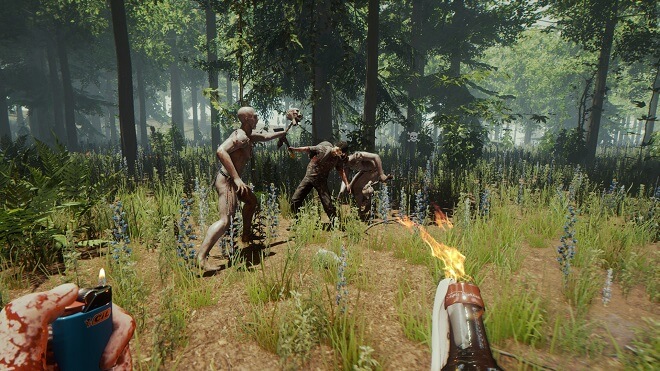

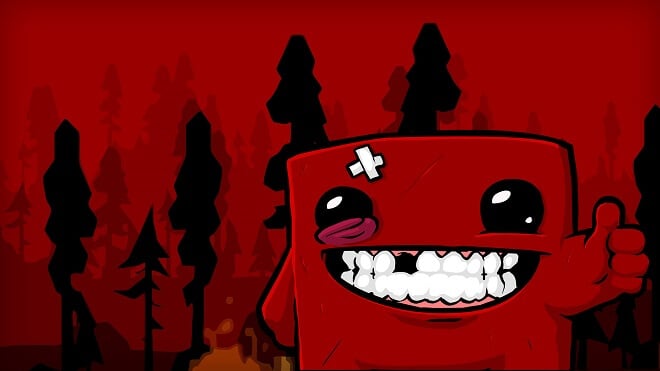
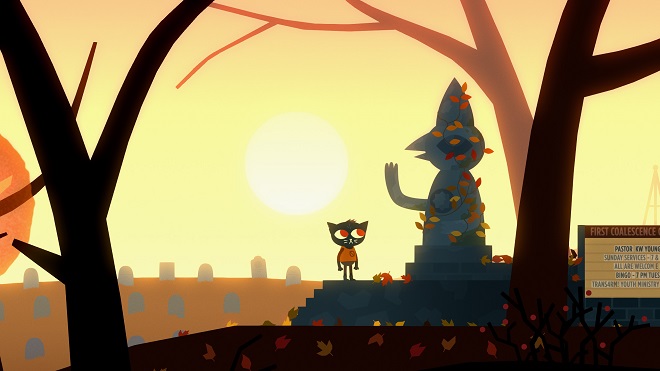




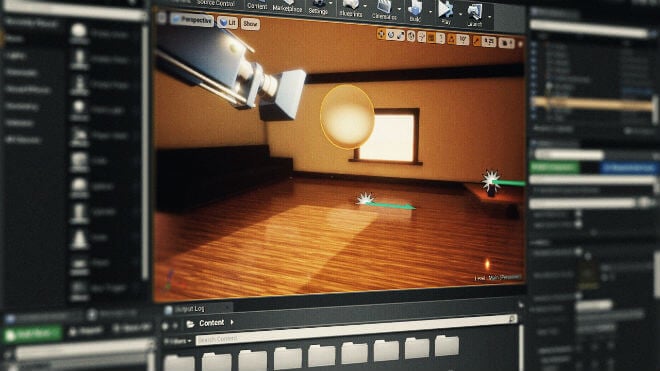

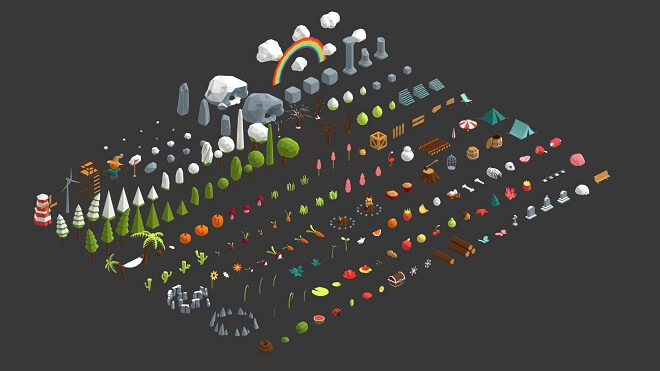
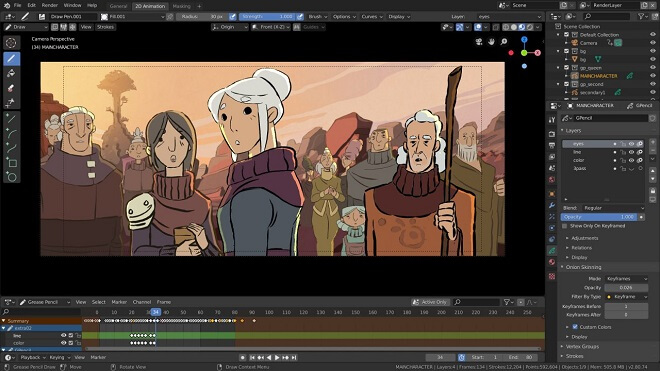
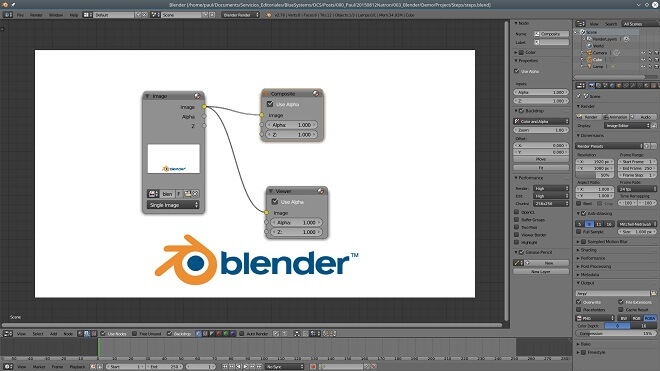
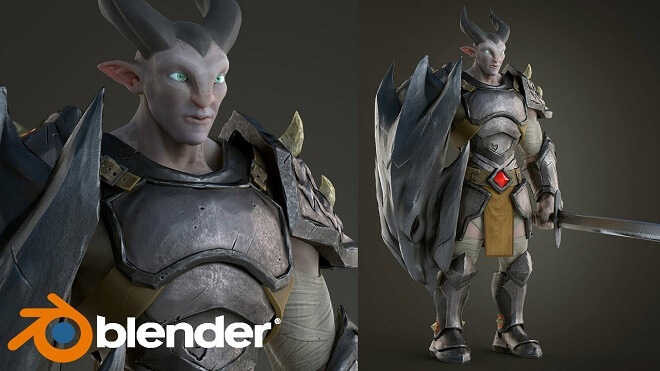
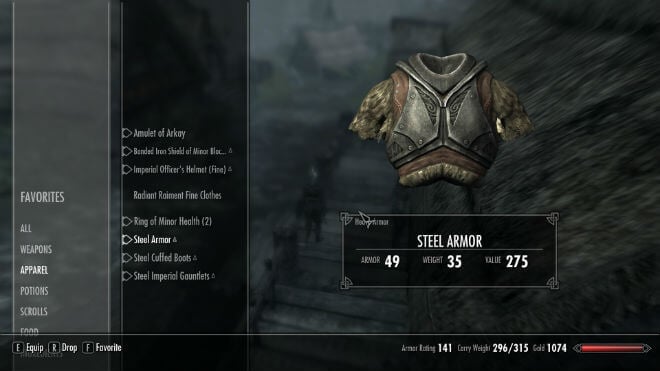
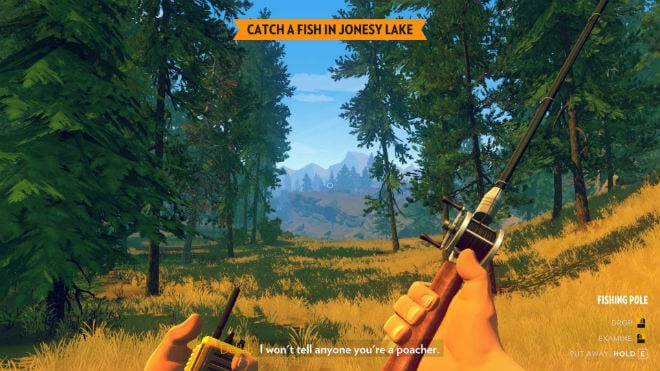
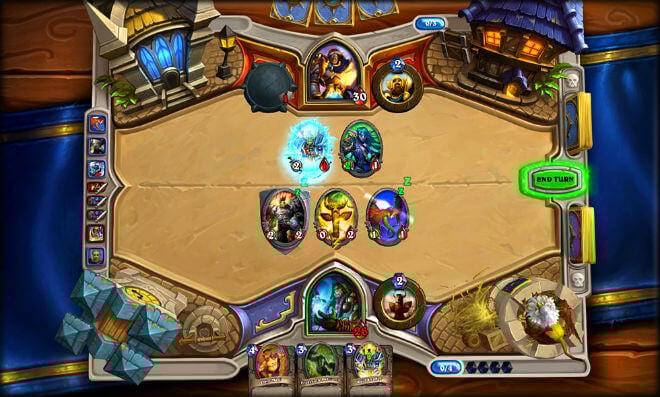
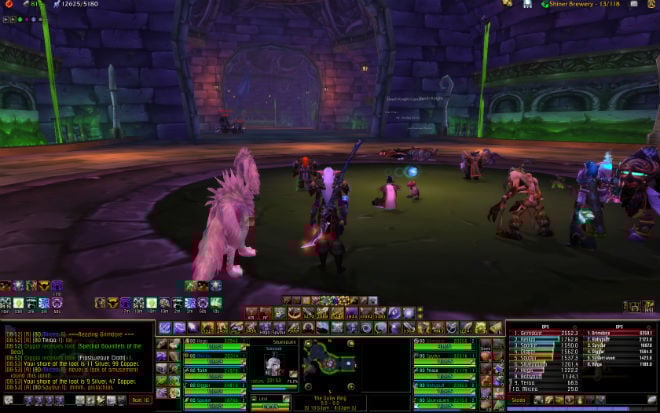
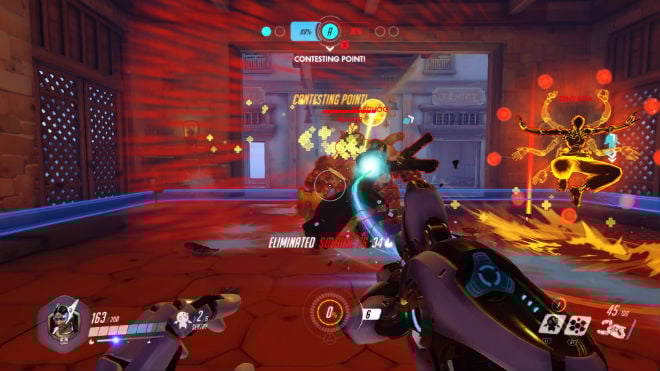
 Destiny is another game where the UI is love/hate. There’s a lot of information that the player needs to see, but as a developer, you also want the game to feel accessible to new players.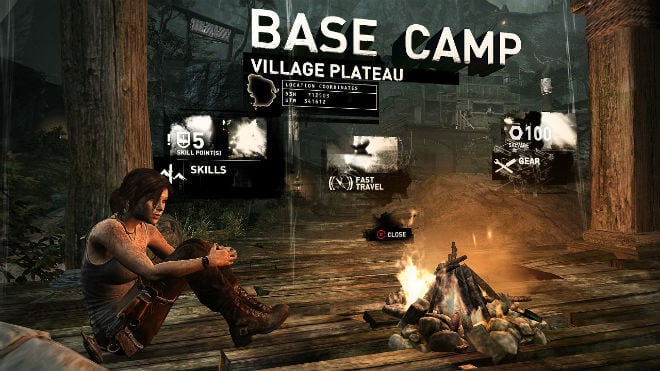
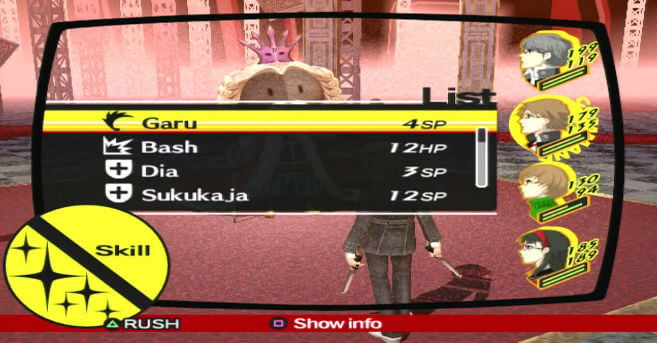


 If you need an introduction to the C# language, Catlike Coding could be your ticket. It takes you through the basics, each tutorial building on the one prior. Eventually, you’ll have a solid foundational knowledge of C#, and a good concept of how best to use it in Unity.











 Design Arts, Media Arts, and Studio Arts

 Fine Arts, Game Art, Graphic Design, Illustration, and Computer Animation











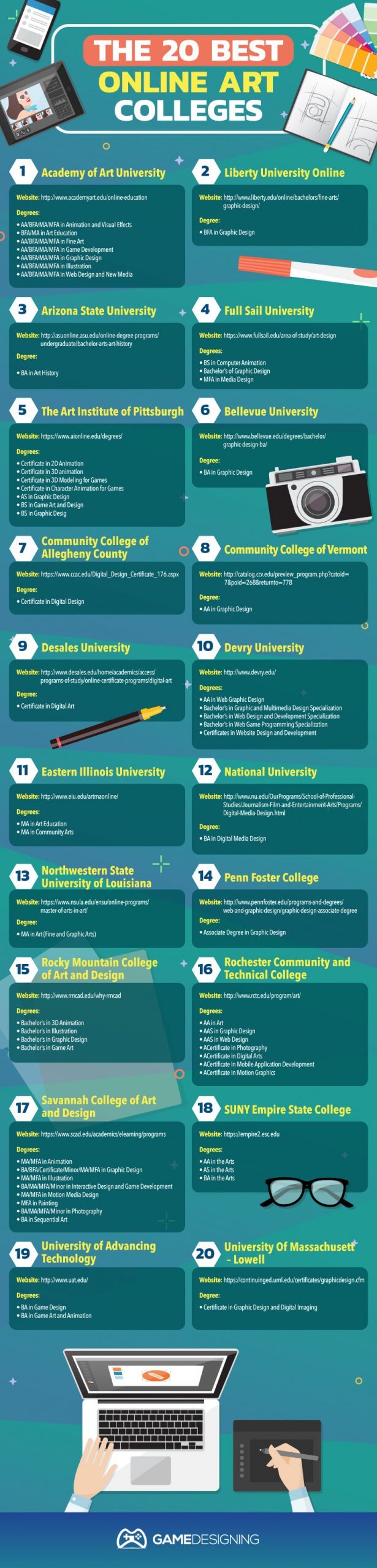













































![[View Full Infographic]](https://www.gamedesigning.org/wp-content/uploads/2017/03/The-Top-50-Art-Colleges-in-The-US-1-scaled.jpg)