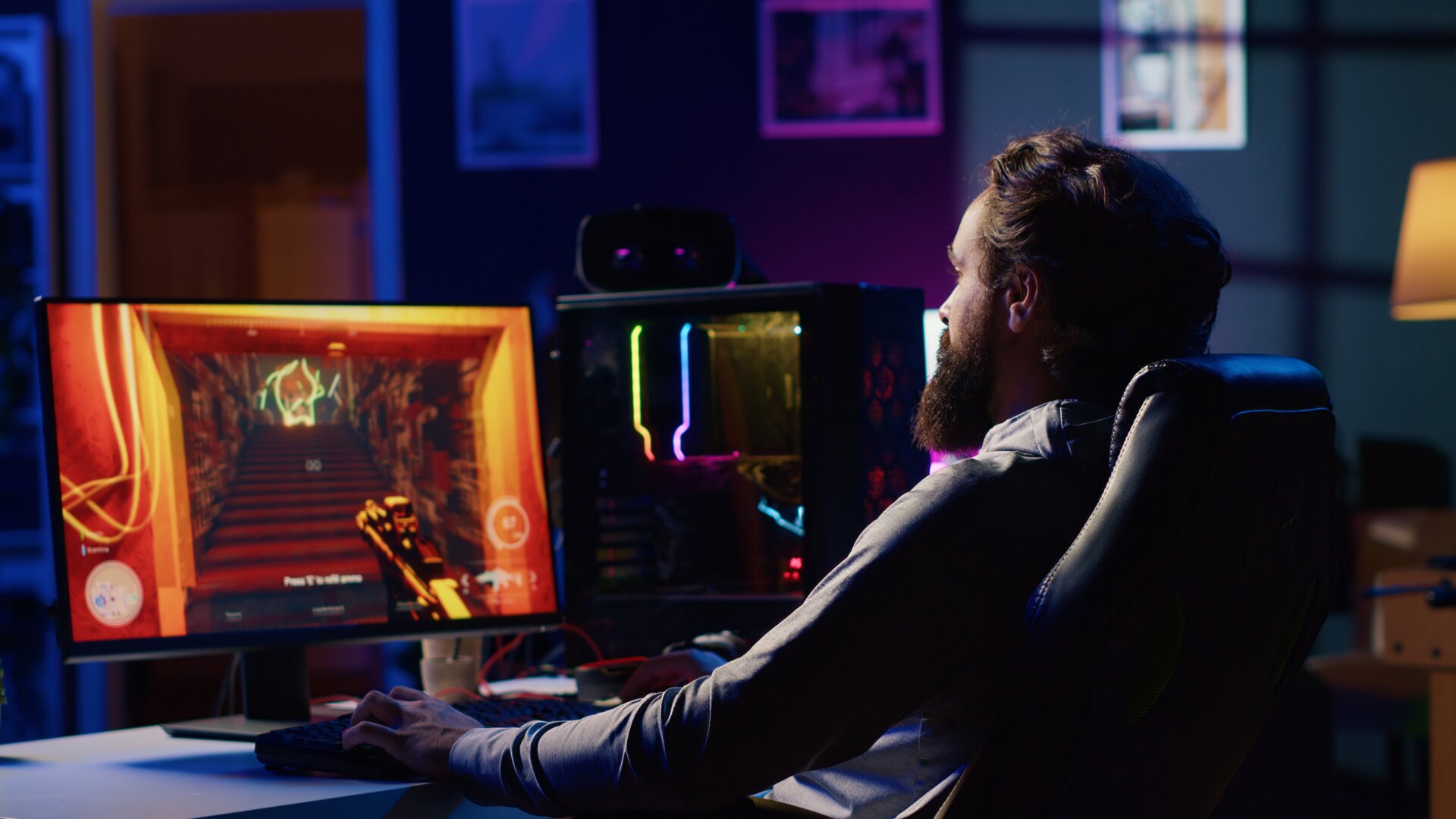
Anyone who has ever tried to design a game knows that the process has a way of testing knowledge, skills, and patience, sometimes pushing game developers to their limits. Yup, entering the world of game design and development can feel overwhelming, even more than you bargain for. Luckily for creators, modern technology has also introduced game design tools, game design equipment, and more that not only streamline the workflow but also serve as instruments to create immersive experiences. Therefore, it is vital to have the right ones to ensure efficiency and nurture your creative visions.
With this guide at your disposal, you will soon know more about game design tools, the choices for newbies, the difference between digital and physical options, necessary equipment and gear, essential software, and how to upgrade your game design toolkit.
Top Game Design Tools for Beginners
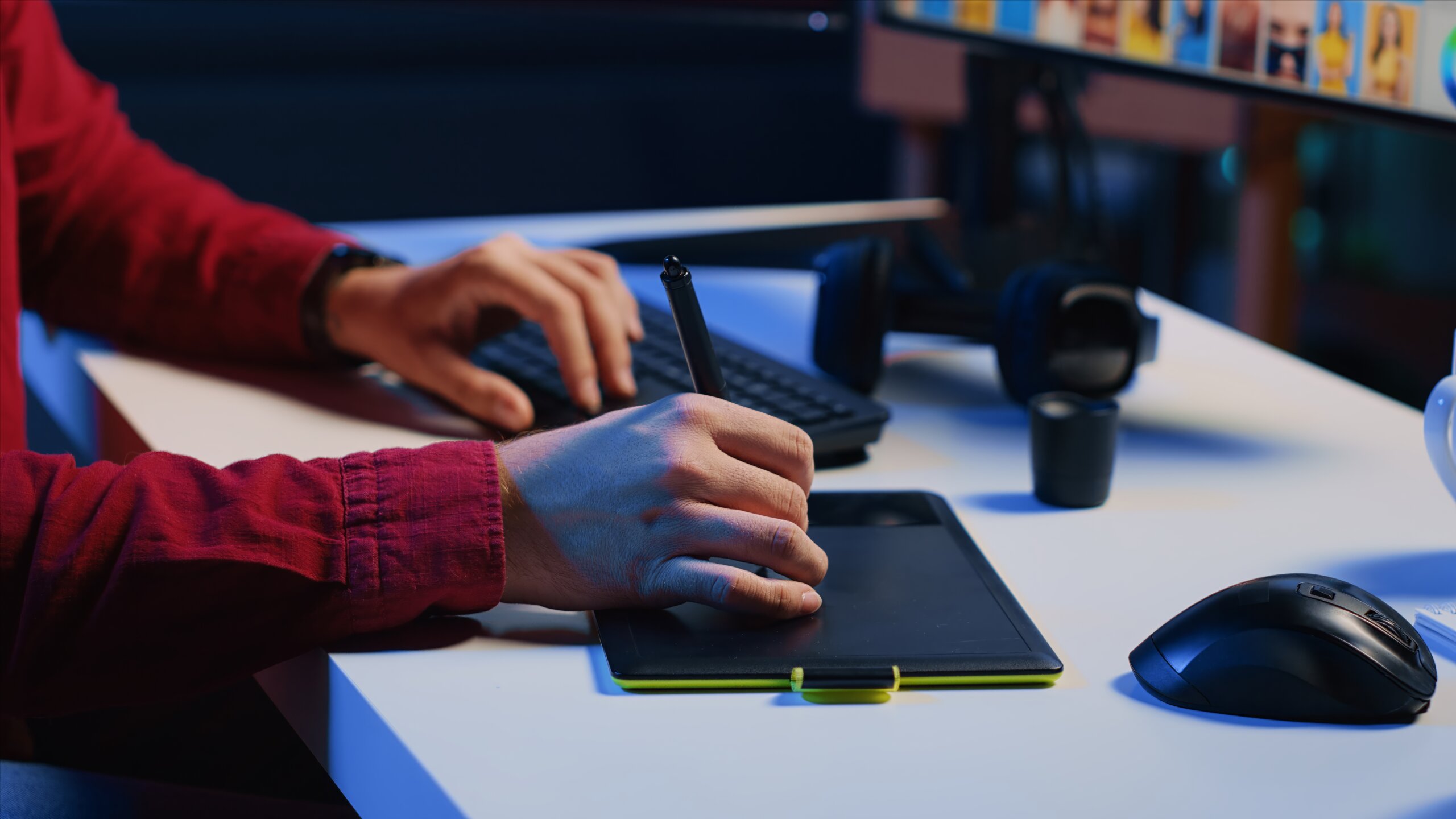
For anyone just starting, jumping to complex game design tools often only makes everything seem more difficult. You need to establish a solid foundation first. In line with this, simplicity and accessibility are key. Hence, it is helpful to explore beginner game design tools that allow you to experiment without overwhelming complexity.
- Sketchbooks and Digital Notebooks
For brainstorming and rough concepts, the options for newbies include traditional sketchbooks or digital versions like Adobe Fresco and Procreate.
- Basic Game Engines
To explore object movement, collisions, and game logic basics, beginners can try GameMaker Studio, Construct 3, and Godot, as they provide an intuitive user interface (UI) and do not require in-depth programming expertise.
- Wireframing and Mockup Software
For game UI design, Adobe XD and Figma work well for newcomers in terms of visualizing the player experience early.
- Asset Libraries
To access ready-made resources rather than creating every asset from scratch, beginners can turn to OpenGameArt and Kenney.
Comparing Digital vs Physical Tools
Today, the debate between digital and physical game design tools still exists. While the choice often depends on preference and budget, these options have their place in modern game design, and it is best for developers to know how to integrate both.
Digital tools (e.g., software engines, design apps, tablets, cloud collaboration tools) are ideal for ease of modification, flexibility, and speed. On the other hand, physical tools (e.g., sketchbooks, pens, physical prototyping kits, whiteboards) encourage creativity and tactile learning.
Essential Game Design Equipment
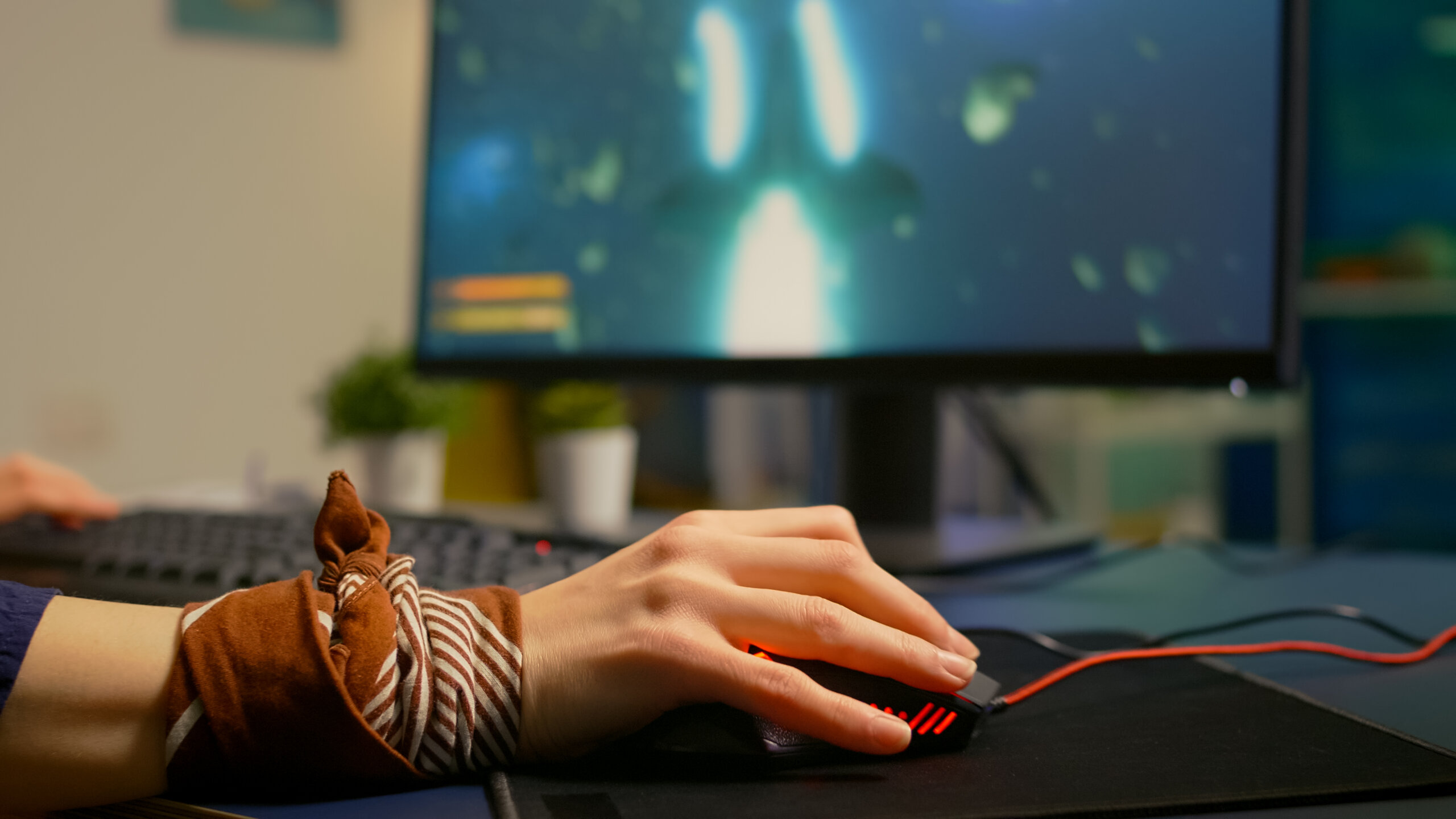
Aside from completing the beginner phase, acquiring the right game design equipment is also critical to your progress. These tools enable longer development cycles, higher-quality outputs, and smoother workflows.
- High-Performance Computer
- Dual Monitors
- Digital Drawing Tablet
- VR & AR Hardware
- Audio Devices
However, beginners may find it challenging to secure all of this right away. That is why we took the liberty of providing a quick list of affordable alternatives. Here are some options for beginner-friendly game design gear that allow you to perform the tasks without breaking the bank:
- Entry-Level Tablets
- Free/Open-Source Software
- Second-Hand Hardware
- Cheap Asset Packs
- DIY Prototyping Materials
While it is generally better to have advanced game design equipment and gear, beginners should learn to maximize what they have and what they can afford. It is best for newbies to make progress without the stress of financial strain.
Must-Have Software for Game Creation
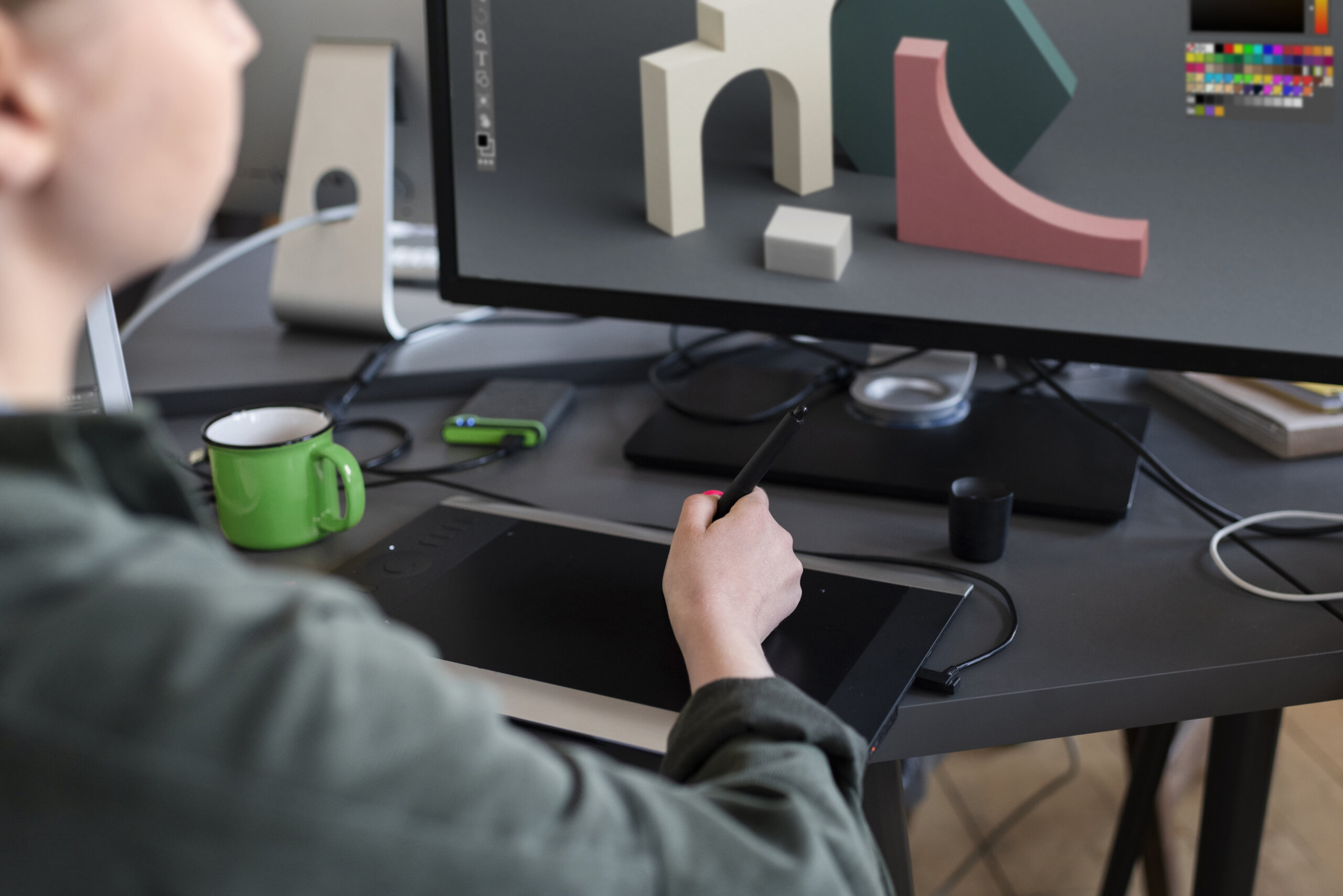
A game developer, whether a beginner or an expert, should strive to become proficient with different software that is essential in the full spectrum of game development. Mastering multiple software allows developers to conceptualize, create, and polish every aspect of a game.
Below are a few of the most relevant options today:
- Unreal Engine (Often used to develop high-fidelity 3D games that feature immersive environments)
- Unity (Often used to create 2D & 3D or VR & AR experiences on multiple platforms)
- GameMaker Studio (Often used to make simple 2D games without complex programming)
- Godot Engine (Often used to produce 2D and 3D games on community-driven platforms)
- Construct 3 (Often used to quickly prototype 2D games without traditional coding)
- AutoDesk Maya (Often used to model, rig, and animate game assets)
- Blender (Often used to model, rig, animate, and render 3D game assets)
- CryEngine (Often used to create immense, open-world, realistic environments)
- RPG Maker MZ (Often used to design and build 2D JPRG games)
- GameSalad (Often used to design, create, and publish 2D games without coding)
- ZBrush (Often used to color and detail game assets like characters, objects, props, and the like)
- Miro (Often used to collaborate and visualize gameplay loops, mechanics, and other game elements)
- Jira (Often used to track and manage a project)
- Visual Studio (Often used to debug applications and navigate code)
- Stencyl (Often used to develop 2D games through a block system)
Upgrading Your Game Design Toolkit

Yes, the rule of thumb is to work with what you have. However, that does not mean settling with it forever. As your skills grow, your game design tools should evolve alongside you. Upgraded game design tools can improve efficiency, quality, and the scope of your projects. With each tool having its unique purpose and strength, it is your job to evaluate and select what upgrades you need to integrate into your workflow. Your new tools should strategically support your vision rather than become unnecessary expenses for status. Therefore, you should consider this quick checklist:
- Evaluate your current needs
- Identify the problem you need to solve
- Consider the budget and long-term value
Final Thoughts: Choose Your Pick!
The formula for a successful game entails skilled game developers and the right game design tools. One will not be of use without the other. So, if you are interested in becoming a professional game developer, you can learn more about game design schools that offer game design courses or a game design degree. However, if you already have that covered, you can now use this guide to find the proper game design tools to improve your quality of work. Remember that you do not need to rush; start with beginner-friendly tools and gradually invest in advanced options as you go on.
Knowing where to start is only half the battle, so we hope our guide on game design tools helps you better prepare for the next part of your game development journey.

