
Most of the time, when players find a video game engaging and immersive, the credit usually goes to game designers. While there is nothing wrong with that, since they conceptualize the ideas, players should also give more recognition to the people who build everything we see in games — 3D modelers. From game environments and characters to every moving and non-moving object, each element undergoes an intricate creative process powered by game development 3D modeling.
Clearly, ideas come from game design, but how a game looks, feels, and functions come from the work put into video game 3D modeling. Whenever players step into any modern video game, they are most likely transported somewhere else thanks to the visuals that enhance immersion, such as the sharp details of a character’s armor, the realistic sunset, or the captivating game world design. 3D modeling is easily one of the pivotal innovations that has utterly shaped modern games. There is no doubt in that. Understanding this process offers a deeper appreciation for the entire creative team.
As game development 3D modeling takes on a growing role in creating video games, many wonder how they can become 3D modelers and bridge the gap between imagination and interaction. Luckily, 3D modeling is now more accessible than ever. For those interested in learning the craft, stay until the end of the article, as it will explore how the process brings virtual worlds to life. In more detail, it will also cover the key steps, essential tools, useful tips, typical challenges, and emerging trends in the field.
Understanding 3D Modeling in Game Development
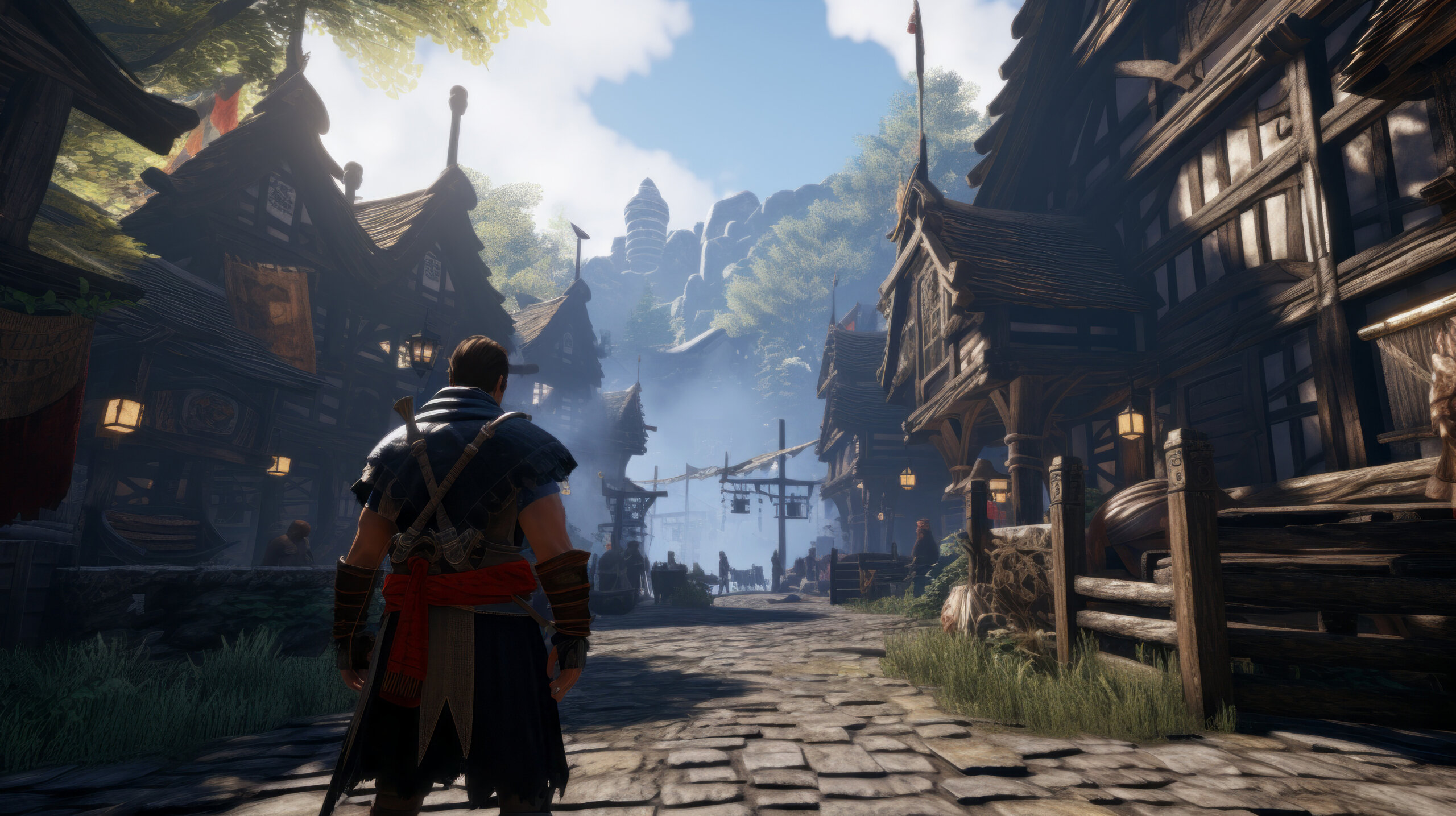
3D modeling in games refers to the process of creating three-dimensional digital representations of different game assets. Compared to 2D art, which relies on flat imagery, 3D modeling puts emphasis on height, width, and depth. This way, the model appears to occupy space, respond to light changes, and can be viewed from all angles.
In detail, it transforms concepts like characters, environments, and other moving and non-moving objects into tangible game assets. 3D modeling is widely considered the backbone of the visuals in a game. It serves as the foundation upon which game developers build game worlds. This process also ensures that the elements of a game are working properly and coherent. In other words, 3D modeling carefully constructs the illusion that convinces players they are stepping into a living, breathing world.
Although 3D modeling in games is highly technical, learning it requires looking beyond its technical definition. Remember: it is not just about creating objects but more about crafting experiences. For example, the environments in competitive shooters like all main Counter-Strike games are not only about geometry. The role of 3D modeling in this also involves representing power, mystery, or danger. To put it simply, 3D modeling functions as an extension of storytelling.
Regarding its use, the process is often employed by 3D modelers for concept art, characters, environments, world building, objects, props, weapons, vehicles, special effects, and user interfaces.
Tools for Video Game 3D Modeling
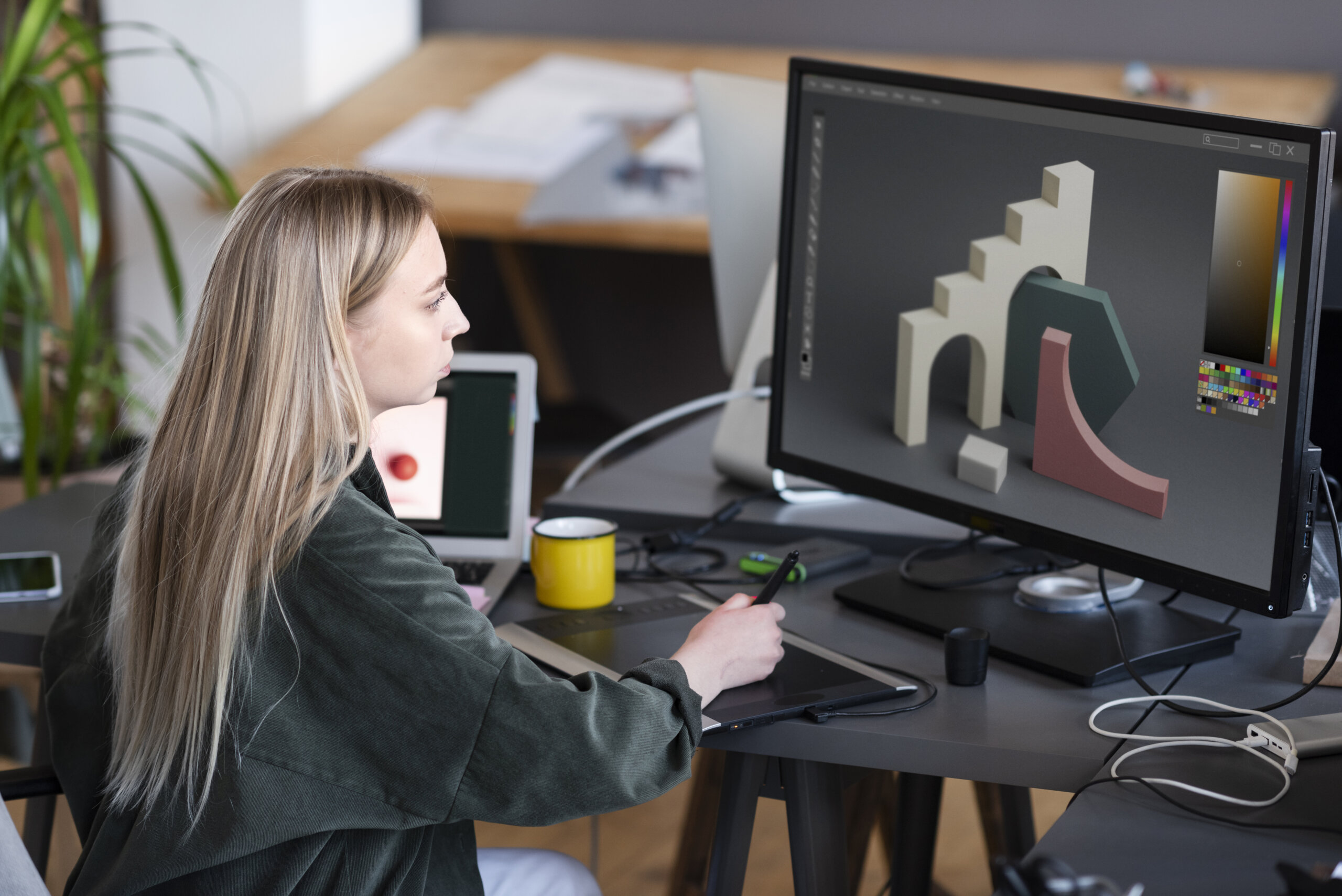
In the process, game developers and 3D modelers use a variety of tools to perform their tasks. Please note that every software serves a specific purpose that contributes to different stages of the 3D modeling pipeline. From creating environments to polishing characters, here are a few game development 3D modeling tools for various modeling tasks.
- Adobe Substance 3D Designer (Commonly used for creating textures, materials, and filters from procedural patterns inside node-based interfaces)
- Autodesk 3ds Max (Commonly used for polygon modeling, rigging, animation, look development, and rendering of environmental and hard surface assets)
- Autodesk Maya (Commonly used for producing realistic 3D models and animations of characters and visual effects)
- Blender (Commonly used for the whole pipeline from creating and transforming to editing 3D models)
- Cinema 4D (Commonly used for animating, modeling, texturing, rigging, lighting, and rendering 3D objects and scenes)
- Modo (Commonly used for sculpting, procedural modeling, hard-surface modeling, and texturing and shading models)
- Unity (Commonly used for integrating, visualizing, and animating 3D models)
- Unreal Engine (Commonly used for real-time rendering and an assembly environment for creating assets)
- ZBrush (Commonly used for sculpting, rendering, and painting 3D models)
Keep in mind that the options of tools used in game development 3D modeling are not limited to the listed software. There is a wide selection for creators to choose from based on their needs, project workflow, and personal preferences.
Key Steps in the 3D Modeling Process

By now, it is easy to see that 3D modeling is a complex procedure. Considering its nature, it should be a dead giveaway that the journey from idea to game-ready asset is far from straightforward. The process calls for a structured workflow in which every phase builds on the previous one. To set everyone’s expectations, understanding this pipeline is essential for anyone interested in game development 3D modeling.
1. Concept and Research
Starting off the process is conceptualization and research. This is where developers define the model’s purpose and design. It also entails conducting research to gather visual references and inspiration to guide early sketches and concept art. This step is essential before any 3D work begins, as it establishes proportions, style, and overall direction in line with game requirements.
2. Blocking and High-Poly Modeling
Once the concept is set, it is time to create a basic 3D shape to illustrate structure and scale. Then, using software like Blender, Maya, or 3ds Max, a high-poly model is developed. At this point, it is all about making the model look as refined as possible by focusing on detail and realism.
3. Retopology and Optimization
Converting the high-poly model into a more efficient version is next. Through retopology, there will be fewer polygon counts without affecting the essential shape and details. Optimization is also crucial for game performance. This part ensures that the model runs well in real-time environments.
4. UV Mapping
As with flattening a 3D object into a template, the 3D model is then unwrapped into a 2D UV map. This process helps determine how to apply textures accurately and properly across the surface.
5. Baking Details
In many workflows, 3D modelers preserve complex surface details while maintaining the polygon count by baking high-poly details onto the low-poly version.
6. Texturing
The model is given texture once the UV layout is complete. By adding colors, materials, and other surface properties, the model conveys realism and personality, enhancing its visual appeal. One common technique to simulate realistic lighting and materials is Physically Based Rendering (PBR).
7. Rigging and Skinning
To prepare the model for movement, developers make a rig, also known as a skeleton, and attach it to the mesh through skinning. This particular process is essential for in-game actions, allowing animators to control and pose the model.
8. Animation
For assets that require movement, realistic or stylized motion is added to give characters or objects lifelike characteristics. Typically, this is done by animating the models using key frames or motion capture data.
9. Integration into Game Engines
After the model is completed, it is imported into a game engine such as Unity or Unreal Engine. Here, the model is modified to ensure it works correctly with lighting, physics, and gameplay systems. Ensuring the model is properly tuned to achieve smooth, real-time performance.
10. Testing and Iteration
True to the nature of game development, the final stage of game development 3D modeling is thorough testing in gameplay conditions. The purpose of this step is to check for issues and errors. Consequently, necessary adjustments are made until the asset performs as intended.
Common Challenges in Game 3D Modeling
No 3D modeler or any other game developer is safe from obstacles in the process of creation. Setbacks and issues can arise unexpectedly and may ruin momentum. And that is perfectly normal. But it does not mean nothing can be done to face them. In reality, the first step to overcoming hurdles in game development 3D modeling is recognizing them.
- Finding the right balance of quality and performance is a constant challenge.
- Maintaining consistent standards and output quality is crucial.
- Adapting to different platforms and new technologies can lead to technical problems and limitations.
- Managing large workloads can be demanding and lead to creative burnout.
- Achieving a specific art style can pose significant challenges.
Tips for Better 3D Models in Games

Video game 3D modeling requires a good combination of creativity, discipline, and technical awareness. Check out these quick tips for improving your work in game development 3D modeling.
- Think about gameplay first
- Choose the appropriate software and tools
- Leverage procedural generation
- Master lighting awareness
- Design models with animation in mind
- Optimize 3D models and performance
- Keep assets organized
- Learn from feedback
- Stay updated on industry trends
- Collaborate with the team
Future Trends in 3D Modeling for Games
The global 3D mapping & 3D modeling market is estimated to jump to over $16 billion by 2030 in size. With the field’s bright future in place, developers can expect emerging trends that will shape innovation and creativity in 3D modeling.
- AI-driven Asset Creation – AI tools automate repetitive tasks, thereby streamlining workflows.
- Cloud-Based Collaboration – Remote setups are becoming more common, enabling teams to work together without disruption from anywhere.
- Cross-Platform Development – Game engines are expanding their feature sets to support multiple platforms, enabling developers to create games and assets for mobile devices, PCs, and gaming consoles.
- Increased Democratization – The continuous emergence of free tools and guides makes 3D modeling more accessible to anyone, especially independent developers with limited resources.
- Photogrammetry – Capturing intricate details of real objects is becoming easier through the science of creating accurate 3D models from photographs.
- Procedural Generation – Minimal manual intervention is possible through a rule-based technique that generates massive game environments.
Frequently Asked Questions
Q1: What is game development 3D modeling?
Answer: Game development 3D modeling is the artistic process of constructing tangible three-dimensional representations of digital assets used in video games. These assets include objects and surfaces such as characters and environments.
Q2: What skills are necessary for video game 3D modeling?
Answer: As with any other process in game development, creativity and attention to detail are of utmost priority. But aside from these, 3D modeling specifically requires mastery of topology, expertise in UV mapping, understanding of PBR, and proficiency in 3D modeling tools. Of course, the typical soft skills like adaptability and collaboration also matter.
Q3: How long does it take to create a 3D model for a video game?
Answer: The time required depends on the complexity of the asset. For instance, a simple 3D model can be completed in a few days. Meanwhile, a high-quality model can take up to a couple of weeks. Revisions should also be factored in, in addition to the actual time required for creation.
Q4: Is it possible for beginners to learn 3D modeling independently?
Answer: Although newbies could greatly benefit from hands-on mentoring and in-person training, many people can learn game development and 3D modeling through online tutorials, courses, and consistent practice. However, considering the nature of the field, it can be hard to achieve without dedication and effort.
Q5: What are the common tools used in video game 3D modeling?
Answer: Popular tools for 3D modeling include Autodesk 3ds Max, Autodesk Maya, Blender, Cinema 4D, Modo, Unity, ZBrush, and many more.
Final Thoughts
Game development 3D modeling is indeed a cornerstone of modern game creation. More than a technical process, it also helps tell stories. Every model shapes how players feel and interact with the game. That said, each stage is critical in bringing virtual worlds to life. It is also a great time to learn the process, as technology continues to evolve and redefine the possibilities for delivering immersive experiences to players through gaming.
With this full 3D modeling guide at everyone’s disposal, developing the necessary knowledge and skills is no longer out of reach. The journey of learning 3D modeling for video games is one of constant growth for both beginners and experienced professionals alike.
That wraps up our article about 3D modeling! For those who want to learn more about the topic, take a look at our guide on the 3D environment modeling studios in Europe.

