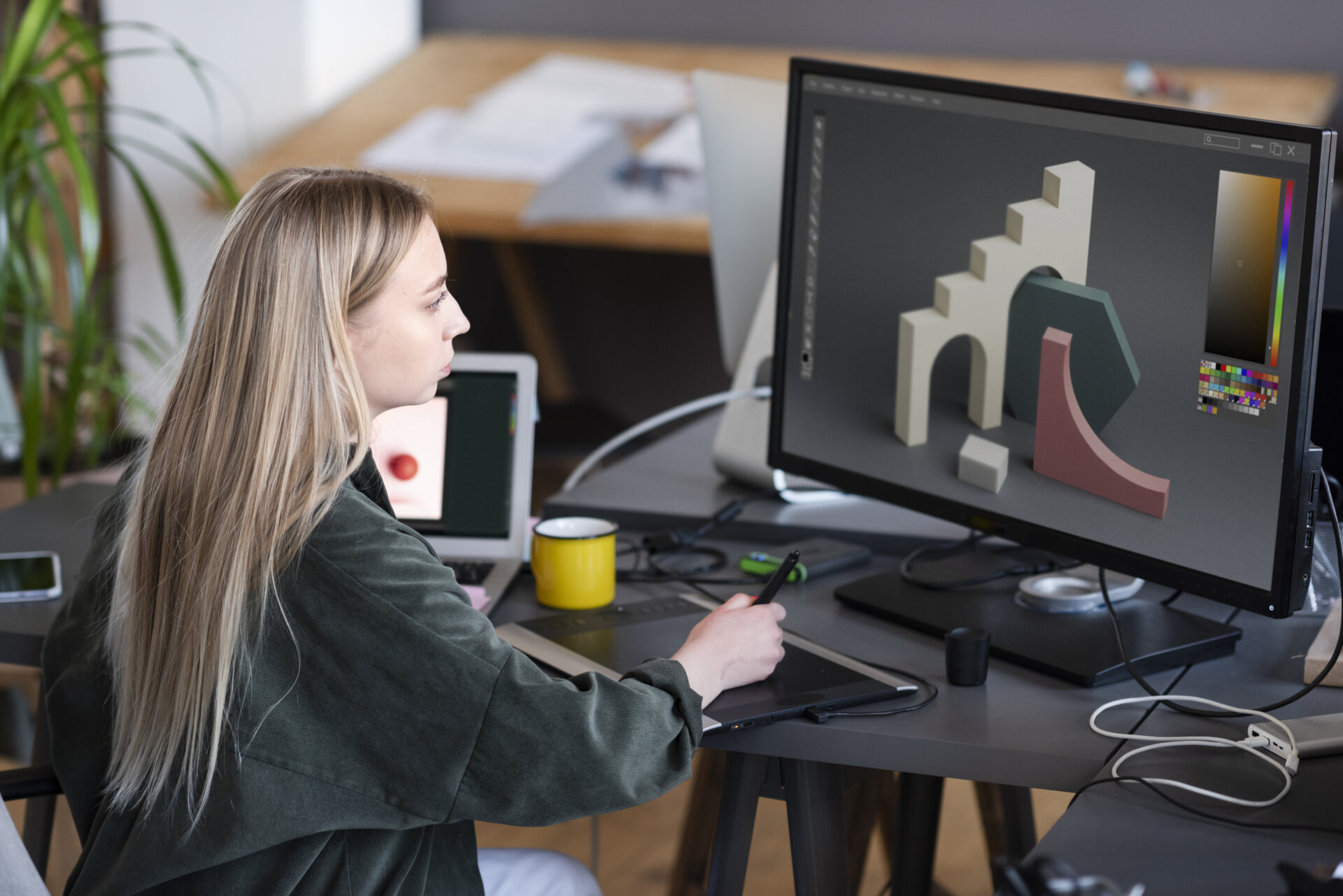
The differences between 2D and 3D development come down to how the world is perceived. 2D is fixed and flat, while 3D uses perspective and spatial motion. This extra dimension means you have to rethink everything from asset creation to how much stress the game puts on the computer.
Game development can involve long study sessions. When you want to take a break from learning, meeting a mail-order bride from Canada can add a positive personal connection beyond screens, tutorials, and production tasks. Returning with fresh focus can make technical choices easier to evaluate.
Core Development Differences
2D games are built on two axes—width and height—making them relatively straightforward. 3D ones add depth, which brings in new challenges like controllable cameras, environmental lighting, and physics that have to work in every direction.
Visual Assets
2D games are based on sprites, tilemaps, vector art, pixel art, backgrounds, and frame-based animation. Different image frames might be required for walking, jumping, attacking, and standing still.
3D games employ models, textures, rigs, materials, and lights. Before a character can move properly within the game, it may be necessary to model, texture, rig, animate, and set up the character in the engine.
Camera Design
A 2D camera is typically simpler, as it tracks action on a flat surface. Fixed, horizontal, vertical, or room-based camera movement is common in side-scrollers, top-down games, and puzzle games.
There’s more to test with a 3D camera, such as depth, rotation, field of view, clipping, and visibility. If the camera moves around too much or obscures enemies or platforms, third-person games can be frustrating.
Physics and Collision
2D collision usually uses rectangles, circles, slopes, and simple layers. These systems can still be precise, especially in platformers, fighting games, and puzzle games.
3D collision adds depth, object rotation, terrain contact, raycasting, and more complicated physics. This can make gameplay feel more realistic, but it also increases debugging time.
Cost and Production Workflow
Production cost depends on the size of the game, the amount of content, and the skills needed to create it. 2D projects are often more practical for small teams, while 3D projects usually require more specialized asset and optimization work.
Team Requirements
Smaller teams can work on a 2D project since the asset pipeline is shorter. A simple crew can consist of a programmer, game designer, 2D artist, and sound designer.
There are more specialized roles for a 3D project because creating the 3D model, animation, materials, lighting, and performance require more specialized work.
Production planning should reflect the actual size of the game:
- 2D games often need fewer asset types.
- 3D games usually need modelers, animators, and technical artists.
- 2D revisions can be faster when the art style is simple.
- 3D changes may affect rigs, animations, lighting, and engine settings.
Clear planning helps avoid wasted work.
Tools and Engines
Unity, Unreal Engine, and Godot can handle both 2D and 3D projects. For indie and mobile titles, Unity is the go-to solution, while Unreal Engine is a staple for achieving high-quality 3D visuals, and Godot is favored for its lightweight 2D workflow.
Art and level work can be done with 2D teams using Aseprite, Photoshop, Spine, or Tiled. 3D teams can create models, textures, and effects in Blender, Maya, ZBrush, Substance 3D Painter, or Houdini.
Performance Needs
Games in 2D typically take up fewer hardware resources, as the sprites and tilemaps are not as complicated as a detailed 3D environment. This can be an advantage for smaller downloadable games, browser games, and games for mobile devices.
3D games require stronger optimization. Developers must manage polygon counts, texture resolution, lighting, shadows, draw calls, memory use, and frame rate across target devices.
| Area | 2D Development | 3D Development |
| Main visuals | Sprites, tiles, flat backgrounds | Models, textures, materials |
| Movement | Flat plane movement | Movement with depth and rotation |
| Camera | Fixed, side, or top-down | First-person, third-person, free camera |
| Asset pipeline | Shorter for simple styles | Longer and more specialized |
| Testing focus | Controls, collisions, level flow | Camera, lighting, depth, performance |
Player Experience
2D games often feel direct because the player can read the screen quickly. This works well for platformers, roguelikes, puzzle games, fighting games, strategy games, and stylized arcade experiences.
3D games can create stronger spatial immersion because the player moves through environments with depth. This works well for shooters, racing games, role-playing games, simulations, horror games, and exploration-based adventures.
Choosing the Right Format
A game based on precise jumps, simple controls, readable combat, or fast production may work better in 2D. 3D might be required for exploration, realistic movement, vehicle control, cinematic scenes, or spatial puzzles. The best option will depend on the production time and skillset.

