
Videos Let’s be real for a second about the vlogging life. It is an incredibly exhausting way to make a living. You spend countless hours staring at a screen while scrubbing through raw files. You try to fix a bad audio take or hunt for B-roll that does not look like a generic stock clip from ten years ago. By the time you finally hit that export button, you are usually too drained to even think about the next video. Creator burnout is a massive hurdle.
In 2026, the secret weapon for most growing channels is not a better camera. It is an AI teammate. Whether you are a solo traveller or a tech reviewer, AI video generators are now handling the heavy lifting of production.
With so many tools flooding the market, it is hard to know which ones actually deliver. This review digs into these platforms to see which ones offer real utility. Here is a breakdown of the top AI video generators for vlogs this year.
1. Vmake AI
Vmake has quickly become a favorite for creators who focus on the User-Generated Content (UGC) style. Unlike traditional editors that just give you a timeline, Vmake is a centralized creative studio. It is especially effective if your vlogs involve product reviews, fashion, or high-energy social media content.
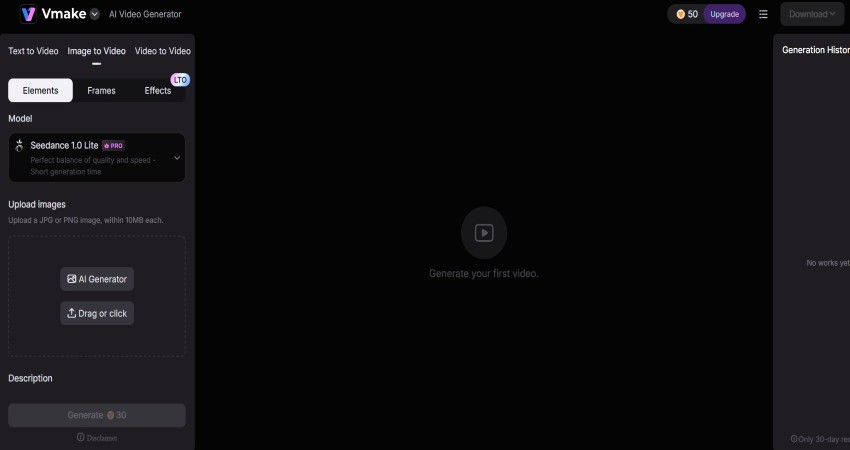
The standout feature is the Vmake AI Agent. It is not just a simple tool. It acts as a full UGC Video Crew that handles everything from the initial strategy and script to the final packaging. If you are stuck with blank page syndrome, you can just describe your product to the Agent. It will then build a script and a structured video ready for posting.
People who have low-quality cameras and equipment can use the Vmake Video editor. It includes enhancement tools that can upscale 720p footage to 4K using generative reconstruction. This means the AI predicts missing details like skin texture to make it look professional. If you are repurposing content and need to clean things up, you can easily remove watermark from videos using their inpainting technology.
Key Features:
- AI Agent Workflow: Natural language control over nearly 200 capabilities.
- Fashion Studio: Transform mannequin photos into lifelike human models.
- AI Hook: Automatically creates 3 to 10-second opening clips designed to stop the scroll on TikTok and Reels.
- Batch Processing: Edit multiple videos at once to save time on daily vlogs.
Pros:
High efficiency for creators who produce a lot of content.
Explode Mode lets you edit individual layers like scripts and audio separately.
Cloud-based processing means you do not need a powerful computer to export high-quality video.
Cons:
- The credit-based system can be annoying if a generation is not perfect the first time.
- Customer support can be slow to handle subscription or refund issues.
2. Descript
If your vlogs are heavy on talking and storytelling, try Descript. Instead of looking at complex timelines, Descript turns your footage into text. If you want to delete a sentence from your video, you just highlight that text and hit delete. The video edits itself. This is perfect for anyone who finds traditional editors like Premiere Pro too difficult to learn.
Key Features:
- Overdub: An AI voice tool that lets you type in a correction if you mispronounced a word during recording.
- Studio Sound: A quick fix that removes background noise and makes a cheap mic sound professional.
- Eye Contact: A feature that adjusts your eyes to look at the lens even if you are reading a script.
Pros:
- Saves a lot of time for dialogue-heavy vlogs.
- Automatically removes filler words like “um” and “uh.”
- Great for teams working together.
Cons:
- Not the best choice for cinematic vlogs with complex effects.
- It can get slow with very long or high-resolution projects.
3. Runway
Runway is the place to go when you want your vlogs to look like a movie. While other tools focus on the editing side, Runway focuses on generating new visuals from scratch. Their latest models are amazing at creating cinematic B-roll from simple text prompts.
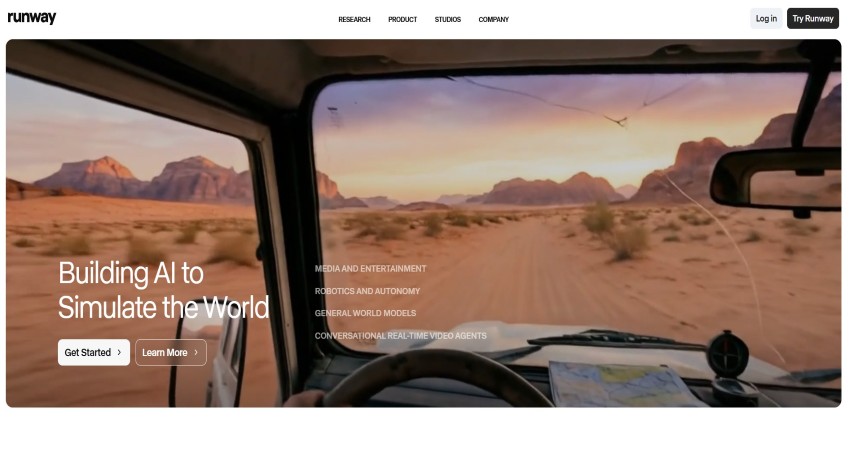
If you are talking about a specific place but do not have the footage, you can ask Runway to generate it. It looks incredibly realistic. It is also a great tool for transforming your existing clips into entirely different visual styles.
Key Features:
- Text-to-Video: You can easily add text to generate a high-quality video
- Motion Brush: A tool where you can paint an area of a photo to tell the AI what should move.
Pros:
- The web interface is modern and full of experimental features.
- Perfect for adding a fantasy or sci-fi feel to your videos.
Cons:
- There is a steep learning curve for getting the prompts right.
- Sometimes the AI creates weird shapes that look unnatural.
4. InVideo AI
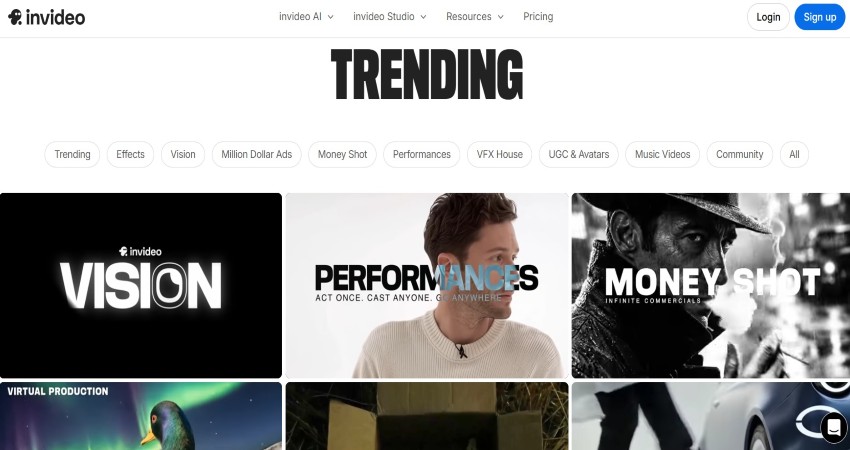
InVideo is built for the high-output YouTube channel. If your vlog style is more about information or listicles, this is your best bet. You can give it a prompt, and it will pull stock footage, write the script, and add a voiceover automatically.
It builds a rough cut for you in seconds. You can then go in and change the clips or edit the text. It is connected to massive stock libraries, so the quality is usually very high.
Key Features:
- Full Video Generation: Create complete videos from a simple text prompt.
- Script-to-Video: Turn a blog post or an article into a storyboarded video.
- AI Voices: Use a consistent narrator for your channel without recording yourself.
Pros:
- Huge library of stock photos and videos.
- Very easy for beginners to use.
- The mobile app is great for fast social media posts.
Cons:
- Can look a bit generic if you do not customize the templates.
- Stock footage might repeat if you are in a very niche category.
5. OpusClip
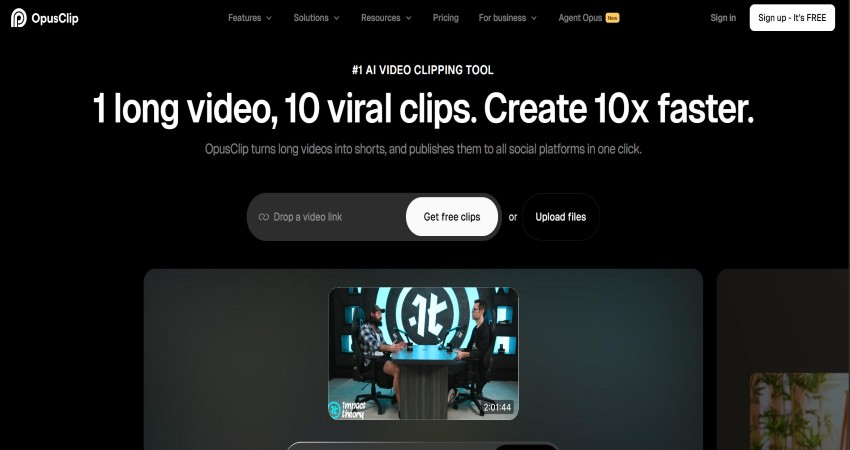
Not every vlogger wants to generate a new video. Many just want to make the most of what they already have. OpusClip is a specialized tool that takes your long YouTube vlogs and chops them into viral clips for TikTok and Reels. It uses AI to find the most engaging parts of your video and uses them to reframe for vertical screens.
Key Features:
- Virality Score: This tool determines which clip has the potential to go viral.
- Speaker Detection: Automatically crops the video to keep the speaker in the center.
- Auto Captions: High-accuracy subtitles with emojis and highlighted words.
Pros:
- A huge time-saver for creators on multiple platforms.
- Requires almost zero effort to get started.
- Helps you see which parts of your vlogs people actually like.
Cons:
- Only works for repurposing old content.
- The caption styles can start to look a bit repetitive.
Final Thoughts: Which One Should You Choose?
The right AI video generator depends on your specific needs. If you want fast, professional marketing and UGC content with deep control, Vmake is the winner. Its ability to fix bad footage while generating new clips makes it very versatile.
If your vlog is focused on talking and interviews, go with Descript. If you are an experimental creator who needs cinematic B-roll, Runway is the best choice. These tools are not here to change or replace your creativity, but help you put together the content you are unable to do alone.

