Home Blog Page 23

Blockchain Technology in Gaming

0

Blockchain Gaming
Disclaimer: Cryptocurrency speculation carries risk and any financial information in this article should not be taken as financial advice.

Back in 2017, people turned their heads at the release of a game. No, I am not talking about the release of a big title like The Legend of Zelda: Breath of the Wild, Super Mario Odyssey, or Divinity: Original Sin II.

What if I told you the release of a game involving kittens made waves. Wouldn’t believe me? I wouldn’t blame you.

However, it’s true. The 2017 release of a game called CryptoKitties, developed by Axion Zen, introduced unhackable assets. Your goal in the game is to breed, purchase, and sell virtual cats.

The platform on which CryptoKitties operated, the blockchain-based Ethereum, was actually slowed down because of the popularity of the game.

On top of that, a kitten was sold for well over $100,000.

Okay, okay, what does all of this mean? Who cares about some virtual kitten going for a lot of money! You should care because blockchain gaming could very well be a glimpse into the future of gaming itself.

History

Blockchain and gaming
With blockchain becoming increasingly prevalent, especially through the advent of Bitcoin, blockchain gaming can easily become a phenomenon itself.

Before there were blockchain games, there was blockchain itself. Cryptography is the name of the game here, folks. The concept is a rather simple one.

Imagine blocks representing different aspects of a data transaction all tied up together securely. Cryptography keeps everything in a nice, secure ‘chain’. How does this affect gaming? In short, it will fundamentally change the business model that affects gaming.

Gaming itself would be changed, with it favoring the players and player freedom.

Blockchain games are distributed via the open-source program called Ethereum. Ethereum is perhaps only second when it comes to fame in blockchain; Bitcoin itself eclipses it. Ethereum is the backbone for current and future blockchain titles.

Using Blockchain in Gaming and Hash

Blockchain in Gaming
This is potentially a new and exciting time in gaming. What does this mean for how the gaming landscape can and will change? Things in gaming can benefit greatly from the blockchain experience.

Since blockchain emphasizes decentralization and freedom, perhaps us gamers can truly harness the capabilities of some of our favorite games. So far, gamers that have taken part in this phenomenon have taken place in some truly uniting experiences within games.

Are there going to be times where it resembles Rust, where the players go haywire and just kill everyone they see on sight? Sure, that seems to be an unfortunate staple in multiplayer gameplay.

However, the setup of these blockchain games seems to be very promising. The communities are more tied together than perhaps a game like Rust or Fortnite.

Specifically, the approaches in blockchain gaming are mainly in transactions of assets in the game. No, I’m not speaking of microtransactions to get players to fork over money to gain 50 levels unfairly.

The transactions in blockchain gaming are more akin to charging an entrance fee to fellow players to receive admittance to your personally built environment. That is exactly what happened in Ubisoft’s Hash.

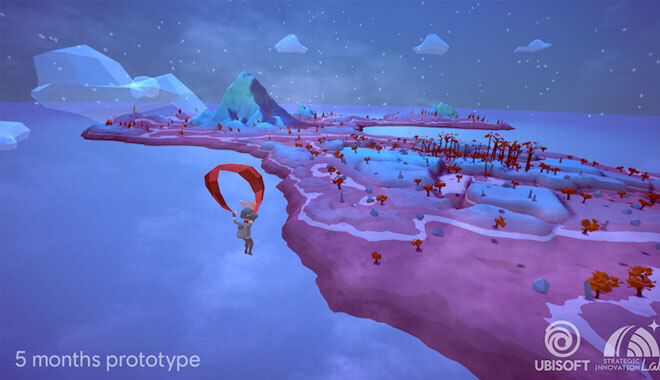
Originally billed as a mash-up of Minecraft and No Man’s Sky, Hash was Ubisoft’s first foray into blockchain gaming.

Everything seems normal and routine: you parachute down to a randomly generated island and start crafting, etc. However, where Hash diverts from this familiar game mechanic is that the player is tasked with creating challenges on the island; specifically challenged for other players to complete.

Ubisoft Hash Game
When your island goes public, you are able to share it with the others in Hash’s community. Since it’s on the blockchain, the game is decentralized and effectively belongs to the very players exploring and crafting in its environment.

The game is essentially owned by the players, not the company. Could you imagine this for something like Call of Duty or Fortnite? Each player becomes somewhat of a developer of the ‘chain’, without the need for a dedicated server for multiplayer play.

As I said before, you can charge a fee, which in turn can turn into real-world currency through a cryptocurrency. Likewise, the players visiting your island can receive cryptocurrency for completing the challenges you set forth.

Basically, you can make money off of your creation in the game. Where do I sign up? This is an amazing concept that I’m glad a huge force in gaming like Ubisoft is embracing.

The decentralization of the game and digital assets allows players unbridled freedom in which creativity is rewarded and the only limit is truly your imagination.

Potential Issues

Issues of blockchain in gaming
Okay, so as rosy and cool as this idea seems, is it catching on? How does the community react? Well, the crypto community is a very fickle bunch.

The user base is very particular and easily divided over many things, so perhaps where gamers who are fans of RPGs would all flock expectedly to the new Elder Scrolls Game, the crypto community would be divided over the class system, causing a rift and inequal player base.

These are savvy and knowledgeable users, so it’s difficult to find common ground sometimes.

Another problem, perhaps a more glaring one in the industry, is the scalability potential for blockchain. Can it sustain itself? That’s a question often posited by both users and game developers.

As attractive as the decentralized approach to gaming and gaming assets is, it puts blockchain at an automatic disadvantage compared to other established systems and games. How can it hope to survive a huge uptick in users and developers?

Apparently slow speeds are a common enough issue in the community to raise some eyebrows.

Fortunately, we are still pretty early on in the blockchain evolution, so I believe that these are problems that can potentially be squashed, as opposed to having an Achilles Heel issue that will prevent it from moving forward into the industry in a big way.

Is Blockchain Living Up to its Potential?

Potential of blockchains in gaming
Well, is it? This is a big step in a brand new, exciting direction for games, and I am definitely excited to see what’s in store for both decentralization and games.

However, as of right now, blockchain isn’t exactly ‘all there’ yet. But that’s okay, and to be expected in such a new, staggeringly different form of a business model than the gaming world is used to.

Due to the issues above, namely scalability and some underwhelming projects, blockchain hasn’t ‘popped’ yet.

The developers of Fortnite, unfortunately, don’t allow blockchain-like exchanges between players. Since you can buy items in-game, you can also sell them in the real world. However, Epic bans all accounts that attempt to sell the items in the game to other people.

Rare items that could be worth a pretty penny to both the seller and buyer are prevented from doing so, cutting off a large swath of customers who could be engaging in some efficient market economy transactions.

We have seen transactions outside of games like World of Warcraft and other MMORPGs where people will sell their high-level characters to other people outside of the game. It sure would be easier to do so all within the game.

Blockchain adds more easy ways of interactions and transactions between players. These interactions would bypass economic control and artificial scarcities put in place by developers and give power back to the players.

The important thing is the potential for blockchain is all there. The involvement of industry giants like Ubisoft is a great sign of things to come. While there may be hurdles, if blockchain has caught the attention of heavy hitters, there has to be some potential there.

Notable Titles

I have already described the benefits of Ubisoft’s Hash and the landmark CryptoKitties, but what other games are available using the blockchain model?

Age of Rust


Age of rust crypto game
This sci-fi adventure puts the player in the role of an explorer. You make your way through a variety of environments, namely space stations and caverns. While doing this, you can earn cryptocurrency.

This game is stunning. It totally looks like an early build of the next entry in the Halo franchise. So far, it seems to have elements of Deus Ex, great puzzle-solving gameplay, and more. Your ultimate reward is getting crypto for solving puzzles and finding the hidden treasure.

Crypto Space Commander


CSC’s motto is ‘mine, trade, battle, craft’, and you’ll do just that. Set in space, CSC evokes imagery of No Man’s Sky in the blockchain universe.

Hopefully, it has a better reception! You’ll venture to different solar systems, look for resources, and even battle pirates. I love the ambition of projects like these. It promises true freedom, and it reminds me of gaming greats like Wing Commander and EVE Online.

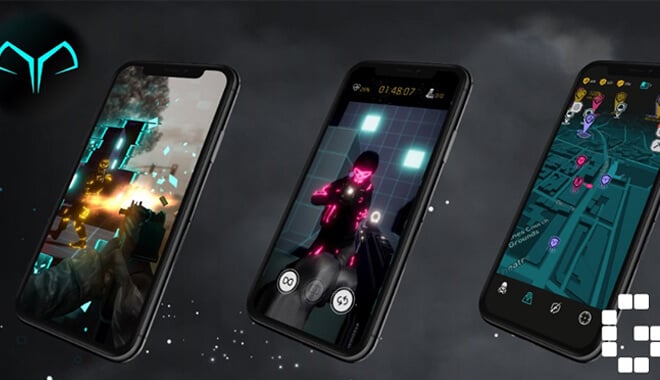
Reality Clash


Reality Clash Game
Billing itself as the ‘world’s first AR combat game’, Reality Clash puts you in that sweet spot of augmented reality to battle friends and computer AI.

You’ll actually defend and navigate around your location, defending local points as if they were something out of Hardcore Search and Destroy in Call of Duty. The concept is awesome, and I could see this becoming a craze.

Unfortunately, the 3 countries it’s not available in right now are the United States, China, and South Korea. However, they’re coming soon, and the rest of the world has immediate access to taking the battle to friends in your hometown!

pixEOS


PixEOS blockchain Game
‘Where games and art collide’ is this cool little project’s motto. This is truly a unique title in that it displays artwork from users and shares them with the fellow art community.

This is a great step forward not only for gaming but for art and art criticism. This is one of those titles that will benefit someone in multiple ways. Maybe someone was self-conscious about their work, but this game helped them finally show it off.

It’s a growth opportunity as well as a gamer-centric decentralized experience. They will often hold contests and artist competitions within the community for an added layer of immersion.

Evolution Land

Evolution Land Blockchain Game
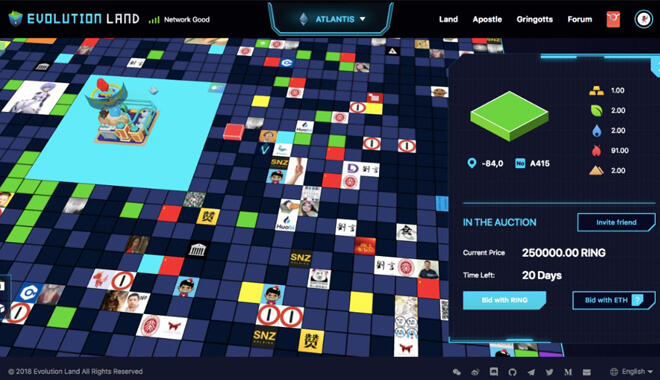
Spanning 26 different continents, Evolution land puts players in the blockchain model of gaming by dealing with cross-chain transactions.

Players will mine the land, look for resources, set tax rates on the land, buy, and sell the land, and more. It mashes up different types of gameplay like auctions, micromanagement, combat, and much more.

The different continents will eventually evolve into different nations, and it will inevitably lead to conflict between the countries. Trade wars and everything that comes with conflict will be available.

Blankos Block Party


This one just seems like pure fun. Presented in a cartoonish style, players must collect the avatars or Blankos. They’re all very rare, giving players an incentive to collect them all.

Players then use their Blankos in the game to level them up, in turn making them even more rare and valuable. There’s even a skin based on the Golden Ticket in which only one person in the world will possess. It’s a lot of platforming goodness that we all know and love.

Conclusion


Although the blockchain gaming phenomenon has some potential hiccups along the horizon, it seems that it could potentially develop into something great.

With an open and free marketplace amongst gamers, cryptocurrency flowing, and the ultimate decentralization of game worlds, blockchain could be the next big gaming craze.

Keep in mind that Ubisoft, and possibly other gaming greats, could very well harness the decentralization model of blockchain to make it more normalized.

I think that the future, although perhaps containing some hurdles and stumbles along the way, is overall pretty bright for blockchain gaming. So long and sayonara, microtransactions!

Image Source: (Devteam, Finder, Arabianbusiness, Forbes, Medium, Pixeos, Stateofthedapps, Gamerbraves)

16 Awesome Crowdfunded Video Games

0

What are the top kickstarter games
Kickstarter has been an awesome way to get personal passion projects off the ground. Where a team of developers maybe would not have had the funds or team members to fully complete a project, they can depend on the goodwill and donations of those who are willing to invest in their product.

This, in turn, allows users to feel like they are an integral part of the development process, often earning ‘perks’ and special features in the finished project if they donated a certain amount.

Kickstarter runs the gamut with projects, but a huge facet of Kickstarter is its pivotal role in game design. Many great games have been made possible by using the Kickstarter format, but which are the best, most famous games? You’re in luck; here are the 16 best Kickstarter games.

Wasteland 2


This was a PC game that was a long time coming. Okay, maybe not on the level of something like Half-Life 3, but still. The original Wasteland was a PC game released way back in 1988. Many consider this game to be the precursor to the beloved Fallout franchise, as it’s a post-apocalyptic role-playing game.

Oh, and you can really tell that Fallout developers took a lot of influence from Wasteland.

In the early 2000s, Brian Fargo, an original developer for the first Wasteland, bought the rights for the franchise and set out to make the sequel. The Kickstarter drive for Wasteland 2 started in March of 2012. The project quickly surpassed expectations, with it achieving its hefty $1,000,000 goal in less than two days and earning a total of $2,933,252. It was eventually released on consoles and iOS as well.

Afterward, Fargo and his team partnered up with Obsidian, and the game was released in September 2014 for PC after a few delays. Not only is it an impressive feat in crowdfunding, but it is also an awesome game. True to form, these developers know exactly how to capture that sweet post-apocalyptic vision of North America, filled with dark humor, turn-based isometric action, and over the top gore and visuals.

Broken Age


Broken Age is the return to point-and-click PC adventures for Double Fine Productions, helmed by developer Tim Schafer. Known for their quirky humor in games, Schafer and Double Fine are responsible for some PC fan favorites like Grim Fandango, Full Throttle, Psychonauts, and Brütal Legend.

At the time of its crowdfunding, its goal was an initial $400,000, but quickly received that and more, totaling well over $3 million dollars. Broken Age was one of the first significant crowdfunding game projects at the time and signaled a great new way for not only games to be made, but for fans and developers to interact on a deeper level.

After the initial PC release, it has subsequently been brought out for consoles, iOS, and the Nintendo Switch.

Exploding Kittens


This one insane board game. True to the name, the game is dealing with exploding kittens. It is a super simple game that you can play with just a few friends and moves super-fast. More importantly, it was one of the most-backed board games ever to have graced Kickstarter.

The developers asked for a pretty reasonable $10,000 as their initial goal. What they didn’t expect, however, was to reach their goal in 8 minutes. That’s 8 minutes after going live. Sometimes I have to repeat it to myself to make sure I got it right.

With over 200,000 backers, the game developers received a whopping $8,782,571 at the beginning of its development. The game was quickly developed and shipped en masse to backers, eventually being released to the general public by September 2015. Since then it has developed expansion packs and remained very popular.

 Dark Souls: The Board Game


I couldn’t believe that someone would be so sadistic as to take the difficulty of Dark Souls and transplant it into board game form, but they did. Dark Souls: The Board Game is the brainchild of Steamforged Games Ltd. It received the backing of £3,771,474 with 31,178 different backers. The game is shipped to players with a collection of pre-assembled miniatures of well-known Dark Souls monsters and characters.

The tabletop game allows you to face off against grotesque monsters that the Souls series is known for, and with the same intense split-second strategic decisions.

Kingdom Death


I am really into this one. It is touted as a story-driven RPG board game and features a dark fantasy setting, complete with monsters and settlement building. The gameplay takes place over three different phases and will ultimately take a whopping 60 hours to fully complete. This definitely isn’t a game for casual players!

Kingdom Death is officially the highest-backed board game on Kickstarter. It received $12,393,139 from 19264 different backers.

So far, developer Adam Poots is hard at work delivering the goods for the backers, making sure that his RPG will be one of the best tabletop strategy games. Poots utilizes 3D printers for his miniatures and charges $400 for the game. He keeps releasing updates and expansion packs for the game, so it really never dies, unlike you: this is an extremely brutal game akin to Dark Souls.

It’s unforgiving, bloody, and dark. Sounds great!

Rising Sun


Shogun Total War fans will be extremely happy with this next entry. Rising Sun is a board game for 3-5 people dealing with diplomacy in feudal Japan. By using strategy, you have to come out on top and earn the favors of the gods. Okay, so it’s not exactly realistic, but that’s what board games are for! It’s a very stylish strategy game where smarts are emphasized.

The game is simply played in a few phases in which the players prepare for combat with one another, culminating in intense showdowns with your friends over a beautifully stylized map of Japan populated with awesome miniatures. It had received $4,228,060 from 31262 different backers.

FTL


FTL is the extremely addictive space-combat simulator from Subset Games. In each gaming session, you are tasked with escaping from an alien horde in your lone ship. Staffed by a crew with different skills, you just have to make it out alive. FTL stands for faster than light travel, something you’ll be engaging in quite a bit if you plan to survive.

The stakes are super high in any FTL session, and you definitely lose more than you win, but it’s a learning experience. FTL received $200,542 with an original goal of a measly $10,000. It was released in 2012 and has remained a fan favorite for many PC gamers since.

The Banner Saga


This mystical adventure game has you taking control of travelers in a medieval world under attack from looming stone monsters. You’re tasked with getting your party to safety, having players experience a rich and beautiful story along the way.

Developed by Stoic, the Banner Saga is a truly visually stunning game: it has amazing drawn visuals that remind me of older animated movies in the best way. The music and the turn-based combat are all on point. It received $723,886 and was released in January 2014 on PC.

Darkest Dungeon


Possibly my absolute favorite of the bunch is the dungeon crawling gem Darkest Dungeon. In it, your hand-picked team of ruffians, each different class, needs to traverse the unspeakable depths of dungeons, trying to hold onto your sanity and your life. The art style is beautiful, and the gameplay is punishingly addictive and fun. It has an H.P. Lovecraftian vibe to it, and its online community is great.

It was thought up by Red Hook Games in 2014, and reached its goal and more, receiving $313,337. It was released in January 2016 and has subsequently been released on iOS, consoles, and more.

Divinity: Original Sin


This one is a great RPG from Larian Studios that really brings gamers back to PC gaming’s strong suit—role-playing games. In this creative little game, You take on the roles of two-player characters as you make your way through a magical, rich world filled with epic fantasy and dark humor.

Something that sets it apart from many computer role-playing games is the complex gameplay. It emphasizes puzzle-like gameplay and extreme strategy. It received nearly $1,000,000 and was released for PC in the summer of 2014.

Pillars of Eternity


In 2015, Pillars of Eternity was released for PC and RPG gamers rejoiced. True to form, Obsidian and Paradox Interactive brought an awesome, deep game to PC gamers that missed the days of Baldur’s Gate and Icewind Dale. Not only was it a great RPG, but the combat is super satisfying and even has great voice acting and writing. The development team raised an impressive $3,986,929 for the then titled ‘Project Eternity’. This popularity eventually led to the ambitious sequel, Pillars of Eternity II: Deadfire.

Torment: Tides of Numenera


Another fan favorite, this spiritual sequel to the immensely popular 90s PC game Torment, raised an insane $4,188,927 from loyal fans. It met its goal within 6 hours of its launch. It was developed by inXile Entertainment, Inc., the same team behind Wasteland 2.

Star Citizen


This one might be a little controversial, but I feel like I have to include it. It hasn’t been released yet, but this sci-fi action game in development by Chris Roberts and Cloud Imperium Games. Roberts has been criticized for pushing back deadlines and not delivering on the ambitious promises. Can Chris Roberts dig himself out of the hole? I really hope he can.

Right now, he and his team have amassed the largest donation ever from Kickstarter: $185,934,923+. That’s a plus at the end of it! People are still donating. The footage that exists is impressive, but I want the spiritual successor to Wing Commander already!

Shenmue III


I know, I know, another unreleased project. But I love the Shenmue series too much for me not to include it on the list. Shenmue III is an action-adventure game currently in development. It follows the trials and tribulations of our hero, Ryo Hazuki, and his quest for revenge. I was a huge fan of the first two, which were released back in the early 2000s, so it has been a long time coming.

The unique gameplay makes you feel like a part of a living, breathing city, interacting with unique characters. The Kickstarter went live and asked for $2 million, with the team receiving an easy $6,333,296. The team wants to release it for both PC and PS4.

Undertale


Everyone I know loves Undertale. Out of all of the games I get recommended when I ask, Undertale is always mentioned. It’s a unique RPG game that really turns gaming conventions on their heads. You can go the whole game without fighting a single enemy. Instead, you can befriend them if you wish. You even get an achievement if you choose this path. How creative is that?

The design is reminiscent of early video games in its simple yet cute art style. It was developed by indie developer Toby Fox, who originally asked for a mere $5,000 to cover costs, eventually getting $51,124. It was released on all consoles, PC, and iOS, and Linux in 2015, much to everyone’s glee.

Pillars of Eternity II: Deadfire


I know, I already mentioned the sequel to Pillars of Eternity, but it’s so good! Not only that, but its Kickstarter goal eclipsed that of its predecessor receiving $4,705,524 without trouble.

In this sequel, you continue your quest from the first game with your faithful companions in tow. You’re then in charge of your own ship on the open seas of the ruthless Deadfire archipelago. Will you be a merchant? How about a pirate? Or maybe a crusading pirate hunter. The choice is yours in Pillars II.

At this point, I’m excited to see if Obsidian and Paradox can top themselves with the inevitable third entry!

Kickstarter has been the lifeblood for great games: whether they be on PC, consoles, mobile, or even our tabletops. Today has got to be the golden age of gaming, allowing us to communicate and support our favorite up-and-coming developers who have beautiful and artistic visions.

The Absolute Worst Games of All Time: Bugs, Glitches, and More

0

The Worst Games of All Time

So what exactly makes any of these games bad games? It’s obviously more skin-deep than just poor gaming decisions or budgetary constrictions. That can happen to anyone.

Bad video game design is easier to achieve than you might think.

What Makes a Bad Video Game?

What separates a good game like Red Dead Redemption 2 from one that has multiple game crashes not even an hour into the game?

I wish it was a cut-and-dry issue, but there are so many aspects that can turn a game from decent to terrible by violating certain game mechanics.

Bugs and Glitches in Games

When we boot up our systems, whether they be a throwback title on the Xbox 360, or on a hulking, impressive PC, we usually don’t expect game-breaking bugs and glitches.

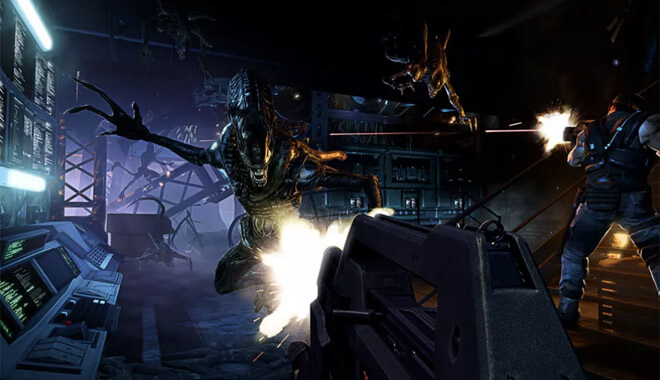
One of the main examples of the worst video game, Alien: Colonial Marines, was a technical mess.

It turned the issue of dealing with the terrifying extraterrestrial from the movie franchise into a goofy, unplayable mess where the aliens resembled lobotomized puppets.

Other noteworthy examples of offending games where it seemed glitches were more prevalent than gameplay are:

  • Big Rigs: Over the Road Racing
  • Sonic ’06
  • Assassin’s Creed III
  • Fallout: New Vegas
  • Jurassic Park: Trespasser


Just because they are glitchy games doesn’t mean they’re necessarily bad. Fallout: New Vegas, possibly my favorite RPG in recent memory, is a hot mess of glitches.

I had a save file of over 25 hours, only for it to be completely invalidated as my game kept freezing whenever I would leave the building I was in.

Does that mean I think Fallout: New Vegas is a bad game? Not at all. Was I frustrated? Hesitant to play again? Absolutely.

Some of the more negative reviews I see on Steam and on gaming sites will recommend the game, but with the caveat that the game may be too glitchy for some.

The new Mount & Blade: Bannerlord is a great example. For some, it’s a buggy mess where they can’t even progress in the game. For others, it’s a glitch-free masterpiece.

Bad Graphics Make Bad Games

When it comes to the senses, gamers are treated to experiences that transform our senses of seeing and hearing. Luckily for us, graphics are getting better and better, and what we used to think of as futuristic-looking graphics in 2006 look like Stone Age cave paintings now.

I’m not one to usually harp on poorly designed graphics, but some games are just beyond saving. When a game has terrible graphics, it does something that borders on the criminal in the gaming world; it breaks immersion.

Immersion is a significant reason why we’re playing games in the first place. We want to escape the real world and experience magical worlds, grimy city streets, and the wilderness.

Voice Acting

Along with subpar and cringe-worthy graphics, a game could be visually stunning, but if the game’s voice acting is awful, that immersion is once again in the crosshairs.

Some of the best games in history have terrible voice acting. Look at the original Resident Evil. If you listen to any of the line deliveries from any of the characters, it’s hard not to be embarrassed for the voice actors themselves.

Barry saying that Jill was close to being a ‘Jill sandwich’ has become an endearing quote in the game franchise for its campiness, and terrible quality of delivery.

Awkward Controls

Another betrayal of gamers is the terrible control layout. Gamers become one with the game when they learn the control scheme inside and out, having their brains in tune with good game design.

This is shattered when a control scheme seems more like developers randomly assigned buttons to seemingly random actions. Not only that, but it’s a particular ‘sin’ to have a control scheme where controlling a character seems like moving a character through molasses.

Some of the worst offenders of this are Too Human, Jurassic Park: Trespasser and some would argue GTA IV and Heavy Rain.

Common Sins of Bad Games

What defines a game designing ‘sin’? It’s basically when the basic ideas of game development are ignored or overlooked, creating a terrible game-playing experience for the player. To better illustrate what I mean, here are some noteworthy game design sins.

Unskippable Cut Scene

Pacman
The unskippable cutscene is a terrible game design choice and one that could lead to the misery of gamers worldwide. You work your way through a difficult dungeon, and you meet with the final boss. You get handily demolished by him, but it’s no big deal since there’s a checkpoint right outside the boss’s arena.

However, the cutscene that plays before the actual fight is 5 minutes long and consists of dialogue and impressive visuals. Not a bad thing to watch before putting your skills to the test.

But upon entering the arena for the second time, you realize that you have to watch that 5-minute cutscene again. You are now more worried about dying to the boss so you don’t have to watch a lengthy cutscene again.

Imagine if you couldn’t skip the cutscenes in Metal Gear Solid 4. Hideo Kojima understood good game design and allowed players to skip movie-length cutscenes. Now that’s good game design!

Lack of Accessibility Options

Accessibility for Gamers
Some gamers have disabilities or conditions in which they require more assistance in games than others. This includes people who suffer from color blindness. According to many colorblind players, a lot of the so-called colorblind options merely change the look of health bars and those of teammates, rather than actually fix the in-game visuals, making them easier to discern from one another.

Games need to be accessible to everyone, period.

Invisible Walls

Video Games Invisible Walls
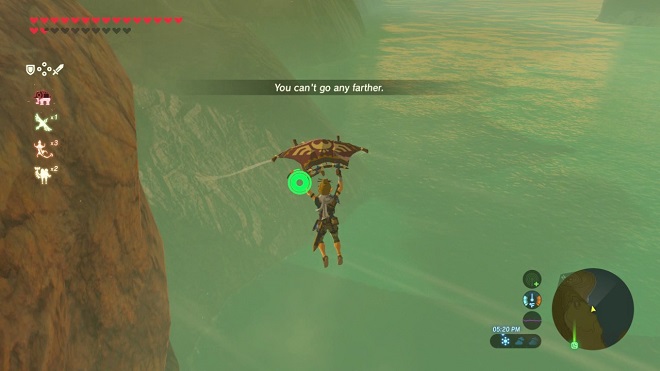
Bad news for curious gamers everywhere; the invisible walls represent limits to what players can accomplish in immersive, open worlds.

Something great about a game like The Elder Scrolls III: Bloodmoon was that you could swim to the faraway island of Solstheim without any restrictions. Sure, you had to keep your analog stick pressed forward as your character swam for what seemed like miles, but you could go to higher-level dungeons and areas without restriction.

Nothing stamps out the fire of exploration like coming up to an invisible barrier in the wilderness.

Bad Crafting System

Bad Crafting System - Game Design Sins
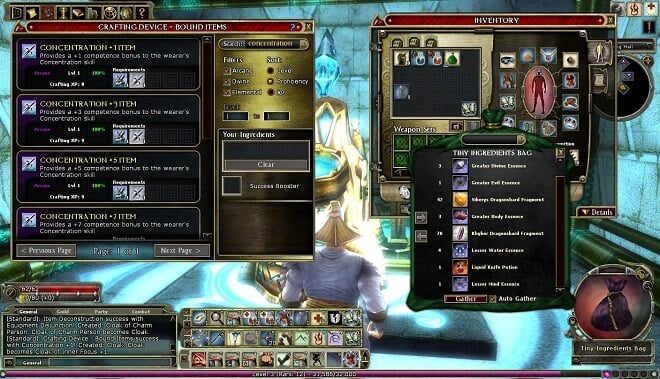
This is a personal pet peeve over everything else. I hate when a crafting system forces players to look up recipes online or otherwise break immersion to find out what materials they need.

The Witcher does a fantastic job of combatting this, as it shows you what you need and allows the player to ‘pin’ the ingredients, showing if a shopkeeper has what you need, streamlining the whole process.

Bad game design is having a convoluted or immersion-breaking crating system that makes you want to ignore that part of the game entirely.

Too Much Dialog Makes a Bad Game

Dialog and tutorials - Game Design Sins
Extensive dialog and tutorials that can’t be skipped are another grievous sin for games to commit. You never want to play a game and yell aloud, ‘Yes, I’m sure I want to continue!’ Some tutorial messages and others can be aggravating, especially if they’re unskippable.

Everyone knows this in The Legend of Zelda: Ocarina of Time, in which a giant talking owl gives you a tutorial monologue. Players would often skip through this at lightning speed, and accidentally press ‘hear again’ when prompted, as the buttons were mapped out differently than in most games.

I can’t believe I’m saying it, but Ocarina of Time has committed a game design sin!

Too Much Stuff Will Ruin a Game

Inventory List - Is it Junk?
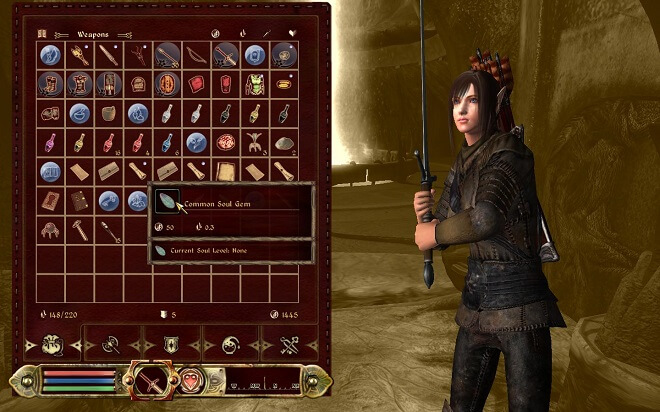
Some RPGs can flood your inventory with tons of items. That’s all well and good, but sometimes you don’t know what’s valuable and what isn’t. This becomes a bigger problem when offloading your character to free up space and earn some gold-selling items.

But how do you know what’s worth selling? How do you know what junk is that you can immediately discard? Sometimes games don’t tell you, leaving you wondering if this item, which is probably junk, is really a key component in crafting powerful armor or weapons.

Bad Maps Make Bad Games

Disjointed Maps - Game Design Sins
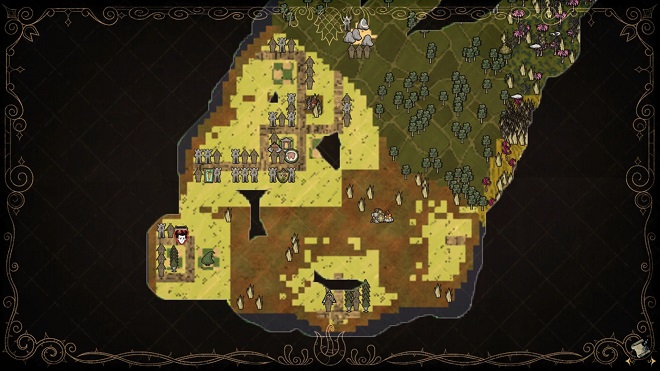
A benefit to more linear games like the Yakuza series and the newer Final Fantasy games is their linearity. I wish they were more open world, but their linearity saves them from having janky, disjointed maps that leave those of us directionally challenged truly lost.

Some offenders of bad maps include The Witcher 2, Fable 3, and Deadly Premonition. Disjointed maps just lead to breaking the immersion further.

Unclear Save Locations

Unclear Save Locations - Game Design Sins
If you’re anything like me, you’re a save maniac. I will save multiple times ‘just in case’ the impossible happens and multiple save files corrupt. That’s why for me, unclear save spots or save systems are a particularly grievous sin in bad video game design.

Some of the biggest offenders of this principle are Dead Rising, Hitman Absolution, and Nier: Automata. These unclear or flawed systems create anxiety and a feeling of helplessness when you’re just trying to save your game.

Invincible Story Characters

Invincible Story Characters - Game Design Sins
This one is a particularly apparent sin in games like The Elder Scrolls V: Skyrim. As opposed to earlier titles in the series, like Morrowind, in which you could literally kill anyone, regardless of importance, Skyrim limits who you can kill.

Wouldn’t it be easy to get rid of Ulfric Stormcloak or General Tullius to save time and hassle? Nope, you have to go through the entire quest to face off against the story’s characters. Morrowind was at least honest and told you that you could kill anyone, albeit at the cost that it may affect the story later on.

Walking with NPCs

Walking with NPCs - Game Design Sins
This makes my blood boil. Many story-based games will have two characters walk and talk with one another or have you follow them. This is a fine concept, but what if the character you’re following is much slower than you?

It transforms a facet of the story into an awkward encounter of trying to either keep up or slow down to keep in time with other characters.

Again, it breaks immersion and is a sign of bad video game design.

Lack of Meaningful Choices

bad Decision System
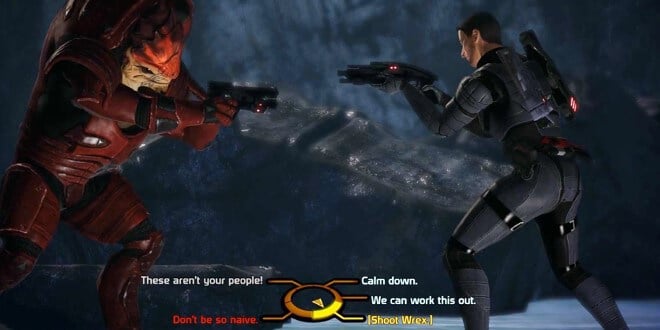
As an avid RPG gamer, this one hurts the most. Many games, like those in the Fable and Mass Effect franchises, often touted their games as having a robust and innovative decision system, in which your choices truly affected the end of the game.

This sounded cool and seemed to be going well, but many games just couldn’t deliver on their promises. Mass Effect 3 had 3 endings you could choose from. All the seemingly important decisions through a trilogy of games are distilled down into one of 3 choices. Gamers were furious, and rightly so.

Our Ranking Criteria

In addition to player and critic ratings, we use objective metrics like sales, users, and sales growth rate to make our lists (read more). Some of these data sources include:

The 15 Worst, see all games and details below.

Game

Year

Rating (1-100)

Custer’s Revenge

1982

2

ET: The Extra-Terrestrial

1982

2

Superman 64

1999

2

The CD-I Legend of Zelda

1993

8

Ride to Hell: Retribution

2013

19

The Guy Game

2004

25

Shaq Fu

2018

36

Daikatana

2000

40

Charlie’s Angels

2003

40

Lula 3D

2005

40

Dungeon Keeper

1997

40

SimCity

2013

42

The Walking Dead: Survival Instinct

2013

45

No Man’s Sky

2016

60

Friday the 13th

2017

61

The 40 Worst Video Games Ever

Folks, not all games can be winners. For every Witcher 3 or Red Dead Redemption, there’s a boatload of embarrassingly bad games to counteract them.

To be fair, certain factors can determine if a game ends up receiving poorly or not. Sometimes money runs out, the AI is bad, or a game is simply overhyped for too long.

But then there are some seriously bad games out there. So bad that it’s sacrilegious to even utter their names. Games are so painfully and disgustingly bad that they have become infamous for how terrible they are.

What are they? Dare I tell you? Are you sure? Well, okay, but don’t say I didn’t warn you. Here is a list of the 40 worst video games of all time.

Aliens Colonial Marines

Aliens Colonial Marines - Worst Video Games
I am a huge fan of the Alien franchise. That’s why when I heard that they were making an FPS based on the series, I couldn’t be more excited. I’m not a huge preorder guy, so I wanted to see what the critics had to say when it was finally released.

I was hoping that I’d be in for some good old-fashioned Alien blood & gore. Turns out, sometimes it pays to not preorder. I dodged the proverbial bullet here.

Released on Xbox 360, PS3, and PC in 2013, Aliens Colonial Marines turned out to be such a disappointment that Alien fans everywhere were so incensed, so monumentally pissed, that they slapped the creators with a lawsuit.

They claimed that Gearbox and SEGA had participated in false advertising of the game. They were promised a badass authorized sequel to 1986’s Aliens. Instead, they got one of the buggiest major releases of a game in history.

Poor communication with the publisher, not meeting deadlines, and more stopped Colonial Marines from being the Alien game we all wanted.

You Should Know

Two gamers who initiated a lawsuit against Gearbox Software and Sega have opted to remove Gearbox from the legal action. The lawsuit stemmed from the release of Aliens: Colonial Marines, which received severe criticism and low review scores.

This backlash was exacerbated by the fact that earlier demos had showcased features not present in the final game.

Sega and the plaintiffs had initially reached a tentative agreement for a settlement amounting to $1.25 million. However, Gearbox contested its involvement in the case, contending that it should be considered a contractor rather than a primary defendant.

The judge presiding over the case ruled on two critical aspects: class-action status and Gearbox’s motion to dismiss. Ultimately, the plaintiffs decided to dismiss the case with prejudice, preventing Gearbox from seeking legal fees in exchange.

Class certification was denied because the definition of affected gamers lacked specificity, requiring individuals to confirm they had seen a misleading trailer before pre-ordering.

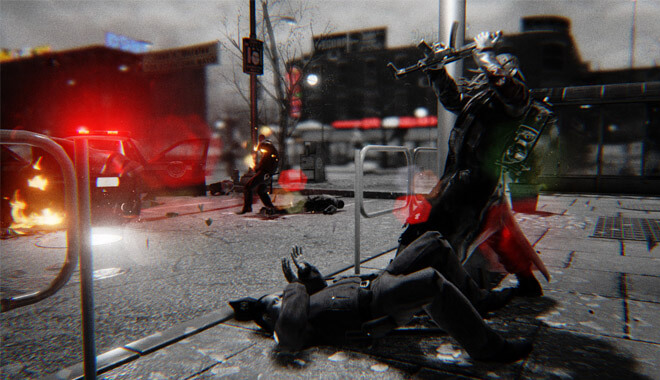
Hatred

Hatred Video Game
It irks and disturbs me to even give this game lines of text. In the 2015 PC shooter game Hatred, the player takes on the role of a disgruntled, nihilistic spree killer who has had it with society.

The game’s dreary black-and-white color scheme gets old quickly, and the bloody, relentless violence, while somewhat flashy, can get old extremely fast.  A game with that much endless cringy edginess has no business being this one-note.

It was announced in 2014 for a 2015 release on Steam. However, it was removed from the platform for its dark tone and graphic violence. Unfortunately for the gaming public, it was put back on Steam shortly thereafter.

I think it would have been better if it were canceled. If I wanted to hear such lame, edgy one-liners, I could just wander into my nearest mall’s Hot Topic.

BMX XXX


With the success of Tony Hawk’s Skateboarding franchise, BMX fans were sorely underrepresented in gaming. Sure, you had a few miscellaneous items, but nothing matched what skateboarding was in terms of quality.

I’m sorry to say, but it didn’t get better. Enter BMX XXX, the X-rated BMX video game. Yes, you read that correctly. What do all BMX fans want in a game? Did you answer ‘great visuals’? What about ‘solid game physics’?

Sorry, if you didn’t answer ‘boobs’, then you lose! The developers thought that adding raunchy humor and nudity would help sales of the sports game.

This was a poor attempt at cashing in on BMX, and the unofficial BMX ‘ambassador’, Dave Mirra, actually made himself scarce when Acclaim told him the ‘creative’ direction they were taking the game.

What do you do then? You can make it for multiple platforms, of course! It was released in 2002 for Xbox, PS2, and Gamecube. BMX XXX is an insult to BMX fans and gamers alike.

Duke Nukem Forever

As a big Duke Nukem 3D fan, this one hurts. As a kid, I remember blasting aliens into the silly world of Duke Nukem, a great parody of an action movie star.

This game was actually announced not long after Duke Nukem 3D, in 1997. It was delayed for so long that it became somewhat of a meme in gaming culture.

It was finally released in 2011 for Xbox 360, PS3 Windows. Gone was the funny satire on video game action heroes; instead, we got a dumb, weak effort of a game that would make a bargain bin at a Gamestop recoil in disgust.

It had subpar shooting, lines that made you embarrassed for everyone involved, and really showed how dated the concept of Duke Nukem was. From 1997 to 2011, the world was free of this first-person shooter.

I look back on that innocent time with happiness.

Rogue Warrior

Rogue Warrior Video Game
In 2009, we were all still reeling from the success of Modern Warfare 2.

So, what would be better than a cool military 3rd person stealth game? Rogue Warrior is not that game.

Released for Windows, PS3, and Xbox 360, Rogue Warrior follows the unlikeable real-life Richard Marcinko on his fictional mission to North Korea to avenge fallen comrades and stop missiles or something along those lines.

Sounds fine, but the game’s controls are broken, the script is lame and laced with unnecessary profanity, and it involves an extremely phoned-in performance by actor Mickey Rourke in the role of Marcinko. It was universally panned, with IGN giving it a 1.4/10.

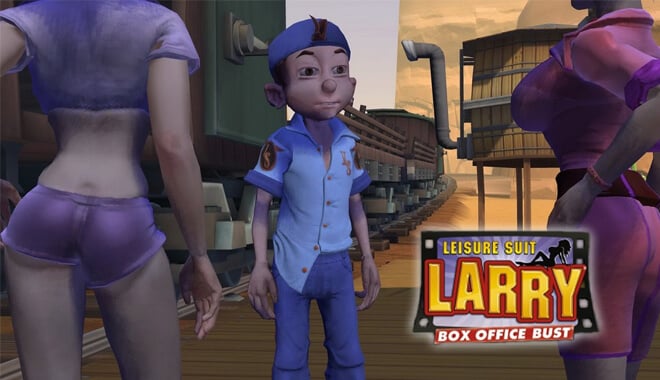
Leisure Suit Larry: Box Office Bust

Leisure Suit Larry Box Office Bust 2009
The Leisure Suit Larry series of games is an adventure game franchise involving the titular Larry, a horny loser who is always trying to get lucky with women.

This game will make you audibly groan and go ‘yuck!’ at your screen. This poor attempt at adult humor plagues this game, along with some other important issues. Most of all, the game is buggy.

The gameplay isn’t solid, and many of the things gamers take for granted in a normal game simply aren’t up to par in Leisure Suit Larry.

It was released for Xbox 360, PS3, and Windows.

Vampire Rain

A modern-day vampire-slaying adventure sounds cool, right? Vampire: The Masquerade – Bloodlines was a big hit for PC, so what could go wrong?

Vampire Rain can go wrong. This is a poor man’s Metal Gear Solid except with hyper-speed ugly vampires. It might be redeemable if the controls worked, or if it was appealing in the gameplay department.

However, it isn’t. Hopefully, the new Vampire: The Masquerade – Bloodlines 2 will deliver some great vampire action that this game failed to deliver. It was released for Xbox 360 and PS3.

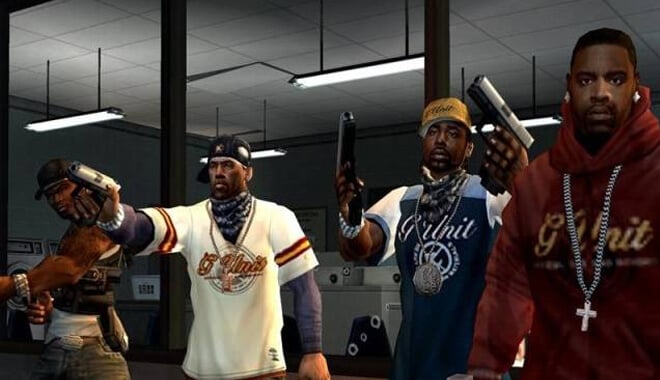
50 Cent: Bulletproof

50 Cent Bulletproof (2005)
Yes, you the player get to control the legendary wordsmith 50 Cent in this game. With a lyrical swagger rivaling that of Shakespeare, 50 Cent partakes in something old Willy never did: extremely dull and formulaic gunplay.

I can’t help but think that Bulletproof was inspired by titles like Max Payne and other actiony gun titles like Dead to Rights. If they had just tweaked the gameplay to be halfway decent, it wouldn’t even see this list.

Unfortunately for those who bought it on Xbox, PS2, no such luck.

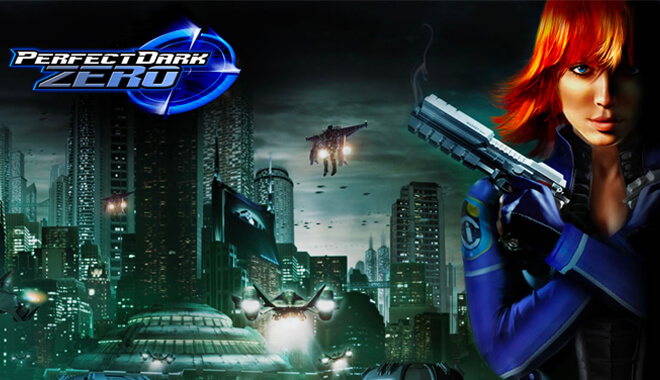
Perfect Dark Zero

Perfect Dark Zero Video Game
This hurts me deeply, as I like many others, was a big fan of the first Perfect Dark way back in the N64’s heyday.

What could be better than a return of Joanna Dark on a brand-new Xbox 360 console? Well, anything but this apparently. I booted up Perfect Dark Zero and I was really confused.

This was nowhere near the same vibe as Perfect Dark. The controls were wonky, the graphics cartoony and silly, the AI was dumb as a rock, and the game was just plain boring.

Sonic the Hedgehog

Don’t worry, this isn’t the original Sonic I’m bashing here. This iteration of Sonic was released in 2006 for PS3 and Xbox 360, and it wasn’t exactly a breath of fresh air for the series.

Sonic’s first foray into the seventh generation of gaming consoles was met with negative reviews. Mostly because of glitches, bland graphics, and terrible cameras.

This is supposed to be Sonic, SEGA’s flagship franchise of the 1990s. Unfortunately, the Sonic team took a lot of hits that SEGA wasn’t used to hearing.

What People Are Saying Now
The reviews for Sonic the Hedgehog (Sonic ’06) present a mixed but somewhat forgiving perspective on the game. Despite its notorious glitches and problems, some players find redeeming qualities within the title.

Many players reminisce about their experiences with Sonic ’06, often acknowledging its flaws while still expressing enjoyment. They praise the game’s music, serious storyline, and playable characters.

While the glitches are a common concern, with varying degrees of impact mentioned, but players generally appreciate the effort put into the story and character development.

The game is seen as having untapped potential, and while it’s widely criticized, some reviewers believe it deserves a second chance, recognizing its enjoyable aspects amidst its issues.

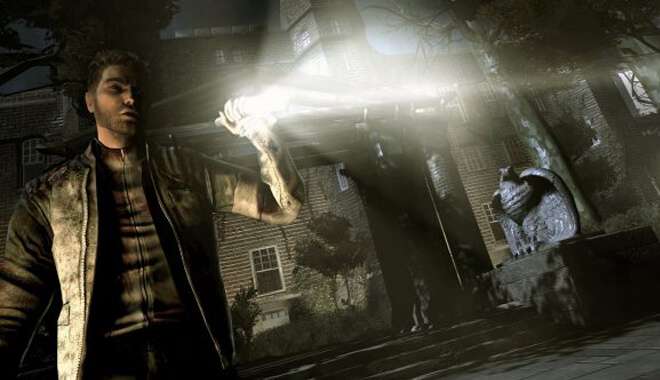
Alone in the Dark

Alone in the Dark
A modern entry for the celebrated survival horror series was going to be a cool, welcome entry into the seventh generation’s game libraries. I myself was looking forward to this title, and eagerly awaiting its release date.

Thankfully, I caught reviews early and didn’t fork over $60. Alone in the Dark has you fighting nightmare monsters in the heart of New York City.

Sounds pretty cool, right? Wrong.

The terrible gameplay mechanics, namely the driving, and the fact that you had to manually blink to keep your vision clear. An interesting concept, but during gameplay, this was just super annoying.

It was released on PS2, Wii, and Xbox 360.

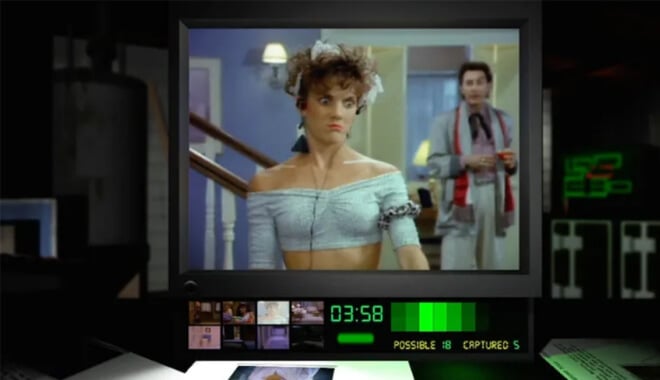
Night Trap

Night Trap Video Game
Night Trap was a live-action movie/video game for the Sega CD, 3DO, and MS-DOS, and used FMV (full motion video) sequences to tell the game’s story. You take on the role of a special agent protecting a young girl’s sleepover from home invaders.

You have to utilize traps and other methods to thwart the villains.

The corny FMV sequences, while a gimmick of its time, were very corny. The game garnered controversy and became a bargaining chip in the United States Congress in the long battle against video games and violence.

Although the point was to prevent bad things from happening to women, people didn’t see it that way, and it was the game that inspired the notorious ESRB rating system in games. Thanks a lot, Night Trap!

Plumbers Don’t Wear Ties

Another FMV game, Plumbers Don’t Wear Ties, was more in the realm of erotic dating sim than an actual game with gameplay. It was billed as ‘An Interactive Romantic Comedy!’.

Unfortunately, the only comedic aspect of the game is how bad it is. The point of the story is to try and hook up the two main characters by the end of the game.

Sounds fine, right? The ‘FMV’ sequences turned out to be slideshows, terrible music, and bland ‘gameplay’, and some say it brought about the downfall of the 3DO gaming system.

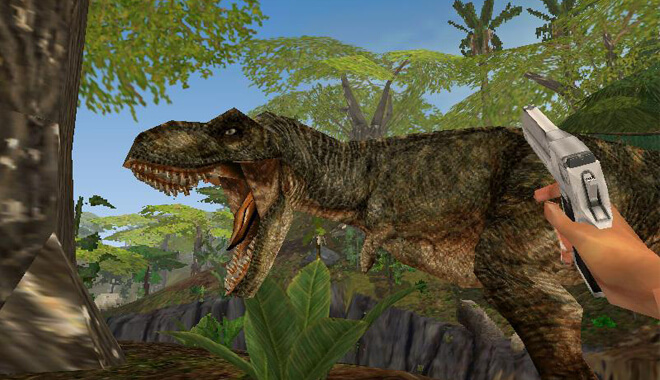
Trespasser

Tresspass video game
Trespasser is an FPS game for Windows-based on The Lost World, the sequel to Jurassic Park. Sounds pretty sweet already. Except this ‘tie-in’ really doesn’t really have the same vibe as the movies.

Sure, it includes input and performances by some of the actors from the Jurassic Park franchise, but aside from dinosaurs, I’d have no clue it was related.

You play as Anne, who has to survive the onslaught on dinosaurs. Something interesting that I will give it credit for is the lack of HUD, having players keep track of bullets and health by other means.

The awkward, stilted controls, ugly visuals, and just plain squandering of an insanely great series of films make this a terrible game.

Kabuki Warriors


Rated ‘the worst game of 2001′ by GameSpot, Kabuki Warriors is a fighting game in which you take on the role of a Japanese Kabuki warrior.

The lack of options for fighters, the awkward animation, and poor implementation of the skill sets made this game a chore to play, as well as ugly to look at. It was released for Xbox.

Drake of the 99 Dragons

Drake of the 99 Dragons
This Xbox and PC title always stood out on game store shelves and beckoned to me. It looked interesting; it had a very cool Batman: The Animated Series kind of look.

But thankfully, I resisted the evil temptation of Drake. You control Drake, an undead assassin, on his quest to avenge his clan against evil forces.

Sounds like it has promise. However, this interesting concept was thrown completely in the trash by terrible game mechanics, bad graphics, and terrible voice acting.

The game company wanted Drake to be the first in many games, comics, and films involving the characters and the world they created. Unfortunately, Drake was panned by critics and the rest is history.

Big Rigs: Over the Road Racing


This racing game is notorious in the gaming world. Any gameplay video could tell you why. Its graphics being poor are the least of its problems.

Its gameplay is so inconsistent, throwing the player all over the game map, and is obviously unfinished in many respects. It was universally condemned by nearly everyone. It was released for PC.

Bomberman: Act Zero

Bomberman Act Zero
The beloved Bomberman franchise received a gritty reboot for seventh-generation consoles in the form of Bomberman: Act Zero. Except, did we need a gritty reboot of the cartoonish, chaotic game?

This game gives a resounding: No! It puts you like a gritty version of your favorite bomb-wielding wacky character, except without any of the likeability, and none of the good, addictive gameplay. It was released for Xbox 360.

Ninja Breadman

This title looks innocent enough. However, upon closer inspection, the ‘cutesy’ visuals and somewhat interesting, but ultimately tired concept, are deceptive.

It’s rendered basically unplayable by its countless bugs. Not only that, but its levels are unimpressive, and the game is laughably short. It was released for the PS2, Windows, and Wii.

Kane & Lynch: Dead Men

Kane & Lynch Dead Men
I’m a huge Hitman fan. So, when the team behind Agent 47, IO Interactive was developing a gritty crime game, I was all in. However, when you start with Kane and Lynch, you realize that it’s nearly unplayable.

It’s so unbelievably buggy, and the gameplay proves to be repetitive and bland. Needless to say, I was surprised that the team at Eidos and IO Interactive could allow this to pass their quality control. It was released for Windows, PS3, and Xbox 360.

Kane & Lynch 2: Dog Days

Okay, so the first game wasn’t exactly a slam dunk. What better way to prove the detractors and haters wrong, then, by coming back with a bang?

Unfortunately, Kane & Lynch 2 was ultimately more of the same. The setting was actually a breath of fresh air. The crazy nighttime feels of Shanghai, and the interesting soundtrack should be recognized.

However, the gameplay is some of the most repetitive shooting mechanics I’ve ever played. I couldn’t be more excited to finish a game out of sheer boredom. It was released for Xbox 360, PS3, and PC

Conflict: Denied Ops

Conflict Denied Ops
Released for Xbox 360, PS3, and PC, Denied Ops is a first-person shooter pitting you against a Venezuelan despot. You play as CIA nobodies Lincoln Graves and Reggie Lang.

The game proved to be pretty generic, and most importantly of all, it involved a coop that didn’t work. When you have a game based on coop gameplay like Army of Two, how do you mess that up?!

Postal III

The third entry in the very controversial PC series, Postal III is the sequel to the popular second entry. However, since it was developed by a different studio, it’s readily apparent that they didn’t capture the essence of the series.

To be fair, the series is a lot of potty humor and dark concepts. However, this game seems to bring that down, unbelievably.

It has programming and design issues and seems to throw any sort of crass humor at the wall and see if it sticks, to no avail.

The War Z

The War Z Game
Who doesn’t want to go online and inhabit a world infested with zombies? If that’s what you’re looking for, steer clear.

This game was received so negatively when it was first released, that it was renamed Infestation: Survivor Stories.

Okay, to be fair, it was due to its similarity to World War Z but let me have a dream!

They abused microtransactions, and the developers were openly verbally abusing and banning anyone who had a negative word to say about their game.

Not only that but developers were accused of false advertising for not including the basic stuff they promised.

SimCity

No, not THAT SimCity. This is the train wreck released by EA in 2013 for PC. It was released with an emphasis on online features. Sounds good, right?

However, it had no offline mode. That meant you couldn’t play while not online. On top of that, the servers became overcrowded, so people who had purchased the game couldn’t even play it casually.

The Walking Dead: Survival Instinct

The Walking Dead Survival Instinct (2013)
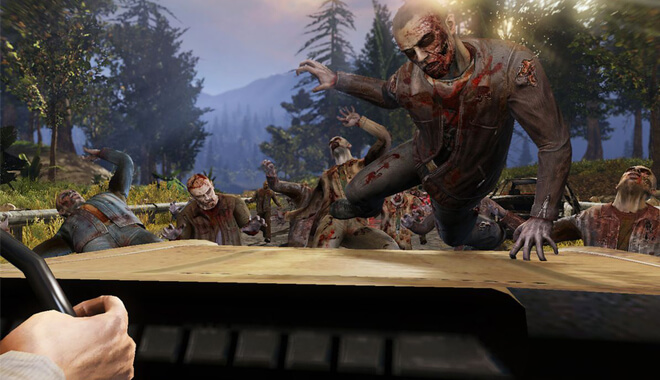
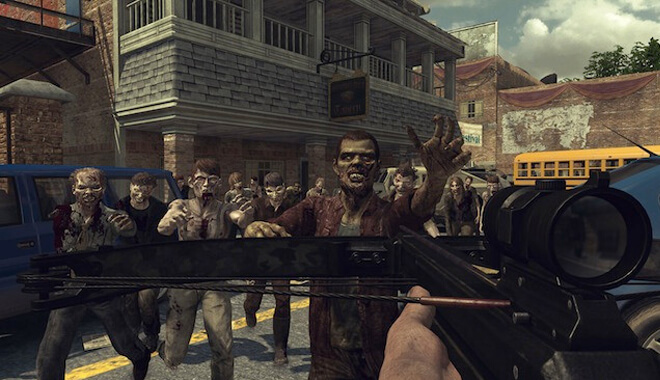
Avoid this one, Walking Dead fans. This is no storyline epic like the Telltale game series. You play as Daryl, the gruff badass from TV’s The Walking Dead.

However, with a concept that cool, this game just completely bombs. You certainly don’t feel like Daryl.

The gameplay is broken, the graphics are ugly, and it’s strange that The Walking Dead shares its name with this garbage. It was released for Xbox 360, PS3, Wii U, and PC.

Dungeon Keeper

This is, unfortunately, a case of the publisher screwing over fans. Based on the 1990s and 2000s PC hits, Dungeon Keeper was released for iOS and Android.

Due to the monetization of basic features, like microtransactions, many gamers found it to be frustrating and unplayable. Some games can get away with microtransactions if they aren’t vital and don’t throw them in the gamer’s face.

However, Dungeon Keeper holds the player hostage.

British Advertising Standards Authority actually investigated and held EA’s feet to the fire. EA relented, basically half-heartedly apologizing for them not understanding the game market.

No Man’s Sky

No Man's Sky (2016)
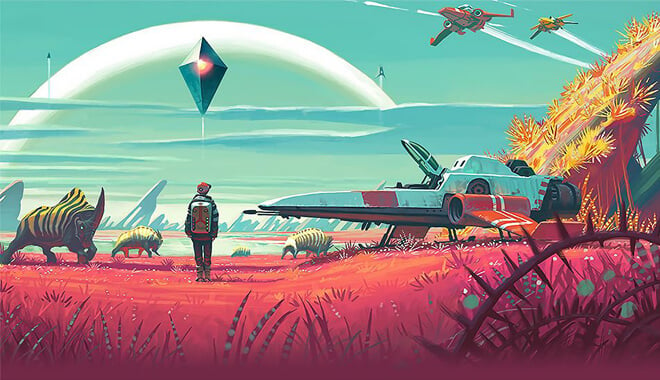
The tragic story of our time, No Man’s Sky was promised to revolutionize gameplay, adding a whole new level of exploration and imagination to games.

You were able to fly a spaceship to different worlds and galaxies, exploring the wildly different biomes and ecosystems. You could also do this with friends.

However, upon release, it became readily apparent that No Man’s Sky was not the game everyone was expecting.

Exploring planets was boring; the graphics were underwhelming compared to what was advertised, and no matter how hard some people tried, they couldn’t find their friends in the game.

People have said that the game has gotten better since its extensive updates and developer tweaks, but No Man’s Sky has become notorious for false advertising in games.

Lula 3D

In the same vein as Leisure Suit Larry, Lula 3D is an ‘erotic’ adventure game. You take on the role of Lula, a buxom blonde pornographic actor, who must rescue her kidnapped costars.

If you’re somehow still interested, maybe the mediocre gameplay and puzzles will change your mind.

It feels like its humor is aimed at middle schoolers, and it’s super cringy. It was released for Windows.

Charlie’s Angels

This was a tie-in game to the movie, Charlie’s Angels: Full Throttle. It even highlighted the vocal talents of the movie’s stars. Unfortunately, like many movie games, this one fell flat.

Boring gameplay, bad design, and repetitive fighting techniques married this off from becoming decent movie tie-ins.

The CD-I Legend of Zelda

The CD-I Legend of Zelda titles
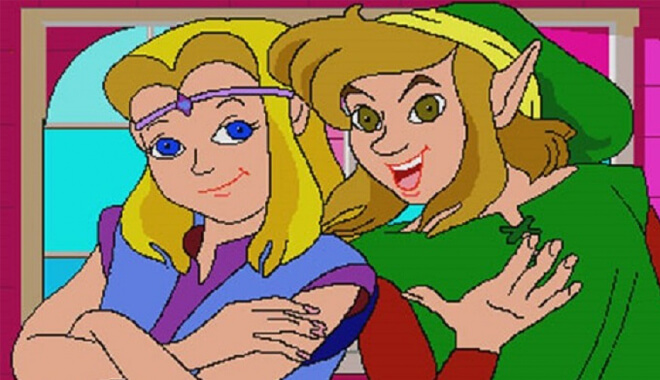
These games have accumulated somewhat of a notorious reputation on the internet. At some time or another, I’m sure you’ve seen a terrible animation and heard the unbearable voice acting from these titles.

These were side-scrolling games with passable gameplay, but nowhere near the standard of an actual Zelda title.

Gone is the voiceless Link: Now we have an incredibly annoying, silly protagonist who whines and makes weird noises throughout. Peer Schneider of IGN summed it up perfectly when talking about them: They’re entertaining for all the wrong reasons.

Hotel Mario

Yet another Philips CD-I release, Hotel Mario does what the CD-I Legend of Zelda titles did but made it somehow even worse. You need to solve puzzles in this game; however, they’re dreadfully boring, and the entire game tarnishes the legacy of Mario.

Like with Zelda, the cutscenes were ridiculous animations that had more life being the butt of internet jokes than they ever had been played.

Friday the 13th

Friday the 13th (1989)
Just another case of movie tie-in games not delivering, Friday the 13th as a game has so much promise. But not this one. This is truly a baffling one.

The bugs, as well as the unfairly overpowered Jason, make this game aggravating beyond belief. You kill enemies and make your way along Camp Crystal Lake, until the big bad, Jason, arrives.

Good luck getting past him, because he’s nigh on invincible and will have you tearing your hair out. When you get a game over, you get the classic words ‘YOU AND YOUR FRIENDS ARE DEAD’.

The Guy Game

The Guy Game
This is a strange one because it’s not really a conventional game as we know it. This ‘game’ is something that a weird, misogynist uncle might come up with.

It was a trivia game in which girls would answer said trivia games and would eventually undress. That’s truly the whole deal. The entire crux of the game is boobs.

If only it ended there, we might be able to forgive. However, one girl featured in the game was underage. This ended in the girl’s family sueing the game company. This game evokes a similar vibe given off by a title later on the list…

Daikatana


When gaming icon John Romero, responsible for classics like Doom and Wolfenstein 3D set out on his own to make his own game, the hype was at an all-time high. We were going to get a badass game that would be like Doom but more insane.

Could you imagine? Things started getting weird however when the tagline came out in an ad: ‘John Romero Will Make You His Bitch’. Um, okay?

Whatever, I’m sure the game will still be cool. Romero was like a rock star. However, the disappointment was immense upon release.

After a troubled development, the finished product was more like the shell of a game rather than a final, polished product. Saying the AI is terrible would be doing the AI a favor.

You would be better off alone with how much your teammates wander off, don’t respond, or get killed all by themselves due to bad scripting errors.

It was released for N64 and PC, with another strange release on Gameboy Color. I feel bad for John Romero’s legacy being tarnished by this turd of a game. And to be fair, Romero has since stated that the strange tagline wasn’t his idea and was actually quite opposed to it.

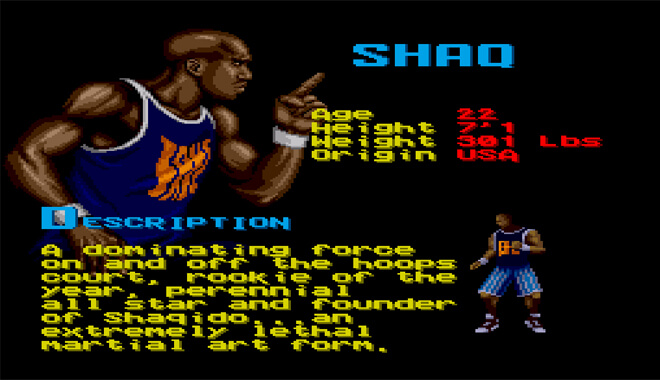
Shaq Fu

Shaq Fu Video Game 1994
I’ll give you three guesses as to what this game pertains to. Okay, fine: it is literally the legendary basketball player Shaquille O’Neal’s fantasy fighting game. Yes, those are words I said, and I stand by them. Imagine being at that pitch meeting.

Shaq Fu has the player control Shaq as he travels to another world before the ‘big game’. He needs to get back, but he needs to beat these opponents using fighting styles that I’m assuming most basketball greats don’t have.

To be fair, this game isn’t known for its realism. It is considered one of the worst games EA ever made. I can’t be mad at Shaq though, he’s too funny and loveable.

Unbelievably, a sequel was Kickstarted and released in 2018. Unlike the first game, you’re actually able to play this one. However, users say that the joke is getting old and that it just doesn’t break any new barriers. Repetitive combat, much like the first, is a huge problem.

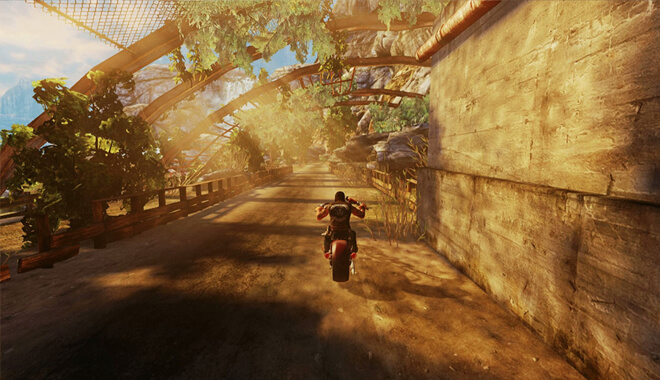
Ride to Hell: Retribution

Ride to Hell Retribution (2013)
Who wouldn’t want a game with an attitude, one that evoked imagery from the 1969 motorcycle drama Easy Rider? Well, look again, because this game is a motorcycle wreck.

Nearly everything in the game is broken. The combat and AI are laughably bad, it’s riddled with bugs and glitches, the voice acting is bad by even the lowest standards, and it really seems like the developer just gave up halfway through.

It was released for Xbox 360, PC, and PS3.

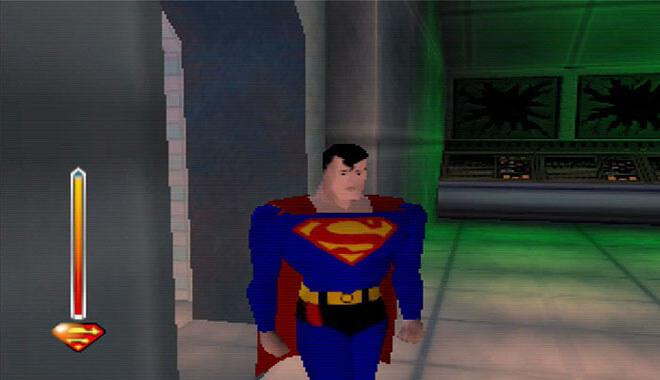
Superman 64

Superman 64
I remember riding home from the game store as a 9-year-old, ready to play this cool new superhero game based off of the animated TV Superman.

It even had the same art style, which was pretty cool. I also couldn’t wait to fly around. Unluckily for me, however, was that the flying in the game was trash.

Come to think of it, the rest was trash too. I was stuck on the first level the entire time. It may sound embarrassing but hear me out.

It puts you in the role of Superman as he stupidly weaves his way through hoops while Lex Luthor laughs like an idiot. Your time limit to this so is unforgivingly short, and the flying mechanics are, of course, terrible.

All of this while flying around one of the worst city environments ever created. It was empty, lifeless, and ugly.

ET: The Extra-Terrestrial

The Atari 2600 saw some of gaming’s first truly great games. This wasn’t one of them. In this game based on the movie, you play as the loveable ET.

However, due to a crazy short time limit to program the game, it was nowhere near playable by standards of both today and the 1980s.

There’s even that story that the rest of the copies of this game were buried in the desert of New Mexico.

We’re talking tens of thousands of Atari cartridges. I rank this as one of the worst due to the fact that the game tarnished Atari’s credibility, as well as video games in general.

Custer’s Revenge


We take our first real-time travel trip back to the early ‘80s and the Atari 2600 with this game.

Custer’s Revenge has you take on the role of General George Armstrong Custer, known for dying in ‘Custer’s Last Stand’, but this time instead of dying, you get your ‘revenge’ by engaging in the raping of Native women.

Yes, it really doesn’t hold up in any way whatsoever and is extremely crude and tasteless.  As Custer, you walk from the left side of the screen to the right, with an, ahem, enlarged accessory, to terrorize a native American woman.

I don’t know if the developer was trying to be edgy or something, but it falls flat, both in tone and gameplay. All you can do in the instance of this truly terrible piece of ‘art’ is be awed by its wretched existence.

Ugh, Those Games Were Terrible

There you have it, the 40 worst games of all time. I hope you enjoyed the cringy aspects as much as I did. We can only hope that these developers have either learned from their mistakes or gone out of business.

To be honest, I’m secretly hoping it’s the latter. Cringe away, gamers!

Learn How to Make a Game Engine

0

Overview of designing a custom game engine
Learning how to make a game engine means designing the core systems that make a game run. Including rendering, physics, input, and more.

It’s a complex but valuable way to learn how games really work, from the ground up.

For example, I started my first engine as a weekend experiment. Within weeks, I had a window, a textured triangle, and basic input handling.

By month six, I had added audio, basic physics, and a scripting hook. It wasn’t perfect—but it taught me more about how engines work than any online course.

We’ve seen beginner developers make simple but fully functional engines in under a year, starting with rendering and input, and adding systems over time.

Others aim to replace Unity or Unreal in their workflows entirely. Either way, making your own engine teaches you to think in systems, prioritize performance, and build tools that other people (even future you) can use effectively.

Key Takeaways

  • Start with small systems like windowing and input before tackling physics or rendering.
  • Most engines are written in C++ for speed and control, but Rust and C# are also used.
  • You don’t need to build everything from scratch—open-source libraries are your friends.
  • Focus on learning architecture, not perfection.

Understanding Game Engine Basics

A game engine is a software framework designed to handle core systems in a game: rendering, physics, input, sound, and scripting. It serves as the backbone that developers build games on top of.

In our custom engine project at the studio, we treated the engine like a “sandbox for systems.” It let us tweak one system in isolation without breaking gameplay logic. That kind of modular thinking is a key outcome of building your own engine.

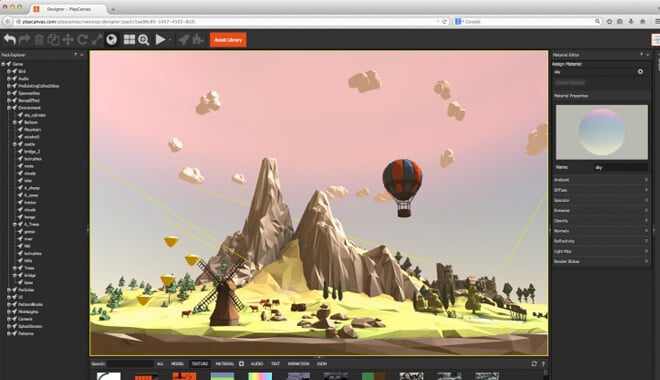
Modular systems working together inside a game engine
Unlike a game library, which offers specific functionality, an engine is responsible for orchestrating multiple systems at once. Think of it as a control tower managing every piece of the game environment in real time. Some engines are general-purpose, while others are built to solve a specific type of problem. Unreal and Unity are examples of broad platforms, but developers often opt for custom engines when they need deep control, tighter pipelines, or unique rendering features.

Essential Components of a Game Engine

Graphics Rendering

Graphics rendering is one of the most visible aspects of any engine. You’ll need to choose a rendering API such as OpenGL, Vulkan, or DirectX, and build a rendering pipeline that manages textures, shaders, geometry, and scene drawing.

Simple shader output rendered in an early engine
I remember my first shader—a simple color gradient on a rotating cube. Once I saw it working, I realized how powerful customizable graphics pipelines can be.

Beginners often start with 2D rendering because it’s less complex. Once you understand how to create a render loop, manage buffers, and draw sprites, you can scale into 3D. An early milestone could be rendering a moving sprite with basic camera controls. From there, expand into 3D space, depth buffering, and mesh loading.

Physics System

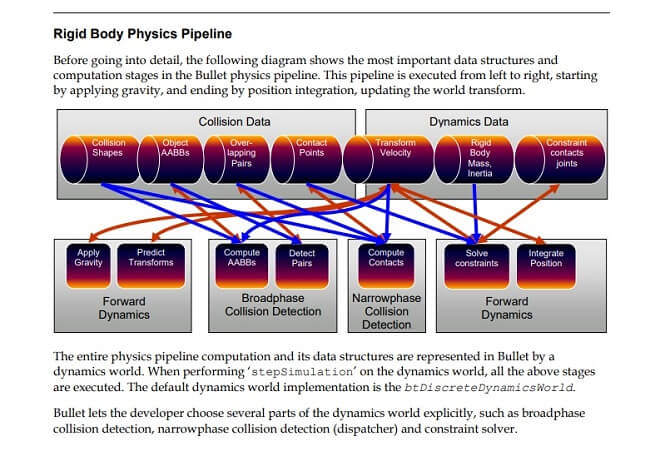
The physics system simulates movement, gravity, collisions, and force-based interactions. You’ll want to choose between writing your own physics logic or integrating an engine like Box2D or Bullet. Writing your own teaches core math concepts, but using a library gets you moving faster.

In 2020, a Reddit poll revealed that less than 25% of new games use fully custom engines bookey.appreddit.com. That suggests most teams prefer libraries for functionality, but about 75% of custom engines include homegrown physics or collision code.

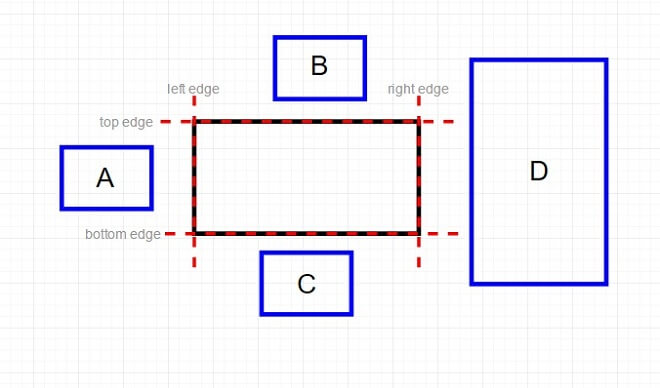
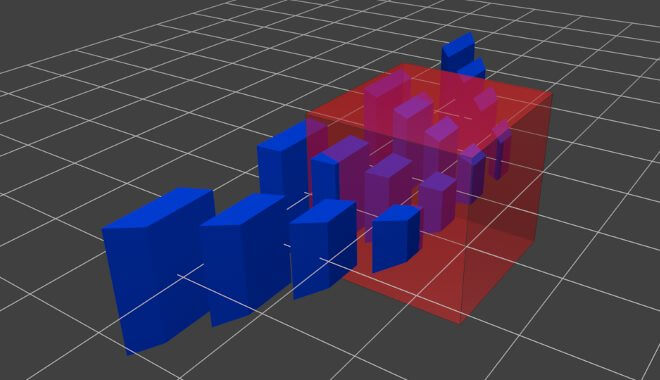
Collision detection is where many first-time engine builders hit a wall. Break it down into simple cases first: axis-aligned bounding boxes (AABBs) and circle collisions are great starting points. We saw undeniable progress among students once they implemented AABB collision—they could finally make playable prototypes.

Input Handling

Every game needs a way to take input from players—keyboard, mouse, controllers, or touchscreen. Input is typically event-driven. When a player presses a key or moves a joystick, you store that event in a queue and pass it to game logic.

Initially, when I built my first input manager, it only recognized WASD and left-click. Five iterations later, it supported gamepad, rebinding, and even virtual joystick for touch. That iterative process was a great lesson in building systems that scale.

Audio System

A good engine includes a basic audio system for playing sound effects and music. Use libraries like FMOD, OpenAL, or SDL_mixer. Keep it simple at first—load a sound file, play it, and stop it. Later, you can add volume fading, 3D spatialization, and dynamic music layers.

We once prototyped a rhythm puzzle using audio callbacks. Suddenly, the engine felt ‘alive’—and our users were surprised by the clarity a basic ADSR fade added.

Scripting and Game Logic

Most engines separate low-level engine code from high-level game logic through scripting. Embedding a scripting language like Lua or Python lets designers iterate faster without engine recompilation. Unity’s C# and Godot’s GDScript follow the same logic.

UI and HUD Systems

User interface elements—menus, health bars, inventory screens—are often overlooked. Plan early for a basic UI layer that can render 2D elements over gameplay. You can use immediate-mode GUIs (IMGUI) or build layout hierarchies in retained-mode systems. If your engine includes a built-in level editor, support for both game and editor modes is key.

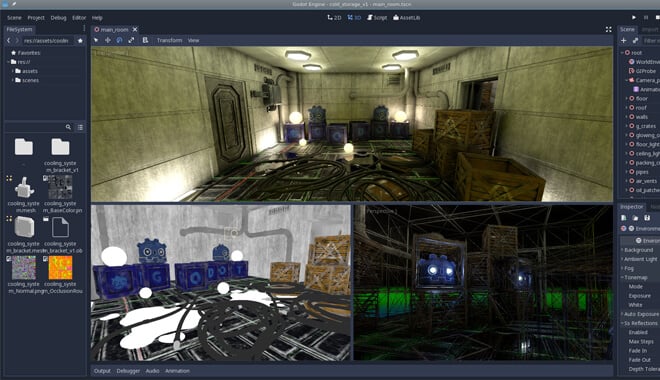
Audio and physics components in game development

Planning and Development Workflow

Language and Tools

C++ remains the most common language for engine development, used by giants like Unreal and CryEngine. A 2024 survey by SlashData found that Rust and C# are growing but still lag behind C++ in custom engines . Rust’s safety guarantees attract new engine developers, while C# is favored for its ease in tools and macros.

Use CMake for builds, Git or Perforce for version control, and a powerful debugger like GDB, LLDB, or Visual Studio’s integrated tools. These are the foundations of a robust development setup.

Code Architecture

Start small. Many beginners try to architect a perfect system from day one, but the best lessons come from breaking things and fixing them. The Entity-Component-System (ECS) pattern separates data from behavior and improves modularity, although it can be overkill for small projects.

Early on, I attempted a pure ECS but ended up with spaghetti. After refactoring into modules, I regained control—and deepened my understanding of component dependencies.

Recommended Build Order

A common build order is:

  1. Windowing and input
  2. Basic rendering
  3. Game loop and time control
  4. Scene management
  5. Audio
  6. Physics
  7. UI and tools
    Once these are stable, you can build debugging consoles and hot-reload tools.

Code architecture and modular design in engine planning

Testing and Debugging

Debugging Tools

Use assertions generously to catch bugs early. A live console that prints variable values can show you game-state in real-time. I remember diagnosing a camera jitter by printing position deltas per frame—it was an easy fix once visualized.

Editor Tools

If you want your engine to help designers or teammates, build a simple editor. Think object placement with transformation handles and asset previews. I once built an editor mock that allowed me to place platforms and preview physics—without writing any Lua triggers. That visual feedback loop accelerated our development dramatically.

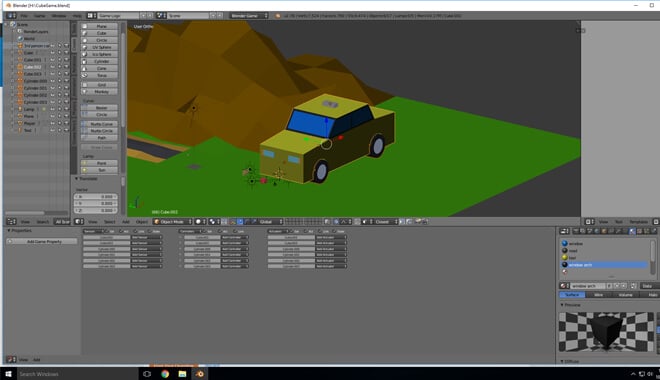
Editor tools supporting team collaboration

Performance and Scaling

Rendering Optimization

Always profile early. Use batching to reduce draw calls, frustum culling to skip unseen objects, and mipmapped textures for efficient scaling. Tools like RenderDoc and GPU PerfStudio helped us find overdraw issues in our engine.

Cross-Platform Considerations

Writing abstract interfaces for file I/O, window management, and threading pays dividends when targeting consoles or mobile. We once ported our engine to macOS within two days because of clean abstraction in platform layers.

Memory and CPU Profiling

Memory leaks sabotage engines slowly. Using Valgrind, Instruments, or Visual Studio Profiler helped us find leaks and fix fragmentation before production. A single 30-second memory growth per frame can crash the system over time—but profiling helped us arrest it early.

Performance testing during engine development

Learning Resources and Communities

Some standout learning materials include:

  • Game Engine Architecture by Jason Gregory
  • Game Programming Patterns by Robert Nystrom
  • Handmade Hero by Casey Muratori (video series)
  • Open-source engines like BepuPhysics, Hazel, and Oxygine
    You’ll find great discussion on GameDev.net, the Handmade Network Discord, and GitHub repos from solo devs.

Jonathan Blow—creator of Braid and The Witness—built custom engines for both titles. In an interview he said, “I don’t know if I would have finished Braid if I wasn’t doing kung fu,” highlighting the discipline and dedication such projects take (famous and inspiring video game designers) devclass.com+3slashdata.co+3arxiv.org+3gameskinny.comen.wikipedia.org.

Engine work by Corrinne Yu, long-time graphics lead on Halo 4 and Halo-engine lighting systems, shows how deep technical knowledge can power world-class rendering tools en.wikipedia.org.

Pros and Cons of Building Your Own Engine

Building a custom game engine can be an incredibly rewarding experience—but it’s not for everyone. It offers deep technical insight and full creative control, but it also comes with a steep learning curve and significant time investment. Before diving in, it’s worth considering whether your goals align with what custom engine development truly demands.

Many developers build their own engines as a learning exercise or to solve a specific problem that off-the-shelf tools don’t address. That can be a smart move if you’re experimenting, working on a long-term project, or trying to create tools tailored to your workflow. On the other hand, if your goal is to release a finished game quickly, existing engines like Unity, Unreal, or Godot will save you months—or even years—of development time.

When It Makes Sense

  • You need full control over systems or rendering
  • You’re creating a unique game mechanic no engine supports well
  • You want to learn the underlying tech deeply

When It Doesn’t

  • You’re on a deadline or budget
  • Your team lacks low-level programming experience
  • Your project scope doesn’t require custom tech

Building your own engine is kind of like restoring a classic car—you do it because you want to understand every piece under the hood. It’s not the fastest way to get on the road, but it teaches you things you won’t learn by buying off the lot.

One of the biggest advantages is control. You know exactly how your game works because you built the systems yourself. You can optimize for specific use cases, add custom tools, or explore experimental features that major engines won’t support. It’s also one of the best ways to truly understand how games work beneath the surface—render loops, memory management, input handling, and all the hidden plumbing that makes modern games tick.

But it’s not always sunshine. The downsides are very real. Custom engines are time-consuming. They break. They crash. They force you to solve hard problems that Unity or Unreal already solved years ago. When you’re three weeks into debugging a physics bug that only happens on one system, you’ll wonder why you didn’t just use Godot and move on with your life.

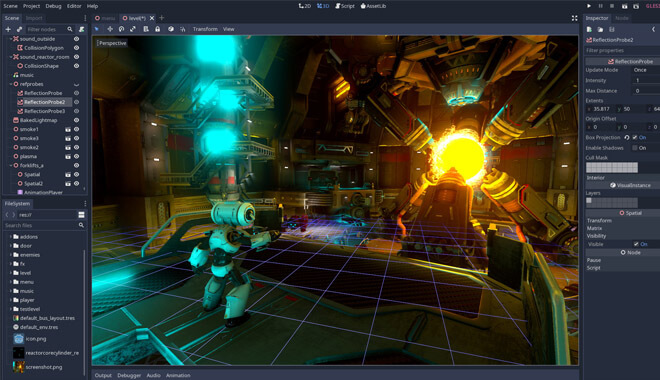
Comparing custom-built vs. commercial game engines
Still, the people I know who’ve built their own engines—even simple ones—don’t regret it. They walk away with a deeper grasp of game development and a newfound respect for what commercial engines provide. If you’re curious and patient, there’s no better way to grow as a developer.

Numbers to Know

  • 90% of professional engines used by studios are written in C++
  • $30–$200K — cost to build a full-featured engine from scratch for a small team
  • 3–12 months — average time to create a basic 2D/3D custom engine
  • 80% of indie devs who build engines do so for learning or tool creation
  • <25% of new indie games use fully custom engines—most use existing platforms

Actionable Next Steps

If you’re serious about making your own game engine, the best advice I can give is: just start. When I built my first one, I had no idea what I was doing—I just wanted to see if I could render a triangle to the screen. That one triangle turned into a month-long obsession, and eventually a working 2D platformer with my own input and collision systems.

Start by picking a language you’re comfortable with. C++ is what most engines use, but if you’re more fluent in Rust or C#, that’s fine too. Build a basic window that stays open without crashing. Then, get something simple to move across the screen with keyboard input.

Don’t try to build everything at once. I made that mistake early on, thinking I needed a full physics engine and particle system before anything else. Focus instead on small wins—render a sprite, detect a key press, load a sound file. Each one teaches you something valuable.

Eventually, you’ll hit a point where systems start working together. That’s when it gets exciting—and complicated. But by then, you’ll understand the moving parts and know how to fix them. Share your progress, read open-source engine code, and don’t be afraid to throw out messy code and try again. That’s where the real learning happens.

Are You Going to Build?

Well, are you? You’ve seen the pros and cons, the many different aspects of what goes into the process. You will need a lot of knowledge, extreme determination, and passion for building a game engine.

What I want to impart most of all is to not be afraid to fail. In the worst-case scenario, you could leverage your portfolio, touting your impressive software development skills.

But if you set realistic goals, don’t burn out, and get a great team of like-minded individuals behind you, in a few years’ time, you could have the new Godot engine.

Community commentary

Core Engine Systems & Architecture

  • Essential subsystems: graphics/rendering, input/output, UI, sound, asset handling, and sometimes networking.
  • Strong architecture = less technical debt: A well-structured, modular codebase ensures maintainability and reuse across projects.
  • Learn by doing: Focus on building components for an actual game first—a renderer, then sound, then physics—rather than getting stuck in abstract planning.
  • Early structure matters: Clean dependency management, build pipelines, and modular boundaries are critical from the start to avoid messy sprawl.

Difficulty & Time Commitment

  • Scope is the key factor: Writing an engine isn’t conceptually hard, but it involves an enormous number of moving parts. Simple 2D engines are very doable; full-featured 3D engines are a much larger undertaking.
  • Expect significant effort: 500–1,000 hours (~3–12 months full-time) for a basic engine; much longer for complex projects.
  • Massive learning payoff: Building an engine develops expertise in rendering, memory management, asset pipelines, decoupling, and debugging—skills highly valued in the industry.
  • Integration is the challenge: Combining subsystems (rendering, physics, input, audio) into a cohesive whole is where most of the complexity lies.

Should You Build or Use Existing Engines?

  • Advantages of building from scratch:
    • Complete understanding of engine internals
    • Custom performance tuning and full control over architecture
    • Flexibility for unique or experimental gameplay systems
  • Advantages of using existing engines:
    • Rapid development and iteration
    • Mature editor tools and strong community support
    • Robust, well-tested feature sets that save months of work
  • Common advice: If your goal is to ship a game quickly, use Unity, Unreal, or Godot. If your goal is deep technical learning and custom tool creation, building your own engine can be incredibly rewarding.

Practical Tips & Start‑Up Wisdom

  • Iterate in layers: Start with a playable prototype—render something first, then add input, sound, physics, and higher-level systems incrementally.
  • Use libraries wisely: Combine open-source components like OpenGL, Box2D, and FMOD, but prepare for the integration work and performance tuning needed to glue them together effectively.
  • Set clear goals and boundaries: Avoid feature creep by deciding early whether this will be a 2D-only project, a tool-focused engine, or an experiment in UI workflows.
  • Leverage community wisdom: Engage with forums, open-source projects, and developer journals for patterns, ideas, and solutions to common pitfalls.

Key Developer Tips

  1. Start with a prototype, not a full engine.
  2. Scope small initially—a basic renderer, simple controls, and minimal physics are enough.
  3. Prioritize modularity—segmented systems, clean builds, and version control from day one.
  4. Be strategic with libraries—don’t waste months rewriting features that are already available and reliable.
  5. Engage with other developers—share progress and learn from existing projects to avoid reinventing the wheel.

FAQ

Can I make a game engine in C++?
Yes. Most game engines are written in C++ because of its performance and fine control over memory and systems. It’s the industry standard.

How much does it cost to make your own game engine?
It can cost nothing if you’re learning solo with free tools, but for commercial-grade engines, budgets range from $30K to $200K+ depending on scope and staffing.

How are game engines made?
They’re built by combining subsystems—rendering, physics, input, scripting—into a unified architecture that handles a game’s runtime loop and asset management.

What programming language do game engines use?
C++ is the most common, followed by C#, Rust, and sometimes JavaScript for browser engines. The choice depends on your goals and platform targets.


Sources Cited

The Strongest Mobile Game Development Companies

0

50 Leading Mobile Game Development Studios
Mobile games, for many, signal a significant frontier in gaming.

We all know neighbors, family members, and friends who are addicted to mobile games like Candy Crush, Disney’s Tsum Tsum, or others.

While these distractions have an audience and signal a great monetary windfall for companies, mobile games can be legitimate gaming platforms.

The 2018 mobile release of Stardew Valley represents a big shift towards mobile gaming as competing with other platforms.

Who are the main players? Who is responsible for the future of mobile gaming? The following is a closer look at the top 50 mobile game-developing companies.

Our Ranking Criteria

In addition to player and critic ratings, we use objective metrics like sales, users, and sales growth rate to make our lists (read more). Some of these data sources include:

Excellent Mobile Development Companies

Activision Blizzard – California, U.S.

Activision Blizzard Game Company
The Santa Monica developer, Activision Blizzard, is a prolific game developer. We’re all familiar with titles from both developers: Overwatch, Crash Bandicoot, Call of Duty, and a slew of other iconic brands and franchises within gaming.

They’ve developed Candy Crush, the phenomenon that took over the world.

I remember coworkers, aunts, moms, and grandmothers all being obsessed with the series. I think that in regard to mobile, moving forward, Activision Blizzard has the most promise. They have such a foothold in the business already, and they’ve proven they know games.

Their potential for further development of games, as well as a plethora of great series, holds promise for them. I think the diversity of titles under their belt puts them a cut above the rest.

Tencent – Shenzhen, China


Tencent is an insanely huge conglomerate based out of China. Their titles include Arena of Valor, a popular MOBA, and the Player’s Unknown Battlegrounds port.

Tencent has been so successful in the mobile market that they’ve surpassed revenues of $500 billion. That’s Billion with a B.

It seems they can do no wrong, and being the premier mobile gaming company in China provides them with large amounts of customers and revenue streams.

Sony – Tokyo, Japan

Sony Game Development Company
No surprise here, Sony’s game catalogue speaks for itself, so it only makes sense that their prowess in gaming extends to the mobile platforms.

They’ve allocated billions of dollars just for their mobile game development. Sony has brought beloved franchises like Rachet & Clank and Spider-Man to mobile.

Their iconic licenses give them a great advantage.

Microsoft – Washington, U.S.


Another easy decision, Microsoft’s reach is huge. Bill Gates’s company earns upwards of $12 billion annually in mobile game revenue alone.

That’s no small feat. One of my personal favorite game series, Age of Empires, makes an appearance by way of Age of Empires: Castle Siege.

This title, along with others like Minecraft, is able to be integrated with Xbox Live, a feature I believe will bump Microsoft higher on the list in the future.

You Should Know

Microsoft’s ambition to bolster its mobile gaming presence was a significant motivator behind the proposed acquisition of Activision Blizzard. The tech giant has seen the rapid growth of mobile gaming revenue and recognized its lack of strong mobile gaming content.

The acquisition trial revealed Microsoft’s expansive business strategies, with CEO Satya Nadella targeting a massive $500 billion in revenue by the 2030 fiscal year. Aiming for consistent growth, Microsoft hopes to see its Teams communication app reach 1 billion monthly active users within the same timeframe.

Microsoft’s discussions around the Activision Blizzard deal also highlighted the company’s considerations about game availability. Although they have proposed keeping Call of Duty on PlayStation, internal discussions explored potential benefits from reduced availability of Activision Blizzard games on Sony’s platform.

This decision would presumably drive more sales towards Xbox consoles and Game Pass subscriptions.

Nintendo – Kyoto, Japan

Nintendo Game HQ - Kyoto, Japan

Okay, so I put Nintendo on this list because there can’t be any list with just Sony and Microsoft and no Nintendo. Their dominance via the Nintendo Switch has been truly impressive as of late, but they’re also very competent in mobile gaming as well.

Is there anything Nintendo can’t do right? The addictive Mii builder, Miitomo released in 2016 was an accessible game for everyone.

Along with the extremely popular Animal Crossing: Pocket Camp in 2017 and Super Mario Run, Nintendo truly has the potential to dominate even the higher-ranked companies with its unique spread of mobile games.

Apple – California, U.S.


Where would we be without Apple? Technology started by Steve Jobs is ever-present and rivals Microsoft in mobile dominance.

To appease the fans, consider Microsoft and Apple on the same footing. Apple already has a hold on many consumers via its app store.

Mobile Gaming Statistics

Apple mobile gaming

You can download nearly any app effortlessly and get right into the game in minutes. This feature alone, accessibility, puts Apple above many companies by default.


Electronic Arts – California, U.S.


I know that EA has come under some controversy regarding series like Star Wars: Battlefront for its seemingly shady practices when it came to charging players for a large number of characters that should have been included in the base game, they’re still a force to be reckoned with.

This extends to mobile as well. Franchises include The Sims, Need for Speed, and the mobile conversions of Tetris.

Statistic: Net revenue generated by Electronic Arts from fiscal 2005 to 2023 (in million U.S. dollars) | Statista
Find more statistics at Statista

Perhaps their biggest release, the legendary Bejeweled, was released by Popcap games in 2001, and eventually, EA becomes the parent company in 2011.

Google – California, U.S.


Of course, where would the internet be without Google? Google offers its own app service, Google Play, in which customers can download apps a la Apple’s app store.

Addicting games like Clash of Clans and its derivatives, like Clash Royale are strong contenders to past games like Candy Crush and Bejeweled.

Niantic – California, U.S.

Niantic Mobile Games Company
Your favorite Pokémon developers have made the list. Thanks to their insanely addictive augmented reality game, Pokémon GO, Niantic has become a household name, and a company worth following.

Thanks to Niantic, many people I know got out into the real world to explore it and catch Pokémon.

This led to amusing experiences all over the country, including traffic in New York City coming to a standstill as people attempted to capture a rare Flareon in Central Park.

Bandai Namco – Tokyo, Japan

Bandai Namco Japan
These names should be familiar to any serious gamers. Bandai Namco has franchises like .hack, Dragon Ball, and Gundam. Their foray into mobile gaming includes beloved titles like Pac-Man, Tekken, and even Soulcalibur.

Bandai Namco has a huge advantage, especially with the cross-pollination of both Eastern and Western game audiences.

Ubisoft – Montreuil, France

Ubisoft Paris France
Assassin’s Creed developer Ubisoft is another prolific game company known primarily for its console and computer releases that also leave an important mark on mobile gaming.

Prince of Persia Classic, Assassin’s Creed: Altaïr’s Chronicles and Assassin’s Creed Identity proves that Ubisoft wants to keep bringing its flagship franchises to mobile platforms, making them more accessible not only to console gamers but everyone who wants to play on the go.

Warner Bros. – California, U.S.

WarnerBros Studios California
Want to feel like a superhero? Of course, you do—and Warner Bros. wants to oblige.

Their extensive inclusion of the Batman Arkham and Lego series, (Lego Batman, Lego Jurassic World, Lego Star Wars, and Lego Harry Potter, to name a few), for mobile is proof that they’ve got big ambitions, but they’re also bringing beloved, action-packed romps from the main consoles into your hands.

Disney Mobile – California, U. S.

We all know and love Disney, and I couldn’t exclude it from this list. Disney is a massive conglomerate that creates beloved characters and stories.

They also make addictive games. One such game, Disney Tsum Tsum, is a fast-paced game in which the player has to connect three or more sequences of Tsums—loveable versions of characters together to achieve a high score.

They also released a Marvel version in which the Tsums now represent our favorite superheroes.

Square Enix – Tokyo, Japan

Square Enix Japan
Yep, you better believe it: Final Fantasy and Dragon Quest are now mobile staples. Being a huge fan of Square Enix, I couldn’t leave them off the list.

I never got to play earlier Final Fantasy titles like Final Fantasy IV, so the mobile release of it provides me with not only entertainment but the education of how games used to be made.

Konami – Tokyo, Japan

Konami Japan
One of my favorite gaming companies, Konami has also left a mark on mobile gaming, as well as creating iconic titles like Castlevania, Metal Gear, and Silent Hill. Some of Konami’s mobile titles are Metal Gear Solid Touch, Bomberman, and Yu-Gi-Oh! Duel Links.

Company

Location

Employees

Activision Blizzard

California, U.S.

13,000

Tencent

Shenzhen, China

113,000

Sony

Tokyo, Japan

108,000

Microsoft

Washington, U.S.

220,000

Nintendo

Kyoto, Japan

7,100

Apple

California, U.S.

165,000

Electronic Arts

California, U.S.

13,000

Google

California, U.S.

175,000

Niantic

California, U.S.

750

Bandai Namco

Tokyo, Japan

1,700

Ubisoft

Montreuil, France

20,000

Warner Bros.

California, U.S.

36,000

Disney

California, U. S.

220,000

Square Enix

Tokyo, Japan

4,500

Konami

Tokyo, Japan

4,800

Zynga – San Francisco, California, U.S.

If you’ve ever played Farmville of Word with Friends, you know Zynga. They’re a massively successful mobile gaming company. There was a time where I was glued to my phone trying to find the best word to beat my friends and family at Words with Friends.

And as annoying as it was to receive Farmville requests from Facebook friends, it proves how successful they’ve been in mobile game development.

Nexon – Tokyo Japan

A Korean-Japanese game developer, Nexon has become a giant in mobile gaming. They’re in over 190 countries and have an impressive 80+ games to their extensive resume. Dynasty Warriors and FIFA have made appearances on their mobile list.

NetEase – Guangdong, China

NetEase China
NetEase is a massive Chinese mobile developer. Not only do they operate localized versions of many Blizzard games, but they also develop titles that have garnered them extreme wealth, like Fantasy Westward Journey, Westward Journey Online, and Rules of Survival, the latter being a popular Battle Royale title.

Jam City – California, U.S.

Jam City’s main attraction is Panda Pop! And its different licensed games for Family Guy, Futurama, and even Snoopy. The release of their original IP, Twist, comes as a great surprise, as it dabbles in different gaming genres, namely choose your own adventure.

Gameloft – Paris, France

Gameloft, founded nearly twenty years ago, has been developing games on mobile for a while now. Their personal philosophy is ‘to entice customers to actually buy products’. Can’t argue with that. And their annual revenue totaling a staggering $275 million.

Some iOS titles include installments of the Brothers in Arms franchise, Oregon Trail, and Rayman 3.

Supercell – Helsinki, Finland

Supercell Finland
I was surprised upon reading about Supercell. Apparently, they’re worth $10 billion. Some of their mobile releases, like Hay Day, Boom Beach, and Brawl Stars earned them billions.

An earlier company on the list, Tencent, owns a large stake in the company, moving Supercell further down.

King – St. Julian’s, Malta

This Maltese company is responsible for Candy Crush Saga. This gave them a very comfortable position, earning them billions. King was bought by Activision Blizzard in 2016 for $5.9 billion.

Machine Zone – California, U.S.

Machine Zone Mobile Company
Started in 2008, MZ has earned a name for themselves, earning over a billion dollars annually. They’ve released Final Fantasy XV: A New Empire, an MMO/City-building game for mobile devices and has earned them hundreds of millions of dollars alone.

Mixi – Tokyo, Japan

Mixi deals mostly with social networking, but they also published an extremely popular freemium game called Monster Strike. Monster Strike has been responsible for more than $7 billion dollars in revenue for the company.

At one point, Monster Strike had a daily revenue near $4 million. This led to Monster Strike being the most downloaded app ever. Ever.

GungHo Online Entertainment – Tokyo, Japan

GungHo is the company that hosted Ragnarok Online, an MMORPG, which originally released in 2002. A large chunk of their success lies with their release, Puzzles & Dragons, which mashes up puzzle genres and RPG elements. The title has earned GungHo nearly all of its revenue in recent years.

Netmarble Games – Seoul, South Korea

Netmarble Mobile Game Company
Netmarble is a Korean mobile developer known for Dragon Ball Online, Marvel: Future Fight, Star Wars: Force Arena, and others. Its license for Disney properties has helped the company immensely.

Peak Games – Instanbul, Turkey

Peak Games has been having a good couple of years with their release of Toy Blast—a puzzle game reminiscent of Candy Crush Saga—earning them millions. The game itself has over 1000 levels, something that will definitely keep you playing for a long time.

I think Peak Games have done something special. They recently released Toon Blast, another casual game. This will lead to future successes.

Kabam – California, U.S.

Kabam Mobile Dev Company
Kabam is the game developer known for the wildly successful Kingdoms of Camelot. This browser MMORPG with different events and deep gameplay for strategy fans. It was then released to mobile devices under the name Kingdoms of Camelot: Battle for the North.

NCSoft — Seongnam, South Korea

This Korean company first entered the mobile market with the 2015 release of Trickster: Wanna Be a Summoner. You might be familiar with the past work, The two games in the Guild Wars series.

Not being satisfied with only being on PC, the company has so far released 5 more mobile titles and doesn’t seem to be showing signs of stopping.

Com2uS – Seoul, South Korea

Com2uS is the developer of the popular game Summoner’s War: Sky Arena, which has garnered well over 90 million downloads for mobile, earning over a billion dollars since its release in 2014.

Super Evil Megacorp – California, U.S.

Super Evil Megacorp Mobile Dev Company
Super Evil Megacorp is an American mobile game developer known for its foray into the MOBA genre with Vainglory. Good advertising strategies have allowed Vainglory to be featured more in eSports, proving Super Evil Megacorp has its eye on the ball.

Disruptor Beam – Massachusetts, U.S.

Disruptor Beam Headquarters
Disruptor Beam was lucky enough to be able to develop games based in some of our favorite fictional worlds. Games including The Walking Dead: March to War, Game of Thrones Ascent, and Star Trek Timelines. Unfortunately for gamers, Game of Thrones Ascent was officially shut down on January 3rd, 2019.

Playrix – Dublin, Ireland

This Russian developer has become a juggernaut in PC and mobile games. Playrix developed titles like Fishdom, Township, and Gardenscapes. Plarix’s addictive puzzle games have proven to be extremely popular with the public, and it shows through the company’s sales figures.

The company is considered one of the premier mobile game developers in the Western world.

Next Games – Helsinki, Finland

Next Games undertook an ambitious project in The Walking Dead: No Man’s Land for mobile. They also acquired the rights to develop a mobile game based on the excellent Blade Runner 2049, stating:

“We are thrilled to work on Blade Runner, a true pop culture icon. We are determined to deliver on Blade Runner’s unique themes and vision of the future.”

Social Point – Barcelona, Spain

Social Point Mobile Games Company
Social Point specializes in free-to-play games, a good thing for many gamers, young and old. Social Point’s specialty is a game called Dragon City, where players hatch and care for their own dragons, earning them major acclaim on mobile and Facebook.

DeNa – Tokyo, Japan

DeNa’s motto, ‘Delight and Impact the World’, is a great way to sum up the company. They released Fire Emblem Heroes, earning them a hefty profit in downloads and capital.

Scopely – California, U.S.

Scopely Mobile Gaming Company
Another game developer making itself famous with famous franchises, Scopely released The Walking Dead: Road to Survival in 2015. Scopely and Telltale games teamed up to include Walking Dead characters in Scopely’s release, creating a great mash-up of our favorite Walking Dead characters.

It went to enjoy success at the number 1 spot on the Apple store. Hopefully, Scopely can hit it out of the park in the future as well.

OurPalm – Beijing, China

This Chinese developer has their palm, so to speak, in a great franchise, King of Fighters, as well as their own tower defense game, Three Kingdoms Defense, based on the famous Three Kingdoms era in Chinese History.

CyberAgent – Tokyo, Japan

CyberAgent is responsible for a great slew of games, including Shadowverse, a game that is similar in gameplay to Blizzard’s Hearthstone. When it was released, it was considered Japan’s most popular card collecting game. No small feat for this Japanese mobile game developer!

Pocket Gems – California, U.S.

Pocket Gems Mobile Game Dev Company
Pocket Gems has made their name through their Episode games—games that focus heavily on narratives. They were so successful that mobile giant Tencent invested nearly $100 million in the company.

Their Episodes series included pop singer Demi Lovato and have them teaming up with conglomerates like Time Warner. What more could you want as a company? They found their niche and are riding it all the way to success.

Rovio – Espoo, Finland

Rovio Mobile Game Development Company
Ever heard of Angry Birds? Of course, you have—name a person on earth that hasn’t. That’s because of Rovio’s founders, Niklas Hed, Jarno Väkeväinen, and Kim Dikert. They drew inspiration from a flash game released in 2009 called Crush the Castle.

Space Ape – London, England

Space Ape’s majority stock lies with the Finnish gaming giant, Supercell. That means that they have the backing of a great parent company, and things look bright for them. Their main releases are 2013’s Samurai Siege and 2015’s Rival Kingdoms.

Rival Kingdoms allow players to tap into their strategic minds. By building your village and smartly defending yourself and building up resources, players can make a robust kingdom and even join other ones.

Flaregames – Karlsruhe, Germany

FlareGames Mobile Game Dev Company
Flaregames enjoyed great success with the release of Nonstop Knight in 2016. In their own words, Nonstop Knight is

“Playable with one thumb and designed to instantly pick up and enjoy – the never-ending quest of Nonstop Knight awaits! Tackle the adventure and earn rewards even while taking a break!”

This allowed the German company to acquire the studio that helped develop the game—Kopla, form Finland.

Playdemic – Cheshire, United Kingdom

Now a subsidiary of Warner Bros., Playdemic originally made its name as a developer for mobile games like Gourmet Ranch and Gang Nations. Recently, they developed a golf game, titled Golf Clash, a causal yet intense way to gold virtually with your friends or anyone around the world.

FunPlus – Beijing, China

Fun Plus mobile game dev company
FunPlus made their bones in gaming on mostly browser-oriented titles. This allowed the company to expand further with the funds accrued from their browser games to develop projects like King of Avalon: Dragon Warfare.

In turn, King of Avalon earned the company even more impressive revenue, as well as building a new fan base around its strategy game. What lies on the horizon for them?

Ustwo – London, England

Ustwo Mobile Game Dev Company
This British mobile developer released its main title, Monument Valley, a few years ago. It did extremely well, with its mix of puzzle and adventure with a unique isometric view. Ustwo also develops a wide array of different apps and programs that run the gamut of future technology.

They even seem to be interested in making VR titles.

Colopl – Tokyo, Japan

Although their localized games, White Cat Project, and Rune Story failed to enrapture Western audiences, the rest of their catalog has been extremely popular in the Asian markets like Hong Kong.

Colopl has realized their markets lay mostly in the east and has catered to that audience, with resounding results. I look forward to Colopl’s next attempt at western audiences and hope it does better this time around.

IGG – Singapore

IGG mobile game dev company
‘I Got Games’, or IGG, is a Singaporean game developer. Founded in 2006, IGG is responsible for such titles as Castle Crash, Lords Mobile, and others. These games are widely accessible and successful to boot. Millions of dollars in revenue for both titles give IGG a great edge on the mobile market.

They are heavy into the streaming world, launching their own streaming services, like Pocketlive.

Glu Mobile – California, U.S.

I love the diversity with Glu Mobile. They have a baseball game, MLB Tap Sports Baseball, and another game called Design Home. Both of these titles have proven to be an enormous economic windfall for this company, paying off in the form of millions of dollars for each title of theirs.

Miniclip – Neuchâtel, Switzerland

Miniclip Headquarters
I remember Miniclip from my childhood days. They used to be a force in online flash entertainment, namely games. They extended this expertise to mobile phones and other platforms.

Image Sources: (Comicbook, Japantimes, Dualshockers, pond5, ubisoft, wbstudiotour, nerdbot, chinadaily, gbtimes, glassdoor, disruptorbeam, socialpoint, venturebeat, pocketgems, cnn, flaregames, glassdoor, ustwo, forbesindia, miniclip)

Other sources:
https://www.cnbc.com/2023/06/30/microsoft-activision-showdown-with-ftc-biggest-takeaways.html

What Are Most Expensive Video Games?

0

expensive video games
In 2013 when Grand Theft Auto V came out, I was in awe.

There were so many features that blew the previous entries out of the water.

Not only that, but the gameplay was tight, the graphics insanely detailed, and the animation on point.

How was Rockstar able to do all that?

It seemed to defy all logic.

When it comes right down to it, Rockstar sank a LOT of money into GTA 5, and it shows. Okay, so it was expensive to make, but what about other games?

I had the same thought, so I went ahead and compiled a list of the 15 most expensive games ever made.

Grand Theft Auto V

Grand Theft Auto V - Most Expensive Games
Surprise, surprise. Here it is, the most expensive game ever made. Yeah, on Earth. Ever. Rockstar built its excellent reputation in the gaming world for nearly 30 years, and with 2013’s Grand Theft Auto V, it really upped the ante.

In its first three days on the shelves, it made $1 billion. I’ll let you pick your jaw off the floor.

With a huge budget of $265 million, GTA 5 has surpassed every expectation laid out before it, actually making more than any movie ever made. It started development in 2008 right after the release of its previous entry, GTA 4.

Rockstar’s budget and dedication really paid off, giving the player a memorable experience that still holds to this day in the form of Grand Theft Auto: Online, which continues to rake in insane amounts of money for the company.

You Should Know

As of June 2023, GTA 5 has accumulated a staggering $7.7 billion in revenue since its initial launch in 2013.

Call of Duty: Modern Warfare 2


I remember this game coming out in 2009 and thinking that there wouldn’t be anything like it before or since. It would truly be a watershed moment in gaming.

Now, maybe I was just starry-eyed at being able to play great, new multiplayer with my friends, but I think that Modern Warfare 2 was really solid.

Obviously, newer Call of Duty titles have since sprung up and usurped Modern Warfare 2 as successors, but one thing Modern Warfare 2 had going for it: its insane budget.

Call of Duty Modern Warfare 2 had a staggering budget of $250 million.

Infinity Ward reeled us in with their seminal entry, Call of Duty 4: Modern Warfare. We wanted, NEEDED more.

They did just that, and with huge financial backing. It was developed over the course of 2008, and released near the end of 2009 to amazing sales and fanfare.

You Should Know

Activision’s blockbuster release, Call of Duty®: Modern Warfare® II, has achieved a monumental feat by surging past the $1 billion mark in global sell-through revenue within just ten days of its launch on October 28, 2022. This accomplishment smashes the franchise’s previous record of 15 days set in 2012 by Black Ops® II.

The game has witnessed extraordinary player engagement, with enthusiasts dedicating over 200 million hours to gameplay and participating in more than 1 billion matches across the PlayStation, Xbox, and PC platforms during this remarkable ten-day span.

Beyond these milestones, Modern Warfare II has solidified its position as the highest-grossing entertainment opening of 2022 and the #1 best-selling opening in franchise history; amassing over $800 million in sell-through within the initial three days of release.

I expect no less from one of the most expensive video games ever made.

Star Wars: The Old Republic

Star Wars The Old Republic Expensive Game
This was a treat for us Star Wars: Knights of the Old Republic fans out there. Knights of the Old Republic was one of my favorite games ever at that point, so of course, I was on board with a sweet MMORPG set in the same great Star Wars universe.

It was announced to be in development in 2008, followed by its anticipated release in 2011. The Star Wars franchise should be taken seriously in terms of money, and this is no different.

Earning its spot among the most expensive video games, the budget BioWare was working with this time around was $200 million. As a gamer who was patiently waiting for another entry into the KotOR series, this was the next best thing.

What People Are Saying
During a 2019 earnings call, Electronic Arts (EA) COO and CFO Blake Jorgensen revealed that the revenue generated by Star Wars: The Old Republic had approached the $1 billion mark over the course of its history.

However, some critics argued that this figure, though substantial, was less impressive when considering it had accumulated over an eight-year span since its initial release.

Regardless of the debate over its financial success, the game has garnered a devoted player base who find it immensely enjoyable, with some even ranking it among their all-time favorites. Notably, the game boasts an audience rating of 4.5/5, a testament to its enduring appeal and quality. Now, that’s impressive!

Star Citizen

Star Citizen
This one is a bit of a controversial entry. The budget of Star Citizen, one of the most expensive video games under development, is over $180 million. However, it is still under development, and the budget keeps growing.

Started by the creator of the Wing Commander series made famous in the 1990s, Chris Roberts, initially started the ambitious project as a Kickstarter. People quickly ate it up, wanting a new, more modern successor to the Wing Commander games.

The biggest problem with Star Citizen is that it seems Roberts and his team keep raking the money in…and not delivering on promises. Sure, sometimes they show impressive game demos, but they keep pushing back dates and acquiring more money.

Personally, I hope that Star Citizen is released and is the Wing Commander game we all need. However, the controversy surrounding it is unsettling, to say the least.

You Should Know

As of this writing, Star Citizen has now accumulated a total of over $601 Million in crowdfunding with 4.8 Million Star Citizens supporting the game development.

Destiny


Ah, Destiny. I have such fond memories of just riding my sweet sci-fi bike around the lonely, dark moon landscapes, raiding, and partaking in what Bungie does best: killing aliens.

Destiny was the new IP from Bungie after Halo, and people were champing at the bit to get their hands on it. Listed among the most expensive video games, it had a huge budget of $140 budget.

Of course, like many games, Destiny wasn’t an easy release at the start. Since it’s always online, you’re of course going to come across issues. However, I think it really leveled out and became a quick classic. Destiny 2 came out in September of 2017.

Shadow of the Tomb Raider


God, I loved the new reboot of Tomb Raider back in 2013. It was a great, new look for Lara Croft and her insane skills which helped her become the legendary tomb raider we know her for.

The second in the reboot series, Shadow of the Tomb Raider upped the stakes with a huge budget of $125 million.

Shadow of the Tomb Raider received generally good reviews across the board. On Metacritic, it received 77, 75, 82 for PC, PS4, and Xbox One respectively.

The Tomb Raider franchise has sold 88M units since its initial release in 1996

Dead Space

Dead Space Game
God, this is a great one. Dead Space was released in 2008 after being in development since around 2005 with the desire to make somewhat of a spiritual successor to the System Shock series for the PC.

Set in the far future, you play Isaac Clarke as you search for your girlfriend through a derelict space station infested with bloodthirsty aliens.

One of the lead developers, Glen Schofield, wanted to bring about a blend of System Shock, the recently popular Resident Evil 4, and the sci-fi film classic Event Horizon.

With a hefty budget of $120 million, I can safely say that Schofield and his team achieved all of that and more.

Halo 2


Halo freakin’ 2, folks. This was one of the most significant games in development history and stands among the ranks of expensive video games. Bungie knocked it out of the park with the original, Halo: Combat Evolved.

All eyes were on them; they HAD to deliver not only the same addictive FPS gameplay, but they also had to bring their next Halo game into the multiplayer sphere. They did this and more.

With a budget of $120 million, Bungie pulled out all of the stops when creating a great single-player experience but made the Halo multiplayer experience one that would prove revolutionary, having games emulate it for years to come.

Unbelievably, I knew people who STILL played Halo 2 well after its release. I’m talking about 10 years after its release. That’s the mark it has left on gaming.

Final Fantasy VII


As in a lot of gaming lists, you knew you’d see Final Fantasy VII show up eventually. It’s just one of those seminal classics that defined a genre and has found its way to the top of many gamers’ top games of all-time lists.

A lot of the budget was dedicated to the extreme shift in cinematic quality from Final Fantasy VI, not to mention that this was the first entry to be on a CD, allowing for even more capabilities for the developers.

With $114 million, Square created a truly memorable gaming experience that was well worth every penny. Great gameplay, great music, (courtesy of the great Nobuo Uematsu), and everything else.

Max Payne 3

Max Payne 3 Games
Rockstar’s neo-noir classic Max Payne turned a lot of heads back in 2001. The revolutionary ‘bullet time’ gameplay feature in which time was slowed down for a cool Matrix-like effect as you gunned downed mobsters, was jaw-dropping.

The sequel, Max Payne 2: The Fall of Max Payne was more of the same, with a better paint job and ragdoll physics. Although not as well-received as the first entry, it was still considered a classic by Max Payne fans. Then the long wait began…

After a tumultuous original release of 2009 being pushed back constantly, it was finally released in 2012. Gone are the gritty streets of New York during blizzards. Instead, enter the humid, gritty streets of São Paulo, Brazil.

Rockstar poured an impressive $105 million into the title, and it shows. After Rockstar became…rock stars in game development, they refused to cut corners in their games. Max Payne 3, although a departure for the series, kept its noir tone, bloody gameplay, and tortured protagonist.

Grand Theft Auto IV


Yep, it’s Rockstar again. Are you surprised? You shouldn’t be. Before Grand Theft Auto V, they dropped a pretty penny to the tune of $100 million on the fourth entry in the famous series.

Their dedication to the realism of New York—erm—Liberty City was truly amazing. The city had an unfriendly, unforgiving, and cold vibe that had gamers coming back for more.

I kept wanting to see what protagonist Niko Bellic would do next in his bloody quest across the landscape.

This game was delayed a few times, much to the ire of gamers, but I think it was for the best. You can still replay it today as gamers did in 2008.

Unfortunately, Rockstar DID cut a few corners, namely in voice acting. Not in quality, but how they compensated the voice actors. Voice actors in games don’t see royalties from games.

Voice actor Michael Hollick, (Niko), states:

“…it’s tough when you see Grand Theft Auto IV out there as the biggest thing going right now when they’re making hundreds of millions of dollars, and we don’t see any of it.”

Deadpool


Everyone’s favorite ‘merc with a mouth’ got his own ridiculous game back in 2013 with a game budget of $100 million. While the game was a solid third-person beat ‘em up/hack n’ slash, and it had humor riddled throughout, it didn’t receive the best reviews.

It didn’t exactly bring anything new to the table besides introducing a loveable character to the gaming public. A lot of the budget was based on marketing for the game rather than actual development.

Red Dead Redemption


With the release of Red Dead Redemption 2, the first entry of the series has received new, nostalgic attention from gamers, I included.

Well, it’s actually not the first game: that honor belongs to 2004’s Red Dead Revolver, an over-the-top spaghetti Western ripped right from a cowboy movie from the 1960s.

Red Dead Redemption, however, brought the classic drama and polish that we come to expect from a story-based Rockstar title.

It cost around $90 million to make, significantly less than IV and V, but still became a beloved classic that many consider one of their top games of all time.

People fell in love with the antihero, John Marston, and his quest to save his family from the U.S. government.

The Witcher 3: Wild Hunt

The Witcher 3 Wild Hunt Game
Now this game is a polished gem. Developer CD Projekt made every effort to impress with their third entry in the Witcher series with a budget of $81 million.

We follow Geralt of Rivia as he follows the trail of his lover, Yennifer. Of course, insane things happen, too much to properly explain here.

The combat was better, the graphics and environment breathtakingly beautiful, and the vibe of a medieval world was on point. I actually didn’t enjoy the first two Witcher titles, but this one had me absolutely hooked.

Metal Gear Solid V: The Phantom Pain


Metal Gear Solid is one of gaming’s most beloved series. Unfortunately, this proved to be the last MGS title that creator Hideo Kojima worked on before his fallout with Konami.

In it, we accompany Big Boss in his quest for revenge, and his mission to build a new nation full of mercenaries. The stealth and gameplay were fluid and the difficulty curve was almost nonexistent.

I’ve sunk countless hours into this title, and it was easily my game of the year for 2015. Konami and Kojima had a high budget game of $80 million to play with, and they pulled together an unforgettable entry to a beloved series that will be hard to improve upon.

Gaming Budgets Keep Getting Bigger

There’s obviously more, but I believe that these are the most significant games with an insane budget. At first, seeing these numbers made me wonder, ‘did they need all that money?’.

Upon playing most of these games, the answer is a resounding YES. The money and hard work were put to good use to make some of the most classic pieces of art to ever grace the gaming world.

Game

Studio

Budget

Gross Earnings

Grand Theft Auto V

Rockstar

$265M

$7.7B

Call of Duty: Modern Warfare 2

Activision

$250M

$1.5B

Star Wars: The Old Republic

BioWare

$200M

$1B

Star Citizen

Cloud Imperium

$180M

$550M

Destiny

Bungie

$140M

$175M

Shadow of the Tomb Raider

Eidos Montréal

$125M

$100M

Dead Space

Visceral

$120M

$70M

Halo 2

Bungie

$120M

$260M

Final Fantasy VII

Square

$114M

$140M

Max Payne 3

Rockstar

$105M

$48M

Grand Theft Auto IV

Rockstar

$100M

$2B

Deadpool

High Moon

$100M

$11M

Red Dead Redemption

Rockstar

$90M

$70M

The Witcher 3: Wild Hunt

CD Projekt

$81M

$215M

Metal Gear Solid V: The Phantom Pain

Konami

$80M

$225M

Image Source: (Rockstar, Origin, Humblebundle, Tomb Raider)

Other Sources: (GTA5 Earnings, AE Press Release, SWTOR Earnings)

How to Create a Board Game, The Smart Way

0

Back in 2008, a young man named Adam Poots was awaiting jury duty. Like most jury duty experiences, it was dragging through the day, with no guarantee of even being picked in the end.

To pass the time, he perused a manual for a role-playing game. He was struck with an idea while reading: not only did the rules seem flimsy to him, but he believed he could improve the game mechanics.

Fast forward to 2012 where Adam started a Kickstarter for his RPG project. On Kickstarter, a person asks for backers to invest in their passion project. Adam initially asked for a $35,000 goal.

To everyone’s surprise, it became the most funded board game in the history of Kickstarter. Thus, it began Kingdom Death, the insanely detailed role-playing board game.

Kingdom of Death Board Game
How did he do it? What are the best steps to take in developing your own board game? There are many avenues to choose when throwing around your idea for a project.

Now, more than ever, developing things like board games has never been easier. Not only that but people who aren’t even familiar with making a board game can easily do it.

Additionally, you could eventually shop your board game around to see if there would be interest in a possible board game. The transition from tabletop games into videogames has been one of the most creative and fun transitions in role-playing history.

Not convinced? Try these 5 easy steps to creating your very own board game!

How to Make a Board Game

Brainstorm & Play Games

Brainstorming Game Ideas
I know this seems kind of obvious. You need the idea, or at least the seed of an idea, ruminating around in your head to even begin the process of making a board game.

If you are like Adam Poots, you have an idea stemming from making something better. You could take this route, or just pursue something you are passionate about.

Do you like puzzle games, RPGs, or strategy games? Any of these are viable options, especially in the brainstorming phase.

For added productivity, inviting people to help throw ideas around is a great benefit. Where you could have a solid idea, other people could add new perspectives to the process that perhaps you had not thought of.

Personally, I would love to make something mixed between Risk and a role-playing game. Just starting out with an idea like that puts you on the fast track to creating your game.

It is important to know what style of game you want to create primarily. Is it easy and fast like Exploding Kittens, or more in-depth like the H.P. Lovecraft-inspired Mountains of Madness?

With brainstorming, you have an amazing opportunity to world-build. Like any good fantasy/role-playing title, it usually includes a rich backstory or world that the author has put blood, sweat & tears into.

This is really your chance to let your imagination run wild.

Draw maps, name characters, build a tapestry of awesome bits of lore and story.

Many writers, namely George R. R. Martin of Game of Thrones fame, emphasize that if you want to be a successful, better writer, the prospective writer must read.

Read all the time. Read more than you write. There is no better way to become better at your trade than to completely immerse yourself in the product.

This applies to game development too. Play a lot of different games to get a good grip on what you want your game to resemble.

Outline Your Ideas

Outlining in creating a board game
Just like brainstorming, outlining is crucial to the first foundations of your project. A killer idea is great and exciting, but unless you have it written down in detail, it won’t be easy to sell it.

Honestly, some of the best ways to do this are good old-fashioned pen and paper followed by a step-by-step of the theme of the game, rules, and other aspects that will tie it together.

A heads up though: both of these two steps could take a while. It might not happen overnight, but don’t fret! As long as you keep your creative juices flowing, you definitely can’t go wrong.

A simple way to get started is just by sketching out how things will look.

What will the board look like? How about the game pieces? Will they be unique pieces like from Monopoly? What are you trying to accomplish aesthetically?

Aspects of the game could include how long you want a typical game session to last, how many players can play at once, and how easy the rules are to learn.

With Kingdom Death, the average playtime for one complete game with friends is upwards of an unbelievable 60 hours.

That is 2 and a half days of stressful RPG gameplay. Hopefully, your board game won’t initially take a huge chunk out of people’s time and lives!

Building Board Game Pieces & Expansions

Mountain of Madness Board Game Creation
Here is where your ideas begin to literally take shape. There are many ways to implement the vision of your game board. You can simply draw it, print it, or use software to develop it, and many designers also prepare custom-printed game cards during this stage.

Of course, this depends if your game depends on an actual physical board.

For the Mountains of Madness, the game board is drawn out as a large, Arctic mountain, complete with spooky, forlorn visuals. Feel free to design to your heart’s content, but make sure you have the rudimentary aspects of the board drawn out in some way.

In 11th grade woodshop, we were able to etch designs into our wood projects. If you have access to the tools, why not actually make your board in a similar fashion? Tools like this and designing software like Adobe Illustrator allow you to bring your vision to life.

Adam Poots utilized a 3D printer to make his insanely detailed game pieces. Now I know that a high-quality 3D printer isn’t exactly an easily accessible tool, but it is now a proven method for making your game pieces.

In his case, he actually developed the game board and cards based around the miniatures. You are by no means tied to the conventional outline I outlined above, but I believe it is the easiest way.

Also, keep in mind that you can always add new things to your game via expansions released at a later date, so whatever you design and show people could technically be added to forever.

Kingdom Death, as of 2018, has nearly 30 expansion packs that were promoted and created with the help of backers.

Build the Board Game & Selling


There are some sites and software to really help you along on your creative journey. Sites like The Game Crafter can help you build the beginning pieces of your game.

By using Game Crafter, you can really begin to let your game take shape. Not only that, but you can sell your finished game through the shop at Game Crafter, it being available for purchase by other users of the site and outside users.

Before the company will skim and review your game for any possible errors, (you got this far, you would hate to have an embarrassing typo lodged in some of your crucial text!), and then they can put it on sale.

The company heavily emphasizes that you don’t need to sell the game through their site and that your project can remain private unless you want it to be sold via their store.

If you decide to sell it through the company, you won’t need to worry about lengthy or complicated transactions, with Game Crafter handing the exchanging of goods, leaving you with the responsibility of collecting a sweet royalty check from your sale.

Test Your Board Game

How Creating Board Games Can Make You Rich
I keep finding that with each step, they become more essential to the game-making process. If you were fortunate enough to get to the point where the prototype of your game is out, you will need to playtest.

Playtesting allows you to see how the game works, and most importantly, flows.

Think of it as real-life beta testing. You need to work out any potential kinks that may arise from unforeseen complications. Maybe an aspect you thought clicked really well during development falls flat on its face when actually utilized during gameplay.

First, you can go through the game by yourself as a little dry run. Then, you can expand to a few friends, keeping the game hush-hush, and using your friends as an unofficial focus group for your project.

Board Game Popularity & Adaptations

Not only can you find immense success with your board game, as Kickstart has shown with examples like Exploding Kittens and Rising Sun, there could also be an interest in turning the board game into a video game.

Civilization Board Game
I know, cool, right? The possibilities are endless here. The Witcher, for example, did it backward and transferred its dark and gritty fantasy setting to the tabletop.

Some famous examples of board games to video game transitions are classics like Carcassonne, Civilization, Ticket to Ride, Catan, and Axis & Allies.

A common thread I find throughout all of these titles and more are great game mechanics. They are all relatively easy to pick up, have addictive features, and are able to be played over and over.

An advantage for the video game versions is that they can usually harness artificial intelligence for those who want to keep gaming even when there aren’t friends around to wipe the floor with.

Civilization, based on the widely popular PC series made by Sid Meier, was released as a board game. It included many of the same addictive features that kept players up late at night clicking the ‘next turn’ button.

If you think that the popularity of board games is soft, think again. Again, Adam Poots and Kingdom Death require a staggering $400, (not including expansions), for the board game.

And people are willing to fork over the cash. Like with many mediums, people can be extremely passionate, and if you tap into their interests, or make the game addictive, you, like Adam Poots, could be working on your extremely popular game well into the future.

Since 2015, Kingdom Death’s creator has been making miniatures, expansions, and shipping the extremely detailed final product that throws the players into a grim and dark fantasy setting.

Will You Create the Next Amazing Board Game?

If you follow these steps, you will be well on your way to creating the board game of your dreams. If you are successful enough, perhaps you could partner up with video game companies and translate your game into a great gaming title.

With a great foundation for a game formed from creativity and proper outlining, you can easily move on to the next steps to actually making a tangible product.

It may prove to be a long road, but with playtesting and honing of your material, you could have the next Kingdom Death on your hands. Most importantly, you need to have fun with the process.

If you don’t have fun with your project, what is it all for?

Go out there and create the next big thing!

Image Source: (thegamesteward, bbc, engadget, newstatesman)

Snowdrop Game Engine: What You Need To Know About Ubisoft’s Secret Weapon

0

Snowdrop_Engine
Snowdrop is an Engine by Ubisoft that’s just recently come into light, most notably in the two Division games. Unfortunately, we don’t have a lot of information about it, as Ubisoft wants to keep a lid on it, although we do have some information.

History of the Snowdrop Game Engine


Snowdrop was first ‘born’ when Ubisoft purchased Massive Entertainment in 2008. Its original intention and one that holds up to this day was to create a sort of universal engine that works with any game genre. This allowed Ubisoft to use the engine in a variety of games, although more on that later.

For the next 5 years, they worked on the engine in near-complete silence until 2013 where we began to get an inkling of its existence. Of course, we didn’t really get to see it until GDC 2014, where Ubisoft showcased Snowdrop in this video:


And then in 2016 we actually got to experience the game engine in Tom Clancy’s The Division. Of course, since then it’s had a few upgrades and usage in other games, most notably in The Division 2.

Snowdrop’s Top Features


While we don’t know a ton about Snowdrop, we do have a general idea of its features:

snowdrop_engine_massive_se
– Node-Based Scripting System: Arguably the core of Snowdrop, it allows developers to easily link all parts of the game dev process from rendering to AI and even UI. This allowed Ubisoft to have a quick iterative process for game dev, where they could prototype and test things without sinking a lot of resources on something they would potentially throw away.

If you would like to see this in action, the Youtube channel ‘AI and Games’ has a great video on it.

Realistic Day and Night Change: As you know, skyboxes can be a bit of a pain to get right and by making this aspect of the engine important, it allows them to get a level of realism that isn’t readily seen in many other engines.

Global Volumetric Lighting: A lot of a game’s graphical fidelity lives and dies on how good it’s lighting is, and Snowdrop manages to do this very well. The only other engine that really focuses on lighting and Raytracing like this is Cryengine.

Procedural Destruction: While this wasn’t fully implemented in the engine we saw for The Division 1, by the time 2018 and The Division 2 rolled around, Massive had gotten a lot of object destruction in the game. While this isn’t the most important aspect of a game’s design, it certainly helps in adding a level of realism.

‘Advanced’ Particle System and Visual Effects: Particle effects are used a lot for ‘fuzzy’ animations such as fire, a gas of different types, and even water sometimes. Traditionally, particle systems are very resource demanding, especially as the complexity ramps up. By going out of their way to implement a good particle physics system, Massive allows devs to more easily create these visual effects.

Dynamic Material Shader: Backing up their procedural systems, dynamic shaders help process and add more life to an object as its being triggered or used. It’s an important aspect of graphical fidelity and adding realism, so its inclusion as a main feature makes sense.

Live Stat Tracking: If you’ve watched the video above on the enemies in The Division, you’ll see how Snowdrop allowed developers to see, in real-time, what the AI was doing. This system actually extends beyond just the AI and covers nearly all aspects of the game development process, such as the resource usage at any particular point in time.

As you can see, there was a real focus on making Snowdrop both graphically powerful and easy to develop using iterative processes.

If you’d like to see a pretty interesting tech demo of Snowdrop that covers some of these points, you should check out the Snowdrop Tech Showcase 2018.

What Does it Mean for the Game Dev Industry?


Well, unfortunately, it doesn’t mean much unless you’re working at or for Ubisoft. Snowdrop is a proprietary engine made for Ubisoft studios, and it doesn’t seem like they are planning to open it to the public any time soon.

Still, a powerful graphical engine that competes with things like EA’s Frostbite means more competition in that space, as well as for the publically available engines. This, in turn, will really push other engine developers to do better and add even more features. I could easily see Unity or Unreal start focusing more on procedural systems and iterative game development.

Of course, it also means better and more immersive games from Ubisoft studios. While The Division and The Division 2 are two of the more visible games using Snowdrop, there are actually quite a few games on Ubisoft’s roster that use it:

  • Mario + Rabbids Kingdom Battle (2017)
  • South Park: The Fractured but Whole (2017)
  • Avatar Project
  • Starlink: Battle for Atlas (2018)
  • The Settlers (Still in Development)

South_Park_Fractured_But_Whole
As you can probably tell, it has quite a bit of diversity and variety when it comes to what games it can support.

Final Thoughts on the Snowdrop Engine


The only thing left for us to really do is wait and hope that someday Ubisoft will make the engine public, although that doesn’t seem likely to happen. Still, we have a lot to look forward to when it comes to Snowdrop, and all the advances it’s made will almost certainly push the other game engines to do better.

And hey, if you want to work on the engine, they do have some job openings . . .

Image sources:(Snowdrop Engine)(South Park)

20 Awesome Games With Mods

0

The 20 All Time Best Game Mods
I spent countless hours, (okay, it was 363 hours), in Skyrim. While the game is great, things like visuals, user interface, and the same old weapons can get dulled over time. While browsing the Steam Workshop for mods, I didn’t even know where to begin.

There are hundreds and hundreds for just Skyrim alone. Things like weapon packs, user-made quests, and more populated charts. This got me thinking: what are some of the best mods of all time? Not just Skyrim, but all the time.

Where to begin with mods? Mods can include total conversion mods, which could replace nearly every aspect of the game to add new experiences, visual upgrades, reskins, characters, and more. It’s based on influence as well.

How did these mods change the landscape of gaming? It’s not exactly a small playing field. I went ahead and compiled a list of the 20 all-time best mods to make it easier for you.

Skywind

Morrowind look and feel like Skyrim
We’re starting strong with Skywind, a total conversion mod to make Morrowind look and feel like Skyrim. At first, I thought it would be simply a visual mod, a nod to Morrowind fans. However, the creators want to essentially build Morrowind from the ground up using Skyrim’s toolkit. Talk about ambition.

Skywind hasn’t actually been released yet, but I believe it earns a spot for its impressive ambition. The team releases trailers of the ‘new’ gaming world, and it is breathtaking. As of right now, it seems the team is trying to nail down audio, so who knows when the actual release will be. Whenever it is, I can’t wait.

Third Age Total War

I remember playing this mod back in the day. It’s a total conversion mod for Medieval II: Total War, changing all units and locations to those from the Lord of the Rings universe. Ever wonder if 5,000 Hobbits can take down Sauron? Want to take the battle to the armies of Mordor?

Definitely check this mod out. You can play custom battles, scenarios, (iconic battles from the books and movies), and even take part in the ‘War of the Ring’ campaign. If you’re a fan of Lord of the Rings, the Total War series, and great cinematic gameplay, check out Third Age.

Darth Mod for Total War

Darth Mod for Total War
Darth Mod is a series of mods created by DarthMod Productions to enhance Total War Games. Playing vanilla builds of games is great and all, but Darth Mods add great new features to the games like new music, tons of unique different units, and new campaigns.

It breathes life into older games. While the reception for Empire: Total War in 2010 was perhaps a bit lukewarm, I dare you to try Darth Mod for it. It’s a completely different game!

Game of Thrones for Crusader Kings II

I’m a huge fan of both Game of Thrones and Crusader Kings II. I’ve sunk hours into both franchises, so what’s better than combining the two? In Crusader Kings II, you control the head of a royal dynasty. You’re tasked with advancing your dynasty in medieval Europe.

You go about doing this by strategic marriage alliances, spying, assassinating, and warfare. For Game of Thrones, this is just a normal Tuesday. You can play as the great houses, or even the Night’s Watch and Jon Snow. You can change the events of the story, assassinating those pesky characters and advancing your dynasty.

Star Wars: Galactic Warfare

Our first Star Wars entry, Galactic Warfare trades in the gritty Middle Eastern setting of Call of Duty 4 to iconic Star Wars locales. You play as either rebel or alliance, gunning each other down in classic settings like the Mos Eisley spaceport.

If you’re a Call of Duty or Star Wars fan, this is a no-brainer. However, it’s smaller in scale, so you won’t get those sweeping memorable battles from Battlefront.

Just Cause 2 Multiplayer

What’s better than skydiving and using your grapple hook to hijack a jet fighter, then bombing an enemy oil depot? Doing it with friends of course! Reminiscent of the early Grand Theft Auto multiplayer mods, Just Cause 2 multiplayer throws over a thousand energetic players into one server.

I know the map is big, but when you have a bunch of tricksters looking for the next big ‘boom’, I’m sure it can get small quick. Definitely check this out if you want to have some serious fun with friends, experience new brands of mayhem, and of course, blow stuff up.

The Nameless Mod

The Nameless Mod - Deus Ex
If you’re as big of an original Deus Ex fan as I am, this is the mod to check out. Not to say that I don’t love the new Deus Ex titles with Ada Jensen. On the contrary; I have hours and hours sunk into those titles. However, something about the original just feels like home.

That’s why my ears perked up when I discovered The Nameless Mod. It takes place in a completely different city, with completely different characters, all with great new dialogue. If you’ve been thinking about replaying Deus Ex or are looking for something new, check this mod out.

Nehrim: At Fate’s Edge

Another Elder Scrolls mod. Nehrim plunges the player into a whole new world, (seriously, a world completely different from The Elder Scrolls). Developed by 12 people, Nehrim allows you to play as three different races, exploring new and exciting towns and cities.

You have a new main campaign, so you’ll never be left wanting for content.

NeoTokyo

NeoTokyo
Developed in 2009 by Studio Radi-8, NeoTokyo throws the player into a fast-paced near-futuristic world of NeoTokyo. Since it utilizes the Half-Life 2 framework, you know it’ll play well. The fact that it shares the same engine as Half-Life 2 engine ends there; things couldn’t be more different.

You need to be quick in NeoTokyo; it’s often an unforgivably hard and fast-paced shooter. However, if you can master the gameplay, you can play multiplayer with your friends in a sweet, techno future inspired by Ghost in the Shell.

Enderal: Forgotten Stories

Much like Nehrim, Enderal is a total conversion of an Elder Scrolls game. Developed by a small team at SureAI, Enderal involves a great fantasy quest, voiced by a full cast of characters. You’ll be thrown into a brand-new game world, rife with a new campaign, characters, and locations.

It reminds me of a lot of the Gothic series in look and vibe. If you’re looking for that kind of gritty vibe, then this is just the ticket. Also like Gothic, the game is unforgiving.

Ever thought you’d get killed by a rat? Well in the early game, it’s entirely possible. But it’s extremely rewarding. I have to say, if you’re on the search for greater gameplay using Skyrim’s engine, you can’t go wrong here.

Portal Prelude

Portal Prelude Game Mod
This is an official prequel to the 2008 hit, Portal. Three people developed it. What is it with these small teams of super talented individuals and their ability to reshape the gaming landscape?!

The player takes on the role of Abby, the test subject, and takes part in 19 different trials using the portal gun.

If you fell in love with the Portal gameplay as so many did, this is obviously something you need to check out. There are hundreds of lines of dialogue, new advanced maps, and more.

Multi Theft Auto

In 2003, we were still reeling from the insanity of GTA: Vice City. Then comes Multi Theft Auto, the mod that finally answers that age-old question of “what if we could play Grand Theft Auto in multiplayer?”.

Originally titled Grand Theft Auto III: Alternative Multiplayer, Multi Theft Auto took the crazy worlds of the new GTA games and allowed players to crudely play together in Grand Theft Auto III and Vice City.

They made it a little more robust with the release of Grand Theft Auto: San Andreas, adding content and more things to do. I add this because of the influence it had on gamers and game developers. This was truly the precursor to what we now take for granted as GTA Online.

Team Fortress

Yes, you read it right. Team Fortress was originally a 1996 Quake mod that was eventually used by Valve in 1999. This, in turn, paved the way for the insanely influential Team Fortress 2.

The building blocks for what we’re familiar with today are all here: a rock-paper-scissors type of adversarial gameplay, different classes, and of course, a red and blue team. This simple multiplayer mod of Quake eventually would go onto make Valve nearly billions of dollars.

DayZ

DayZ is based on ArmA2, a realistic military simulator/shooter for PC. The developers of DayZ took ArmA’s framework and totally made it their own. It created an entirely new game. The game drops you into the middle of a sparse, unforgiving rural landscape populated with shambling zombies and nefarious players.

This mod was an absolute hit in 2012. It was known for its permadeath, (you die, you lose everything, no do-overs), insane difficulty, limited resources, and cutthroat interactions between players online. You had to download third-party clients to get it to run, but it was eventually released as a standalone game.

Be warned: this game is about surviving, not running and gunning. You will die, a LOT. You have to be stealthy, smart, and quick. Happy hunting!

The Sith Lords Restored Content Mod

The Sith Lords Restored Content Mod
If you were a fan of the great Knight of the Old Republic and its sequel, this is a must-play mod. It takes the second game in the series and adds a lot of cut content that didn’t make it into the final release of Knights of the Old Republic II: The Sith Lords.

This adds so much that will make any dissatisfied KOTOR gamer happy about the somewhat lacking quests and ending of KOTOR II. The Knights of the Old Republic games are cheap, and often on sale. If you haven’t played either, do it now! And when you get the second, definitely download the restored content for a more cohesive, complete experience.

Long War for XCOM

XCOM Enemy Unknown is an addictive tactical turn-based shooter that pits the player versus the bloodthirsty hordes of alien invaders. Throughout the game, you develop new weapons, armor, and items to take back planet earth. Long War adds nuance and detail to an already award-winning game.

It takes the difficulty and turns it to 11. It also lives up to its name and makes the game long. On top of this, new voice acting, 12 player squads, and new missions populate this solid mod for a game that is already a 9/10.

The Dark Mod for Doom 3

The Dark Mod for Doom 3
I’m a huge fan of the Thief games by the now-defunct Looking glass Studios from the 1990s and early 2000s. It was a great series of stealth games that really emphasized sound and shadow, something that at the time was revolutionary.

Enter Doom 3, its dark shadows, gritty graphics, and more. Dark Mod puts you in the boots of the beloved snarky thief, Garrett, in the new and improved visuals of Thief using the Doom 3 engine. Things look beautiful. You’ll be immersed fully in the environment as you’re sneaking into a guild to steal all the loot. For Thief fans, this is a piece of art.

Counter-Strike

This is one of the most revolutionary multiplayer mods ever made. I actually didn’t know Counter-Strike was a mod of Half-Life until after years of playing it. It’s terrorists versus counter-terrorists in this multiplayer blockbuster.

This game ushered in more great shooters of the 2000s like the early Battlefield titles.

I’ve spent many a night talking trash with friends and strangers, trying to defuse bombs and get headshots. This is one of the best, and it carried on the tradition with the release of Counter-Strike: Global Offensive.

Black Mesa

This is quite an achievement. They went ahead and recreated the first Half-Life game using Half-Life 2 engine.

It took 8 years, but it was well worth it. For both new players and old, Black Mesa breathes new life into the original tale of Gordon Freeman and his wild adventures at his new workplace. I have to say, playing a classic using the solid and reliable Source engine is addictive and comfortable.

Garry’s Mod

Here it is, the king of all mods. Garry’s Mod defies all possible descriptions. It’s unbridled chaos at its best. It has all of the assets from Valve games and allows the player to create worlds, scenarios, characters, EVERYTHING. You can truly create nearly anything. It’s a playground of creation, destruction, fun, and hilarity.

I remember tethering a whale to a bus one time. People go further and create multiplayer games on the servers of Garry’s Mod. You can find great deathmatch servers, capture the flag type games, everything. The creativity alone earns the number one spot Garry’s Mod.

Now, go get modding. 

There you have it. The 20 all-time best game mods. It wasn’t easy, but it sure was satisfying. You can pick up these mods anywhere, and they add hours of fun to games we all know and love.

References: (Gamersnexus, Moddb, r/Deusex, Rocketleague, Spikessorandom, VitorHunter, Moddb, PCGamer)

50 Funnest Open World Games

0

The Top 50 Open World Games
Open world games. This term is always being thrown around in the landscape of video game releases.

“It’s got a great open-world!”, or “The open-world system really makes it feel like you’re living there”. What is an open-world game?

What is ‘Open World’?

The open-world doesn’t refer necessarily to a living, breathing game world, but rather a more nonlinear approach to level design and player interaction to the world.

Playing through Final Fantasy X will have you and your party trudge along with the monster-infested Mi’ihen Highroads, battling tough foes all along the way. You move in a straight line until you get to the end, from point A to point B.

Compare that to the most recent Final Fantasy XV, in which you and your party can tackle main game missions or side quests at your own leisure.

You can take time to both literally and figuratively go off the beaten path and play the game your way.

This can benefit the player greatly, as they can choose to take on a tough mission when they’ve leveled up, instead of feeling stuck, unable to beat a difficult boss.

Open-world games have often become tied closely with games with literal wide-open worlds like the featured cities in the Grand Theft Auto franchise and the rich world of The Witcher series.

First Open World Game
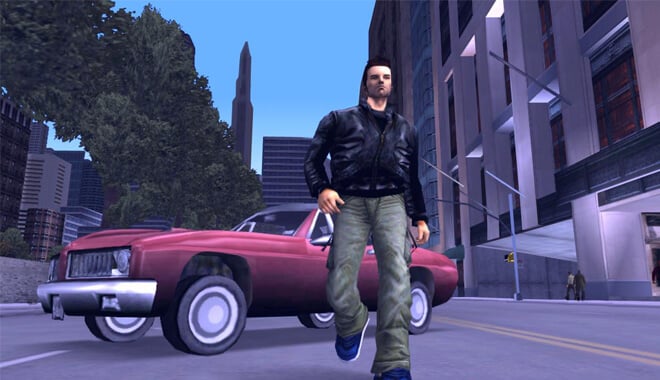
Grand Theft Auto - Best Open World Games
Unbelievably, open-world games go back a lot farther than you would think. I believe many gamers were introduced to one of the most famous open worlds, that of Liberty City in Grand Theft Auto III in 2001.

What if I told you that the first modern open-world game came out in the mid-1970s?

Of course, you have classics like the first Legend of Zelda title in which the player controls Link around the wilderness, with the player ultimately deciding where their adventuring takes them. Even before Zelda, there were Dungeons & Dragons.

You and your friends would create adventurers and dungeon crawl, relying heavily on imagination and party dynamics with those you were playing with.

It can be great fun precisely because of the freedom the players have in the world they create.

You and your buddies are in a haunted crypt and everything is going well, that is until the dungeon master decides to throw a curveball at you and decides to summon high-level giant French snakes wearing birthday party hats. It can truly be an unforgettable experience.
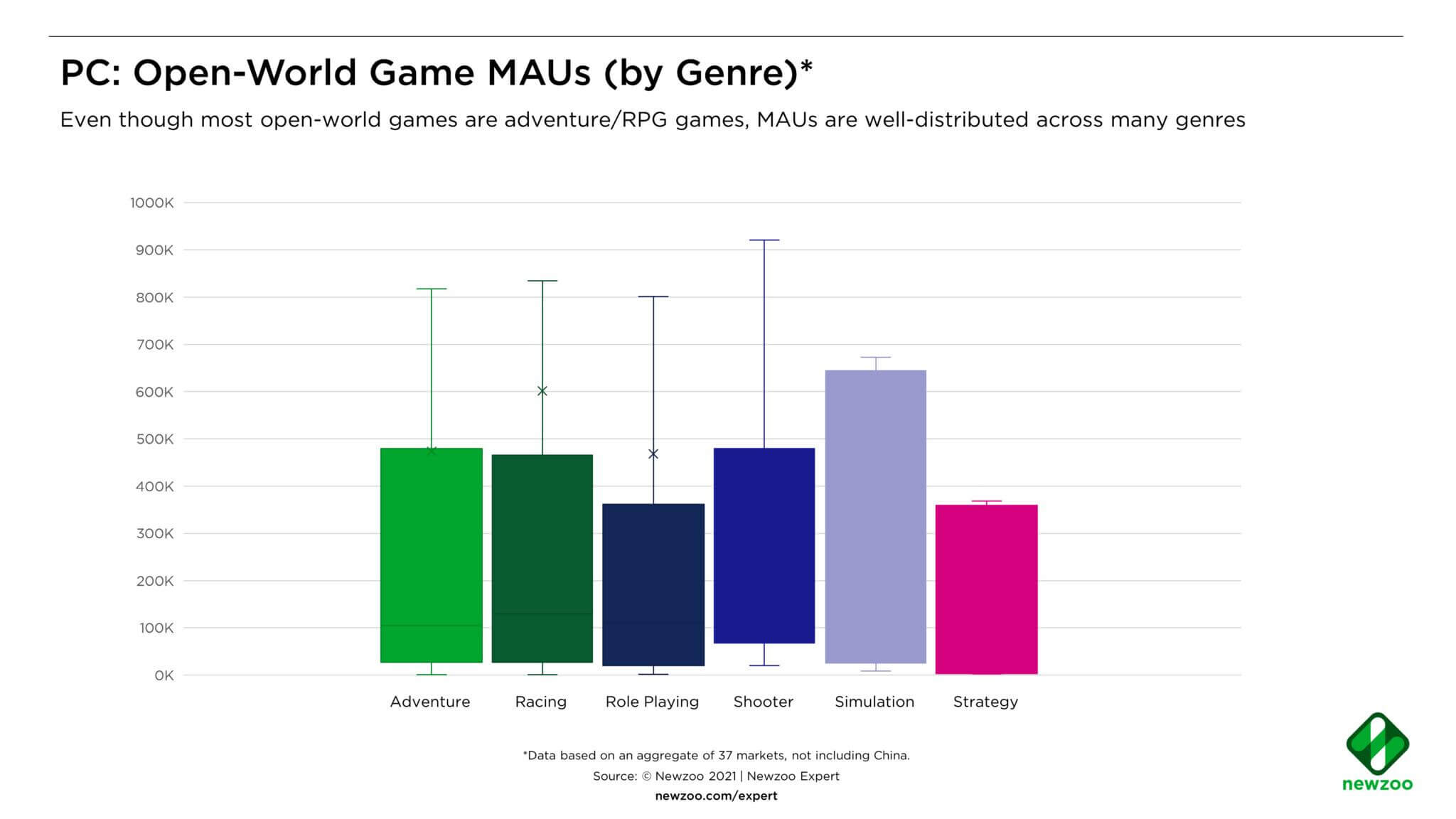
You Should Know

Among the top console and PC titles, open-world games represent a significant portion of the gaming industry. According to recent statistics, 16.7% of the top 1,000 console games and 18.7% of the top 1,000 PC games use open-world mechanics. The open-world concept has been embraced by some of the most notable and highest-grossing games of the past decade, such as Minecraft, GTA V, and Roblox.

In April 2021, the top 15 Xbox and PlayStation games ranked by Monthly Active Users (MAUs) indicated that open-world titles dominated, with GTA V (#3), Minecraft (#6), Days Gone (#11), and Horizon Zero Dawn (#14) taking top honors.

This trend extends to PC gaming as well, as indicated by Newzoo’s ranking of PC MAUs.

To learn more, NewZoo wrote a deep dive analysis of Open-World Games.

Four Categories of Open World Games

Within the open-world genre, there are four distinct categories that can be identified based on their core gameplay mechanics and design principles. These categories are as follows:

Sandbox Open-World Games

In this category, players are provided with a virtual sandbox where they can freely explore and experiment with the game’s mechanics. These games often offer a wide range of activities and objectives that can be pursued at the player’s discretion. Examples of sandbox open-world games include the:

  • Grand Theft Auto series
  • Minecraft
  • Just Cause

Action-Adventure Open-World Games

This category combines elements of both action and adventure genres within an open-world setting. Players embark on a narrative-driven journey while engaging in combat, exploration, and puzzle-solving.

Action-adventure open-world games typically feature a main storyline that players can follow, along with side quests and optional activities. Prominent examples of this category include:

  • The Legend of Zelda: Breath of the Wild
  • Assassin’s Creed series
  • Red Dead Redemption 2

Role-Playing Open-World Games

These games focus on character development and immersion within a vast and detailed world. Players assume the role of protagonist and have the freedom to shape their character’s attributes, abilities, and moral choices.

These games often feature deep storytelling, complex quests, and a variety of character progression systems. Notable examples within this category include:

  • The Elder Scrolls series (e.g., Skyrim)
  • Fallout series
  • The Witcher 3: Wild Hunt

Survival Open-World Games

This category revolves around the player’s struggle for survival in a hostile and unforgiving open-world environment. Players must manage resources, craft tools and shelter, and confront various challenges such as hunger, thirst, and hostile creatures. Survival open-world games emphasize realism and often incorporate elements of exploration, crafting, and base-building. Well-known examples of this category include:

  • DayZ
  • Rust
  • Subnautica

These four categories encompass the diverse range of open-world games available to players, each offering unique gameplay experiences and opportunities for exploration.

Whether players prefer the freedom of a sandbox, the immersion of a role-playing adventure, the excitement of action-packed gameplay, or the challenge of survival, the open-world genre has something to offer for every gaming enthusiast.

Our Ranking Criteria

In addition to player and critic ratings, we use objective metrics like sales, users, and sales growth rate to make our lists (read more). Some of these data sources include:

Best Open World Games

Okay, the history of such an iconic aspect of gaming is great and everything, but what are the best titles? What is the best open-world game ever? Wait no longer, I’m here to tell you what the best worlds are to immerse yourself in fully.

Mount & Blade (and its expansions)
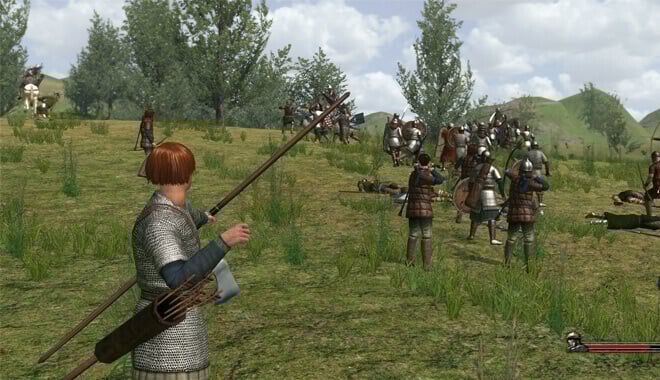
Mount & Blade - Best Open World Games
TaleWorlds Entertainment | 2008 | $10

This is a great little gem of a game that I’m surprised doesn’t have more of a splash in the gaming world. Released for Windows, Linux, and macOS in 2008, M&B puts you in the boots of a lone adventurer who has journeyed to a fictional war-torn medieval kingdom. The player is basically given scant supplies and told by the game ‘make a name for yourself‘.

Want to join the kingdom of Swabia and bring cold steel to the enemy kingdoms? Or are you more of a bandit, robbing caravans and sacking villages with impunity? You can do these and much more. The game is what it means to be open-world and nonlinear. It drops you in and says, ‘have a go at it’.

Difficulty

While it might be a bit overwhelming at first, the allure of the game’s world promises an engaging experience for those willing to embrace the challenge.

Mad Max
Mad Max - Best Open World Game
Avalanche Studios | 2015 | $20

To be honest, when this game came out, I wasn’t even aware that there was a Mad Max game in development. Needless to say, I was surprised when I bought it on a whim and booted it up. In the 2015 title by Avalanche Studios, you take control of our beloved post-apocalyptic tough-guy Max Rockatansky as he works towards his goal of beefing up his car into the ‘Magnum Opus’.

Woe to those who try to come between old Max and his dusty desert drag racer. The game is similar to previous titles published by Warner Bros., namely the Batman Arkham games.

That’s not necessarily a bad thing: the combat is fluid, the driving is great, and you really feel like you’re duking it out in the desert with a bunch of bloodthirsty gangs. It is available for Microsoft Windows, PlayStation 4, and Xbox One.

Difficulty

The game has layered systems, progression mechanisms, and various combat techniques both on foot and behind the wheel. While it promises a rewarding experience, the depth and variety of gameplay mechanics might present a learning curve for some players.

Starbound

Chucklefish | 2016 | $15

Starbound tells the simple story of the player character who has just graduated from the academy. Out of nowhere, aliens come and destroy the planet, forcing the player and others to escape in a ship. This leads you to explore space, landing on planets, and building countless resources.

Not only do I love the story, but it really feels like you’re trying to survive when you start digging for resources on a hostile alien world. It reminds me a lot of a mashup of Terraria, Minecraft, and Stardew Valley. It respects the player’s creativity, basically saying, ‘come do this quest later if you want’.

With beautiful pixel visuals and a great soundtrack, this 2016 title is a great open world title. It’s currently on Xbox One, PlayStation 4, Windows, OS X, Linux, and the PlayStation Vita.

Difficulty

The game offers a vast universe filled with diverse planets, resources, and activities. While it provides a rich sandbox experience with crafting, mining, and exploration at its core, the game doesn’t give much guidance on its progression systems

Assassin’s Creed Origins
Assassin’s Creed Origins - Game Development
Ubisoft | 2017 | $60

I’m a huge history buff, especially for ancient Egypt. That’s why I’m proud to say Assassin’s Creed Origins is a great open-world game. Like treasure hunts? Climbing pyramids? What about hunting? Ancient cults controlling the world and you’re caught up in the middle of a bloody and stealthy plot for world domination?

All sound good? Good, because that’s the bread and butter of this historical fiction title released in 2017. The customization, combat, and visuals are unreal compared to the previous release in the series, Syndicate. It can be found on PlayStation 4, Xbox One, and Windows.

Difficulty

Assassin’s Creed Origins delivers a deep dive into ancient Egypt with a revamped RPG experience. The intricate combat system demands strategic thinking, but the game’s occasional ‘grinding’ periods can pose challenges, requiring players to invest time in side activities to progress seamlessly.

Assassin’s Creed Odyssey

Ubisoft | 2018 | $60

I couldn’t decide which of the most recent Assassin’s Creed titles I loved the most so consider these tied. I can’t tell you how many hours I sunk into this one. Like in Origins, Odyssey throws you back into time, like WAY back, (431 B.C. Greece to be exact), and as you become nothing short of a Greek god.

The cult is back, the great combat is even better, and you’ll be surprised at how varied and more fun the side quests can be over the main quest. Ubisoft really tweaked everything to a great level.

Anyone who is a fan of mythology, the Assassin’s Creed series, and just a beautiful and rich open world will love this. It was released in 2018 for Xbox One, PlayStation 4, Nintendo Switch, Google Stadia, and Windows.

Difficulty

The game’s combat has evolved into a fluid dance of attacks, and the vast world is filled with quests, some of which can feel like prolonged errands. While the main story is engaging with emotional depth, players might find themselves occasionally sidetracked by the sheer volume of tasks, suggesting a moderate learning curve to navigate and prioritize the game’s offerings effectively.

Assassin’s Creed II
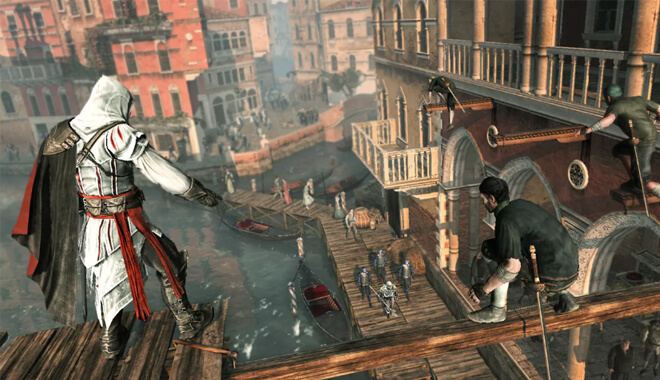
Ubisoft Assassin Creed 2
Ubisoft | 2010 | $20

I really enjoyed the first Assassin’s Creed, but the second entry in the series really upped the ante and showed that Ubisoft really knew what they were doing. Dropped into Renaissance Italy in the late 1400s, the player is introduced to great characters and even better-honed gameplay.

Assassin’s Creed could have easily been a one-hit-wonder, but the series rightly solidified its place in gaming history with this second entry. The open world is beautiful, painstakingly detailed, and just downright fun to explore on your own. It was released in 2009 for Xbox 360, PlayStation 3, and Windows. It was remastered and released for the most recent gaming systems.

Difficulty

While the game offers a comprehensive experience, the varied and intricate control scheme, especially when combined with the free-running system, suggests that there’s a moderate learning curve for players to master all the game’s nuances.

Kingdom Come: Deliverance

Warhorse Studios | 2018 | $30

Warhorse Studios really took a lot of people by surprise with their 2018 medieval title. Introduced to our young protagonist Henry, the player is basically dropped into the deep end of an uncaring and daunting medieval Bohemia.

When I say daunting and uncaring, I mean it. I remember running to town late at night, only to be stopped by guards and punished for not having a torch equipped.

You’ll also be penalized for not eating, showing your sword in public, and a multitude of other things that players will probably take for granted.

I once got into a fistfight with the village drunk, (it’s a long story), and it was so difficult as a first-time player, that when I finally, (narrowly), won, it was a rush of accomplishment. That’s what the majority of the game feels like.

Once you get over this hump, the game’s world opens up to you and is extremely rewarding. It is utterly and completely immersive. You can find it on Xbox One, PlayStation 4, and Windows.

Difficulty

The game boasts intricate survival mechanics, where even aspects like your character’s appearance and cleanliness impact NPC interactions. While the game provides a deep dive into medieval life, its combat system is precise yet comes with a significant learning curve.

Metal Gear Solid V: The Phantom Pain
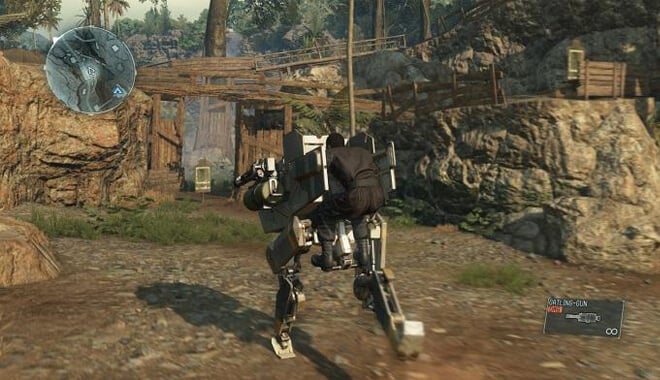
Metal Gear V The Phantom Pain
KONAMI | 2015 | $20

The fifth entry of the Metal Gear games, and final written by the game’s creator, Hideo Kojima before his dramatic departure from Konami, was a beautiful example of nonlinear gameplay.

It’s 1984, and Big Boss has awoken from his nearly decade-long coma after the events of Metal Gear Solid: Ground Zeroes. You’re now tasked with getting revenge, all the while building a huge base of mercenaries not bound by the governments of the world.

You need to complete missions in the mountains of Afghanistan and the jungles of Africa to find, explore, and carry out missions. There are literally hundreds of ways to complete missions. Want to sneak in like a ghost and leave no one the wiser? How about going Rambo-style, leaving no one left alive?

These and all methods in between are valid options for completing your quest. It was released in 2015 on PlayStation 3, PlayStation 4, Xbox One, Xbox 360, and Windows.

Difficulty

While the game provides a plethora of tools and mechanics, its depth and freedom can present a learning curve, especially for those looking to master the balance between stealth and aggression in its dynamic environments.

Stalker: Shadow of Chernobyl

GSC Game World | 2007 | $20

Yikes, this game gives me the creeps, but in the best way. In 2012, the infamous Chernobyl zone experienced a second nuclear meltdown and is now inhabited by mutated animals, scientific anomalies, and roving bands of bandits and soldiers, all looking for the lost secrets of the ‘zone’. Upon its release in 2007, it was praised as being a great open world game.

You can complete the main quests or explore and gun down bandits. The quests themselves are great too, with some truly memorable and hair-raising adventures you won’t soon forget. It can be extremely difficult for first-time players, but once you get more comfortable, you may feel very comfortable in the ‘zone’.

This is very similar to the Metro 2023 game series, except Metro is nearly all linear. You can find Stalker on PC.

Difficulty

The game’s mechanics, combined with its immersive atmosphere, suggest that while players can dive in, mastering the nuances and navigating the world might present a moderate learning curve.

The Witcher: Wild Hunt

CD PROJEKT RED | 2015 | $12

This may be my favorite game from 2015. A sterling example of role-playing games done 100% right, the third entry in the Witcher series of games takes everything that CD Projekt Red did twice before and absolutely knocks it out of the park. You’re back as Geralt of Rivia, back to slay some gross monsters and some devious people.

My favorite moment of the game may be in the first 30 minutes, in which you get into a bloody, and (ultimately deadly), tavern fight. You win, and in normal games, the people would be grateful. In this instance, however, the people are hateful and scared of you. You did, after all, just murder their neighbors.

That’s the kind of experience you get every time you boot it up. The choices aren’t black and white anymore, and it’s a great introduction to the Witcher’s open world. It’s currently on Xbox One, PlayStation 4, Nintendo Switch, and PC.

Difficulty

The depth of its systems, from combat to alchemy, requires dedication to master. While the game is accessible for beginners, achieving proficiency in its various mechanics offers a rewarding challenge for those seeking depth.

Assassin’s Creed Black Flag

Ubisoft | 2013 | $40

Now, this is a fun romp in the Caribbean. You’re Edward Kenway, the Assassin-in-training as he sails the high seas alongside his first mate, Adewale, and real-life historical pirates like Blackbeard and Captain Kidd. This was a big shift for the series, as a majority of the game takes place on the deck of your ship, the Jackdaw.

Ubisoft, I believe, really outdid themselves taking this gamble on a shift in gameplay. You can spend hours doing just ocean-based side quests. In my case, it took me forever to finish the main quest because of how addicting it was to upgrade the ship, get into exciting sea battles, and hunt for the elusive white whale.

I’ll never forget going up against a giant British man o’ warship, the biggest in the game. It was truly an exhilarating experience. It was released in 2013 for the Xbox 360, PlayStation 3, Wii U, Windows, Xbox One, and PlayStation 4.

Difficulty

While the main story might not be its strongest suit, the intricate mechanics, especially the naval combat, and the sheer volume of activities can present a learning curve for players. Mastering the seas and understanding the game’s depth requires dedication, making it moderately challenging for newcomers.

The Elder Scrolls III: Morrowind
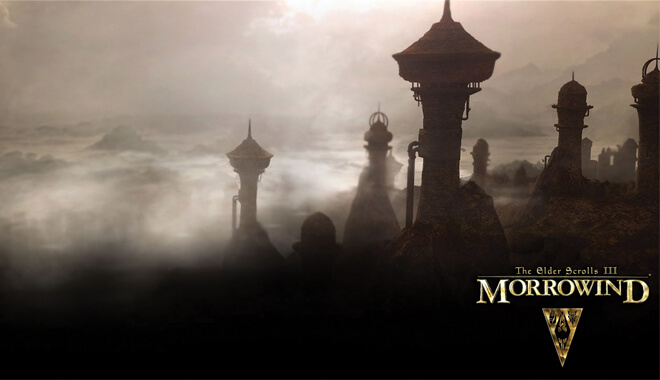
The Elder Scrolls III - Morrowind
Bethesda Game Studios | 2002 | $15

What can I say that hasn’t already been said about this seminal classic from powerhouse Bethesda? Morrowind was Bethesda’s big jump to modern consoles. And what a jump it was. Fully rendered 3D worlds filled to the brim with unique towns, quests, and NPCs that put you right in the world of the Elder Scrolls.

Different noble houses warring with each other, an ancient prophecy coming to life, it’s all there.

The best part is, you can choose to do all of that or none of it. You can just traverse the wonderful world of Morrowind without any intention of completing the main game. This was an important step into what we are more familiar with nowadays.

It was released in 2002 for Xbox and PC.

Difficulty

While the game is rich in content and offers numerous side quests, mastering its mechanics and navigating the world of Morrowind requires dedication and patience.

The Elder Scrolls IV: Oblivion

Bethesda Game Studios | 2007 |$15

Just like Bethesda’s jump to consoles, this was another big step for them. This was the first Elder Scrolls game to be released on the seventh generation of home consoles. It landed with a huge splash, making the Elder Scrolls a staple in role-playing spheres as well as games in general. It was released in 2006 for the Xbox 360 and the PC, and eventually the PS3.

They capitalized on the creativity of Morrowind, added amazing visuals for the time, new features like fast traveling, and more. Oblivion was the first introduction many gamers of today had with RPGs and fantasy.

It’s considered a staple of the genre and is nearly always spoken about with reverence or respect. This success with Oblivion would lead to good fortune down the road for Bethesda.

Difficulty

Oblivion is accessible and user-friendly, mastering its various mechanics and navigating the world requires dedication, making it a challenge for players to fully grasp all its nuances.

The Elder Scrolls V: Skyrim
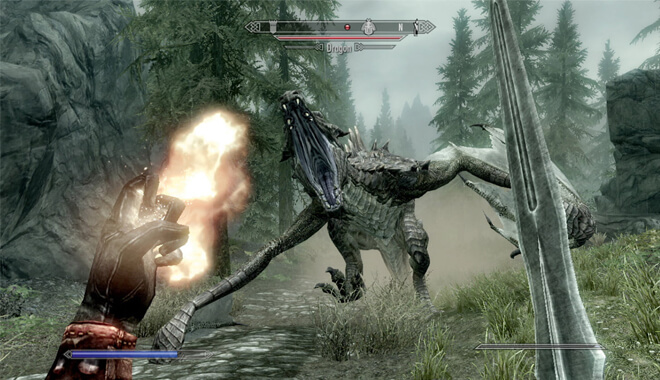
The Elder Scrolls V - Skyrim
Bethesda Game Studios | 2011 | $20

Of course, where would any open-world list be without the powerhouse that is Skyrim? Since its release on major consoles in 2011, Skyrim has taken the gaming world by storm. Released to critical and user acclaim, Skyrim redefined open world with its dynamic features, colorful world, and deep customization.

It didn’t hurt that you could battle huge dragons now, either. Bethesda took everything they’ve learned and cranked it up to full blast.

The most recent console release of the many iterations of Skyrim was for the Nintendo Switch in 2017. There’s even a VR version that was released in April of 2018. Now you’re able to battle in the deep, snowy crypts of Skyrim as if you’re actually there.

With the success of Skyrim, one can be confident in Bethesda’s next Elder Scrolls game, tentatively titled The Elder Scrolls VI.

Difficulty

While Skyrim is accessible, mastering its depth and navigating its expansive landscapes requires dedication, making it a rewarding challenge for players to fully immerse themselves in its captivating universe.

Grand Theft Auto III

Rockstar Games | 2001 | $30

Released in 2001 to great fanfare, GTAIII was possibly the most important open-world game. The third installment of Rockstar’s Grand Theft Auto Series took the camera angle and made it third person instead of an overhead view.

This opened up so many possibilities gameplay-wise. It made the series more authentic, and something beautiful emerged from this simple change in camera: story.

Rockstar knows how to tell a great story. While GTAIII’s story may be a little generic, (basically check out any mafia movie), this was the first step in a long line of great narratives that the company would undertake. Blood, cursing, gunplay, and mayhem were all increased tenfold to usher in a golden age of gaming in the early 2000’s.

This game inspired countless other open-world games like Saint’s Row and the Godfather game. Liberty City was a living, breathing city, with people living their lives, and you being just a small part of it.

Difficulty

The game’s appeal lies in its sandbox nature, allowing for unscripted moments and a variety of missions that weave into an engaging life-of-crime narrative. While its open-ended playstyle offers freedom, the depth of interactions, from carjacking to undertaking diverse missions, might challenge newcomers to adapt and strategize effectively.

Grand Theft Auto: Vice City

Rockstar Games | 2002 | $30

We’re back again with Rockstar’s most famous series. Vice City takes the mayhem and chaos of GTAIII and adds pastels, neon, and a rocking 1980s soundtrack to it. You’re Tommy, carving a swatch out of the sun-drenched beaches of Vice City, (a play on Miami). This game is truly special. It took GTAIII and made it better.

The story was a little more refined, now featuring a voiced protagonist, and of course, new weapons and vehicles. You truly felt like you were in the 80s by the way the game totally immersed itself in the culture, time, and vibe.

I’ll never forget cruising down the beach, cranking ‘Bark at the Moon’ by Ozzy Osbourne, while being chased by two different gangs. It piled on what the third game did and made it stylish as hell.

Difficulty

The game’s narrative is engaging and the city is teeming with activities, the multifaceted missions and the vast array of gameplay mechanics might pose a challenge for newcomers to grasp immediately.

Grand Theft Auto IV

Rockstar Games | 2008 | $20

After the success of the San Andreas, Rockstar moved onto the newer consoles. Released in 2008, GTA IV was a bit of a different bag than San Andreas was.

GTAIV was more grounded in realism than its predecessors, for both good and bad. The story was gritty, with the player controlling the likable, if morally ambiguous Niko Bellic, and had a much more dramatic shift.

This, as well as the new look of Liberty City, was amazing. Tons of new features were included, along with two full-fledged expansions being released soon after. Liberty City wasn’t just a living breathing city again, but it was extremely realistic. It was modeled off of New York City, adding something that players could actually tie to real life.

Difficulty

The diverse missions and revamped mechanics might challenge some players, especially those new to the series.

Grand Theft Auto V
Grand theft auto v - Open World Map
Rockstar Games | 2013 | $60

Where would an open world games list be without this behemoth? Rockstar took the narrative skills that they’d built up, and mixed both the seriousness of GTAIV and mixed it with some of the more unbelievable things included in San Andreas. Playing as three different main characters was a brave choice and one that paid off well.

This game also included GTA Online, the wildly popular online mode of the game was absolute mayhem takes place between a huge number of players on the GTA map. It was released for Xbox 360, PlayStation 3, with ports to Xbox One, PC, and PS4.

Difficulty

While it offers a vast world with unparalleled freedom, its intricate missions and multifaceted storylines can be challenging for players. The game demands adaptability and strategy, especially when navigating the intertwining lives of its central characters.

Red Dead Redemption

Rockstar Games | 2010 | $30

I still have great memories of booting this game up back in 2010, but ultimately thought it couldn’t be a better open-world game than the previous GTA games in the Rockstar repertoire. Boy was I wrong. Red Dead Redemption blows all of the narrative gravitas any of the previous Rockstar games had right out of the water.

John Marston is constantly being lauded for some as gaming’s best or most liked protagonist. Even if you’re not a fan of westerns, Red Dead throws you into a believably real world. It’s not like cowboy movies; it’s much grittier and more unforgiving. It was released for all major consoles in 2010, paving the way for the sequel we all know and love.

Difficulty

While the game’s narrative is compelling, the mechanics, from gunfights to horseback riding, can be intricate. For newcomers, there’s a notable learning curve, as mastering the game’s systems is essential to thrive in this unforgiving landscape.

Red Dead Redemption II
Red Dead Redemption 2 - Top Open World Games
Rockstar Games | 2018 | $60

Wow, what can I say about the most talked-about game in recent memory? It really stands on its own as a narrative achievement and is a shining example of the narrative leaps and bounds I discussed regarding Rockstar.

This prequel to Red Dead Redemption puts you in the saddle of Arthur Morgan and his day to day life with the Van Der Linde gang headed by the insane, yet charismatic, Dutch. You know what I said about John Marston being liked by nearly everyone?

Arthur Morgan proved to eclipse John with that honor. Aside from being in a gang, Arthur is a pretty nice guy and seems so real as a person. That’s what this game does so well. You truly believe these people could be real people. The places too, are detailed and have such a rich narrative history.

You feel like this world has always existed and you’re just merely passing through it. This hulk of a game was released in late 2018 to amazing critical acclaim for Xbox One and PlayStation 4.

Difficulty

The game is vast, with a plethora of activities, interactions, and systems that can be overwhelming for some players. The pace is deliberate, requiring players to immerse themselves fully and adapt to its mechanics, from manual looting to bonding with their horse

Gothic II

Piranha Bytes | 2002 | $10

Developed by European company Piranha Bytes and released in 2003, Gothic II is the second in the series of RPG fantasy games. Players of Bethesda’s games will be right at home here with the tone and vibe of the world.

This world does not care about you. It will see you; it will kill you, and it will take full advantage of you. I remember being early on in the game, and a guy asked me to do a favor for him.

I thought it would be easy gold, so of course, I said yes. All I had to do was plant weapons on a rival stall in the marketplace. Okay, so I did. He gave me my reward, but to my irritation, days later he came back and pinned the crime on me. It felt so real that I honestly couldn’t be angry. I was amazed.

The world was taking me, chewing me, and spitting me out on the cobblestones of the big city. And I loved every minute. This game is on PC.

Difficulty

The game’s difficulty and the intricacies of its systems may pose a challenge for those diving in for the first time.

Just Cause 2
Just Cause 2 game play
Avalanche Studios | 2010 | $15

Although I wasn’t exactly a fan of the first game in the series, Just Cause was just absolute insane fun. I will never get the same rush in a different game as I do when I pilot a jet thousands of feet up, jump, and proceed to skydive to see if I could grapple hook back onto it.

Yeah, I did that for hours, so what?! Situations like that are rife in this 2010 release for major consoles.

This is a case of the sequel absolutely killing the first game in the series. You’re tasked with overthrowing a corrupt tyrant on an island nation, and you have free reign to do basically anything to achieve those goals. Varied environments, organic AI, it’s all here.

Difficulty

The game stands out with its grappling hook and parachute mechanics, offering unparalleled freedom in movement and combat. However, the controls can be a bit challenging to get a grip on, especially for those new to the series

Saint’s Row 4

Volition | 2013 | $20

Okay, this one is just insane. The first Saint’s Row was a more serious game about gang life. By the fourth iteration in the series, all of that is gone out the window. In this 2013 game, you’re the leader of the 3rd Street Saints. Add to that, you’re character has also been elected president.

Yep, not making it up. Everything’s great until an evil alien overlord invades and throws all of humanity into a simulation. It’s up to you, in an extremely blatant but humorous nod to the Matrix, to destroy the overlord’s plans.

This is the polar opposite of GTAIV’s gritty realism. This game has you using a bazooka while dressed as Uncle Sam. Or dressed as a hot dog using a dubstep gun, forcing all enemies to start dancing, ultimately exploding. The possibilities are endless, and all of the weird and, sometimes unnerving.

There are many wild laughs to be had while trying to save the world, and Saint’s Row 4 does this open-world concept and flips it on its head. It was released for Xbox 360, PS3 and Windows.

Difficulty

The game is a delightful mix of absurdity, humor, and over-the-top action. However, with its plethora of superpowers, weapons, and mechanics, there’s a learning curve for players to harness the full potential of their in-game abilities

Saint’s Row 2
Saints Roew 2 - Great Open World Games
Volition | 2008 | $10

The second game in the series has the developer Volition, turning up the humor factor on this one. It was released in 2008, not long after GTAIV. The first game was a more realistic take on modern gang warfare, Saint’s Row 2 capitalizes on that, and makes it boatloads of fun. I was absolutely addicted to this game.

A friend of mine told me he hated GTAIV but loved this because he said when he plays a video game, he wants to have unbridled fun, not dreary storylines. We can agree to disagree, but I’m willing to see his point of view after I dress like a mascot and use a samurai sword to kill a gang leader to a-ha’s ‘Take on Me’.

Difficulty

Players might need some time to get accustomed to the game’s controls and systems, especially given the sheer amount of freedom and choices available in the gameplay.

Saint’s Row

Volition | 2022 | $60

Compared to the rest of the games in the series, Saint’s Row is more serious in tone and attempts to tell a serious story about betrayal, blood, and gang violence. Although its humor is a little more juvenile, the game was solid and offered players an alternative to Grand Theft Auto’s monopoly on the open world market.

At this point, I respect what Saint’s Row did in terms of transforming itself from its first game into what it is now. If they kept up this style and tone, I’m not sure if they would’ve made it out of the mid-2000s. It was released in 2006 exclusively for Xbox 360.

Difficulty

The combat is serviceable, but the game leans heavily on wave-based shootouts against rival gangs. Players might find the mechanics familiar, but the repetitiveness of tasks and missions can make the learning curve feel more about endurance than skill mastery.

Fallout 4

Fall Out Four - Open World Map
Bethesda Game Studios | 2015 | $20

The newest Fallout release came out for Xbox One, PS4, and PC in 2015. It changed the setting from past games by setting it near a post-apocalyptic Boston and the nearby surroundings. It introduced dynamics to the series like base building in which you could build an outpost of survivors, including farming, lighting, turrets, and more.

The graphics were beautiful, and the gameplay was tight as ever. It was criticized for its lack of dialogue options, but I still consider it a significant step for Bethesda and the Fallout series. It had a great companion system, with one of my favorite characters, the android Nick Valentine.

Difficulty

The game boasts a vast open world, detailed crafting mechanics, and a narrative that keeps players engaged. However, with its extensive customization options and the depth of its mechanics, newcomers might find a bit of a learning curve as they navigate the ruins and adapt to the game’s survival elements.

Fallout New Vegas

Obsidian Entertainment | 2010 | $10

This is a personal favorite of mine. Left for dead in the Mojave Desert, you play a nameless courier who has to find out who double-crossed them. The setting is prime Fallout: unforgiving desert filled with bloodthirsty gangs and mutants.

It is all based around the conflict of the remainder of the U.S. government, the New California Republic and Caesar’s Legion, a brutal army of Roman-inspired warriors deadest of ruling the Mojave.

Relationships with factions in the game, the branching story, and the hundreds of different combos of the story you can undertake are, frankly, brilliant.

It kept me coming back for more repeatedly. It was released in 2010 for PC, PS3, and Xbox 360.

Difficulty

The game’s depth and mechanics can be overwhelming, but they promise a rewarding experience for those willing to immerse themselves in the Mojave Desert’s challenges.

Fallout 3
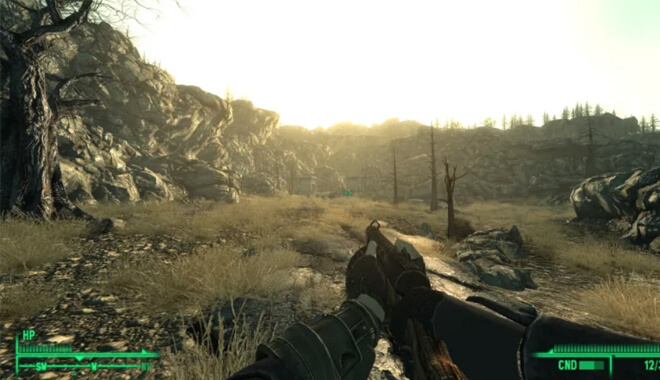
Fallout 3 - Best Games of All Time
Bethesda Game Studios | 2008 | $10

Bethesda’s first attempt at the beloved PC franchise was a success. They nailed the look and feel of the irradiated wasteland that the first two games did so well. You’re tasked with finding your father around a ruined Washington D.C., with a whole bunch of super mutants in between.

It’s one of those titles where you believe that this world exists long after you’ve shut off your console. IT was released in 2008 for PS3, Xbox 360, and PC.

Difficulty

Newcomers might find the initial learning curve steep, especially with the depth of its RPG elements, mastering its systems offers a rewarding experience for dedicated players.”

Fallout 2

Black Isle Studios | 1998 | $10

This is considered the high watermark in post-apocalyptic gameplay. I couldn’t fathom how many choices I had as a gamer in this game. You could pretty much do anything you wanted. Once you got unleashed on the wasteland of America, all you had to do was make sure you survived. This highly acclaimed sequel was released in 1998 for PC.

Difficulty

Players might find themselves investing time to master the game’s systems, especially given the variety of choices and outcomes that can significantly shape their journey in the wasteland.

Wasteland 2

inXile Entertainment | 2014 | $30

I bought this crowdfunded game on a whim. It was from the grandfathers of the Fallout series, so they had to know what they were doing, and boy did they. I don’t remember spending that much time with a PC RPG like that in years. It reminds me of the first two Fallout games is they had a modern reboot, which I would love.

You travel along the desert with your fellow rangers, defeating gangs, uncovering plots, and saving what remains of the world. It was released in 2014.

Difficulty

The depth of its mechanics, from character development to turn-based combat, can present a steep learning curve. Players will need to invest time to understand and master the game’s systems

Mario 64
Super Mario 64
Nintendo | 1996 | Free

One of my favorite games that formed who I was as a gamer was Nintendo’s 1996 work of art, Mario 64. Mario jumped into the fully 3D 64-bit world, allowing the player to control him in all his silly and heroic glory.

Secret passageways, different worlds, and hours upon hours of gameplay await all who want to explore Peach’s castle.

Difficulty

While it introduced vast, immersive worlds and a plethora of new mechanics, the intuitive design ensures that players, whether veterans or newcomers, can easily dive in and enjoy the experience

Banjo-Kazooie

4J Studios Ltd. | 2010 | $15

Another favorite of mine, Banjo-Kazooie introduced us to the loveable combo of platforming animals. Banjo the bear is going to battle the evil witch Grunty, and there’s a bunch of creatively designed levels in between. This game has honesty and sly humor throughout. This was released in 1998 for the Nintendo 64.

Difficulty

Banjo-Kazooie offers an inviting entry point for newcomers, with intuitive controls and mechanics. However, mastering the unique abilities of the bear and bird duo presents a delightful challenge for those seeking depth in their platforming experience.

Donkey Kong 64

Rare | 1999 | Free

The DK crew returns to take on the 3D world. This game, along with Rare’s other titles, were such pivotal platforming games in the 90s, that their legacy will never be overshadowed. You have access to 5 different Kong’s, all with their own unique abilities and play styles, making you think strategically about how you get certain items or get to certain areas.

This game is long, and it’s detailed. I guarantee that you won’t be able to collect everything, but that doesn’t mean you shouldn’t try it!

Difficulty

The game’s structure ensures that players can gradually ease into its depth, making it accessible for beginners.

Fable
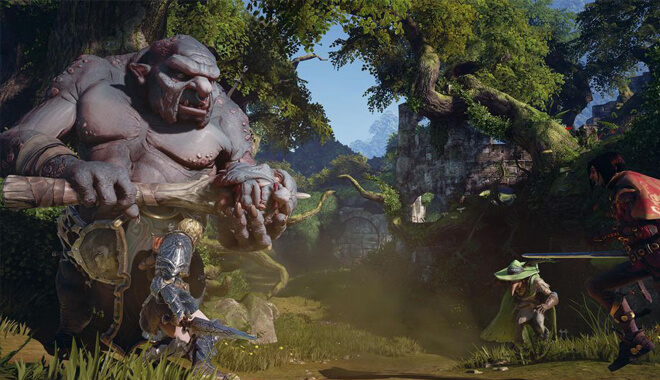
Fable Game - The Top Open World Games
Playground Games | 2004 | Available with Xbox game pass – $11/month

So, this one might have some controversy. Developer Peter Molyneux promised a lot of this game. Although it is a great and solid open-world RPG, Peter and his team promised almost impossible features that were captivating to hear about.

Although the game didn’t deliver on some specific promises, it was still a great narrative and a good play on the hero’s journey. It was released in 2004 for Xbox exclusively.

Difficulty

While long-time fans might find comfort in the game’s classic elements, the introduction of new gameplay features and plot twists could present a learning curve, offering both accessibility for newcomers and depth for seasoned players.

Fable II

Lionhead Studios | 2008 | $10

I think that this is what Peter Molyneux had in mind for the first Fable, as it’s a much more fleshed out and versatile title. You really feel a crucial part of the world this time around. Set hundreds of years past the first game, you’re an orphan who’s out to seek revenge on the man who tore your family apart.

It introduced owning a furry companion in the game: a loyal dog that would find items, help attack, and other things. This was a very addicting game, much more so than the first game. It was released in 2008 for Xbox 360.

Difficulty

The combat mechanics are ingeniously simple, blending melee, ranged, and magical attacks seamlessly. However, while the narrative depth and moral choices are captivating, the combat might not push your skills to the limit due to its ease and the limited variety of adversaries.

Deadly Premonition

Deadly Premonition best open world game 2019
Rising Star Games | 2013 | $25

Okay, so you might not find this on many lists, but this may be a personal favorite of mine that’s near and dear to my heart. This kooky Twin Peaks-inspired murder mystery takes twists and turns with a silly veneer that is amazingly endearing to the player.

These characters are so weird, you really can’t help but love them. It was released in 2010 for Xbox 360, PS3, and PC. It’s a third-person shooter, driving sim, survival horror, and life simulator all in one.

Difficulty

While the game does have its moments of intrigue, especially with its quirky characters and unique story elements, it’s marred by technical shortcomings and poor pacing, making it a challenge not in terms of gameplay difficulty, but in terms of player patience.

Minecraft

Mojang Studios | 2009 | PC – 29.99$ – 39.99$ Mobile – 6.99$ Consoles – 19.99$ – 29.99$

Where would we be without Notch’s geometric hit? This is a game that fuels creativity. I’ll never forget seeing someone who recreated scenes from The Lord of the Rings, all in-game. You just start with basic resources and blocks, and you can end up in countless different wild situations an hour later.

I personally loved mining deep in the earth, setting up the mine to better productivity, eventually getting burnt alive by an unexpected lava spill because I dig too dig and too greedily. This classic was released in 2009 and has been popular ever since.

Difficulty

Minecraft is incredibly intuitive. The basic controls are straightforward This makes it easy to start playing almost immediately, and because the game has a fairly low skill floor.

The Legend of Zelda Breath of the Wild

Nintendo | 2017 | $60

This game is truly special and is often referred to as a significant change for the genre. It’s a game that values your exploration over story progression. See some ruins over there? Go climb them! I believe more games should be utilizing this method.

The Assassin’s Creed series has shifted itself in this direction, but I think it needs to take a long look at Breath of the Wild for some serious pointers in what to do exactly right. It was released on the Nintendo Switch and Wii U in 2017.

Difficulty

The game challenges players to think differently, with survival at its core, as you gather resources, tackle dynamic weather conditions, and face intelligent enemies.

The Legend of Zelda Wind Waker

Nintendo | 2002 | $129

I can’t help but draw some parallels to Assassin’s Creed: Black Flag. The wide-open seas, being captain of a ship, intrepid adventures, unsavory rogues. Okay, so maybe they only share a few things, but I like to think of Black Flag as an R-rated Wind Waker.

True to form, Wind Waker is just as addicting and inspiring as other Zelda entries. Much like Ocarina of Time, Link has a musical instrument that can serve many functions. The music, visuals, and adventure all hold up to today, I can confidently say. It was released for Gamecube in 2002.

Difficulty

The game’s dungeons start out simple, gradually building in complexity, requiring players to use a variety of tools and strategies.

Shenmue II
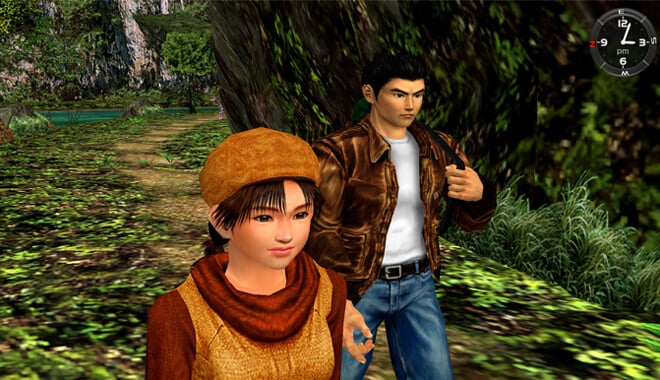
Shenmue 2 Gameplay - Great Open World Map
D3T | 2002 | $30

This game is celebrated by dedicated fans the world over. Its recent development of a third game in the series has people talking about Shenmue again. You play as Ryo, searching 1980s Hong Kong for his father’s killer, Lan Di.

You’re led on many different twists and turns, all while working different jobs, gambling, eating food, and more. Hong Kong feels real, and the gameplay is still satisfying years later. It was released originally for Xbox in 2002.

Difficulty

The combat system, rooted in the “Virtua Fighter” engine, demands players to master a vast array of moves, suggesting a moderate learning curve. While the game provides depth and intricacy, newcomers might find the pacing and variety of mechanics a bit challenging to grasp initially.

Yakuza

Sega | 2005 | $21

Think of this as Shenmue with attitude and no holds barred. Betrayed by his boss, Kazuma goes to jail and is released 10 years later. What ensues is a crazy, action-packed romp that’ll leave you begging for more. As Kazuma, the player engages in a beat-em-up that has yet to be capitalized on by any other series. It was released in 2005 for PS2.

Difficulty

It’s narrative is deep and engaging, the game’s mechanics, including combat and quick time events, might pose a challenge for newcomers. However, with time and practice, players can master its intricacies.

Yakuza 3

Sega | 2009 | $20

Flash forward to 2009, our badass Yakuza protagonist, Kazuma is now running an orphanage. Yes, you read that correctly. He’s running an orphanage, and he’s doing it well. Of course, as with these stories, he has to come out of retirement to beat on some baddies, and he does so with style and panache.

You’re free to roam Osaka and Tokyo but beware of the roving bands of street hoodlums and other gang members! It was released to positive reviews on PS3.

Difficulty

The game offers a mix of intense storytelling and action-packed combat, with a fighting system that’s both engaging and deep. However, the combat can become repetitive, and players should be prepared for a significant amount of reading due to the Japanese-only voice track and reliance on subtitles.

Wing Commander: Privateer
Wing Commander - Privateer
Origin Systems | 1993 | $5

Thanks to GOG.com, I was able to discover this gem. The Wing Commander series is a flight simulator-centric franchise that was popular in the 1990s. Privateer is a spin-off, not having to do with the Wing Commander story. It was a great first foray into doing whatever you wanted. You could join the militia space force, hunting down pirates of religious zealots.

Or you could do a 180 turn and become a slave or pirate yourself. Choices like these made the game addictive and having you be able to replay it a hundred different ways. It was released for PC in 1993.

Difficulty

While the game offers a vast universe and numerous activities, its immersive gameplay and detailed HUD make it accessible for both newcomers and veteran gamers. Dive in, and let the space adventures begin!

Stardew Valley

ConcernedApe | 2016 | $14

One that’s near and dear to me, Stardew is just plain fun. You can do anything in this game: farm for the best vegetables, cultivate relationships, mine, and defeat monsters. You can truly play this game repeatedly, precisely because of the freedom you have. I didn’t even realize that there were story missions until a friend of mine actually had to tell me straight out.

Even then I didn’t believe it. Stardew Valley is beloved and was released in 2016 and is on nearly all platforms. I own a copy on PC and Xbox One.

Difficulty

The game starts off slow, allowing players to get accustomed to the farming life. But as you delve deeper, the myriad of activities and intertwined systems make it a captivating experience.

World of Warcraft

Blizzard Entertainment | 2004 | $25-45

WoW is a name that does all the heavy lifting for me. Raids at 2 AM with your best friends, riding on a mount through the sky. So many memorable things about this game and its expansions that I can’t even get into it all here.

If you’re a gamer, you already know all there is to know about the wide-reaching impact of WoW. Released in 2004, it has been the absolute golden standard for modern MMORPGs.

Difficulty

The expansion offers a rich narrative and diverse endgame activities, it also comes with a learning curve, especially with the introduction of multiple currencies and the revamped crafting system.

Fallout 1
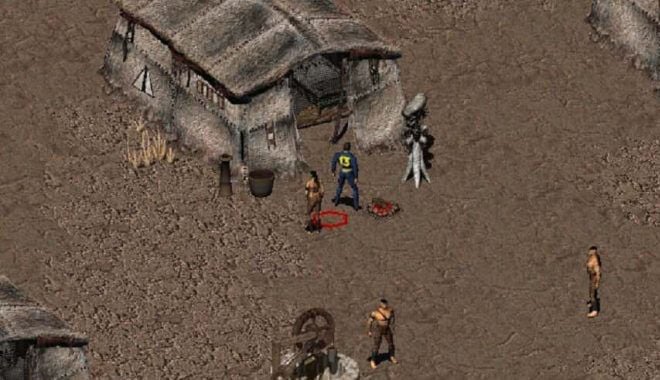
Fall out one
Interplay Productions | 1997 | $10

The one that started it all. This game introduces the player to the vaults that house the human race after nuclear bombs are dropped. You eventually need to quest outside of the vault, and you experience some truly dynamic gameplay online the way.

I’ll never forget targeting a guy’s legs and blowing them off. It’s the origins of the iconic V.A.T.S. system in the more recent Fallout titles. It was released for PC back in 1997.

Difficulty

With its lack of hand-holding, intricate dialogue system, and punishing decision-making, it’s a game that demands attention and strategy. But for those willing to embrace its challenges.

Final Fantasy XV

Square Enix Business Division 2 | 2016 | $35

As I explained before, FFXV grants the player freedom in which FF players before weren’t used to. You and your squad of trusty best friends are on a quest to get Prince Noctis to the neighboring kingdom to marry the princess there. You can cook, camp, fight monsters, race, and customize your car.

The visuals are stunning, and it really feels like a Final Fantasy game, but more mature somehow. It was released in 2016 for Xbox One, PS4, and PC.

Difficulty

It does introduce new mechanics and systems that might be unfamiliar to long-time fans, the essence of Final Fantasy remains intact. It’s a game that requires players to immerse themselves fully, embracing both its innovations and its nods to the past.

Black & White

Lionhead Studios | 2000 | $30

Made by Lionhead Studios in 2000, Black & White puts you in the unique position of being a god ruling over a civilization. Your task is to either rule over the people and help or hinder them in their everyday lives. It stresses choice, much like Peter Molyneux’s other games.

It’s amazing, as you actually feel like a god, be able to do anything to the people of the island. The dynamic choices were a great part of the game. You also owned a pet that acted as a guardian on earth, adding a pet element to the game.

Difficulty

With its intricate mechanics, vast open world, and emphasis on player choice, there’s a lot to grasp.

Grand Theft Auto: San Andreas
Grand Theft Auto - San Andreas
Grand Theft Auto: San Andreas | 2004 | $60

As I said before, Rockstar started a narrative push in their third game, adding onto it in Vice City, and perfecting it in San Andreas. Released in 2004, you play as CJ, returning to the west coast in the early 90s. Rockstar went absolutely nuts in terms of adding cool new features, weapons, characters, and most important, locations.

The locations in this game had me floored. You go from the smoggy Los Angeles equivalent of Los Santos, the California wilderness populated by unsavory characters, to the Las Vegas-inspired Las Venturas.

Each area has its own personality, feel, and style. I couldn’t wait to progress through the story to be able to explore every area, something the game gives you a little at a time.

The game ramps up everything. In hour one you’ll be doing a drive-by and working out at the gym. In hour 30, you’ll be piloting a jet in the Las Venturas desert while being pursued by the government. It’s both parts wacky and serious. The story is more mature, with loveable and absolutely detestable characters throughout.

You can easily lose yourself by simply driving the roads and highways connecting the major cities. It’s actually very relaxing to put on your favorite radio station, pick a destination, and enjoy the ride. I’ve never experienced anything close to that in another game, and I believe that encapsulates what the very best open-world game is and should aspire to do.

It was originally released on PS2, with a release soon to follow in 2005 on Xbox. It’s now on Steam, and easily accessible.

Difficulty

It introduces new mechanics that might require some getting used to, it remains an engaging and immersive experience that both veterans and newcomers to the series will appreciate.

The Legend of Zelda: Ocarina of Time
The Legend of Zelda - Ocarina of Time
Nintendo | 1998 | $32

This is it, the best open-world game ever. I’m calling it now. What Ocarina of Time did for open world, adventure, and action games is never going to be topped.

In my opinion, Majora’s Mask doesn’t measure up. This living, breathing world is yours to explore. I remember just hanging out at Lon Lon Ranch, getting to connect to these silly characters, and when everything goes to hell in the second half of the game, I really felt for everyone in the game world.

It had such an amazing resonance story-wise. It still holds up too! It was released in 1998 for the Nintendo 64.

Difficulty

There’s a learning curve, especially with the game’s unique controls and mechanics. But once you get the hang of it, you’re in for an unforgettable journey that’s both challenging and rewarding.

Sources:

https://www.ign.com/articles/2008/12/17/mount-blade-review
https://store.steampowered.com/agecheck/app/234140/
https://www.pcgamer.com/starbound-review/
https://www.gamespot.com/reviews/grand-theft-auto-iii-review/1900-2868062/
https://www.xbox.com/en-GB/xbox-game-pass#join
https://gameslikefinder.com/review/wing-commander-privateer/
https://www.ea.com/en-gb/games/wing-commander/wing-commander-privateer


13 Ways To Monetize Your Mobile Games

0

How to monetize your mobile game
I will be the first person to admit that I am addicted to Words with Friends. It really isn’t healthy: I will stare at my game board on my phone for long periods of time trying to get the very best word out of my 7 letters to grind my opponent into dust.

After inevitably crafting to perfect word to really stick it to my opponent, an ad usually plays. It is usually for some sort of cell phone game, with the ads being different each time.

By now we have all heard of monetization. Whether it is through YouTube videos being demonetized, or other ways, monetization is quickly becoming a crucial part of technology, especially in 2022 and beyond.

Monetization

But what exactly is monetization? What is all the fuss? Monetization is a really general term for multiple avenues of changing something into money. For example, views on YouTube can generate income for the uploader of the video. That is why the controversies on YouTube about monetization and demonetization have become such a prevalent topic; it affects peoples’ lives.

It could potentially affect your life too. If you have something that you can bring to the world and monetize it through ads, you can get valuable consumer engagements, or in other words, people clicking, viewing, and playing your game.

This is a crucial concept. Not to be critical at all, but just think about how much time people spend on their phones. It is insane. My commute on the subway every morning is just people looking down on the screen of their smartphones. There is a huge opportunity for engagement and monetization.

You want to make a game. You do! The idea has been right at your fingertips, or it is already out but you aren’t sure how to monetize it. Having a free game on the app store is great, but you want to see returns on your project. That’s your baby, you need to care for it! You do this by getting the most CPI—otherwise known as cost per impression.

In web traffic, that is how much money something brings in every time it is displayed. With a page view, the ads on the page count as one cost per impression.

You can also see, on sites like Twitter, how many engagements or impressions your post has gotten.

Pre-Rolls & In-App Advertising


In-App Advertising and the Importance of Pre-Rolls
Every time I log into Words with Friends, I get a daily reward of precious gold coins. These can be used to buy power-ups, furthering the advantage I have over my friends. At first, you get 3 gold coins, but you are further prompted to watch an optional video to receive more coins. 3 more coins just for a video?

Not bad, I’ll take it.

That is exactly what the developer, Zynga, has tailored their game to do. By incentivizing the player to get more of that sweet, sweet in-game currency, they can easily monetize their game while also benefitting the player. This is definitely a win/win situation.

Another valuable method of advertising is called skippable pre-roll. With these styles of engagements, the player is shown a video advertisement. The ad usually lasts around 10 to 15 seconds, making them more digestible to the viewer.

Some advertisers have made some blunders, however: I was once flooded with pre-roll ads that were over 30 seconds. It was actually easier to quit out of the app and start it up again than sit through the advertisement.

These personal examples aside, I would have to say that pre-rolls are some of the best current advertising that you can take part in. The idea is to grab the user’s attention, (and definitely NOT have them get frustrated with the app). Pre-rolls have a great record of accomplishment statistically.

Compared to other forms of video ad, when they play before videos, users vary significantly don’t see them as an interruption. Not only that, but people are more likely to recall the ad if they are pre-rolls. Pre-rolls have insanely significant numbers on their side when it comes to brand recognition, brand recall, and overall user experience. What’s not to like?

In addition, you can make your pre-rolls skippable. No, no, don’t worry: the ad will still be counted as an engagement, even in the user’s mind. This struck me as revolutionary: “A Nielsen study commissioned by Facebook discovered additional pre-roll advertising statistics.

They found that brands with video ads viewed for less than even one second still saw increased ad recall, brand awareness, and purchase intent…”

There are also mid-rolls, which you guessed it, play in the middle of videos. While mid-rolls are played through more, they aren’t as viewed as favorably. To my surprise, users actually had a favorable view of skippable pre-rolls. The significance of how short, yet quality-driven they need to be, is definitely a part of their success.

Along with simple incentives, in-app advertising also uses algorithms to pull up an ad, (remember when I said there was an ad after every move in Words with Friends?) and show it to the user.

Game and app developers have prioritized keeping the gamer’s experience as fluid as possible while also monetizing the game. They do this with the aid of mobile ad networks.

Mobile Ad Networks


Mobile Ad networks provide you with the best ways possible to include ads in your game without breaking the player’s experience. That is super important; I have played many games where an annoying ad pops up and breaks my concentration. But you can easily avoid that with these companies.

Unity Ads


Unity Ads - comprehensive monetization platform for games
Unity Ads is actually a part of the Unity Engine, the beloved engine used by many game developers—indie and professional alike.

“Rewarded video is more engaging than any other online advertising format. With nearly 70% of users demonstrating favorable attitudes to rewarded video, Unity reaches them at scale without negatively impacting player retention.”

I actually trust the people at Unity right away. Okay, I’m a little biased. Maybe one of my top games of 2016—Shadow Tactics: Blade of the Shogun was made with Unity. Okay, my bias is showing, I’ll stop.

But seriously, you can’t go wrong with Unity. Not only are they impressive as a game engine, but their potential to help you with game ads is pretty solid. All you need is a Unity account to get things kicked off. They promise great scalability, with ad revenue coming from whichever medium your project is in.

Zynga themselves use Unity—exclusively. That should be pretty telling, folks. The veritable king of mobile apps going exclusive. That translates into getting possible ad revenue from over 1 billion Zynga app users worldwide. This is a huge win, and a great endorsement for Unity Ads.

AdMob


Google AdMob - making more money with mobile app ads
AdMob started in 2006 and was acquired by none other than Google in 2009. Ever since then, they have been growing in importance in apps in games. This parentage from Google is the key that separates this ad network from the rest of the pack. It has access to countless databases of Google advertisers.

This along with the fact that they are everywhere on the app market: over 1 million apps and games have the trademark touch of AdMob to help their creators along. Out of all of the ad networks, I believe that AdMob should be one of the first you check out.

WebEye


WebEye prides itself on dealing with ads and games. They cater to billions of people within hundreds of countries to nix financial risks and bring solid advertisement retention to the game. Their extremely wide reach proves that you are in great hands if you choose them as your ad network.

Intercepted


Interceptd - Intercept Mobile Ad Fraud
Check this one out. Interceptd, (yes, that is how it’s spelled), is committed not only to ads but to protect your data at all costs. It helps you monitor your data, helps you choose the best avenues to take when it comes to CPI, and protects your projects from malware and fake data. I really like the commitment that these guys have given potential users.

We all know the grave danger we can be in if our data is in the wrong hands, especially your potential ad revenue. Emre Fadillioglu, the creator, is committed to no conflicts of interest; it is a completely private auditor.

These are only a few of the great robust mobile ad networks you can choose from. We are truly living in the Golden Age of advertising.

Paid Apps and ‘Freemium’


If you are launching your pet project, you could always make it a paid app. Obviously, this is a straight-up easier way to see more revenue right away. This is easier if you have a large fan base. For example, people like me who play Words with Friends are more likely to pay for the ‘full’ version of the game, (i.e. no ads, etc.), then someone who isn’t a dedicated fan.

This, in turn, translates to if you have a newer, indie game. Chances are people who wouldn’t exactly hedge their bets on a smaller game compared to a powerhouse from Zynga. My mom would choose to funnel thousands of dollars into FarmVille than a cool little platformer you just released, no offense.

Paid apps had a good year in 2017; overall paid apps received $29 billion, while in-app purchases for those apps received a whopping $37 billion. By next year, the revenue brought in by mobile apps is projected to pass $190 billion dollars.

Ever since 2009 when Apple introduced microtransactions on its apps, revenue in apps and mobile games has increased so rapidly.

In 2017, Pokémon GO was the most profitable app, with over $2 billion. Interesting thing is, it was completely free. Niantic harnessed its revenue through in-app purchases and ads. Players have the opportunity to move things along by doing things like buying 100 Pokécoins and can speed along egg hatching and acquiring new items

It definitely didn’t hurt that they were also at the helm of a beloved franchise that the entire world loves.


We are seeing these microtransactions in many games now. This can be referred to as ‘freemium’ (premium + free). This is when a product is offered for free but charge later down the line for other features. Although they are widely reviled by some gamers, they still make the game developers and advertisers a pretty penny.

Some view it as pay to play, as, in some instances, it can give some gamers advantages over others, and some even see it as cheating themselves of the gameplay experience. It is a hotly contested issue that many gamers, and families of gamers, despise, and view as players that have more money being able to game the system while those who aren’t so fortunate are forced to grind it out.

What is the fun in buying that cool new outfit that you can normally unlock at the end of the game? These debates rage on, but microtransactions are a great business model for game developers. “In freemium mobile games, the top 0.19% of players generate 48% of total revenue” This is staggering.

The really dedicated gamers, players who play their games for hours a day, are the steadiest stream of revenue for the game. Freemium is definitely a viable model if you wish to use it. If you have a very competitive game, something multiplayer perhaps, freemium can possibly be a steady stream of revenue.

This is where making your game free might be the best plan of attack. Again, it all depends on who you are trying to reach, how successful your game is, what your aims are, and what kind of business and monetization model you have going forward.

Subscriptions


Subscriptions for monetizing mobile games
The old tried and true method of subscriptions is also a viable option. You can add subscription features to apps and games to increase your revenue. Think of all of the successful subscription models that have been implemented in some iconic games: World of Warcraft, EverQuest, and Dark Age of Camelot. Subscriptions work, people!

If you provide great features and benefits to those that subscribe, you will really put yourself apart from the rest.

They also make the player feel like they have been included in something special, “Due to the retention associated with monthly subscriptions, the ARPU curves for subscribers are steeper than those of non-subscribers leading to much higher overall LTVs for these players.” — Scopely”

This should be music to game developers’ ears, as this could be an easy way for loyal customers to show their appreciation for your game. Subscription features could implement freemium and pay to play aspects into one model.

Crowdfunding


This might be my favorite form. This is super unique in that it builds up a great and robust relationship with the creator and customer from day 1. It is an intimate chance for investors to put their money upfront for a great promised product.

We have seen great Kickstarter campaigns like Exploding Kittens and Kickstarter has been involved in over $1 billion in startups over their history.

People really like to invest in a startup; it builds a personal connection. You can probably talk right to the creator, asking questions, voicing concerns, and getting feedback. For the developers, i.e. YOU, users, and backers can give you valuable info that could further hone your product so that when it actually releases, it is the best it can be.

While all of this is great, “Unfortunately, non-tangible products are poorly received…

For example, films have inescapable budgets, and physical products need molds, manufacturing, and expensive minimums. Neither is possible without significant startup funds. However, apps and software are the exact opposite.

Time and expertise are all that is necessary, inventory costs are zero and there is funding aplenty for those willing to part with equity.”

With crowdfunding, although the landscape can seem intimidating, I believe in time we will have some great apps and games.

E-mail Marketing & E-mail Blasts


Email marketing for making money with mobile game
A foundation of the internet, e-mail has been connecting us for decades. Along with that, it is a vital transference of digital information. This can be harnessed especially for your app or game. You could partake in some serious e-mail marketing to get the word out about your project.

I mean, technically you could e-ail everyone you know and say, “Hey, check out this cool game I made” and it would be considered e-mail marketing, but I am referring to something a little deeper. There are many services that you can employ, companies, that can help you get the word out about your app. E-mail marketing is an art; people have been trying to master it for years.

You can also employ these companies to provide what is called an ‘e-mail blast’. E-mail blasts, (aside from having a killer name), is an e-mail that is sent to a large group of people. If you were crowdfunding your app, you could e-mail blast the same message to, (hopefully), thousands of followers, updating them and advertising your app.

This is a great method that advertisers and marketers all over the world employ to get more bang for their buck. Companies like Constant Contact has a 97% approval rating amongst its user base and the #1 rated email marketing platform. That’s some pretty high praise!

SMS Marketing


SMS, or simply marketing by text message, is an extremely popular method of getting the word out about the hottest new app. Again, people have been more dependent on their phones for not only social media but for everyday things like the weather or even what time it is.

This is a perfect way for you or a business to send out promotional materials, messages, and coupons to potential customers.

This little gateway into everyone’s palm is an invaluable resource if you are trying to gain revenue on your game or app. For example, I signed up with an organization, and every month they send me promotional ads and surveys for me to complete. It isn’t even annoying, as I support the company.

Think of the Kickstarter examples: you could ideally get in contact with multiple users at once offering promotions and updates that they are clamoring for.

An important aspect of this method is that the customer has given consent to be messaged by you or your company. SMS marketing allows for you to see, in real-time, if the ideas and actions you have put into place have worked. Some juicy stats for you:

  • 95% of text messages are read within the first 5 minutes
  • 70% of Americans would like offers from their favorite businesses sent right to their cellphones
  • The average American looks at their cellphone 150 times per day
  • 22% of text messages with value are forwarded on to friends and family
  • The average redemption rate for a mobile coupon is 20% (SlickText)

Affiliate Marketing and Lead Generation


Affiliate programs for game publishers
Affiliate marketing refers to a model of marketing that rewards the affiliate for bringing in visitors. Usually a fee per visit, etc. The ‘affiliates’ that you work with get to work making links that people click on to get views or downloads. This could be just the ticket for what you are building app or game-wise.

Affiliates are experts at advertising and place applicable links on sites that people are pretty much guaranteed to click on. It is like an expert ninja sneaking in and getting the job done. Then you and the ninja—err—affiliate gets paid a commission. The services of these affiliates can serve as an extreme boon to you if you are having trouble getting traffic to your project.

The viability of affiliate marketing has been able to move from giant Fortune 500 companies, and down the stream to people that may need expert services. An important aspect of this model is determining whether or not this is the best one for you. Are you willing to pay the commission fee for the affiliates?

Then their services might be just what you needed in your project. And, like many other options, it is based on networking. Remember to use this as a networking opportunity to get to meet more businesses and people to help you on your quest!

Sponsorships


Another way to get the most out of your app is good old sponsorships. These days, companies are tying in sponsorships with apps and games. Just the other day, I went into Whole Foods, and if you are an Amazon Prime member, you get a discount over the Whole Foods app. As you can see, it is becoming a part of everyday life.

This is great in terms of brand recognition. Everyone knows Subway or Marriott. People have been shown to react favorably to these ads on certain apps.

There are also some exclusive offers that companies can use the app to promote at launch: “For example, The Marriott Rewards Chase card is promoting its rewards perks to on-the-go business travelers with an exclusive sponsorship of the new Gayot.com mobile application, which offers reviews of restaurants written by professionals.

This is only good for your app or game. Having a heavy hitter of a company using your app to advertise would be a godsend, and the brand recognition and favorability only bring great revenue and views.

While all of this seems like sunshine and roses, you need to tread carefully, as too much heavy-handed ad inclusion could alienate users, making your app seem a little too corporate. Again, it is always about a great give and takes between developer and user.

Monetization Strategy

By now, you should be a well-versed master in monetization strategies. It may seem daunting, but there are countless guides, (like this one), to help you find your way. It is completely up to you on how to monetize your game. The most important aspects, however, are knowing your brand inside and out and having a good working relationship with ad networks and customers.

Knowing your demographic is a key piece of info to have before you choose your preferred way of monetization. Looking for simple ad revenue with a small game? Probably head with the free app option.

What if you know people will pay to play your great game?

Make the app purchasable on an app store. Just weigh the pros and cons carefully to optimize your revenue. If you look at all the stats, look at your options, and make a plan, you will be cruising on sweet, sweet ad revenue in 2022! Good luck!

References: (blog.google), (pexels), (pexels)

Everything You Need To Know About Voxel Game Engine

0

Voxel Farm Presents Voxel Game Engine
“I’m using Voxel Farm in my project… It’s not free, but definitely worth the money.” – Reddit user Ninlilizi

As gamers and followers of the newest tech, we are always looking for new things to advance gaming. Whether that is through a game, or the engine being developed to bring us those games to change the face of gaming.

What will be the next Fortnite? Or Minecraft? These are all questions on everyone’s minds not only in the industry but in the minds of gamers eager to experience the newest technology. With new, emerging engines, like Voxel Farm, gamers and creators move ever closer to these answers they seek. Smaller engines, like Godot, provide a good starting base for a developer breaking into the industry, but the engine Voxel Farm is creating new ways to view games.

Voxel Farm


‘Create Impossibly Beautiful Worlds’, the Voxel Farm website promises developers. In their own words:

“Voxel Farm is a next generation procedural voxel engine. Create rich, massive worlds for games, movies, TV shows and business applications. Allow your users to build and destroy at will in a truly sandbox environment.”

Something that struck me regarding Voxel was its compatibility with two powerhouses of game development: the two iconic engines—Unreal and Unity. Along with this compatibility is the fact that Voxel Farm has some of the biggest studios as clients—EA and Take-Two, for example. This impressive client list, to me, is all I need to know to become interested in the engine.

Voxel Farm, based out of Brossard, Quebec, Canada, the company is dedicated to allowing developers to enhance the worlds in which characters interact. It was created by Miguel Cepero, Voxel Farm

Echoing my earlier words on Minecraft, coincidentally, Voxel Farm used its tools to create a breathtaking version of Minecraft. Gone are the rudimentary yet effective pixels of our favorite world-building game. Here instead is a photorealistic depiction of the random procedure worlds we all know by heart. In the 38-minute video, I watched the player carve rock out of a craggy cliff face and build his house in an insanely detailed environment that reminds me of a lot of the Steam game Rust.

Not only that, but the far-off environment evoked a feel of the Lord of the Rings franchise; I could just imagine seeing the might city of Minas Tirith in the distance from The Return of the King. Personally, the detail and depth make me wish for an actual release of this beautiful version of Minecraft. It brings a realism that perhaps some gamers desire—I know I sure do.

Prices and Packages and Licenses


Voxel Farm Pricing and Licenses
This is a serious engine to overhaul visuals and models, so it shouldn’t be much of a surprise that it may cost you. Since this engine is marketed more toward the heavy hitters of the industry—EA, for example—Voxel Farm can charge what they want. Here are some of the packages that you can purchase and download:

Voxel Farm Voxel Studio 3—$19 a year

This package includes World-building, Voxel editing, Cloud Support, and Procedural Generation.

I would probably recommend this to the developer who is trying to branch out their gaming engine potential but doesn’t want to break the bank. I think this is a safe option, as it introduces you to the Voxel Farm engine and allows you to experience the basics of its interface and capabilities.

Voxel Farm Indie 3—$295 a year

This includes UE4 and Unity Support, Voxel Studio, Binary SDK, Windows Only.

Voxel Farm Pro 3—$995 a year

The most expensive, (available for purchase from the website, that is), but perhaps most useful to bigger developers, this package includes the following: UE4 and Unity Support, Voxel Studio, Partial Source Code SDK, Multiplatform

This package is authentic. It allows the user to do almost anything that they can imagine within the engine.

Voxel Farm Triple-A 3—Contact only

Unfortunately, peasants like me cannot access the price range for the ultimate package from Voxel Farm. I assume that this is for the cream of the crop of game development teams.

Trial Version—30 days free

We all know the trial version of things. This allows a user to play around with the engine for 30 days, and the user must decide whether or not to use the engine after it expires. My money is on for license renewal.

Let’s break these licenses down further.

1 Creator: This license allows the user to build any terrain and play around with structures and make textures. The creator’s dream.
2. Indie: allows access to the engine’s code. Gives the possibility to upload your project to the Unreal and Unity engines
3. Pro: More access to the code and further creative potential. This allows you to start creating a legitimate game that you can export to the engines.

If you are having difficulty choosing the license that would work best for you or your project, they even provide a selection wizard where you check off your essential needs and they will match you up with the license that fits you.

Pros and Cons

Pros

  • The potential for beautiful environments  -Guys, seriously, if you haven’t already checked out the horsepower that Voxel Farm is packing, you need to do yourself a favor and look. Harnessing this graphical potential can develop and modify the graphics of countless games, adding new visuals as well as new points of view on titles we are familiar with.
  • Hands-on creator – Miguel Cepero is a hands-on leader. He runs his blog, Procedural World, on BlogSpot. He offers tips and tutorials via this blog, as well as the, (very hard to pin down and discuss), definitions of what a voxel is. He is extremely knowledgeable in not only voxels, but it is evident that his developing and computing prowess is truly impressive.
  • Integration with Unreal Engine – Voxel works hand in hand with Unreal and Unity, ensuring that the tools that you would be working with would be some of the best possible quality regarding gaming visuals. The licenses granted by Voxel Farm allow the user to have amazing access to the toolkit and gives users the possibility of uploading their game or project to Unreal 3 or Unity engines. This is game development made easy; the middleman is cut out and you can have your project running on your desired engine by simply exporting it. We all know and love games using these engines. Borderlands, Gears of War, Bioshock, the list goes on. It bodes well for both Voxel Farm and game developers that such a robust toolset is available.
  • Exportation – You can export your project to Unreal 3 and Unity easily. This allows you to further tweak your game using the desired engine. Or you could find that you initially thought that a game in Unreal 3 works better in Unity. Never fear—that can be remedied.
  • Beautiful visuals – We have already gone over it, but the visuals in use here are unbelievable. I honestly love to watch Miguel Cepero’s videos sometimes just for the visuals. Just check out any video or screenshot using the Voxel Farm engine and they will do all the explaining for me.

Cons

  • Price – This may be more difficult for up-and-coming game developers to get their hands on. The high price range may stifle some ambitions you may have. If you have the cash, that’s great, I’m just thinking of the little guy here!
  • Difficulty and Bugs – Unlike some other engines, Voxel Farm might prove to have a more difficult learning curve. And as this is still an ever-changing and constantly updated engine, more features and things might bog you down if you aren’t well-versed enough in the programs. Even though the tutorials on Voxel Farm are extensive, I have seen people on the internet express some frustration with the inability to make something work. Are these bugs or the user not being aware of a feature? I can’t exactly tell, but it isn’t as easy as it seems.

Voxel Farm Game Engine Tutorials


Tutorial 1: Miguel Cepero’s YouTube Channel

Miguel Cepero Youtube Channel
Why not bypass a lot of trouble for yourself and head over to the creator of the engine, Mr. Cepero’s YouTube channel? In his videos, Miguel shows the viewers tutorials on how to properly use Voxel Farm. His introduction video outlines the basic info of the engine, all while playing around with the impressive visuals.

He has a handful of intro videos for different aspects, as well as his projects that are in development. It’s very interesting to see the master at work.

Tutorial: Voxel Farm

Yes, another easily accessible tutorial from the people who helped develop it. This may be the best tutorial of Voxel Farm available. I warn you though: clicking into the tutorial on Voxel Farm will blow you away. Pages upon pages of whatever you could ever need help with are right there on the site. Need help with Voxel Farm on Unreal 3?

There is an entire page, (plus subsections), dedicated to that. Same with the use of Unity and other impressive lists like Procedural generation and Voxel Editor. This would be my first stop, as it’s comprehensive and exhaustive. Visit Voxel Farm Doc.

Tutorial: Procworld

I mentioned the BlogSpot before, and here it is again. You have 3 greats sources for the Voxel Farm engine, all of them by people who are extremely familiar with them. This blog is suited more for the theory that will be used when operating Voxel Farm.

It introduces us to what exactly a ‘voxel’ is, (for those wondering, Miguel Cepero says: “To help understand why voxels matter today, we need a different analogy. If I had enough time, I would say voxels are like triangles.”), and different geometric practices that the developers use in the engine.

They have sidebar links with tags to help a user easily find whatever they are looking for specifically. Visit the Procworld website here.

Tutorial: Hurtful Toad

I found this great little channel for helping with Voxel Farm. Hurtful Toad walks us through the steps to take when dealing with Unity. It includes an hour-long video where he experiments with foliage, and even includes a cool little demo on the engine itself on his channel.

Tutorial: Cyboreal Online Voxel Farm Tutorials

This website is insanely detailed. While using specific examples of their project, the posters at cybeoreal display what Voxel Farm can do with wild specificity. If you scroll through the posts, I can guarantee that you can find whatever it is that you’re specifically looking for with the engine. Check the website here.

In Conclusion


With these guidelines, whether you are using the trial license or the king of licenses, the Triple-A 3, you should be able to better work on your project using Voxel Farm.

The mainstreaming of game engines for more casual use has led to these dreams of more beautiful and detailed environments. Like the Minecraft video in Voxel Farm, I believe that many of our favorite games, (and future titles), have the potential to look stunning and breathe new and improved life into them.

If you were to use Voxel Farm, you would have a leg up in comparison with other engines. With the ease of exporting to Unreal 3 or Unity and creator Miguel Cepero leading the way, Voxel Farm has a bright future.

Pros & Cons of Using Frostbite Game Engine

0

Pros and Cons of The Frostbite Engine
I have been waiting to do a review for an iconic game engine like FrostBite. What can I say that hasn’t already been said?

Do you like blowing things up?

I know you do.

How about playing alongside your friends, team deathmatch style while the scenery crumbles around you as you head to the objective?

This is just something I cooked up, but it is a reality with the FrostBite engine.

It was originally implemented in the Battlefield series of video games, namely Battlefield: Bad Company, released in 2008. I originally played this game when it was released, expecting a Call of Duty clone.

This was the late 2000s: rap music had never been bigger, Obama had just been elected president, and every combat game was trying to steal Call of Duty’s ‘secret sauce’.

What I discovered with Battlefield: Bad Company was something miraculous—an FPS team-based shooter where I was feeling like I was part of the action. Like REALLY part of the action.

Not just bullets whizzing by, but explosions every 10 seconds. This title accomplished this great blend of mayhem and realism primarily through the use of the FrostBite engine.

Environments were no longer solid: the house that you camped in to get a better shot on the opposing team could, at any moment, be blown to smithereens by a tank or a rocket launcher-wielding opponent with a grudge.

This then puts the player into an ever-changing situation where they will have to constantly strategize to accomplish their goals.

Nowhere is safe; especially the building where the objective is housed. Never before had I seen such carnage in a video game.

FrostBite made all of this infinitely replayable and somehow more real than Call of Duty’s environments

About the Frostbite Engine

frostbite 3 engine
As I have said, FrostBite was released in 2008. It’s exclusive to Electronic Arts titles and deals mainly in FPS shooters. It was developed by EA DICE and FrostBite Labs. This engine can be found and played on a number of consoles: PlayStation 4, Xbox One, Windows, Xbox 360, and PlayStation 3. EA explains the origins:

“The first generation of Frostbite was designed and built in conjunction with the game Battlefield Bad Company. Based on DICE’s experience with the large-scale open world Battlefield series, Frostbite was an ambitious game engine that enabled large scale multiplayer interactions in dynamic destructible environments. Today Frostbite is the core piece of EA’s one-team strategy; through the sharing of technology between studios we are creating a shared language for EA developers.”

And it did just that. The emphasis on large scale multiplayer was the engine’s crowning achievement. Chaos, mayhem, strategy, and teamwork were all somehow coexisting in hundreds of thousands of online game sessions played out over the past 10 plus years.

Different Versions

As the years went on, and Battlefield sequels kept getting churned out, EA and DICE had to up the ante with FrostBite. They released FrostBite 2 in 2011 with Battlefield 3. They also implemented it in the first non-FPS game to use the engine, Need for Speed: The Run that same year. As of right now, games are being released using the FrostBite 3 iteration.

Classic staples of gaming like Battlefield 1, Battlefield V, the new Star Wars: Battlefront titles and the FIFA franchise all use FrostBite 3. The engine has evolved over the years and has moved well beyond just FPS games. They have even branched out into Plants vs. Zombies, Dragon Age: Inquisition, and Mass Effect: Andromeda.

I love the evolution that FrostBite goes through from the ‘Battlefield exclusive engine’ to different genres in gaming.

FrostBite isn’t only about blowing stuff up, though. It prides itself on realistic animation, fluid visuals, and in-depth, detailed game worlds. EA has fully adopted FrostBite as their go-to engine for their games.

You Should Know

In essence, while the Frostbite Engine has its strengths and has been effectively utilized in certain projects, its specific design and constraints have presented significant challenges, especially when adapted for game types it wasn’t originally designed for.

Among its development hurdles were:

BioWare’s journey with the Frostbite engine was marked by several challenges. Introducing foundational RPG components into the engine turned out to be a more extended endeavor than anticipated. Additionally, as DICE rolled out updates to Frostbite, BioWare found themselves in a position where they had to continually adjust. This constant adaptation sometimes led to instability in their projects.

“Mass Effect: Andromeda” faced its own set of challenges. The game ran into developmental obstacles, primarily due to the limitations of the engine. This resulted in a compressed final development phase, and the game faced criticism upon its launch.

In the realm of Star Wars projects, “Project Ragtag” faced difficulties. The primary issue was that Frostbite wasn’t naturally designed for third-person, story-centric adventures, causing developmental hitches.

Lastly, BioWare’s experience with “Anthem” echoed some of the challenges they faced with other titles. They encountered similar issues with the Frostbite engine, which led to the omission of some initially planned features and a rocky development journey.

Some Glaring Issues

New Dragon Age Revealed
This is all revolutionary, no doubt. However, there seem to be some big gripes within the game development community about FrostBite and its compatibility within development titles. There was some backlash against the engine’s use in Dragon Age: Inquisition, as it was an RPG and the engine’s strengths really lie in the FPS market.

BioWare first began using Frostbite for Dragon Age: Inquisition in 2011, which apparently caused a slew of issues for the experienced development team. Many of the features present in other game engines don’t exist in Frostbite: save-load systems and third-person cameras need to be built from scratch, which creates a lot of extra work for those using Frosbite. The same problems plagued Mass Effect: Andromeda, a game that was one of the worst-reviewed BioWare titles ever.”

Ouch. Surely, it’s just a one-time thing? Uh oh:

Although marriage between BioWare and Frostbite seemed like a match made in heaven–imagine a great RPG battle scene where things were fluid and destruction was complete. However, this was no bed of roses. BioWare has stated that Frostbite is no favorite among game developers; not a good sign.

The employee stated that since all their coworkers didn’t develop the engine, there were aspects which remained elusive to them and caused them problems. It’d be like receiving a book that’s 50% in a different language. Sure, you can probably make the most of it, reading and then translating, but overall, there’s just something missing.

This is troubling to hear as such an admirer of games using FrostBite. The inability, or rather the lack of easy access to non-FPS is very troubling.

Frostbite Engine Pros & Cons

Okay, okay, okay, let’s get focus on the stuff that matters and get down to the nitty-gritty.

Pros:

  • Great destructive potential: I have already waxed and waned poetic about my personal bias toward this engine and the memories it has given me. However, it truly is the one-stop shop when it comes to destruction. I haven’t seen destruction look this realistic before or since. If your game requires the environment to blow up, FrostBite is the one to make it happen with style and panache.
  • Greatly Optimized for FPS: FPS games using FrostBite, for the most part, run like a dream and look great too. FrostBite was developed for specific FPS games in mind, and they go all-in with their quality with this specific genre. Movement, gunplay, visuals, all of it is completely solid and seems to just click with whatever you are doing in the game.

Cons:

  • Can only be licensed by EA: Since this is EA DICE’s engine, they only allow studios publishing under EA to use their engine. I saw this as a major bummer, as I would love for something so iconic as FrostBite be able to be harnessed by first-time game developers and game lovers. Imagine the creative potential that can be finely tuned into indie games if they had access to this kind of firepower. I hope that someday EA DICE will license it out, at the very least charging users of the engine a fee for its overwhelming power. Oh well, we can all dream.
  • Poorly Optimized for FPS: The complaints I saw online for the use of FrostBite in non-Battlefield titles were staggering. EA DICE has some work cut out for them when game developers, rather than fixing glitches with the engine, code around the engine. This means the problem never gets fixed. Hopefully, FrostBite can undergo some overhaul when it comes to non-FPS titles, as having the same visceral quality, one where realism and mayhem blend together, would be a huge asset in many other games.

What People Are Saying
The Frostbite Engine has received mixed feedback.

On the negative side, developers faced significant challenges when adapting the engine to other game genres. The engine’s inherent limitations, combined with a thinly spread support team within Electronic Arts (EA), often meant that developers had to innovate extensively, leading to prolonged development processes.

Some developers even labeled it as the “worst” they’ve encountered.

On the positive front, the transition to Frostbite enabled the creation of new cinematic story modes in sports games, a notable advantage. Moreover, titles like the Need for Speed series successfully utilized Frostbite, and despite the challenges, developers’ commitment to the engine remained evident.

While Frostbite has its strengths, its design and constraints have often posed significant challenges for developers.

Verdict

Overall, if you were to develop an FPS, FrostBite is a great asset to have. The animations and AI paths all are finely tuned to help the FPS game move smoothly.

However, this is a double-edged sword. As we have learned during the development of Dragon Age: Inquisition and subsequent use of FrostBite via BioWare, FrostBite is just not optimized enough for non-FPS games.

When playing Dragon Age: Inquisition, I noticed that the frame rate would dip a lot, and the graphics would be very unreliable. Maybe that was just my system, but if it’s a universal experience, it’s a huge problem.

This being said, FrostBite works very well on FPS’s, but just can’t be depended on when diversifying their genres. If you stick with FrostBite FPS games, you’ll be happy. But if BioWare’s unfortunate foray into FrostBite is any indication, stay far away if you’re developing an RPG.

An Introduction to the Bullet Physics Library

0

bullet physics engine
Physics is important not only in the world but also in games. Games are different universes where developers either desire to emulate more realistic systems of game physics, like in Grand Theft Auto V. Or maybe they want to throw it all out the window and create a wild and crazy lack of realistic physics.

If you were creating a game world, which would you choose? The crazy, over-the-top system, or one that resembles our own world? Well, if you are planning to learn about game physics in-depth, the Bullet physics engine is a great place to begin a fun journey in game development.

Stick Figures, the 2000s, and Bullet Physics


For me, it has been many years since I experienced a crazy little flash game that emphasized physics using stick figures. Some videos involving an over-the-top battle royale with stick figures, complete with Matrix-like moves, Kung Fu, street fighting, making it look like it was straight out of an early 2000s action film.

The physics were smooth, fast, and satisfying. For me, this signaled a new movement in in-game physics. It also awakened me to the importance of physics in video games. It was something I overlooked and took for granted. I didn’t realize how detailed and nuanced they were, even in simple stick figure animation.

Fast forward to the present, where gamers are becoming even more involved in indie game design, implementing a unique vision and passion to create their own dream project. Something that always sticks around? Physics, of course.

There are many different types of physics engines out there, however, I want to introduce you to Bullet Physics Library. This is a simplistic, easy-to-use physics engine where it introduces the user to game physics. One of the first images that come up for the engine is a giant tower of blocks being knocked down by a cannonball.

It obviously isn’t in the same pantheon of famous game engines like Unreal and Unity, but it serves a much more fundamental and important lesson in collision detection. Also, how did they manage to secure the killer name ‘Bullet’. That’s a sweet ‘get’ if I have ever seen one. But I digress.

Collision Detection


buggy games

I remember always hearing about ‘collision detection’ in games, especially in games like those in the Fight Night or UFC franchises where two bodies were constantly banging and bumping into each other violently. Basically, collision detection is the issue of two objects in a game intersecting with one another.

This is why you hear so much about it in terms of buggy games. 2D games obviously have it easier when it comes to detecting issues with collision detection, but with the advent of more popular 3D gaming, it became more nuanced. Luckily, games don’t simulate physics EXACTLY to the same factor as everyday life, so they have some leeway in development.

Bullet Basics


Bullet was originally developed by Erwin Coumans, a technical Oscar winner, (for his work in Bullet), and now a big shot developer for Google. Bullet is constantly updated, so it’s a relief for those of us who are avid users of different engines. It’s completely free, having the zlib license.

The zlib license is great and is actually featured with other great engines like Box2D. It’s an open-source engine and is hosted currently on Github.

The Official Website


I checked out their website and was immediately bombarded, (in the best way), with a research project they are currently undertaking having to do with the physics of a robot arm trying to move and pick things up. Does it remind you of claw machines? That’s immediately what I thought of.

However, this one has no frustration and doesn’t lead you on into thinking you can win a toy. Okay, enough about claw machines!

The robot arm experiment, called TossingBot, developed by Andy Zeng, Shuran Song, Johnny Lee, Alberto Rodriguez, and Thomas Funkhouser, aims, (see what I did there?), to see whether or not a robot arm can pick up and throw objects into specific boxes with accuracy.

Although simple in nature, it is a great exploration of deeper physics and how they apply to a simple thing like a robot arm completing tasks. I love this blend of a game engine and legitimate science studies; it seems to bring more legitimacy to gaming. Maybe people will take my PC gaming addiction more seriously: I don’t have a problem, it’s for scientific research!

Their website is filled with research projects, papers being published, and experiments with the Bullet engine. It looks almost like NASA’s website with all the scientific info it’s brimming with.

So now that you know what the engine is capable of, (and the impressive education of its developers), let’s take a more detailed look into the best ways to actually use the engine yourself: time for tutorials!

Bullet Engine Tutorials

The Physics Forum


Bullet engine's official community

This forum is basically the official community regarding the Bullet engine. Like the rest of the site, it is filled with scientific theories, knowledge, and information. Got questions regarding the physics of the engine? Pop into the forums and ask for a response from any one of the many users.

There are nearly 10,000 users on the forum, so there’s no way you won’t get a response if you’re having trouble with the engine, or physics in general. Now me, I’m not physics guru. In fact, I would say physics and I am not on speaking terms, to put it lightly.

But I have faith in you, fellow gamers, that you and physics have a more fruitful relationship and can engage with some of the users online.

The most popular subforum in the community is, of course, the General Bullet Physics Support forum. Luckily, the moderators on the site have added multiple stickie threads where your question has possibly been asked and answered by the educated mass of Bullet users.

Moderator Benelot even posted a very detailed post where he recommends new users check the forum first for their questions.

I love communities like forums. It puts you in contact with peers, and sometimes even the actual developers of the engine, aka the best source of knowledge. What better way to find answers to your questions than talking to the staff that makes the engine run? This is a no-brainer of a tutorial.

Ray Wenderlich


bullet engine tutorial

Ray Wenderlich developed a cool little tech website where it includes thousands of tutorials for different engines and programs running the gamut. This includes the Bullet engine. He specifically starts off the tutorial by explaining that he’ll be helping you develop iOS games using the Bullet engine. He then breaks it down:

By the time you’re finished, you’ll have learned how to:

  • Download and build Bullet physics engine source code.
  • Set up an Xcode project to use the Bullet physics libraries.
  • Set up a physics simulation, create physical objects, and make them move and rotate.
  • Detect collisions, get collision information, and destroy objects.

And that’s being very brief. Ray goes HARD with this tutorial. No punches pulled, nothing held back. You WILL learn nearly everything you need to know about the Bullet engine.

It’s a clear, concise step by step tutorial. Not only that, but it is LONG. Be warned, this isn’t a casual read. Although it is great in quality, you should be prepared to bookmark this page! You won’t go through it in one sitting. I mean, you could…but then I’d want to know if you were a robot or not, jeez.

Ray starts off by showing the user everything from the installation process to in-depth and advanced physics techniques with the engine.

YouTube ‘thecplusguy’


Guys, I’m one of the biggest YouTube fans out there, so of course, this list wouldn’t be complete without a YouTube channel, (or two). This channel is a great find; thecplusguy has dedicated his channel to coding, using engines, and computer software. And thanks to him, you will undoubtedly learn a lot about the Bullet engine. In his first video, ‘Bullet physics tutorial 0 – Examples and Installation’, he does just that.

Clocking in at 16:35, the video shows you exactly what to do—all the way from installation and beyond. And this is just the beginning. He has multiple tutorial videos on the Bullet engine, the second one, the first tutorial, is a whopping hour-long journey into the blood and guts of the engine.

He has about 5 or 6 videos regarding the bullet engine, each filled with juicy info and hours of material. You can’t go wrong with thecplusguy.

opengl-tutorial


opengl-tutorial
This tutorial introduces the user to opengl using the Bullet engine as the main example. Like the other tutorial pages, this one is so on point and the best way to learn the engine’s fundamentals. The author uses the amusing image of a monkey head to show 3D meshing.

They also talk about ray casting, which is when you create a 3D perspective on a 2D map. Think of the original Wolfenstein 3D, where the player is moving around a 2D map with 3D features, namely taking down Nazis and looking for secret passageways.

The thing I like about this tutorial is how it uses Bullet as an example but also introduces you to different physics engines in the game development sphere.

The Kent Manual


bullet physics manual

Check this out: this PDF manual was written and developed by Kent State University, published in 2012 by the creator himself, Erwin Coumans. What better way to learn the ins and outs of the bullet engine than from the maestro himself? Not only that but it is sponsored by a pretty famous university for its computer science program.

Not only that, but it is completely digestible; it is about only 45 pages, which makes it a little easier to read than the more in-depth tutorials than those above. I would say that this would be the best place to start in tandem with the vibrant community.

Pros and Cons of the Bullet Engine

Pros:

  • Free and open-sourced
  • Constant contact with the community and developers
  • Good ray casting
  • Great physics
  • Great documentation and tutorials

Cons:

  • Might be difficult for users who aren’t familiar with the intricacies of physics

Verdict?


Guys, I have to say, I’m really impressed with the Bullet engine. First of all, I have never seen such detailed tutorials regarding an engine. On top of that, the cons list is so minuscule that it should encourage you to download Bullet engine right now. C’mon, right now!

Bullet engine might not give you physics like the Frostbite engine, where you’re battling with an opposing force and blow up their HQ with realistic destruction, but more importantly, it will give you the very fundamentals of physics in the game and in general. In my case, physics isn’t my forte, but I know that we have some serious scientific minds out there in the community, and

I believe that the Bullet engine will serve your needs perfectly. The fit that you will have with the Bullet engine is a comfortable and sensible one.

What are you waiting for? As I have stated before, it is free, free, free. You really have nothing to lose. So get learning!

New to Game Dev? Create Your First Video Game with Panda 3D Engine. Here’s Why…

0

The Panda 3d Engine Review and Tutorials
Panda 3D is a free engine that actually has roots in Disney VR. One of the first Disney VR projects, Aladdin’s Magic Carpet, became the genesis for what we know today as Panda 3D. How cool is that? Origins in Disney is a hell of a thing to put on a resume.

Panda 3D emphasizes just that—3D objects in a 3D world. The user is tasked with filling a space with 3D models utilizing different animation software. The developers are constantly adding new integration systems using DirectX and OpenGL.

There are other non-3D assets in the engine that it is capable of like its own physics engine, robust AI, detailed audio engineering, and a very finely tuned debugging system. Again, the developers are constantly moving this engine forward, and in a very progressive way.

They seem to have their finger on the pulse of 3D design and physics, which is great for new game developers.

The Engine and Berkeley License


Aside from having the great name of the iconic breed of a super cute bear, (yes, I know that they are bears and not cuddly plush toys, okay?), Panda 3D is a game engine that was released in 2002. It uses a revised BSD license.

This stands for Berkeley Software Distribution, where its origins lay in the computer labs of the University of California, Berkeley in 1977. That’s a license that has been in use for over 40 years, so you can definitely depend on it.

The important aspect of this license is that it is free and places minimal restrictions on the creator and their subsequent creations. Usually, with licenses, the licenser has either a percentage of the rights of the creation or they simply ask that their brand is included in the copyright.

That is a small price to pay for being able to use licenses made by UC Berkeley and MIT.

Under this license, the hypothetical Panda 3D users, (maybe you?), has unbelievable freedom to create and distribute through these different licenses.

Panda 3D uses Python as a programming language and utilizes C++ in most facets of the engine.

It is FREE


Okay, okay, I’ll settle down. My Spidey senses went off when reading about Panda 3D when they advertise as the

“Panda3D is an open-source, completely free-to-use engine for realtime 3D games, visualizations, simulations, experiments — you name it! Its rich feature set readily tailors to your specific workflow and development needs.”

Yep, the engine is free. I know, I know, in the past I have maybe but a lot of emphasis on my liking completely free game engines, but I stand by it 100%.

No regrets.

Chances are that you are just starting out in game development and starting casual is not only your best option economically, but the ability to select a free engine without consequences is vital to your ideas becoming your creations.

Download and Update History


It was super easy to try and download Panda 3D, with an installer literally being right on the home page. It is easy to acquire Panda 3D. I downloaded the file, (for me it was Windows 64 bit), and after a few steps, I was up and running.

The download section of the site not only has the installers for the actual engine, (all multiplatform files) but provides the source code as well through GitHub and Gzip.

A thing I really admire about this engine is the attention to different builds that the creators are constantly updating it. When they do update, they include copious notes and explanations on what they fixed or improved. Needless to say, I was impressed by the dedication.

Okay, now that we have gotten that stuff out of the way, let us take a closer look at the different ways in which you can best utilize this creative engine and hone your own skills to a fine point.

Tutorials

Panda 3D ‘Hello World Tour’


Not only does it have a more creative name, but it is the official Panda 3D tutorial from their own website. A thing I like about these guys is that they are so dang friendly and supportive. Maybe that is something we need more of in the development community?

Click ‘Next’ through the different pages as they guide you through the very beginning stages of your project.

It introduces you to Panda 3D through the very basic coding language and shows you how to run the program. Over the next tutorials, they have the different sections hot-linked, a la Wikipedia in terms of how articles are structured, meaning easy navigation.

They really outline the very basics; it is almost like learning a different language.

“Panda3D contains a data structure called the Scene Graph. The Scene Graph is a tree containing all objects that need to be rendered. At the root of the tree is an object named render. Nothing is rendered until it is first inserted into the Scene Graph.”

And soon after that, you are on your way past the basics and on to the more advanced aspects of the engine’s inner workings. This tutorial is remarkable and invaluable, as the team members guide you carefully through the process, helping you render a nature scene to make sure you have the hang of it.

That type of attention to detail and care for the user is what makes this tutorial an absolute must-read.

PS: I always say this, but it bears repeating every time: if you are using Panda 3D and love what the creators have done and do, I recommend maybe sending some donations their way so they can keep churning out great and detailed content, therefore making it easier to make your creation.

A lot of people in these development teams have other jobs and develop these game engines in their precious free time, so ease their burden a little if you are a diehard user!

Grimfang’s Manual


This tutorial will lead you through every part of the game creation process. It will show you how to start from scratch with a simple idea, write the code, create content, and finally pack everything up into an executable for release to the public. It also tries to be generic and give you as many details as possible, giving the knowledge you need through simple and short chapters, while allowing you to jump right into the things you really want: creating games.”

Eloquently and succinct—this is how the Grimfang manual for Panda 3D begins. This right here is an absolute one-stop shop for any questions you have about creating in the engine. It is downright exhaustive. It is almost off-putting in how dang detailed it is.

Something I really love about this manual is the first section. It’s called ‘Imagine’ and it helps the reader come to terms with ideas and coming up with creative ideas and the creative process itself. What follows is an extremely in-depth breakdown of helping you break your ideas down into an actual outline you can work with when you boot up Panda 3D.

It reminds me of a college research paper I did. I had to come up with a research question that needed answering through, you guessed it, research. However, the research question had to be honed down to the point where there would be no vagueness about it.

This is very similar because of the lack of vagueness to your idea only helps you succeed that much more in your creation.

Be warned, this guide is about 120 pages or so. This will no doubt divide the community, as it is a helpful resource, but some may be turned off by the sheer volume of the tome. Overall though, this is such a valuable source of info that you can’t ignore.

If you are hesitant about it, at least skim it, or definitely read the ‘Imagine’ section, it’s revolutionary. This ties in with the care and passion of the gaming community, as this is probably the be-all-end-all in Panda 3D resources.

YouTube: Sam’s Gaming


Now, if you are visual learning like me, you will appreciate these videos. As valuable as the manuals from Grimfang and the Panda 3D creators, sometimes the most valuable tips and tricks for the engine come in unexpected places—like the YouTube channel Sam’s Gaming.

Sam’s Panda 3D inaugural video, (clocking in at nearly 8 minutes in length), ‘The Setup Ep.1’ goes through just that: the acquisition of the files of Panda 3D and how to install. His videos in the Panda 3D, using the game Toontown Online as a template, explore the different nuances with the engine, showing the viewer how to script events, sound, and more.

The Reddit


Another resource I am particularly fond of is a Reddit forum. You can have frank back and forth discussions with other passionate members of whichever community you desire to be a part of. They have some great tips for new and old users of Panda 3D.

User AlgorithmPub states in response to a user looking for tutorials:

“Besides the great resources the others pointed out, I’d recommend taking a look at the sample projects that come packaged with panda3d if you can’t find the directory, just download the zip file from github. Also, make some prototype(s) as soon as you can (don’t wait to feel confident, build your confidence with practice instead). Learn by making your own projects.”

Sometimes that is the best advice, to jump into the engine and fool around with the parts under the hood.

Now I don’t mean just go in all willy-nilly and screw around; you should familiarize yourself with the basics of the engine and some more advanced aspects of it, but for the most part, discovering a new part of the engine you weren’t familiar with on your own is an intoxicating feeling.

Game Fast


Much like the manuals before it, Game Fast provides users with both a beautiful combo of the officiality of Grimfang’s manual with an internet community. Game Fast is a site that is dedicated to helping budding creators start their career or hobby in game development.

Since it doesn’t come easy to everyone, (I’m guilty of being game-challenged), they are super accommodating and supportive. They actually start out bare bones with the lingo used in Panda 3D, which could sometimes help newer users navigate the terrain of Panda 3D.

Over the course of different ‘volumes’, like a comic book, Game Fast explains everything you need to know in great detail: rendering trees, downloads, and just being acquainted with the 3D world.

Verdict


If you are a newer game developer, or even if you are just curious about the process and what goes into the nitty-gritty of game development, Panda 3D is a great little engine to start your journey

Pros and Cons

Pros:

  • Free
  • User-friendly
  • Great source of tutorials online
  • Easy for users already familiar with basic game design

Cons:

  • Some of the software involved with the assets in the engine is still a few versions behind
  • The editing program is not unified; this makes it more difficult to move assets around and seamlessly include them in your project

Overall, this one is another no-brainer for me. Not only is it one of the easiest downloads among free engines, but with the sheer amount of info—and the roots in Disney—Panda 3D is a great little engine well worthy of your time and creative energy.

The Ultimate Gaming Experience: How to Find A Robust Motherboard (Graphics and Speed)

0

Top Motherboards for Gaming Performance
Years back, I had gotten Total War: Rome 2 on Steam. I am a huge fan of the Total War series and I was super psyched to play the latest iteration of the historical strategy games. It was done downloading, and I eagerly booted it up.

Everything seemed to be going smoothly: Company credits, Intel logo, then the main title coupled with a nice opening cinematic. I was ready to fight for the glory of Rome. However, when I started my game as the Julius Dynasty in Rome and entered my first battle, my heart broke.

I was hardly able to discern the graphics and characters on my screen. The game was unplayable.

This is just one of the many examples of a PC not being adequate enough to run more hardware intensive games. With new, cool games being released nearly every month, how are we to know what will work or not.

Sure, you could use the old mainstay, Can You Run It, which runs a diagnostic on your computer, letting you know if you can run the most up to date software. Other than that, how can you make sure you are up to date? I will tell you. Good motherboards.

An interesting example I think of when building PCs is that of Eddie Van Halen. For those of us under 30, he’s the lead guitarist for the eponymous band Van Halen. Starting out, he was somewhat of an inventor, creating his own iconic lead guitar out of different parts, dubbing his guitar the ‘FrankenStrat’.

Could you be computing’s Eddie Van Halen? Maybe with these different motherboards and different options, you could very well be on your way.

What is a Motherboard?


First of all, what exactly is a motherboard? No, it isn’t some weird new fad of mothers starting their own skateboarding company, it’s having to do with the very essence of the computer. Basically, you can’t work your PC without one.

It serves as the mainframe of the machine, holding many of the key components of the rig. Think of it as the ‘brain’ of the computer, holding the computer processing unit, memory, and a slew of other little gizmos and gadgets.

The motherboard is usually just a sheet—yes, all of this amazing stuff you’re able to do is because of a sheet. You’ve definitely seen them before; a green plastic sheet with little copper circles all over it with different miscellaneous items connecting to it via a group of wires.

Well, they’re not just copper circles—they’re called traces—and they connect many of the aspects of the motherboard together, making sure everything is connected and running smoothly.

Okay, so what does it do regarding performance?

  • Faster speed. If you want to game on Fortnite or Apex Legends, you can’t take any chances with speed. Motherboards will allow your CPU kick into overdrive. The difference between a before and after when it comes to motherboards is like night and day.
  • Graphics. Now, the motherboards don’t necessarily mean better graphics, but it adds the better potential for upgrading your graphics cards. On top of that, you can finally push games to their limit graphically. You can confidently go to the options menu and slide all the bars to ‘extreme’ in the graphics setting. Is there a better feeling?
  • Replacements. If your motherboard is kaput, you’re in some serious trouble. Even if it’s a minor fix, a motherboard on the fritz spells doom for your PC performance and gaming especially.
  • Potential Speed. If you upgrade to a higher-end motherboard from a standard, old one, you can experience a higher rate of speed when it comes to everything; downloads especially.

Okay, but what about the price? Motherboards are based on quality, and unfortunately, could end up being the most significant money investment you ever do with your PC. But it is well worth it. The Micro-ATX seems to err on the cheaper side, as it’s a very standard and well-used model.

Prices vary otherwise; quality—not size—determines the overall value.

Quick Tips for Buying a Motherboard

Now that you know a little more about a motherboard, hopefully, you feel a little more confident is possibly shopping around for one. But what are some tips about going in and finding the best fit for you?

As always, it depends. You should keep in mind what PC you’re trying to modify or build.

  • The Mini-ATX has the least amount of PCIe ports, (peripheral component interconnect express), so, unfortunately, this should probably be your last option if you are a hardcore gamer and only using your PC for that. However, it really works with other sorts of PCs like more compact models.
  • Heavy-duty gaming PCs should focus more on the Micro-ATX. It has a lot of PCIe ports for any sort of extra modifying you do to your PC and actually has a great value compared to the others.
  • If you’re more work-oriented or hybrid, (you use your PC for gaming AND work, editing, photos, etc.), the Micro is still a great option
  • For desktop PCs, or just using your PC for internet browsing, and basically checking your emails, the Micro is the no brainer. Of course, you have a little leeway since your desktop isn’t going to demand high performance. This is based primarily on the cost of the Micro, as it is the cheapest. Don’t end up getting the heavy-duty motherboards so you can play solitaire!

Choosing The Right Motherboard for You


Price
I know, I know, you may not be in the market to shell out hundreds of bucks right now for the supreme motherboards for gaming. However, you can still choose the right one for you while not breaking the bank.

A lot of gaming motherboards run anywhere from $100 to $200 on average, so it isn’t terrible. And if you’re already building your own PC, you should definitely invest in its performance.

Style
Which of the three is best for you? Is it the large ATX, the smaller Micro, or the smaller still Mini? It all depends, of course.

Big gaming rigs can handle anything, so you would probably choose the ATX or Micro. Smaller PCs should be outfitted with either the Mini or Micro

PCIe
The express ports add so much potential to your PC that you would want an abundance of them. It diversifies your rig and allows you to mod it even further.

The ATX PCIe can handle the most PCIe’s, coming in at a whopping 7. The Micro-ATX comes in second with about 4, and the Mini comes in last at a measly 1 PCIe port.

Graphics Cards
If you’re a hardcore gamer, mixing and matching and adding and subtracting, you’ll definitely want to consider the graphical capability. On top of that, some of these motherboards can hold multiple graphics cards.

The more heavy-duty motherboards can handle this demand, specifically the ATX and Micro.

Aesthetics
Basically, what fits best with your ‘look’. Are you looking for a sleek machine? Chances are you’ll want to opt for the smaller motherboards. The mini and micro are more versatile in size and can be packed into your case with relative ease.

But if you’re going all in, you might be willing to slap on an ATX, gladly showing off your killer rig.

RAM
As I have said before, the different motherboards have different RAM capabilities. Again, it all depends on what you are using your PC for.

Emails? Internet? You would probably be fine choosing a smaller model with less RAM. Hardcore gaming night and day? Twitch streaming to all of your adoring fans? Maybe opt for the larger models that can take a punch.

Storage
If you’re like me, you want to compile everything I download and see onto my PC. Downloading games especially fills your storage faster than you can say ‘Steam Sale!’. On PCs like laptops for gaming, it’s easy to push it to the limit really quickly. So, if you’re in the market for a motherboard, choose one that has the most storage for the purpose it’s being used for.

If you keep buying games off of Steam, mod the living daylights out of your favorite games, etc., then I would go with the heavier motherboards that can handle all of the multimedia.

CPU Compatibility
This is fine, but at the end of the day, you need to check and see if all of the components are even compatible. This means that you have to choose a motherboard that works with your CPU. If you don’t, your building and buying could be seriously hampered by a pretty easy thing to check. Don’t fall for stupid mistakes like me!

GPU Compatibility
That’s ‘graphics processing compatibility’, for the uninitiated. This means the compatibility of the motherboard with your graphics cards. Much like being compatible with your CPU, you need to make sure everything is running smoothly and can work well with each other. For me, this is the most crucial.

I need to run Rome 2 Total War! I need to defeat the barbarians of Europe and bring glory to Rome! Okay, sorry, I lost myself there. It won’t happen again. But seriously, do you want to click ‘extreme quality’ on your favorite games? Then this is the one you have to be cognizant about.

(This post contains affiliate links to Amazon products. We may receive a commission for purchases made through these links.)

Some of the Top Motherboards

Mini-ATX


ASUS ROG Strix H370-I

ASUS ROG Strix H370-I

Don’t sleep on ASUS PCs. I almost did and would have missed their sweet gaming capabilities. This model, specially made for heavy gaming, is truly impressive. It has a boatload of features that are stunning. Namely, it’s state of the art, up to date and compatible with Intel 8, and a killer aesthetic.

It has amazing cooling controls, ensuring your PC won’t overheat and leave you in the lurch. Its storage capabilities include dual PCIe 3.0 x4 M.2 slots, (the PCIe’s are super important!). It also has speeds upwards of a truly insane 32gps

ASUS ROG Strix X470-I

Think of this model as a somewhat smaller version of the H370-I. That doesn’t diminish its sheer power though. I think this model hits the sweet spot between hardcore gamers and more casual gamers.

Casual gamers can utilize the insane graphical power and processing power to take their games up a notch they never thought possible, and hardcore gamers can keep trucking in their games. Again, the ASUS models are seriously cool looking, with an emphasis on aesthetic quality as well as a plethora of features that’ll make your head spin.

Micro ATX


GIGABYTE B360M DS3H

GIGABYTE B360M DS3H

Again, I’m floored by the innovative nature of these companies. The ‘Gig’ is an impressive model. It’s super durable, looks sleek, and has excellent performance.

It has its own licensed LAN, and a great power-saving mode, something that I relate with on a personal level. How many times I’ve been gaming and my PC lost power, I’ll never know.

MSI ProSeries B450M Pro-M2

MSI ProSeries B450M Pro-M2

This immediately drew me in with the tagline ‘MAKING YOUR LIFE EASIER IS OUR BUSINESS’. Now that’s something I can get behind. This series of rigs is another killer. I’m constantly amazed by the state-of-the-art features these rigs have. It includes a feature called X-Boost. It’s software that allows you to boost the performance of USBs.

It also includes something called Core Boost. It supports more cores for a better power boost.

ATX


GIGABYTE Z370P D3

GIGABYTE Z370P D3

This is another slam dunk from Gigabyte. It’s ultra-durable and is renowned for its audio quality and boosts. It also has a great fan to keep your motherboard safe, which is something that is key. It also prides itself on its multiple graphical capabilities.

GIGABYTE Z370 AORUS Gaming 5

GIGABYTE Z370 AORUS Gaming 5

Gigabyte does it again with the AORUS. Don’t let the flashing, pretty lights fool you; this gaming rig will put you a cut above the rest. Just a few of the features are the support of the most recent Intel processors, Intel Optane memory, and 2-way Crossfire multi-graphics support.

Whew, okay guys, now you know a little more about motherboards. You can see how vital they are for just computers in general, but they’re of paramount importance when it comes to gaming. Whether you’re a casual gamer, a hardcore gamer, laptop user, or desktop user, there are many options.

The options are endless, each varying in price, size, and graphical quality.

There’s really no excuse not to install a killer motherboard when building your own PC. Build the best PC you can with the info given, and become the Eddie Van Halen of PC building.
I hope this little piece helped you figure out which motherboard was right for you and your needs, and now if you’ll excuse me, I have to go fight for the glory of Rome.

What is Game-Based Learning: Pros, Cons and How It Helps

0

Is Game-Based Learning the Future of Education
I remember days gone by at elementary school when we would all file into the computer lab. We would all get a computer and boot up educational games like Math Blaster and Oregon Trail.

Although these were very primitive titles, with the educational aspect, (in my view), taking the backseat to the fun, they still taught us different subjects through gaming.

Blazing the Oregon Trail: hunting, fishing, and sometimes having my whole wagon party die of dysentery, it taught the player critical thinking skills, detailed planning, math, and history.

It is a lot more appealing to learn a pretty dry subject, namely the American pioneers braving the Midwest, by actually ‘living’ through it.

Although in many playthroughs of the game, endless failures as my party starved or lost all their supplies attempting to ford a river, I was hooked. Amusingly enough, Oregon Trail sparked an interest in history in me that lasts to this day.

Is game-based learning viable? Can you really learn a lot by playing educational games? Let’s take a look.

What is Game-Based Learning?


Game-based learning, quite simply, is learning a subject or being educated via playing different games.

Since computer use, whether by tablet, computer, or phone, is so widespread, it is a no-brainer that companies and parents would take advantage of technology to teach different subjects.

It didn’t just start with our current and modern technology; game-based learning is actually a centuries-old practice.

They have actually used hundreds of years ago as learning tools. Think of chess and how mentally stimulating it could be. It engages you in thinking strategically and critically.

Sounds a little too ancient to me, but it worked! It was a revolutionary way to learn, even in the 19th century.

Can you really learn by playing games?


The short answer? Yes, absolutely you can. Surprisingly, game-based learning is able to be structured just like a lesson plan in school. It is becoming more of a trend that teachers can build the core of their class around educational gaming.

Game-based learning can easily help the user retain basic knowledge used for studying and test-taking. Not only does it help users retain valuable knowledge, but it also encourages students at an impressive rate to learn more.

“97% of teachers polled said that the gamified reading platform Whooo’s Reading motivated their students to read more…70% of teachers said they saw an increase in student engagement when using educational video games.”

Those stats alone are a great trend to see. The encouragement of further learning is key to the overall success of the student in a school environment. Even if the student wasn’t the best at reading, the desire to read more would only benefit the student and their comprehension levels.

Benefits

One of the first potential benefits of game-based learning is that it is a lot more appealing to children to engage in an activity like gaming.

It is a slam dunk as it appears to just be a game on the surface, but underneath has the potential to capture the kids’ imaginations, helping them learn subjects that perhaps were a bore or more difficult to get through in a traditional classroom setting.

Game-based learning actually has been shown to improve retention, aka keeping the info in that brain of yours. It’s perfect because the different learning styles people have are all catered by the game, with different games helping students identify their strengths and weaknesses.

It’s also pretty versatile, with the ability to combine different subjects into one game, a nice little learning package.

Retention is the main goal here. The goal is to remember what you have learned while playing the game. This is a great opportunity to incorporate more difficult subjects for students into a friendly, more approachable medium in which to engage the subject.

Imagine if a student dreaded math, but the game developed for that subject was extremely fun and helped them retain knowledge. Again, it is a no-brainer.

It is a much more appealing avenue of learning than sweating it out, studying into late hours over a kitchen table, and outdated textbooks, hoping you can pass a test.

Game-based learning, along with teaching critical thinking skills, is a teaching strategy. I played Age of Empires well into the night on my Thanksgiving break in 5th grade.

The game puts you in a race to collect resources, build units, and destroy your enemy. Under the surface of this game lies detailed history lessons, and strategic thinking for the player, as you can’t take down your enemy using just brute force.

You need to plan: will I have enough wood to upgrade my buildings so they can withstand an enemy attack? Do I have enough archers to assault the enemy’s town center? All of these questions form your attack plan and help you think more critically.

Negatives

Of course, not all of it is sunshine and roses. Game-based learning, although a fun alternative to text-based learning, isn’t a fully tested aspect in our current technological landscape. Some consider it a ‘fad’ and are hesitant to fully integrate it into a full curriculum that students can engage in.

I think with many games, it has the potential for misuse. Imagine a student in class playing the educational game. The teacher has moved on from the subject which is focused on the game and has returned to a more traditional classroom environment.

Some students may linger in the game, being distracted from the other subjects, curbing their learning, and ignoring new information coming in. Just think of it as playing an addicting game until the wee hours of the morning: you eschew your responsibilities in favor of the game’s mechanics. They can sometimes be too good.

Game-based learning vs. text-based learning


Game-based learning vs. text-based learning
As a veteran of many dusty, out-of-date textbooks in multiple subjects, I welcome the newer trend in game-based learning. What I wouldn’t have given to have a more inclusive, fun, and easier-to-digest medium of information. Of course, there is merit to textbooks, and they have been a staple for education for what seems like forever.

However, different people learn in different ways. Although I love to read, I am a visual learner at heart, and viewing things like a graph or pictures is by definition easier for me. I can actually process the information better and retain it at a better rate if I can visualize what I am learning.

If I’m honest, there’s something downright addicting to seeing a progress bar, icons, and badges that mark your mastery of a subject.

Game-based learning provides just that and more. It involves the player in an interactive arena where they can both visualize and read. Back to the Oregon Trail example, it taught me a different vocabulary that I had never heard before, all while hunting wildlife and gathering plants.

Those sweet little moments teach you to surface things like unfamiliar words, but they also help you visually at the same time having you test your comprehensive reading skills.

A great example of this is simulating the solar system. We are all familiar with space, but the material surrounding it may be a little dry for some students. It would be a dream to engage in a game that would simulate the universe and all the billions of celestial objects out there.

In an interview with game developer Dan White of Filament games, he outlines reasons why game-based learning can have a leg up on traditional textbook learning:

As gamers, we love to make our own decisions. Think back to when you were a kid. Wouldn’t it be awesome to be able to have a little agency, something which we weren’t exactly familiar with?

Back to the chess example for a second. You could play chess your entire life, from birth to death, and never perfect it. That constant bettering and playing motivate a lot of people to keep going forward and improving. Games and learning seem to be perfect bedfellows.

While playing a game, you’re aware that you’re not yourself: you’re Kratos the vengeful god of war, Master Chief the space hero. This also drives kids’ imagination and gets them to start thinking creatively.

Trends


The imaginative capabilities are another positive aspect of this trend. I took a Spanish class in college and it involved a very interactive game where matching Spanish words to their corresponding forms in English was a little addictive.

And it helped a lot. It isn’t always an out-and-out game akin to those that younger students would experience; I find that it has penetrated higher education as well.

We are finding out that game-based learning is becoming more popular, and a more appealing alternative to just memorizing historic dates in a textbook.

“There is a great shift in learning thanks to game-based education…evidence to this fact is an increase in popularity of a game-based learning domain. Since 2011 the value of this business has become 4 times higher and reached almost $5 billion.”

Yes, that’s billion with a B. That is a staggering number that feels right at home with the actual gaming community.

A further trend with this phenomenon is that they are taking advantage of mobile games. There are a bunch of titles available in app stores that don’t require a computer at school to learn from.

Apps like Edmodo, BrainPOP, and Reading Eggs all allow anyone of all ages access to educational game-based learning. Social media platforms like Facebook even include a slew of games for your educational needs.

There is really no excuse not to access these titles if you’re looking for an educational game either for you or a young student.

The future looks extremely bright for game-based learning. Augmented reality and Virtual Reality are proving to be groundbreakers in gaming as a whole and could potentially serve game-based learning as well.

Revisiting the universe example: what if a student could put on a pair of VR goggles and instantly be transported into a fully formed universe?

No longer will you have to experience a planetarium with a droning, boring voice of a narrator telling you about different planets; you may be able to visit them and zoom around the galaxy.

Platforms


It seems the top platforms for game-based learning are apps on devices and web browsers. Of course, you have different games that are installable on computers for a school environment, but other than that, these games are just a download away for most users.

Some users can even use already established games, such as EVE Online for the PC where gamers will be put through an informal course of economics.

You are tasked with running a prosperous space company, and the details are painstakingly thought out. Goodbye to business textbooks and say hello to the cutthroat online world of the space economy!

Verdict


Since gaming is a ubiquitous facet in most of our lives, game-based learning is the next logical step after entertainment purposes. As we have seen, game-based learning helps the user retain knowledge at a much better rate than memorizing textbook passages and terms.

This proves to be an invaluable tool not only for younger students but for college-level learners. Most of all, I believe that this trend in game-based learning will end up being a great benefit to instructors and teachers.

It allows them to tailor their lessons in a more fun and creative way, and possibly see amazing returns in the form of students prospering and getting a desire to learn more, and learn better.

Should You Use The Torque3D Engine?

0

The Torque3D Game Engine Guide
I remember days and long nights of religiously gaming—my friends sleeping over, each one of us sweaty-palmed and fried from all the adrenaline that was pumping through us. We loved to play FPS games, and we’d be glued to the TV all night trying to get revenge on one another through skill and, sometimes, I’ll admit, trickery.

Since I was such a fan, that’s what drew me to the Torque 3D game engine. This engine has proved itself to be a robust foundation for possible FPS games. If my friends and I had this engine during our FPS phase, we would have been working around the clock to make a cooler Counter-Strike or Halo, (I know, lofty goals).

It is so cool to be able to research an engine like Torque 3D. I am going to show you the gist of it, and whether you should use it for your creations.

Developed by GarageGames, Torque 3D, aka TGE, is a great engine for budding developers of games.

Torque has been available since 2009, with the first availability of the open-source version coming later in 2012. Its most current build, 3. 10, came in February 2017. It was on the scene long before its release to the public: it actually had its roots as being the engine that the beloved early 2000s game, Tribes 2, used.

Although I was too young to get into the Tribes franchise, I knew it was competitive, fast-paced, and unforgiving. With a history like that, it has to be a great choice in your decision to use for your own projects. Could you develop a new high-stakes, fast-paced multiplayer game that critics and players love alike?

Torque 3D is known for its flexibility and its consistent performance among engine users. It includes a wide array of in-engine tools to help you create, create, create. It also supports Windows and browser-based programs.


Like many other engines, it utilizes the MIT license which gives the user amazing creative freedom with only the need to include the MIT copyright with their project.

Pros and Cons

Pros:

  • Free. Yep, it is completely free to use and open source, (using the MIT license as I’ve mentioned). That means you have free reign of the source code to make whatever your heart desires within the parameters of the engine. Some engines can be quite costly—I saw one that had a potential monthly fee of $100. If you are a budding game developer, you are not trying to break the bank trying to get your product off of the ground. You want that sweet spot of cost-efficient and well-developed.
  • Cross-platform. This is a great feature that I love about more modern game engines. Everyone gets attention from Torque: Mac, Windows, and even Linux. This is an essential feature these days, as different game developers aren’t all using the same platform. This opens up your creative potential, as you can now share your project with people on different operating systems.
  • Good Performance. Users state that the Torque engine runs very smoothly, even on older operating systems and computers. Got a PC from 2010? Chances are you could still run Torque easily. Now, I would hope that being the creative person you are, you would have a more current computer, but it is nice to know that your bases are covered regardless.
  • Ease of use. According to forum user Ozi on the GarageGames site, when talking about Unity and how difficult to use, Torque, on the other hand, was pretty easy to pick up. The interface was simple, there wasn’t any “under the hood” type stuff that you have to figure out. The only issues (or I should say difficulties) I have been with the importing models from Blender. Other than that, it is a pretty darn good engine.” I love that. If there’s a thing I despise about intricate programs, it’s the under the hood type stuff. I don’t have time to learn complicated stuff! Give me games already!

Ozi then goes on to state he is a newbie when it comes to game design, so his experience is a great endorsement. Users then made salient points about how people are attracted to the sleek, professional engines when they first start out. If only they knew what an easy engine this was to pick up!

Cons:

  • Limited graphical quality. Now, this could be considered a personal preference. To some, Torque 3D might not be their cup of tea graphically. True, you won’t be getting stunning environments like Fallout 4 or even Skyrim, but it can hold its own for what it is.
  • AI: I have seen some complaints about the AI with Torque. Of course, it being a free engine, you will probably not get the same innovative AI that you would see in many triple-A titles on the market, but it is still somewhat disappointing that along with the positive aspects of this engine, you can’t really endorse solid AI.

Torque3D Tutorials

The Torque Website


I’m always a proponent of going to the source of the engine and learning from the developers themselves. They made it, so they are probably your best go-to source for any guidance you have. The website itself immediately guides you to their beginner tutorial, complete with a video walkthrough and basic information.

They help you through the steps of the installation, installing Torsion, (the script editor), and help you on your way to creating an FPS Deathmatch. How cool is that? Your first foray into Torque 3D and they are already throwing you into some of the coolest aspects of gaming—that you can eventually make yourself.

Maybe creating can make Tribes 2 look like small peanuts compared with your project.

They start you at the basics and quickly, but efficiently, move you through the many different aspects and stages of development. This is such a crucial step for the developers of these engines. With tutorials like these, it’s no surprise we are seeing increasingly creative projects popping up on the landscape.

GarageGames


The original developer, GarageGames, has archived a TON of tutorial walkthroughs for you to peruse. What follows is an extensive, exhaustive step-by-step through nearly anything you could have a question about. The editor sections are stacked: world, terrain, decal road, shape, forest, river, etc., and each with its own subset of walkthroughs. You got your advanced lighting, decal editor, and too many to name to give you a good start. Other than the Torque website, this is definitely the best place to get knowledgeable about Torque 3D.

Also, I like to give the friendly suggestion of possibly donating to the creators, (if you are able), so they can keep bringing you better builds of the engine that they put all of their time and energy into, and also provide you with more detailed info you can use to better your experience.

Like any good tutorial, they outline the very basics, then move onto the more nuanced, more detailed aspects of the engine and what it can do for you in your creative process.

PRVD Entertainment


Personally, I like to get my tutorials via YouTube; it has helped me many times when I have been stuck with whatever I have been doing. Car radio not working? Check YouTube. Software glitching out? YouTube.

So, it only makes sense that I am drawn to a Torque 3D engine tutorial series brought to you by PRVD Entertainment, a channel dealing in software. There about section states:

“Welcome to our YouTube Channel, on this channel you will find videos of software tutorials for game creation and how to design 3d objects, other videos of jokes and entertainment for your family, friends and for you. You can also visit us at Facebook, Twitter…”

These guys know what they are talking about. One look at their homepage floods the viewers’ senses with hundreds of software videos, and not only for Torque 3D. We are talking Unreal, Unity, and other game engines out there. With over 1.5 million views, they must be doing something right.

These guys take you video through video, outlining the basics: files, installation, objects, shaders, everything. You’ll definitely get a great grip on Torque 3D after watching their short, yet informative series. I was immediately drawn to the videos by the awesome-looking stuff they created in the engine. A lone soldier runs across dark farmland, all while being explained by the narrator. It’s a great channel, check it out.

The Wiki


Being so connected online has its benefits, and one of my favorites is Wikipedia and the countless other derivatives of it all over the internet. There are wikis for fandoms of shows, games, and movies. You better believe Torque 3D has its own wiki too.

Much like the official website and GarageGames, the wiki is a great database for all things Torque 3D. The ‘getting started’ page alone will make your head spin with how much valuable info is crammed into the web page. For visual learners like me, it has many steps by step pictures of the engine in use, where to click next, and what your coding should look like.

This is invaluable, as sometimes you need that extra demonstration to make you feel like you have the hang of the engine. It can definitely be intimidating starting with a whole new engine, but the wiki alone could put you at ease in minutes.

Torque 3D Forums


I always love to link to the forums, because the communities for these engines are always so helpful and positive. There truly are no dumb questions here, as amateurs and pros of the game engine rub shoulders with each other, asking questions, and sharing their visions for their games.

Not only is there a great community at the Torque 3D forums, but there’s also a blog that is being constantly updated, giving you an inside look at the developing process of the next build of the engine.

Not only are there a multitude of forum categories, but there are even job postings for developers available. Users can troubleshoot their problems, throw around ideas to others, and generally get a better idea of how to enter the creative process in Torque 3D.

Verdict


So, this is a pretty easy decision to come to for me. Torque 3D engine is FREE. That means that you really have nothing to lose. I could recommend the engine based solely on that, but it also helps that it is easy to use, some users say it is more robust and seamless than Unity, and that the performance is a dream.

That being said, there are some AI hiccups, and the graphical quality may not be innovative. For me, I personally think that the graphics are serviceable, and if you care more about the fun you will get from a wild, adrenaline-filled FPS, this might not be a problem for you either.

If you can overlook these few issues that Torque 3D can possibly pose to you, I think that this could be a potentially life-changing piece of open source software that you could use.

Clearly, you can take your skills to the next level using these tutorials and communities, giving yourself great tools to get started, and the gaming community a great game to play in the future.

It’s definitely worth a shot, go for it.

jMonkeyEngine for Newbies

0

JMonkey Game Engine Review
Imagine a beautiful, cube-based world in which you can build, destroy, create, and explore. Imagine this world bending to any whim you have. You can play how you like, creating your own story as you explore and build or destroy environments. Sound familiar? No, it isn’t Minecraft.

It’s Mythruna, a game developed back when Minecraft was really starting to take off. Unfortunately, the creator, Paul Speed, experienced a lot of Minecraft comparisons that he had to address it on his site, citing the main differences between the two titles.

He stressed the role-playing story element of his game. He actually received the idea for his game by playing Minecraft so much with his friends and wanting more out of Minecraft, story-wise.

How did Paul go about emulating the essence of the wildly popular Minecraft? To my surprise, he actually didn’t use the same toolkit as Notch used to create his title. Instead, he used jMonkey.

jMonkey and Paul Speed


jMonkeyEngine_1
Paul used an engine called Jmonkey. Jmonkey was released in 2003 as a Java-based engine. It allows for use on desktops and Android devices.

jMonkey Engine is based on the NetBeans Platform and IDE that provides modules for users, therefore allowing plugins and mods to be used. The latest stable release of the engine was in 2018, which you can acquire from GitHub.

Paul was interviewed by the jMonkey team, and when asked what his process for choosing jMonkey and his thoughts, he said:

“I downloaded the platform — and I’ll say that I’m generally distrustful of IDEs (Integrated development environments). But it was a great way to get started and figure out what was going on. I was literally up and doing interesting things within an hour. By the end of that weekend, I’d prototyped my environment effects and my geometry generation from the block data. It was excellent.”

Paul’s endorsement is great, as it exhibits the ease of use for the aspiring game creator.

For those interested, I explored the Mythruna forums to get a better idea of Paul and found the forums surprisingly active. Unfortunately, when someone asked if the game was still under development, ‘sort of’ was the answer.

Mr. Speed then posted a lengthy explanation stating that his home life was hectic but said he would make as much progress as he could going forward. Updates to the game are scarce, but the community is still passionate.

I have found that the consensus regarding the ease of use for jMonkey was pretty unanimous, with people who didn’t use it just saying that they graduated to more complicated and advanced engines to further their games.

It is a lower-level game development tool, but if you are just getting started or want a simpler build to your game, this might be just the engine you are looking for.

Features and Hostile Sector


Hostile Sector
The jMonkey team themselves say that it helps to have programming knowledge when you initially come to jMonkey, but that it’s a great stepping stone for developers to get comfortable with game design. It took me by surprise how good some of the graphical qualities of the engine were when I looked it up.

Games you could make could easily be sold on Steam or any mobile device. Basically, any game you develop could look right at home in someone’s hand.

It has stunning post-process water and light scattering, bullet physics, normal as well as specular maps and reflection maps. Watching the showcase of games, I was floored by the similarities some of the engine’s features share with games we love.

I could easily see someone developing a crafting or survival game in the same vein as Rust. The possibilities are endless.

Another cool little game I discovered was the Hostile Sector. Hostile Sector is a team-based, turn-based tactical combat simulator. Think X-COM meets Wasteland 2 meets Ghost Recon. The game allowed for character customization, leveling up, skills, and all sorts of other goodies we love in games.

It stressed its online feature, where you would go head to head, challenging other players to heated matches of skill. You could even form clans and squads you’re your friends to dominate the server if you wanted to.

Unfortunately, the Hostile Sector shut down its server way back in 2014. That doesn’t mean that you can’t create its spiritual successor!

But the end of the Hostile Sector doesn’t mean that they aren’t killer games available that use the jMonkey Engine. Take a gander at this page to see the insane amount of possibilities you can do with the engine, as well as download some sweet games.

My favorite currently is the upcoming Skullstone, inspired by dungeon crawlers and RPGs. This might be one of my favorite engines in terms of games available. I refuse to believe that you couldn’t put some effort in and make the next big thing.

Tutorials

Tutorial: Games from Scratch


Games from Scratch is a great website for those wanting reviews, tutorials, and other great content. On the linked page, they actually go into great detail with jMonkey. They introduce the user to the interface, the basics of the engine, its prerequisites, and quickly move onto the next steps.

They also use screenshots of what their screen should look like during steps in the installation process as well as when you first start coding using the engine.

GFS exhaustively goes over great techniques you can use. Creating terrain especially jumped out at me.

Tutorial: jMonkeyEngine 3.0 Cookbook by Rickard Eden


This is a book written by Rickard Eden, a Swedish game developer concentrating on Java and Android titles. At 279 pages and $39.99 on Amazon, the jMonkeyEngine 3.0 Cookbook is a pretty solid tome of knowledge. The reviews are all pretty glowing, with users having the consensus that this is a great resource to have for game developers that are new on the scene.

The book contains ‘recipes’, no, not like THAT. Recipes for creating aspects of games, techniques that you can use in your own game development experience. If you want a condensed volume of helpful info on jMonkey that you would have to spend hours scouring the internet for, this is definitely your best bet.

Tutorial: jMonkeyEngine 3.0 Beginner’s Guide by Ruth Kusterer


Another book pertaining to jMonkey 3.0 alone, the Beginner’s Guide authored by Ruth Kusterer is a great start to your jMonkey 3.0 journey.

Ruth Kusterer introduces the reader to the jMonkey Engine and all it has to offer in a clear, concise, and hands-on manner.

Tutorial: The jMonkeyEngine Wiki


God, I love wikis. If I need to know the birthday of Luke Skywalker, I can browse Wookiepedia. If I need to know the starting date of the Hundred Years’ War, I just need to look up its wiki page. And if I want to know some of the best tips and tricks in the jMonkey engine, all I have to do is hit up its wiki.

The wiki is heavily detailed, offering multiple articles for both rookies of the engine as well as veteran users. The beginner articles deal with what you’d expect: intros, what you can do with it, etc. The intermediate articles start to delve deep into theory, math, and the best ways to utilize the entire power of jMonkey. For the experts out there, articles range from developing a game for the Android platform and how to craft great user interfaces.

Not only is all of this right there at your fingertips, but it also shows each line of code you need, (in the beginner section), for coding simple objects and scenes.

Now that we have some of the best tutorials out of the way, let’s summarize by looking at some pros and cons for jMonkey.

Tutorial: YouTube, Charles Anderson


YouTube is a great paradise for procrastinators and hard workers alike. Sure, I like to watch ridiculous videos as much as the next person, but it’s also a great place to receive invaluable knowledge. One of these sources of knowledge, specifically for Java and jMonkeyEngine is Charles Anderson’s channel. In his video, ‘Java Tutorial Series using jMonkeyEngine – Hello World’, Charles introduces himself as a friendly, simple guy from Oklahoma.

I got to say, I love learning from this guy. He seems friendly and super helpful, providing his email address to those who view his videos who may need help. The video starts out at the very basics of the engine. I know for some, it’s very helpful to actually see what needs to be typed in the command bar rather than hear about it in some vague post on a blog.

Pros and Cons

Pros:

  • High Accessibility: I’ve already stated it, but it can’t be overstated: jMonkey’s ease of access is crucial to its success. Not only can newcomer game developers dip their toes into jMonkey, but it has a great foundation using Java. The seamless integration over mobile devices as well as computers is great.
  • Free: this baby is free! Again, I always harp on engines being free, but it’s so exciting when they are. This is an open-source engine in which anyone can download it.
  • Great for beginners: jMonkey balances between being too easy and not having enough returns for that ease. However, it comes out on top, as it has the potential to make some stunning projects, as you’ve seen earlier. It could also force new developers out of their comfort zone, making them strive to code better and better until they make some truly great creations.
  • Cross-platform: Can be published to PC, Linux, iOS, Android, and Mac
  • Good documentation

Cons:

  • Maybe too simple for some developers, maybe somewhat advanced for complete newbies. This is a bit of a hard one. It’s completely welcoming to those game developers who aren’t ready to get their hands dirty using Unity or even Unreal but are looking to advance their skill within the game development field. On the other side, as stated above, the jMonkey team recommends that developers have some coding knowledge beforehand to make it an easier process. Now, for people like me who haven’t drawn a picture since high school, this is a problem. But there’s hope: the crazy amount of documentation and great tutorials could very well carry me through any sort of problem I could come across.

Verdict


jMonkey is definitely something game developers should be excited to work with. It serves as a great engine to download for free, (free!), experiment with the different tools of game creation, and churn out some great projects.

Just look back to the pros and cons list. Does the ‘con’ really seem like that daunting of a ‘con’? I didn’t think so. Check out any of the tutorials I listed, especially Ruth Kusterer’s jMonkeyEngine 3.0 Beginner’s Guide, and get developing already!

Could you make a Mythruna and Minecraft crafting game that Paul Speed dedicated so much time to? Why don’t you download it and continue Mr. Speed’s creative legacy?

20 Best 2D Animation Software: Free or Paid

0

2d animation softwareWe are reader-supported. Purchases made through links on our site may earn us a commission. Learn More.

Animation has evolved immensely in the last decade. 2D animation is used in games, ads, educational resources, and traditional media. It’s one of the most popular ways to enhance any design. Moreover, its ease of use is excellent for beginners and professionals alike.

Dozens of animation software programs are now available to cater to various niches and skill levels. If you’re interested in learning about 2D animation and creating your own designs, we’ve got you covered.

Here are 20 top-rated free and paid animation apps worth checking out:

Our Ranking Criteria

In addition to professional reviews from within the industry, we use objective metrics like sales and user ratings to make our lists (read more). Some of these data sources include:

Free 2D Animation Software

Pencil2D

Pencil 2D – 4.7/5 Stars

This popular software has undergone many changes since its inception a decade ago, but its philosophy remains the same: simple design to serve a great purpose. The minimalist UI eliminates distractions and functions smoothly, even on older devices.

Features

  • Easy to use
  • Supports Tagged Image File Format (TIFF)
  • Free

Pros and Cons
✔ Free software that can be used for commercial purposes
✔ User manual for beginners
✔ Import images as frames

✘ Choppy tweening
✘ Limited features compared to other animation software

Available on

  • Windows
  • macOS
  • Linux

Why It’s Great

I like this software because it’s easy to use and compatible with almost all operating systems. However, it is unsuitable for motion graphics—the tweening process is somewhat choppy.

Considered one of the best free animation software on the market, Pencil 2D uses a great little design that gets rid of all the complicated mumbo jumbo that might intimidate animation amateurs. Its simple design is simple yet serves a great purpose.

It’s a no-frills kind of experience, but one where even the most newbie animator can draw and create videos. Pencil2D also has great cross-platform capabilities.

Why We Like It

We like Pencil2D for several reasons. First, its user-friendly interface makes it accessible to beginners, allowing even new users to grasp the tool within a few hours. Its open-source nature means it’s free to use, even for commercial purposes, making it cost-effective. It’s also versatile, supporting both raster and vector graphics, and accommodating various animation styles.

Its cross-platform compatibility enables us to work on different operating systems and devices. Lastly, Pencil2D performs smoothly on budget-friendly systems, eliminating the need for high-end hardware, which is appreciated by many users including us.

Download Pencil2D

Synfig

SynFig Studio – 4.6/5 Stars

Since its launch in 2005, it has been a favorite for many artists. It allows front-end and back-end design for maximum creativity.

There are two versions: The Stable version is excellent for beginners. Meanwhile, experienced designers can use the Development version to explore new features and experiment with different styles.

Features

  • Complete vector designs with images
  • Front-end and back-end design without coding
  • Compatible with multiple drawing tools
  • Easy imports

First up we have Synfig, one of the best animation apps, first released for free in 2005. This 2D animation software is great because beginners can just hit the ground running.

It allows for both front-end and back-end design, meaning that you can design the actual content at the appearance level, not being constrained to just code behind the scenes.

Pros and Cons
✔ Integrated soundtracks
✔ Animation with a simple record button
✔ No need for coding knowledge

✘ Limited tutorials for beginners
✘ High processing power needed

Why It’s Great

Its ease of use makes this one of the best 2D animation software available. Moreover, it’s great for motion graphics and layering, delivering sleek results. Note that these features require significant processing power.

Download Synfig

Opentoonz

OpenToonz – 4.5/5 Stars

OpenToonz is a free animation software that enables artists to combine traditional drawing with 2D animation. Fun fact: Studio Ghibli’s Princess Mononoke was made on this free software.

The software has free and paid versions. You can efficiently complete personal and commercial projects with just the free version.

Scan your drawings and play around with the software to complete your animation. OpenToonz is perfect for beginners and professionals.

Features

  • Four types of scanning: black, white, and colored with or without binarization
  • Compatible with TWAIN (Technology Without an Interesting Name) standards
  • Vector and raster images
  • Create effects with Graphic User Interface (GUI)

Pros and Cons
✔ Free software which can be used for commercial purposes
✔ Manipulate vectors and raster images with ease

✘ Getting a hang of the software may take a while
✘ UI could be a little more user-friendly

Available on

  • Windows
  • macOS
  • Linux

Why It’s Great

OpenToonz is an all-around 2D animation software you can use to scan traditional drawings, create vectors or rasters, and animate them. It’s a relatively steep learning curve for beginners, but creating professional 2D animation projects is a breeze once you are used to the interface.

Opentoonz has a range of cool in-house effects that can be seamlessly used while making your animations. An easy animation software to use; Opentoonz also allows for extensive editing of the code, too. So, once you get good enough at animation, you can bend the toons to your whim! However, that could be difficult for some users.

Download Opentoonz

TubiTube

TupiTube – 4.⅕ Stars

If you wish to become a cartoon animator and create animation for children, TupiTube is the best option. The interface is easy to use and straightforward. It may not be ideal for animators who want to create intricate designs.

Features

  • Many customization options
  • Compatible with TWAIN (Technology Without an Interesting Name) standards
  • Functional on vector and raster images
  • Create effects with a Graphic User Interface (GUI)

Pros and Cons
✔ User-friendly interface
✔ Compatible with Windows, Linux, and macOS
✔ Intuitive customization options

✘ Plug-ins could be better
✘ No desktop app for Linux or macOS

Available on

  • Windows
  • macOS
  • Linux

Why It’s Great

TubiTube is one of the most accessible 2D animation software available. The UI is straightforward and basic, which is great for beginners. More experienced professionals may want more advanced features.

TupiTube is an easy-to-use animation software focusing on the younger children’s market of animation. This is a much more casual program for animation. But sometimes, the more casual the better, I say. It has great ease of access, with users being able to download it easily and get started making some videos.

This free 2D animation software is versatile, as it can be seamlessly used between different platforms.

Its casualness may rub some more serious-minded animators the wrong way, and that’s why I’m lowering the score of this 2D animation program. But if you have no idea what you’re doing at all, this 2D animation software can’t steer you wrong.
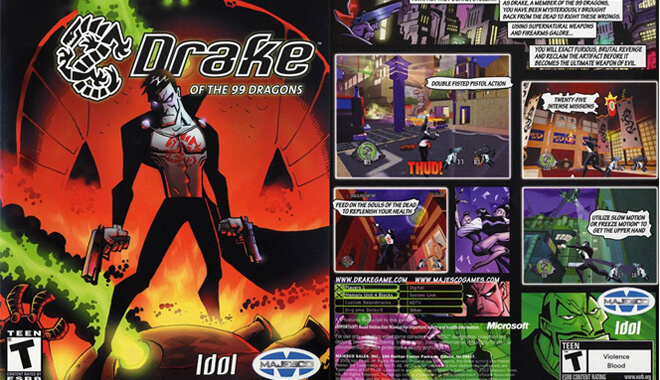
Download TubiTube

PowToon

Powtoon – 4/5 Stars

Easy to use with a well-designed UI, Pawtoon is a beginner-friendly 2D animation software. It’s best used to create educational content.

You must pay to access all features. That said, many templates and tools are available in the free version.

Features

  • Plethora of features
  • Integrated soundtracks
  • Plenty of videos and tutorials

Pros and Cons
✔ Great for interactive videos and presentations, not full-fledged animation projects
✔ Text-to-speech functions in 30 languages
✔ Ideal for beginners

✘ Free version could be restrictive
✘ Only available on Windows

Available on

  • Windows

Why It’s Great

Powtoon is super easy to use, with various templates, animation tools, and assets. The free version has some good features, and the paid version is rather expensive.

This is entirely a web-based animation software. It’s a nifty, free little browser gem. It allows you to move scenery around, props, and move your characters.

It’s primarily used by businesses to spice up their boring old meetings. But good on them for moving in the right direction!

Sign Up Here

Animaker

Animaker – 4.7/5 Stars

Animaker is an excellent presentation tool for personal and professional use. It has numerous tools, templates, backgrounds, and animated characters. You can use the free version (with watermarks) or purchase a plan for high-quality results.

Features

  • More than 100 million stock photos and 200 sounds
  • Choose between handcraft, 2D, whiteboard, 2.5 D, infographics, and typography video styles
  • Videos can be exported in HD

Pros and Cons
✔ User-friendly interface
✔ Many templates, BGs, and animated characters
✔ Affordable pricing options

✘ Projects are watermarked in the free version

Pricing

  • Basic – $24/month, $150 (billed yearly)
  • Starter – $37/month, $300 (billed yearly)
  • Pro – $79/month, $468 (billed yearly)
  • Enterprise – custom pricing

Available on

  • macOS
  • Windows
  • Android

Why It’s Great

Animaker is well-loved by professionals who work on educational projects. Its wide range of templates, stock images, and soundtracks is impressive. However, the free version doesn’t allow downloading videos without a watermark.

Animaker is much like PowToon in that you set up a storyboard and animate the characters or props in that scene. It’s used by companies like Google, Verizon, Pepsi, and multiple animation companies.

It’s ideal for ad placement on websites and it’s super easy for beginners to use. In general, animation drawing software makes it super-fast and easy to get lost for hours animating.

Adobe Animate

Adobe Animate – 4.6/5 Stars

A part of the Adobe suite, Adobe Animate surpasses Adobe Flash. It supports video and audio embedding, raster graphics, and scripting. The software is easy to use and is perfect for creating animations for HTML5 Canvas, SVG animation, and WebGL.

Features

  • Various vector images to create natural textures
  • Export in multiple formats
  • Edit specific frames, highlight text, and audio sync

Pros and Cons
✔ Allows vector designs
✔ Easy to import and export
✔ Interactive e-learning material

✘ Complex UI for beginners
✘ Needs a higher graphic card for better function
✘ Expensive

Pricing

Price starts at $20.99 per month. You can use the free trial for seven days.

Available on

  • macOS
  • Windows
  • Linux

Why It’s Great

Getting used to the ins and outs of Adobe Animate may take a while. In any case, it’s an improvement from its predecessor, Adobe Flash. The price is quite steep, but it’s worth investing in for your professional and personal projects.

Krita

Krita – 4.5/5 Stars

Krita has over 100 brush types that you can use for your animations. With the nine unique brush engines, you can further customize them to achieve your desired results. You can render animations, edit text, and create multiple design layers. It’s best for professional use, as the software is quite advanced.

Features

  • Create comic panels and other designs with built-in vector tools
  • Import brushes and textures from other artists
  • Combine or flatten layers for organized fields

Pros and Cons
✔ Highly customizable
✔ Web applications available on all operating systems
✔ Affordable pricing

✘ May be confusing for beginners
✘ Learning the keyboard shortcuts may take a while

Pricing

Krita is free

Available on

  • macOS
  • Windows
  • Linux
  • Android

Why It’s Great

This highly customizable, open-source animation software can be challenging to use, especially with its many keyboard shortcuts.

This one was a little gem I dug up, and I’m glad I did. Krita is a really good and free animation software for beginners created by a team of passionate artists who want everyone to be able to have access to advanced art tools.

You can create beautiful paintings, drawings, and animation scenes using Krita. It was voted the best animation application of 2019 by TechRadar.

Pencil Project


Pencil Project – 4.2/5 Stars

A GUI-prototyping software, Pencil Project is perfect if you want to add extra layers to your creations. You can also use cartoon effects and sounds to further enhance the final results.

Take advantage of desktop/web UI shapes, general-purpose shapes, and Android and iOS GUI shapes. You can export projects in multiple formats.

Features

  • Compatible with various import and export formats
  • Numerous templates and elements
  • Easy integration of sounds and animations

Pros and Cons
✔ Beginner-friendly
✔ Intuitive with mockup/wireframe tools
✔ Free for commercial and personal use

✘ Limitations on some additions
✘ Can be complex, with large mock-ups

Pricing

Pencil Project is free.

Available on

  • Windows
  • macOS
  • Linux

Why It’s Great

The software has many limitations, but its beginner-friendly design and intuitive tools will help you create professional-looking results.

Plastic Animation Paper

Animation Paper – 4/5 Stars

This software is suitable for gamers, developers, students, and professionals. Users love the streamlined software because of its defined lines and real-time results.

Features

  • Suitable for small and large frames
  • Customizable toolbar and Speed Dial
  • Import and export in multiple formats

Pros and Cons
✔ Beginner-friendly
✔ Suitable for personal and commercial use

✘ Takes longer to load than most software

Pricing

Animation Paper is free.

Available on

  • Windows
  • macOS
  • Linux

Why It’s Great

Animation paper is a great tool to express your creative genius. If the loading time improves, the software will be even more enticing for artists.

Plastic Animation Paper is another piece of 2D animation software that deals heavily with the concept of pencil drawing.

The program is designed for quick and easy use and includes clear resolution. You can do whatever you want with your drawings and using this program could elevate them to the next level.

Pencil

Pencil allows your drawings to come to life. It adds a little zest to your creations by allowing you to insert different image layers into your drawing, as well as integrating sound and different cartoon features.

It reminds me a lot of other animation tools like GIMP and Photoshop, except with the emphasis on the actual drawing. Pencil is one of the best free animation software on the market, and is a no-brainer for anyone who loves pencil drawing, or who just wants to casually tool around on it.

Adobe Flash

Ah, a classic – and one of the best animation software of our generation! Back in the day, Adobe Flash ruled the animation world for beginners. Users worked day and night on their cartoon series, their fun games, and other media ideas using this program. It has a long history, and it has earned its reputation.

Adobe pulled support for Flash by the end of 2020. I recommend one of the newer, more unique apps and software built to teach animation for beginners to start or continue your animation journey.

Now it’s time for the more polished, paid 2D animation software. I’ll use the same scoring criteria above: Light Recommend, Moderate Recommend, and Hard Recommend.

Paid 2D Animation Software

Moho

Moho Pro – 4.7/5 Stars

This is easily one of the best 2D animation software options for freehand artists who want to create vector-based 2D animations. It is also known for its bit-mapping features.
That said, the software is definitely not beginner-friendly. It can take a while to get used to the interface.

Features

  • Smart-bone technology to minimize distortions
  • Inbuilt bitmap for freehand drawing

Pros and Cons
✔ Ideal for freehand artists
✔ Plenty of resources available online
✔ Affordable

✘ Not beginner-friendly

Pricing

Moho Pro starts at $59.99.

Available on

  • macOS
  • Windows

Why It’s Great

Moho Pro is an excellent software for artists. However, students or hobby creators may find the software intimidating. The price is affordable compared to its competitors, making this a perfect choice for professionals.

I’ve heard a lot about Moho and it’s no wonder why. It’s a comprehensive 2D animation program where your animations are basically on the level of some of your favorite creations. Yeah, I’m talking professional-looking animation here. It’s geared toward animators looking to hone their craft.

Community Video

The price for this 2D animation software can be a little steep for first-time animators, so take care. But I think there’s a lot of gold here. If you’re up to the task, (and the price), you could create some unforgettable stuff here. Not to mention they’re constantly adding updates.

Give Moho a try.

Toon Boom Harmony

Toon Boom Harmony – 4.5/5 Stars

Toon Boom Harmony is the go-to software for professionals who create animations for the web, TV, and films. TV shows like The Simpsons and Rick & Morty have been made on this software.

Although Toon Boom Harmony is not easy to use, the results are spectacular once you get the hang of it.

Features

  • Bitmap and vector drawing and painting tools
  • Scan and clean up traditional sketches and turn them into 2D designs
  • Advanced tools to animate any object

Pros and Cons
✔ Plenty of animation and drawing tools
✔ Ideal for professional projects

✘ Not beginner-friendly
✘ Cannot record or edit audio

Pricing

  • Essentials – $27/month, $219.50 (annual billing)
  • Advanced – $67.50/month, $525 (annual billing)
  • Premium – $123.50/month, $1001.50 (annual billing)

Available on

  • Windows
  • macOS

Why It’s Great

Toon Boom Harmony is an award-winning software for professional projects. It’s not an easy software to learn; it takes a lot of practice.

Aside from having a catchy name, Toon Boom Harmony is especially geared towards beginners. Touting itself as ‘The most powerful software ever created for animation production’, it mixes user-friendly UI with advanced animation potential. The extensive features of this relatively cheap animation software are insane.

Training Course Preview

Detailed painting and drawing, 2D/3D integration, and even pipeline integration are all in this one package. However, the learning curve on Toon Boom Harmony might be problematic for some.

DigiCel FlipBook

2D Animation Software - DigiCel FlipBook
DigiCel FlipBook – 4.6/5 Stars

Want to create old-school Disney-style cartoons? DigiCel FlipBook is the software for you. It’s a beginner-friendly option for simple animation videos. Scan your drawings and watch your creations come to life.

Features

  • Convert PDFs into flipbooks
  • Delete or insert frames
  • Import overlays and backgrounds

Pros and Cons
✔ User-friendly
✔ Importing PDFs is easy
✔ Cheaper than most software

✘ Data overload could make the program slower

Pricing

DigiCel has three price tiers:

  • Lite ($19.99)
  • Studio ($49.99)
  • Pro HD ($99.99)

Available on

  • Web
  • Android
  • iPhone/iPad

Why It’s Great

DigiCel Flipbook is one of the easiest and cheapest options for animation projects reminiscent of old cartoon styles. The price point is also reasonable, great for professionals and hobby artists.

FlipBook is one of the best animation applications in the market today that beginners can easily pick up. It teaches you the fundamentals of simple animation through the process of your creation. Watching the video about it was somewhat soothing with the simplicity and familiarity it exuded.

Just pick up your stylus and you’ll be moving on from MS Paint to the big times. Senior Disney Animator Andreas Deja had this to say about FlipBook:

“As a lover of pencil animation, I am thrilled using FlipBook, because it is so user-friendly. It completely serves my needs to experiment with some short film ideas. I highly recommend it.”

Need I say more?

RETAS!

2D Animation Software - RETAS Studio
RETAS Studio – 4.5/5 Stars

This B2B animation software bundle is multi-functional: you can draw, trace, or export in Flash and QuickTime. You can scan hand-drawn creations and turn them into digital masterpieces using any refining tool.

Features

  • Scans hand-drawn work and removes distortions
  • Four different software options to draw, trace, scan, and edit
  • Strictly for B2B services

Pros and Cons
✔ Multi-disciplinary software
✔ Ideal for professional projects
✔ Imports and exports files in many formats

✘ Not beginner-friendly
✘ Limited accessibility for user manuals

Available on

  • Windows
  • macOS

Pricing

Not listed.

Why It’s Great

Retas Studio is ideal for companies that specialize in animation creation. Because only professionals can use it, the features are quite advanced. Although software support is minimal, professionals can easily take advantage of the various tools.

Now here’s a unique one for us Westerners. Retas is a special category of 2D animation apps that have to do with the creation and animation of anime. It’s highly regarded in Japan as the gold standard in animation programs.

The sheer number of possibilities in this animation software is too numerous to list, but the endorsements it garnered are a testament to its greatness.
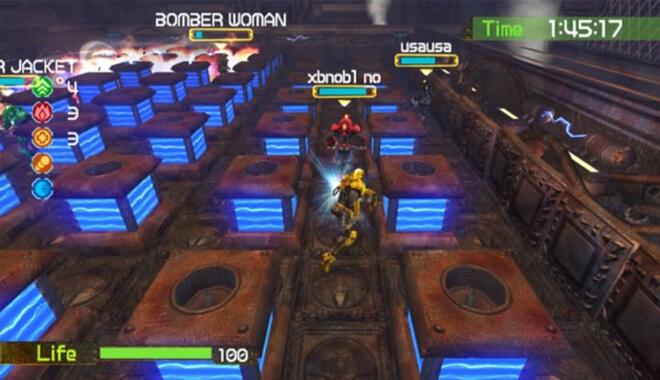
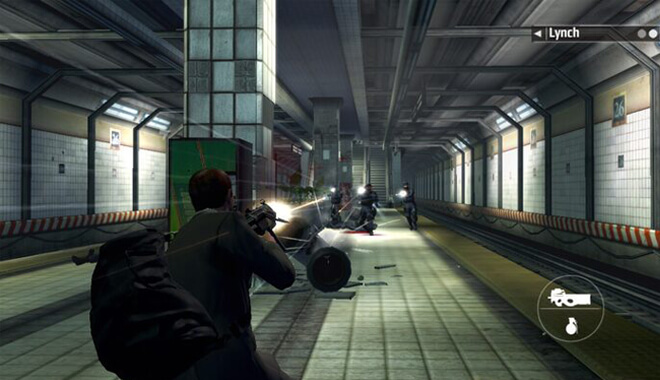
It seems to me that nearly all paid software is pretty dependable and robust. I noticed a lot of ‘Hard Recommends’ from me. Of course, some prices are steeper than others, but it depends on what you’re trying to accomplish.
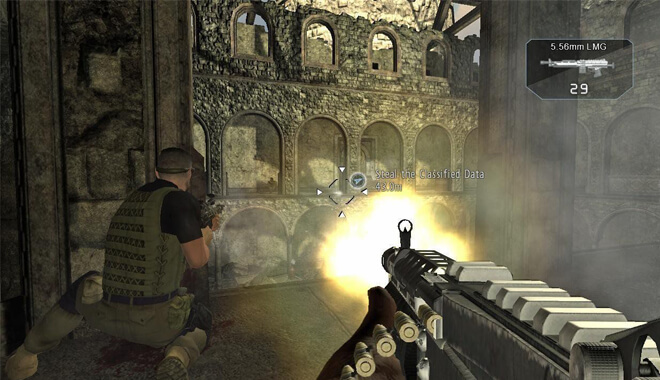
For my money, I would most likely go with Toon Boom Harmony or Stop Motion Studio if I were taking up the mantle of an amateur animator.

Regardless, we are all so fortunate to have such a great little menu of animation programs to choose from in this day and age. No matter your preferences as a beginner animator, you can find a 2D animation program for you.

Stop Motion Studios

Stop Motion Studios – 4.2/5 Stars

Add life to drawings and objects through themes and sound effects. Use the guides to position objects for a neat, finished look. The features are easy to use, and the price is quite reasonable.

Features

  • Capture frames automatically
  • Features effects for detailed animated content
  • Green screen camera to change backgrounds

Pros and Cons
✔ Easy to use
✔ Cheaper than most software

✘ No pre-made designs or templates
✘ Cannot record or edit audio

Pricing

Stop Motion Studio is a paid app downloadable on multiple devices; prices start at $4.99.

Available on

  • Windows
  • macOS
  • Android/Amazon Fire/Chromebook

Why It’s Great

Stop Motion is an excellent app for professionals and beginners. Considering the price and the fun art projects you can make, it is undoubtedly a steal. However, it cannot record or edit audio.

Right off the bat, I’m drawn into Stop Motion Studio’s opening pitch, ‘Want to create movies like Wallace and Gromit or those groovy Lego shorts on YouTube? Stop Motion Studio helps you to create terrific stop-action movies with a whole host of unique features.’

Now I’m a huge fan of both of those beloved franchises, so I’m in. I guess those super cool and easy-to-use features are great too. This is great for everyone, as it’s an easily downloadable animation app for PC, and you can use it across your Apple devices. For the price and potential, how could I NOT recommend it?

CelAction2D

CelAction2D – 4.2/5 Stars

CelAction2D is particularly liked because of its high-volume production. Thanks to its numerous tools, users can rig, animate, and create high-quality projects in no time. There are plenty of texture options that help make creations look even more realistic.

Features

  • Bone rig editor to create and edit designs with ease
  • Texture tools, such as traditional hand drawings
  • Multiple users can work on projects and merge them

Pros and Cons
✔ Multi-user interface
✔ Streamlined UI
✔ Quick results

✘ Needs a big graphic card
✘ Audio functions could be better
✘ Only available on Windows

Pricing

  • Studio Edition – $70/month
  • Studio Educational Edition – $140/year

Available on

  • Windows

Why It’s Great

CelAction2D is great for multi-user projects. While some features could be better, the user-friendly interface can lead to top-notch results.

CelAction2D allows you to create truly unique animation projects. Its ease of use is a dream and the controls are pretty easy to pick up, even for newer animators. Not only that, but it’s heavily used in making TV and movie spots, so you know its quality.

You’ll look—and probably wince—at the price, but there are so many features in what is considered good animation software for beginners that I’ve got to say, it could very well be worth your time and energy.

Toonz Premium

2D Animation Software - Toonz Premium
Toonz Premium – 4/5 Stars

Toonz Premium is a raster and vector-based 2D animation software. It bridges the gap between traditional and digital art.
Many of Ghibli’s creations were made using this software.

Features

  • Scan sketches and remove distortions
  • Plenty of drawing tools
  • Tools to create animations based on mesh deformation

Pros and Cons
✔ Advanced compositing and rendering features
✔ Ideal for professional projects

✘ Limited art tools
✘ Not beginner-friendly

Pricing

Undisclosed. Interested users can request a quote. A 14-day free trial is also available.

Available on

  • Windows
  • macOS

Why It’s Great

Toonz Premium software is primarily used by professionals for its advanced features. The software price is not listed.

I like this program and consider it one of the best animation software for beginners. As a sucker for pencil drawings, it harkens back to the older days when I was an avid sketch artist. They’re determined to bridge the gap between paper animation and current as well as future animation.

Their autocorrecting software is great, always updating to make sure your drawing is up to date. Ever heard of a little show called Futurama? Toonz Premium was used for it. It’s currently in build 7.4.

Spriter Pro

Spriter Pro – 4/5 Stars

Even novice artists aspiring to create game designs will find this software easy to use. Its advanced tweening and instant iteration make it one of the best options for beginners and professionals.

Features

  • Animate PNG images or Sprite Sheets
  • Advanced easing curve option
  • Advanced automated control features for animations within animations
  • Unlimited character variations

Pros and Cons
✔ Great for professionals and beginners
✔ Imports and exports files in many formats
✔ Lip-sync options via Papagayo

✘ Not widely reviewed
✘ Doesn’t support all systems

Pricing

Spriter Pro is priced reasonably at $59.99.

Available on

  • Windows
  • Ubuntu 14

Why It’s Great

Sprinter Pro is a fantastic tool for professionals and beginners. Although learning it may take a while, its UI is quite simple. That said, the software is not talked about much, and it cannot be used on macOS.

Crazy Talk Animator 3


Crazy Talk Animator 3 – 4/5 Stars

Crazy Talk Animator 3 (CTA3) is one of the easiest tools to create professional animations. Users can make 2D animations with character templates, vast motion libraries, a powerful 2D bone rig editor, facial puppets, and audio lip-syncing tools.

Features

  • Various motion templates
  • Bone rig editor for easy designs
  • Live Facial Mocap to create instant facial expressions

Pros and Cons
✔ Multi-user friendly
✔ Multiple character templates for animals, humans, and objects
✔ Imports and exports files in multiple video and image formats

✘ Relatively expensive
✘ Not beginner friendly
✘ No drawing tools

Pricing

  • Pro – $179
  • Pipeline – $299

Available on

  • Windows
  • macOS

Why It’s Great

CTA3 is great for big projects for teams. Its elaborate templates make up for the lack of drawing tools.

Crazy Talk is a fun free 2D animation software that requires little to no effort to make some cool animations. The company even states it’s all about ‘low effort’ when it comes to its 2D animation software and its relationship with users. Want to dive right in and animate? Crazy Talk Animator 3 might be just what you need.

Currently, the 4th version of Crazy Talk Animator is in development, so keep an eye out!

DP Animation Maker

2D Animation Software - DP Animation Maker
Now, compared to the others on this list, this 2D animation software is a little simpler in its aims. You can take any 2D image and animate it, bringing it to life. It has an easy user face and no complicated jargon or code to wrestle with.

It reminds me of a lot of photo editing programs, as it has a multitude of brushes and different effects that you can add to your image.

Spriter

2D Animation Maker - Spriter
Spriter is great for animating games. I imagine if in the early-mid 2000s, the guys over at Newgrounds, known for animating, didn’t’ use Flash, they’d use Spriter. They utilize modular animation to make your gaming dreams a reality.

Modular animation is an animation built out of individual sprites. This allows for an easier time when animating and saves you time.

Conclusion

When looking for 2D animation software, consider factors like operating system, user level, customer ratings, and price. Take your pick based on your needs and the type of project you’re working on.

Resources:

https://www.trustradius.com/products/adobe-animate/pricing
www.powtoon.com
www.celaction.com
https://moho.lostmarble.com
https://jonathanhurlock.com/
https://crozdesk.com/
www.reallusion.com
www.retasstudio.net

The Pros and Cons of Using RPG Maker Video Game Engine: Is It A Good Fit For You?

0

How to Make Your Own RPG with RPG Maker MV
Over the years, chances are you have played or at least heard of some iconic RPGs.

RPG’s = Role-Playing Games
The Final Fantasy franchise, Fallout, and its sequels. Plus newer franchises like Pillars of Eternity 1 and 2.

I remember being awed at the depth of these games, letting you feel like you are part of a vibrant, living world, complete with its own wildlife, heroes, villains, and potentially world-ending events.

How did they even make these games?

When exploring different game engines, of course, you have Unity and Unreal, which have played an important role in gaming as we know it.

However, I wanted to know what’s a good game engine for making RPG’s?

That brings me to RPG Maker MV, the newest iteration of the RPG Maker software.

It seems simple, right there in the name it tells you its expertise. But is it truly a decent RPG maker? I did some research to find the pros, cons, and some tutorials for those RPG fans who are curious like me.

RPG Maker History

Touhou Wandering Souls & Platforms


I had first heard of RPG maker years ago when the original PlayStation was still lurking around on the game market. I was attracted to it immediately; the cover had Final Fantasy-esque characters on the cover, and I thought that the possibilities would be great.

Initially released in 1992—yes, 1992—RPG Maker is a Japanese engine that has enjoyed success on multiple platforms. Buckle up: Super Famicon, Sega Saturn, Windows, Mac, Xbox One, Nintendo Switch, Nintendo 3DS, Linux, PlayStation, PlayStation 2, PlayStation 3, PlayStation 4, Gameboy, and the list goes on….and on…and on. It was developed by a company called ASCII, now known as Enterbrain.

Steam actually has countless titles in its catalog developed using the different versions of RPG Maker. They are based on sprites and are usually seen from a 2D perspective, much like the earlier Final Fantasy titles.

When looking into it for reviewing, I actually found a game that stood well apart from the other 2D games. It is called Touhou Wandering Souls, and it reminds me of a cutesy Castlevania: Symphony of the Night. Great music, seemingly solid gameplay and classic RPG elements have me interested. I was impressed by the depth and scope that some games could be made using the engine.

Using RPG Maker


RPG Maker MV
If you yourself want to create using RPG Maker, you saw the list of platforms it was released on, so you have no excuse not to try! If you are a big fan of earlier RPGs, this could be a great stepping stone for you to enter game development.

The slogan that the program uses on its Steam page states, “POWERFUL enough for a developer SIMPLE enough for a child VERSATILE enough for any platform!” So, everyone is covered, from the veteran among us to your little cousins that annoy you at holiday parties by touching all of your stuff!

One reviewer on Steam, Guild Sweetheart, had this to say about not only using RPG Maker MV but the entire catalog:

“I’ve been using RPG Maker for nearly 20 years. I’ve used MV since launch (but not on steam, the standalone. Thousands of hours spent there, and 4 games published, 2 of which are commercial) … You don’t need to learn how to code…RPG Maker can be used for simple, quick prototypes, personal projects or more full-fledged commercial games.”

This sounds awesome. Guild Sweetheart goes on to say that, although there are more robust engines like Unity and Unreal, you can still make a project that you are proud of using RPG Maker. Honestly, I am already on board since I don’t know how to code at all.

It seems you can develop and launch games rather easily, compared to other engines. Guild Sweetheart then emphasizes the real meat of the engine is using different (mostly) free plugins which offer more to creators while also simplifying the process of implementing these assets.

Prices


Currently, RPG Maker MV sells for $80 on Steam. Now that isn’t so bad for one of the best game developing software. However, it seems like Enterbrain makes a large profit off of the attractive DLC that they offer, with over 200 listed DLCs in the store ranging from about $5 to upwards of $25 on average. To be fair, it seems that these DLCs are full of different objects and aren’t just cash grabs, which is nice.

Prices aside, I think that the vast network of DLCs available for RPG Maker MV is staggering. These DLCs offer a valuable asset if you need to jog your creativity or spark your imagination.

Public Opinion


To get a better feel for the engine’s success or failure, I reluctantly ventured into the belly of the beast: The Steam community reviews. While helpful, I take some reviews with a grain of salt, especially those left in frustration and anger. As I had mentioned before, Guild Sweetheart was the top positive review on the page, leaving positive feedback and tips for potential RPG makers.

Other positive reviews include words of encouragement like ‘You can make the game of your dreams’, and ‘Your imagination is the limit’. However, the negative reviews are bitingly harsh, but not without merit. A review by the user Dröhnung Light is a 1000+ word tour de force, listing the pros and cons, and elucidating each and every point. He ends his scathing review with “For 74€ it’s garbage. For 20 bucks it might be okay.” Yikes. This actually works for our purpose here, as I list the pros and cons.

Pros and Cons


First off, a debated point was the helpfulness of the community. Some users claimed that the user base did not help as much as they thought they should, while other users said that the RPG Maker’s Discord server was lightning fast with its replies from the community. It seems this is one of those things where it varies from person to person.

Pros:

  • Simple to use
  • No coding knowledge required
  • Robust character creation options, (my absolute personal favorite aspect in every RPG. I’ll spend hours on character creation)
  • Ease of use when enabling and disabling plugins
  • Good tutorials for new and old users for the newest build of the engine
  • Cross-platform capability: as with other engines, I believe this is essential for them. Cross-platform ensures that everyone can either build or play on nearly any platform.
  • DLC options. Of course, they mostly cost money, but the content is definitely there. I perused some packs and was amazed at the creativity in them, and even imagined what I myself would do with those different assets
  • Plugins. This is a big one. People are always working hard to make plugins that make your experience with RPG Maker as good as it can be.
  • MV is considered to be the most robust build of RPG Maker by fans

Cons:

  • Sensitive memory: if you calculate wrong about an asset in game, it could make your game run slower
  • Space issue: along with it eating memory if you make a mistake, each project takes up about 400 Mb no matter what, and sometimes the software copies your project, eating up further space
  • High Price. The price, especially on sale, isn’t terrible for game development software, but the addition of over 200 DLC packs can make this a little unrealistic to younger gamers. Overall, it could end up costing in the ballpark of at least $500, conservatively. That’s if you buy about 50 DLC packs that are only $10, (which most are). It builds and builds, which could cause concern for those who are developing games on a budget. Luckily, the base software is on sale for half price often.
  • Clunky exportation of your projects.

RPG Maker MV Tutorials

Tutorial #1 SRDude

This guy’s energy is great. He tries to keep things interesting as he explains the basics you’ll learn while developing an RPG. He starts off his first video with drawing the map to your game, offering valuable insight into the process.

He has over 30 videos for RPG Maker MV alone, along with other videos using the engine to create things like the HUD and other aspects.

I was entertained just by his casual manner and goofiness that was endearing. He even shows you how to make plugins for the engine, which, I’ve stated before are essential to your enjoyment.

Tutorial #2 Driftwood Gaming

Driftwood Gaming

As I’ve stated in other reviews, I’m a big fan of YouTube as a medium for teaching you things. It shows what you need to do visually, instead of sometimes painting a mediocre picture with words, especially by people whose writing leaves much to be desired.

Enter Driftwood Gaming, a channel run by a longtime RPG Maker veteran. He does something I really like; he introduces gamers to RPG Maker aspects through fan-made versions of games like Chrono Trigger and Kingdom Hearts. What better and more fun way to learn than through familiar franchises?

“I’m an RPG Maker and this channel mainly consists of RPG Maker MV tutorials. I take special requests for tutorials and generally help people who ask for it. I love RPGs and all aspects of video game design. Let me know if you need help with anything related to game design.”

Tutorial #3 Steam Community

The RPG Maker MV community, regardless of which website you find them, are supportive. These are like-minded RPG creators who support imagination and creativity. With such a big name like RPG Maker, there are thousands of gamers who might be stuck, and thousands of helping hands to solve those problems. Right away, the community hub on the Steam version of RPG Maker MV is a great resource.

You have a forum built into the interface, in-depth guides (either for plugins or general newcomer developer things), and generally helpful words for those who find themselves in a rut. It’s a pretty active forum, with hundreds of topics going on as we speak. If you’re not into YouTube, I believe this is your best bet to find what you’re looking for.

Tutorial #4 Reddit Community

Another community tutorial, but they’re in abundance for a reason. RPG Maker has built such a humongous following over the years that there’s no shortage of helpful users. I loved this one thread where a gamer was asking other RPG Makers if he could borrow elements from other developers for a game.

I love the concept of sharing content to better your games. One user even linked a very interesting comic that doubles as a tutorial. Not only does RPG Maker MV allow you to use your imagination for games, but it also seems to bleed into other mediums as well.

Tutorial #5 Official Website PDFs

No better place to educate yourself in game development than the people who made the engine and are constantly updating it. The RPG Maker team has posted an extensive list of tutorials, mostly in PDF format, (not my favorite to be honest), for you to browse and apply to your game. They include the basics and even things like tile creation for your RPG.

Verdict


So, is RPG Maker MV a good fit for you? It depends. If you’re a huge fan of JRPGs like Final Fantasy and Chrono Trigger and you’re looking to create your own game in that style, I think this is a great fit for you.

However, if you’re a more seasoned game developer and know how to code well and all that comes with it, I might suggest something like Unity or Unreal. But for me, I think I would gladly use RPG Maker MV to create my game.

It emphasizes creativity, story-making, character creation, and imagination. With great, in-depth tutorials, you can’t really go wrong. The only thing I would suggest is waiting for it to go on sale on Steam first, especially if you’re completely new to game development. Once you have it, get that imagination pumping and go create!

Simple Video Game Projects With LibGDX

0


A thing that sticks out to me when perusing the big bad Internet is the potential for creativity. Aside from a few rotten apples like toxic gaming communities, baby boomers sharing pictures of Minions, and spam accounts trying to follow you on Twitter, I believe that the Internet truly is an amazing platform to exchange, build, and share.

When I explore the newest or best engines, I love to come across one that promises and highlights these aspects, and LibGDX is no stranger to them. With LibGDX, the name of the game is free, easy, and creative gaming projects.

While that is fine, is LibGDX worth your time? Is it easy to use? What are the pros and cons? Look no further, game developers, because I have the answers you seek.

Released in April 2014, and with its most recent stable release in November 2018, LibGDX was developed to help creators make games primarily for web browsers and mobile platforms. Like most inventions, it was born out of the idea of making something easier to use.

The creator, Mario Zechner thought that the way that the process and development of Android games were too much of a hassle for rapid development. He tweaked the existing software to make it more fluid to do so, and LibGDX, more or less, was born.

LibGDX uses the great Apache 2 License, which—much like LibGDX itself—is open and free. That means no royalties owed to whatever project you work on. It reminds me of a lot of the famous MIT license that other free game engines such as Godot use.

A thing I kept coming back to in my mind was that LibGDX is the equivalent to a blank canvas. Although intimidating to creators, the blank canvas represents unlimited opportunity and creativity, and LibGDX gives off that vibe.

According to the trailer on their site, you can write your code in:

  • Java
  • Scala
  • Clojure
  • Kotlin
  • Groovy

It goes on to say that you can use your favorite tools:

  • Intellijidea
  • Eclipse
  • NetBeans
  • Jenkins
  • Gradle

And finally, upload your work to several different platforms:

  • Windows
  • Linux
  • Android
  • iOS
  • Mac OS X

The showcase that follows is pretty impressive. My personal favorite is a game called Delver—a dungeon crawler in a great looking 16-bit romp that gives me an idea of what Stardew Valley would look like when you are descending into the depths of the mines, fighting all names of horrors trying to get the best crafting materials.

Another promising title is Halfway, which looks like an insane mixture of X-COM, Doom, Hotline Miami.

Pricing & Donating to the Developers


Like other Internet favorites, LibGDX is free. No pricey packages for different developers, no mountain of DLC, and plugins that will clean out your savings account; just the engine as it is, ready for your project to begin.

Indie game developer Lance Craner says that he uses LibGDX:

“My games are targeted at a niche strategy wargame market that I know well as a consumer and now as a software developer. I use LibGDX and develop using Android Studio. By using LibGDX I can produce games in Java that run on PC, Android, and iOS with very little additional work needed between the three of them.”

Craner released multiple games over 3 years using LibGDX and shows us multiple graphs where he breaks down his financial return. One thing he doesn’t have to worry about is paying for the engine and the license.

Imagine if Craner had to shell out the license fee and costly texture packs? Sometimes, this could make a huge difference, especially for new developers.

Although it is free, I do like to put in an addendum: if possible, you should donate whatever you can to the developers.

The engine is free, but these people work to the bone to make sure you can explore your creativity and create great little games for multiple platforms.

I think this is a compromise that feels better than outright paying for it. Not only does it help them keep the lights on and gives them the motivation and money to keep updating and adding features to the new builds of the engine, but it also connects the user to the developer and builds a better community.

Pros:

So far, you can suss out the obvious benefits to your gaming and development experiences right off of the bat, but do they outweigh the possible cons?

  • FREE! (Sorry, I just really like free stuff)
  • Seamless performance, especially on different devices. This is probably one of the biggest pros. If you’re making a game like Temple Run, you would want it to run the same on both iOS and Android. This engine ensures that both experiences will have no differences.
  • Open Source Code. This is another great pro. With open-source, users have so much more potential to make great games, as well as having access to many different assets that will stoke your imagination and scratch that creative itch.
  • Both 3D and 2D. This is another great aspect that is becoming somewhat of the norm with newer game engines. Of course, you have standards like Unreal and Unity that allow for a slew of options, but LibGDX offers both seamless 3D and 2D interface development. You don’t have to learn a brand-new way of coding or get into a hassle when creating, as the engine makes it simple to integrate both types of perspectives into your game.
  • Community and Builds. As you will see in a little bit, the community is a valuable resource for anything on the internet.

Cons:

  • Learning curve. Although the services provided by the engine are great and numerous, some have complained that the learning curve may be a little too steep for first-time users. LibGDX does market itself as a user-friendly engine, one that first-time game developers can jump right into, so it’s a bit disappointing that it isn’t a tad easier to just jump right in.
  • Documentation. People have complained about the lack of documentation, i.e. tutorials and official PDFs, etc. This could be a problem further down the road if you get deep into development and get majorly stuck on aspects of using the engine. However, the community, as you’ll see, is very active, so not all is lost regarding this.

Tutorial: The Introduction Series & Gradle Build

Chances are that the company itself releases some of the stronger tutorials, or at least has a great support staff that can answer your needs. Enter the introduction series, where everything from the basic requirements for the engine as well as the basics, (toolbars, icons, etc.), are explained in detail.

They show you how to start your project and provide you with some starting code, and the code necessary to post your creation to the different platforms available.

LibGDX uses a build tool called Gradle. Gradle boasts a client list of companies like Netflix, Android, Adobe, and LinkedIn, as well as 7+ million downloads and a spot on the Top 20 open source projects. On that list, they rank at #17 with well-known builds like Linux, Git, and MySQL topping the list.

Hey, if the senior software engineer at Netflix heavily endorses Gradle, there has to be something to it. Gradle lives by three main tenets: Build anything, automate everything, and deliver faster.


Tutorial: The Community: Discord, Forums, etc.

For a more organic and sometimes more educational crash course through the engine, the community surrounding these engines can be an illuminating aspect of the build.

As with a lot of vibrant communities these days, LibGDX has a very active Discord server for real-time chatting, where you can pose your question and possibly have answers from multiple users within seconds.

Additionally, one of the greater inventions on the internet is the forum, and this is no exception with LibGDX. I was floored by the sheer amount of posting on these forums.

With over 80,000 posts in one board alone, it is easy to see that this community is helping each other daily and shows no signs of stopping. They particularly have an active forum specifically for developing Android games using the engine.

Tutorial: Official Wiki

Man, I love wikis. They can be so insanely detailed and nuanced that they can be considered a work of art in and of themselves. The LibGDX wiki is no different.

It has extremely specific articles for different aspects of the engine, which will help you through some potential hang-ups and roadblocks you can experience. This is another sign that the community is alive and well.

The sidebar filled with articles alone is a little staggering and I had to adjust my vision to be able to process the wealth of information being thrown at me. But that’s a great thing.

Tutorial: HollowBit

HollowBit is a YouTuber who walks you through different aspects of LibGDX. He extensively goes over one of my favorite genres: 2D platformer. He explains the coding and the processes, step by step, on how to make a simple 2D platformer. Yes, you can create your very own Mario game if you wish.

He also has other videos that show how to create tiles and other little bits of info that are great for more visual learners, (like me!). That’s why I will always lean towards watching helpful YouTube videos of game development to get a better idea for what you’re doing.

Too many times have people written terrible and lackluster walkthroughs where it confused me more with its lack of information than it helped.

Tutorial: Code and Web

All right guys, strap in. This final tutorial is a doozy. The good folks at Code and Web have compiled possibly the best tutorial that I have seen for BEGINNING to use a game engine. They start basic from installation to the more in-depth aspects. Don’t get me wrong; I love this. I would much rather have detailed info than vague sentences.

I want a step-by-step, following by sub-steps to those steps. I want the nitty-gritty, and this tutorial delivers that and more. The guide starts innocently enough:

“This tutorial is for libGDX beginners, explaining how to create sprite sheets, use sprites in your game and add game physics.”

  • Creating a new project
  • Using Gradle to import & manage dependencies
  • Creating sprite sheets
  • Using sprites
  • Creating physics collision shapes
  • Editing physics parameters
  • Using physics in your game”

Guys let me tell you, they do all this and way more. They go through every little nuance that you can think of when creating a project. Coding, sprites, and scaling are just some things you will learn before scrolling down a 1/8th of the page. But again, this is great. This is the definitive guide for beginners.

If you’re starting a project, I would bookmark this page and keep it on hand for whatever possible hang-up you might run into. It’s easy to follow and filled with info.

Verdict


Guys, I knew that I would be recommending LibGDX as soon as I was compiling a pros and cons list. You don’t see many pros outweighing the cons like that, especially not in game design.

Usually, there’s a reasonable ratio of good to bad, but I found it was difficult to actively find glaring cons. Along with the free access to the engine and the Apache 2 license, you would be a fool to not give LibGDX a spin.

I was also surprised by a lot of the sources of help you can access, especially some websites with an exhaustive account of what to do from installation to creating a project and putting it to use.

If your niche is web-based games or mobile titles, this very well may be your weapon of choice when creating your dream project. Not stop reading and go and create!

How to Make Money From Your Indie Game

0

How to monetize your gameWe are reader-supported. Purchases made through links on our site may earn us a commission. Learn More.

Whenever I’m on Steam, I see more advertisements for indie games than I do for bigger titles like Grand Theft Auto V and PlayerUnknown’s Battleground.

Recently, I’ve explored pages of games like the magical tower defense Kingdom, the Metroidvania Hollow Knight, and—of course—the bloody romp that is the Hotline Miami series.

These titles are making a big splash.

People seem to be clamoring for more creative, indie-driven games that they can sink their teeth into.

We all know Minecraft, and The Binding of Isaac, but how do you make money off of these great and creative titles?

For some, that’s the main concern, and rightly so.

It’s hard to imagine a title like Kingdom ever reaching the same revenue stream as a Rockstar game.

This could be discouraging for some but motivating for others.

They’re the trailblazers and pioneers of a growing niche in the gaming market.

Stardew Valley- a Million Dollar Game


Stardew Valley- a Million Dollar Game
It’s possible to make money off of indie games.

In Eric Barone’s experience, he worked diligently for four years on the beloved Stardew Valley by himself.

All while holding down another job and living off of more meager savings.

This is somewhat an anomaly in the gaming world, as Stardew Valley exploded, being ported to nearly every platform.

The most recent release on iOS in October 2018, and Androids at a later date.

This should motivate game developers with a vision and a dream to bring an indie game to life and perhaps launch it on Steam to critical and commercial acclaim.

In 2016, it was reported that Stardew Valley had earned more revenue on Steam than Call of Duty: Infinite Warfare:

“Stardew Valley probably earned about $24 million last year. Steam Spy thinks that it earned $9.2 million in March after it released on February 26. Stardew may have sold 1.5 million more copies than Mafia III. Not bad for a one-man project.”

The tricky part of this is making your indie title sustainable, scalable, and ever-present like Stardew Valley is.

I notice its reduced price often for Steam sales, attracting new players.

And the many ports to other systems keep it always relevant, always on the dashboard, literally and figuratively, of gamers every day.

My girlfriend stumbled upon Stardew and it has become a part of her life.

I can’t tell you how many times she’s given in-game gifts to her favorite characters to increase their relationships, getting special heart events that build on the game’s narrative.

That’s exactly how Stardew keeps people like my partner and I come back for the charming, aesthetically pleasing retro-inspired title.

Cliffski and Solo Game Developing


Cliffski and Solo Game Developing
I stumbled upon the blog of game developer Cliffski, who regularly posts tips, stories, and helpful advice for game developers.

On r/gamdev, a subreddit dedicated to making your own games, Cliffski posted in a thread questioning if solo game developers can make money.

“I’ve done it, FWIW. I made more than 100k from gratuitous space battles, from democracy 3, from gratuitous tank battles and from production line (still in early access). It’s really fucking hard. and it helps to have a LOT of experience, no kids and be a workaholic. But it can be done.”

Cliffski’s colorful and helpful view on being a solo developer is an unconventional, albeit encouraging message to hopeful game developers.

Coming from Cliffski, it’s nothing to shake a stick at. His titles have been pretty successful, and I’m a big fan of Democracy 3, which I didn’t even know was developed by Cliffski.

Being a solo developer can be very challenging.

Luckily with the rise of game engines, we no longer need to worry about porting games or building our own engines.

And if you aren’t a solo developer you can find like-minded individuals.

Together you can create a work of art that can pull gamers in, connect with them, and help the game to become mainstream.

Kingdom, Longevity, and Diversity


Released in 2015, Kingdom has had a long road of improvements and development.

A two-man team developed it, noio and Licorice, aka Thomas van den Berg and Marco Bancale, respectively.

It had a quick rise; after one day, they received enough funds to move ahead with full game development.

I can imagine how much more refreshing it is having a compatriot to bounce ideas off of.

Whereas Eric Barone had only himself to learn the entire cycle of game development, noio and Licorice had prior experiences and each other as partners.

What resulted was a generally positively-reviewed retro-looking title where the player builds their own titular kingdom while defending from different enemies constantly assaulting your base.

I believe that the constant attention that the development team gave Kingdom has made it so successful and has given it the longevity that indie games need to compete with the bigger titles.

With releases building upon the game, Kingdom: New Lands and Kingdom: Two Crowns, updated versions of the title, the two men have tapped into an essential part of the indie development cycle.

Longevity is the Key Making Money


Longevity is key; keep the players coming back for more.

Not only with content, but with better scenarios, bug fixes, and the like.

Eric Barone illustrated this perfectly with Stardew Valley.

You can literally sink hundreds of hours into Stardew Valley without achieving everything in-game.

There are always new monsters to fight, new loot to gain from the higher-level dungeons and new and interesting ways to build your farm.

I would sometimes come home to find my girlfriend perched on the couch, eyes fixed on the television.

She was on a deep level in the advanced desert dungeon in Stardew, her life bar low and high-level enemies on her tail.

This amazing diversity—the combination of peaceful, Harvest Moon-esque gameplay, along with addictive, time-sensitive dungeon crawling has made games like Stardew Valley and Kingdom, indie hits.

A game that is one-note will struggle to find a larger audience.

But if you promise more nuanced and diverse gameplay, you could very well find yourself in the same pantheon of indie developers like Eric Barone, noio & Licorice.

Ido Yehieli: Money-Making Success


Developer Ido Yehieli, the creator of the game series Cardinal Quest, is another success story.

In an article published on a game developing site, he told the story of the beginnings of Cardinal Quest, and the success he enjoyed from its release—resulting in nearly $60k.

In the beginning, Yehieli set a strict work schedule for himself using guides on roguelike development.

Roguelikes are games in the RPG genre that include unique features like permanent death of the character and randomly generated dungeons.

Some key tips that he gives are as follows:

  1. Know what you want to do before you begin working. Get a prototype up and running quickly and see if it resonates with people. If it doesn’t, you might need to consider going back to the drawing board.
  2. Try to get some money before you dive in head-first to minimize the chance that you’ll have to stop working on your game and get a day job. Crowdfunding is a good way to gauge what people think of your idea, but don’t expect big Tim Schafer-like bucks as a first timer.”
  3. Don’t panic, and don’t worry too much about releasing a flawless game. A good but flawed game today is better than a perfect game never. Know your tools and find colleagues to bounce ideas off in case you run into a brick wall.”

He has many more tips for aspiring developers, and these are a great start for those who want to make their vision a reality.

His struggles with money and allocating it properly is a harrowing, but realistic tale on how to manage your funds better and most importantly, don’t panic!

The third step above applies to all of the indie games I’ve played.

Always Keep Improving


After publishing your game there is still work to be done.

The editing, fixing up, keeping in close contact with the gaming community, and always promoting your new game.

These are the keys to the success of games like Stardew Valley, MineCraft, and Kingdom.

Keeping a level head is essential and could mean the difference between burning out and completing your title.

There are many different factors that could help or hinder you: do you have programming experience?

Do you have enough money squirreled away for either the project or your savings to live comfortably in case things go wrong?

It’s not so clear-cut, and everyone has different situations and means of living.

Having a great team by your side is a great asset you can utilize if you’re fortunate.

And even if you’re flying solo, you can create a great product that can potentially hit the front page of Steam, and maybe, just maybe, become the next success story like Minecraft.

Image Sources:


Stardew Valley Source
I Love Videogames Source
Will Your Game Actually Make Money Source
Cliffski and Solo Game Developing Source

How To Create Cross-Platform 2D and 3D Games With Urho3D

0

Urho3D engine
I am always excited when I hear of another game engine that allows for a lot of customization. Something that allows the user to make either 2D games, 3D games, and even a nice combination of the two. Games in the Paper Mario series come immediately to mind: 2D sprites interacting in a 3D environment.

Enter the Urho3D engine.

What Can a Urho3D Video Game Engine Do?


Despite its name, Urho3D can create both 3D and 2D titles. One title that drew me in from the start was a release by a one-man team in Poland called Clinically Dead. Pretty sweet name and the visuals blow me away.

Imagine a mix of an LSD trip and a trippy dream sequence. You play as a person in the seconds before death, solving puzzles and navigating a world inhabited by extremely over-the-top visuals, as well as delivering different philosophies on death and what it means to be alive. Pretty heavy stuff for a game, and an indie game no less.

Paweł Mogiła worked on this game for 4 years, using the Urho3D game engine. An insane adventure into the cosmos within our very minds, it’s currently on Steam now—definitely check out some gameplay videos, although take care not to get hypnotized.

How did he do it, especially all by himself? Urho3D.

What’s in the Name?


If you were wondering about the name, (and I know you were), it actually means ‘hero’ in Finnish. The team describes the engine as, “…a free lightweight, cross-platform 2D and 3D game engine implemented in C++ and released under the MIT license. Greatly inspired by OGRE and Horde3D.” For those unfamiliar, cross-platform refers to games across multiple systems. Here’s a list of the biggest cross-platform games right now.

Godot Video Game Engine
Seeing that it uses the MIT license reminds me of another engine, the Godot engine, which is a current fan-favorite among burgeoning game developers just starting to hone their craft. The MIT license, along with being very popular among developers, allows for users to have more control over their projects, with the exception that they only have to mention the terms of the MIT license in their project, and usually ends up with a more seamless distribution to the public.

How Much Does it Cost?


Rejoice, gamers: like Godot, Urho3D is completely free. No scrounging around the couch for spare change or busking on a street corner with your musical instrument of choice, it’s FREE.

I had recently done research on some other engines, like the famous RPG Maker MV, and was surprised to see how expensive the entirety of the game, (the massive amount of DLC, the base game, even tutorial books), could be. It would burn a hole in your savings really quickly.

Don’t worry, Urho3D is here to make sure you can freely and seamlessly experiment with what it has to offer.

Speaking of, what does it have to offer exactly?

Reading off of their site, it has an impressive, (and somewhat exhaustive), list of features to the engine. Ones that stuck out to me were some more prevalent features:

  • Direct3D9
  • Direct3D11v1.4
  • OpenGL 2.0 or 3.2v1.4
  • OpenGL ES 2.0 or WebGLv1.4 rendering
  • Cross-platform support using SDL 2.0 (currently runs on Windows, Linux, macOS, iOS, tvOSnew, Android, Raspberry Piv1.3 including other generic ARM boardsv1.6, and Webv1.4 with Emscripten toolchain)
  • Geomipmapped terrain
  • Shadow mapping for all light types
  • cascaded shadow maps for directional lights
  • normal offset adjustment in addition to depth biasv1.6, and
  • particle effects.

Whew, sorry about that. That was only a fraction, (and I mean fraction), of what the engine has to offer in its current version.

They also state that it is not a fully developed engine that you could purchase, and as such you would need to use your computer and programming skills to perhaps fill in a few blanks. Things like Editors and additional asset conversion functionality Integration of additional 3rd party libraries, for example, a more complete UI library, HTML rendering, or additional network protocols.

I’d say that this is a small price to pay for what you’re getting and what you could potentially do. It also includes sample projects within its default state, which again is fully open source and free.

The Reviews Are In


A user on Slant, Endi, listed a possible grievance for new time users of the engine: To install Urho3D you need to get the archive from GitHub (be careful to download the master branch) and extract it. After that, you need to compile the engine with CMake. If all the dependencies are installed, then it should be a straightforward process, otherwise, you will need to track down and install all the missing dependencies.

For people who don’t have much experience with CMake, this whole process may seem a bit like magic. For people who do have experience with CMake, the whole installation will be relatively easy.

If you can create anything like Clinically Dead, you have great potential for some interesting projects, putting these issues on the backburner. You couldn’t tell just now, but I just got severely sidetracked checking out all the games they have in development and released.

Clinically Dead
Titles like Hellbreaker, Borderline, (a puzzle game for Google Play exclusively). Edge of Time, an isometric action/puzzle game that draws inspiration from the bygone days of the first two PlayStation consoles, looks so cool.

Their feature list is impressive, but when it comes right down to it, it’s a bunch of words. These pictures and videos honestly paint a better picture and tell a better story than I could ever do by listing their different features.

Another thing I like about this engine is the robust community it has backing it. It has a great forum if you need to hit it up for some tips and guides.

Most impressively is the extremely long list of developers for Urho3D. I perused some forums and found a very supportive community that freely shared their own cool little projects. For example, this user shared his RPG hack and slash with another user who was new to the engine.

We need more community members like this in the gaming community; sharing is caring, people!

Now that we got all of that out of the way, here’s the meat of the review: the tutorials. Let’s get down to business.

The Tutorials


Pros

  • Active developers: the team behind the engine is always updating so that by the time you’re reading this, there will probably have been 2 more updates.
  • Open source and free: more freedom to develop the projects you only dreamed about.
  • Quick development: With a mix of high-quality code and fast development speeds, your projects are completed with lightning speed.

Cons

  • UI can be hard on the eyes. Seriously, this seemed to be the only major consensus when it came to cons. Other than the engine might not be someone’s preference, I’m not sure if there are any glaring mistakes or downfalls of trying this engine. How about you try it and get back to me?

Urho3D Forums


I have found that there’s usually a no better place to go than the people who made it and constantly use it to complete their projects. From animation topics to simple things like finding the best lighting for a horror game, these topics range from deep dives into the engine’s code to something I thought was really neat: recruiting.

Users can request the help of more professional users and contract them to help them with aspects of their projects. I loved the topic that was seeking a male and female to record voices for their sci-fi space opera game. That one was relatively simple—there are other users looking to recruit actual graphical engineers for their projects.

This is an interesting dynamic that I haven’t found with other engines on their forums, and I think it brings the community closer together.

CG PROJECTSFX


This criminally underrated YouTube channel provides an extensive series of Urho3D tutorials for the beginning developer. Along with about 20 videos on Urho3D starting with basic development to more complicated matters, he offers a few cool little videos displaying what he himself created in the engine. Good tips and even better inspiration.

I watched him create an environment right before my eyes. It reminded me of a rudimentary Mass Effect environment but in the best way. I can see a lot of promise not only from his projects but the potential you have to make using the engine.

The Website


Along with the forums found on the website, the developers have also released documentation to help you with a new project. They outline the basics in everything from ‘audio’ to ‘physics’. It’s arguable, but I think this would be the best place to start, then head over to the forums if you have more specific questions.

Along with that, I wouldn’t hesitate to email any of the developers of Urho3D to see if they can remedy a problem or help you with a roadblock in your project.

The Wiki


I know I always run the risk of falling down a Wikipedia rabbit hole, and this is no different. This is the official wiki of Urho3D via GitHub, with articles running the gamut. You can find the article that helps you develop your first ‘big thing’ to reading some more advanced articles for the Urho3D veterans out there. The article ‘How to manually control bones’, aside from being my favorite title for anything possibly ever, actually shows you the code to control your character’s bones in-game.

The logical place for you to start once you have your bearings is the ‘First Project’ article. It’ll tell you how to control cameras, lights, shadows, and other aspects of a new game.

Dark Dove


Another forum, Dark Dove specifically deals with game engines, namely a lengthy and detailed board on Urho3D. A tip-off from a Reddit user, I found Dark Dove’s topic called ‘Urho Flow Part 1’. In this post, the forum user and admin BlueMagnificent totally floors me with the insane amount of detail he provides users. He also drops this important bit of info about the engine’s functionality:

The heart of Urho3D is the Context object which must always be created as the first in every application and deleted last. All “important” objects that derive from the Object base class, such as scene nodes, resources like textures and models, and the subsystems themselves require Context pointer in their constructor. This avoids both the singleton pattern for subsystems or having to pass around several objects into constructors.

The Context provides the following functionality:

    • Registering and accessing subsystems
    • Creation and reflection facilities per object type: object factories and serializable attributes.
    • Sending events between objects”

Definitely important to know, and thanks to posters like BlueMagnificent, you won’t miss vital info that maybe wasn’t immediately detailed in the engine’s documentation on the home website.

BlueMagnificent follows up with a post saying that he plans to continue this series of tutorial posts, so keep a lookout for his work!

Pricing


I know I keep repeating myself, but none! Zip! Nada!

You just go to the main website and choose where to download from: ZIP, TAR, or view on GitHub. I think for the possible quality you could receive from the engine, they should charge something. But they don’t!

However, I always recommend that if you’re able to do so, that you should consider donating to the developers. They keep the engine up and running with their constant dedication and work ethic. So if you can throw them a few bucks, why not support indie developers?

Verdict


Should you use Urho3D? You mean you haven’t already downloaded it, (for free!), and give it a shot? Come on, what do you have to lose?

Aside from potential download difficulties and other possible hang-ups, the engine is ready for you to get started right away and create that game you always wanted to. Like I stated before, the user interface may leave something to be desired, but apart from that, get cracking!

Now, if you’ll excuse me, I’m going to go get hypnotized by all the pretty colors in Clinically Dead.

AppGameKit: The Pros and Cons for New Developers

0

appgame kit game development engine guide
Mobile gaming is a phenomenon that is ever-growing. Gaming on the go was definitely a dream of mine.

I was tired of playing my Sega Genesis in my room and being forced to leave it at home whenever we would go on a family trip. Of course, Gameboys helped remedy this problem.

But now we live in a world where we can access a multitude of games right from our fingertips in basically three steps. Gone are the days when I would wait.

I can’t tell you how many times I’ve beaten my own mother at Words with Friends, the exhilaration I felt when I’d beat my score in Temple Run, or any other great experience I’ve had with games.

But now you’re not just sidelined to playing the games—you can now make them yourself.

That’s what AppGameKit—a simpler engine you can use to develop mobile apps—promises to the user.

AppGameKit: Beginners, AGK Basic


The engine, provided by British company The Game Creators, promises:

AppGameKit is an easy to learn game development engine, ideal for Beginners, Hobbyists & Indie developers.

Now anyone can quickly code and build apps for multiple platforms using AppGameKit’s Scripting system. With just a few commands you can have demos and games up and running on mobile devices.

They offer to teach you simple coding to get you started on your app or game idea. They use a system called AGK Basic, where the creator can quickly develop and release their product on multiplatform devices.

3D, Augmented Reality, 2D Sprites, and even VR are all here, able to be included in your end result.

I perused the showcase of games that have used AppGameKit to develop, and I have to say I’m impressed. I originally thought that the games on display would be simpler, easy titles. Instead, you have games like Echoes III, an extremely stylish game in the Echoes series that promises ‘more eye-bleeding than before!’.

It reminds me of a lot of the wildly successful Geometry Wars: Retro Evolved, which I absolutely loved. I remember late summer nights on Xbox Live playing against friends for hours on end. If this engine can make anything like Geometry Wars, consider me extremely interested.

Additionally, they have an app for children called Doodle Draw, which is aimed at younger kids. It touts itself as being able to entertain children for hours with a slew of different colors for the kids to paint with. I love the diversity that this engine has the capability of showing, and already has made a name for itself doing so.

Perhaps the most significant piece I found on the engine is the review by Steam user rogy:

Don’t take me wrong, I am a visual type of person and I thought that I will never get used to coding, without option to drag and drop things in the viewport.

I have to tell you that after using AppGameKit coding language (which is similar to Basic and easy to understand), nothing, I repeat, NOTHING gave me such a clear image of what is going on in my game. No matter how much absurd this sounds but typing my game line by line is giving me incredible picture in which direction I am moving and where I am making mistakes.

How cool is that? Being an extremely visual learner myself, this is encouraging to me. When I look at lines of code it’s like Egyptian hieroglyphics, so hearing someone like this filled with so much hope about their passion is amazing.

AppGameKit Pricing


Unfortunately for us broke gamers living on a ramen diet, AppGameKit costs some money. They do, however, offer a free trial version for curious potential users.

appgamekit_ux
The buying options are as follows:

  • AppGameKit – Visual Editor – $49.99
  • AppGameKit – $79.99
  • AppGameKit – Premium Pack – $119.99 (this includes AppGameKit, AppGameKit – Giant Asset Pack 1, AppGameKit – Giant Asset Pack 2, AppGameKit Official Tutorial Guide Vol 1)
  • AppGameKit – Beginners Pack – $99.99
  • AppGameKit – Bumper Pack – $99.99 (this includes AppGameKit, AppGameKit – Giant Asset Pack 1, AppGameKit – Giant Asset Pack 2, AppGameKit for Raspberry Pi, AppGameKit – Games
  • Pack 1, AppGameKit – Educational Material, AppGameKit – 3D Asset Pack)
  • AppGameKit – VR – $29.99
  • AppGameKit – Shader Pack – $24.99

There are also guides that are for sale as well:

  • AppGameKit Official Beginners Guide – $29.99
  • AppGameKit Official Tier 2 Starter’s Guide – $14.99

So yes, those prices are pretty steep for first-time developers, especially when engines like Godot can offer gaming goodness for free. Although a little pricey, overall, is AppGameKit worth it?

Pros

  • Cross-Platform—you can develop and test different projects on multiple platforms. This includes the base engine being available for Windows, Mac & Linux. In turn, you can release apps onto iOS, Android, Mac, Windows & Linux.
  • Good support system—the community as well as the developers are very hands-on and are happy to help with whatever tech questions you may have about AppGameKit.
  • Good scripting—the built-in AGK Basic allows for many possibilities that are built right into the code itself, doing a lot of work for you in the process. In turn, this makes it easier to identify and read code, making your life easier. You can’t look at anything dealing with AppGameKit without running into something regarding AGK Basic.
  • Educational Apps—I see the potential for educational apps and games on this engine to be amazing. If you were able to develop a great little educational app—something that either entertains, distracts, or deeply educates a child via a tablet or phone, that’s a huge plus.
  • Ease of Use—you can drop in and out, create things easily, and upload them to your platform of choice easily. This ease of use, I hope, will be a mainstay within not only the gaming community but with everything.

Cons

  • Prices– I believe that for what it is advertising, AppGameKit is charging a bit too much. I know these guys have to keep a business running, but for many developers fooling around with code or potentially making a game, we might not be able to fork over that much cash for an exploratory look into game development.
    Furthermore, I understand that they have to have a proper business model, but I think that most of the info in the paid guides should be free to users.
  • Help guides require updating– with different releases of the engine, apparently, the help guides are slower to update with the actual new release, potentially causing confusion and frustration for users who are basically flying blind at that point
  • Shoddy Coding—there are some that say that the coding system isn’t ideal and that it will trip up more veteran coders out there.

AppGameKit Tutorials for Beginners

AppGameKit


I believe there is no better source than the people who developed it. Along with it being marketed as easy to use, you can count on help from the developers. Just browsing the guides that The Game Creators offer to give me hope that anyone can truly learn this.

I consider myself pretty illiterate when it comes to code, and I feel like I could tackle the work-intensive…animated hot air balloon! But seriously, upon reviewing the site, I do feel like I could actually build something with this. Something simple, keep in mind, but something.

Starting the site’s tutorial for beginners, you’re introduced to the user interface of the program, ins, and outs, etc. They offer unparalleled access to their content and assistance, giving the user an experimental code to work with and everything. They also cater to more intermediate users and advanced users, allowing them to use their code to further perfect their advanced projects.

YouTube


AppGameKit has a YouTube channel all its own. YouTube is my personal favorite way of using tutorials. I need to see what the user is doing.

I can’t tell you how many times that I would be either trying to fix something or using a game walkthrough and the author would gloss over important details.

As I said before, I’m a visual learner, so AppGameKit taps into that little part of my brain in a great way. They are split into proper tutorials which last around 7-10 minutes, chock full of information on the specific topic within the program.

The quick tips videos, for the most part, are short tutorials that show the program being used. I think that the short length and the bite-sized bits make it more easily digestible as information. Along with these two categories, the channel hosts videos highlighting the different capabilities of AppGameKit.

They show users the water shader update, the very cool drum demo, and even a Galaga-like game called “1982”. Super-fast pixels colliding on a screen, made for free—what else could anyone in the world want?

RoomC10


Yes, you guessed it, more YouTube videos! What did you expect?

RoomC10 is a user who walks you through the nuances of AppGameKit.

Although I had some trouble hearing him, he really dives deep into the engine and even hosts a bunch of other interesting walkthroughs of different game engines. A truly educated gamer who knows his stuff.

Game Creators Forum


Something I have discovered over the years: you can always count on the community to help out. It applies here as well. A like-minded group of individuals all going through the difficulties of game development are all present and willing to help.

In this one forum post example, people started compiling code snippets to help each other out. I love the idea of the community feeding off of each other like that and helping one another, which brings me to the last tutorial.

Steam


Of course, we are all familiar with Steam and its great built-in discussions and community hubs. These community hubs are great for meaningful, (and sometimes not so meaningful), dialogues between gamers and users. I browsed the Steam discussions forum for AppGameKit and found it to be pretty active.

They have sticky threads regarding tutorials, active posts from developers themselves, and much more. I love the developer presence on Steam as well as their own site; it shows the dedication to their clientele and fanbase.

The Steam Community Hub also includes a few guides made by users. One such guide:

Getting Started With 3D In AGK2 – #1 by Patrick Griffiths, is especially helpful. Patrick goes into exhaustive detail about:

“A very light and simple introduction to 3D in AGK2. In this first part we will go over the basics of loading a 3d object in to the scene, apply a texture and rotate the model in front of the camera for viewing…”

He literally spells out all of the code so you can see and even use it. This is as close to a YouTube video tutorial as you can get, which is high praise from me.

Verdict


By no means a perfect engine, and one that experiences some hiccups along the way, AppGameKit gets the job done. If you’re a small-time developer looking to make fast, addicting games, AppGameKit may be your cup of tea. However, if you’re looking for a game engine with more horsepower and graphical capability, AppGameKit might not be suited for you. Compare AppGameKit with other game engines.

If you’re trying to make a cool little title like Doodle Draw, or the trippy Echoes, I believe that AppGameKit is a solid foundation on which you can build upon.

Overall, it has been recommended that if you’re looking to focus on 2D, perhaps with a little bit of 3D, this is a great engine.